デモ
デモを読み込めませんでした。
仕様
- 用途
- セクション
- 動作
- DOM
- 種類
- レシピ
- 使うもの
- ScrollTrigger
- 動作確認
- three 0.186.0・gsap 3.15.0
- 公開日
しくみと調整
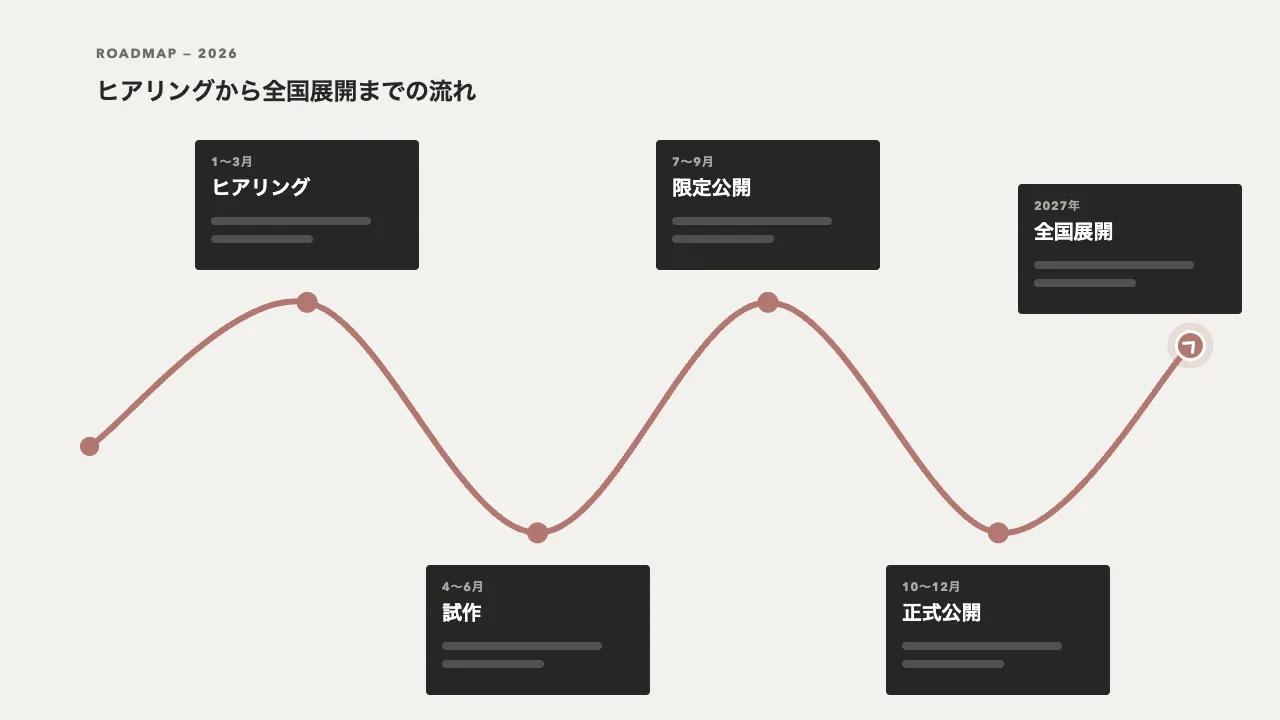
年表の縦線を 2 本重ね、上の線の伸びをスクロール量にそのまま結びます(scrub)。年表の上端が画面の中央に来たときに伸び始め、下端が中央に来たときに伸びきるようにすると、線の先はいつも画面の中央にあります。各項目は、線の先が点に届いたところで点が塗られ、本文が横から寄ってきます。
点は 0.4 秒の back.out(3) で少し弾ませて塗り、本文は 0.05 秒遅れて、線の外側から 40px 寄せながら 0.7 秒で浮かべます。線はスクロールに吸い付き、項目は時間できびきび出る、という分け方が要点です。項目までスクロール量に比例させると、止めた位置で本文が半透明のまま残ります。
項目は toggleActions を「play none none reverse」にして、上へ戻して点が画面の中央より下へ行ったら引っ込めます。線が縮むのに項目が出たままだと、線の先より下に項目が浮いて見えます。本文は opacity だけで隠し、読み上げとキーボードの移動から外さないようにします。中のリンクに焦点が来たときは、線が届くのを待たずに出します。
線の位置と項目の間隔は CSS の変数で決め、狭い画面では線を左へ寄せて、項目をすべて右に並べます。動きを減らす設定では、線を引き終えて項目を出した状態のまま見せます。沿革・制作の流れ・導入の手順など、時間の順に並ぶ節に向いています。
コード
<section class="history" aria-labelledby="history-title">
  <p class="history__eyebrow">History</p>
  <h2 class="history__title" id="history-title">12年の歩みを、<wbr>1本の線で。</h2>

  <!-- 線は ol の ::before(下地)と ::after(伸びる線)。点は各項目の上端に置く -->
  <ol class="timeline">
    <li class="timeline__item">
      <span class="timeline__dot" aria-hidden="true"></span>
      <div class="timeline__body">
        <time class="timeline__date" datetime="2014-04">2014年4月</time>
        <h3 class="timeline__name">2人で創業</h3>
        <p class="timeline__text">ここに説明文が入ります。</p>
      </div>
    </li>
    <li class="timeline__item">
      <span class="timeline__dot" aria-hidden="true"></span>
      <div class="timeline__body">
        <time class="timeline__date" datetime="2016-10">2016年10月</time>
        <h3 class="timeline__name">最初のプロダクト</h3>
        <p class="timeline__text">ここに説明文が入ります。</p>
      </div>
    </li>
    <li class="timeline__item">
      <span class="timeline__dot" aria-hidden="true"></span>
      <div class="timeline__body">
        <time class="timeline__date" datetime="2018-06">2018年6月</time>
        <h3 class="timeline__name">リモートワークに移行</h3>
        <p class="timeline__text">ここに説明文が入ります。</p>
      </div>
    </li>
    <li class="timeline__item">
      <span class="timeline__dot" aria-hidden="true"></span>
      <div class="timeline__body">
        <time class="timeline__date" datetime="2020-02">2020年2月</time>
        <h3 class="timeline__name">デザインシステム</h3>
        <p class="timeline__text">ここに説明文が入ります。</p>
      </div>
    </li>
    <li class="timeline__item">
      <span class="timeline__dot" aria-hidden="true"></span>
      <div class="timeline__body">
        <time class="timeline__date" datetime="2023-09">2023年9月</time>
        <h3 class="timeline__name">新しいスタジオ</h3>
        <p class="timeline__text">ここに説明文が入ります。</p>
      </div>
    </li>
    <li class="timeline__item">
      <span class="timeline__dot" aria-hidden="true"></span>
      <div class="timeline__body">
        <time class="timeline__date" datetime="2026-01">2026年1月</time>
        <h3 class="timeline__name">これから</h3>
        <p class="timeline__text">ここに説明文が入ります。</p>
      </div>
    </li>
  </ol>
</section>.history {
--ink: #262626;
--muted: #6b6b6b;
--surface: #ffffff;
--line: rgba(38, 38, 38, 0.12);
--gap: 200px; /* 項目の間隔 */
--axis: 50%; /* 線の位置。狭い画面では左へ寄せる */
padding: 20vh 6vw 50vh;
background-color: #f2f1ed;
color: var(--ink);
}
.history__eyebrow {
margin: 0;
font-size: 13px;
font-weight: 700;
letter-spacing: 0.14em;
text-align: center;
text-transform: uppercase;
color: var(--muted);
}
.history__title {
margin: 16px 0 56px;
font-size: clamp(28px, 3.4vw, 44px);
font-weight: 800;
line-height: 1.1;
letter-spacing: -0.02em;
text-align: center;
word-break: keep-all; /* 狭い画面では、<wbr> の所(読点の後)で折り返す */
}
.timeline {
position: relative;
margin: 0;
padding: 64px 0 0;
list-style: none;
}
/* 線は 2 本重ねる。下地(::before)と、スクリプトが --drawn で伸ばす線(::after) */
.timeline::before,
.timeline::after {
content: "";
position: absolute;
inset: 0 auto 0 calc(var(--axis) - 2px);
width: 4px;
border-radius: 4px;
background-color: var(--line);
}
.timeline::after {
background-color: var(--ink);
transform: scaleY(var(--drawn, 1));
transform-origin: 50% 0;
}
.timeline__item {
position: relative;
min-height: var(--gap);
}
.timeline__dot {
position: absolute;
top: -10px;
left: calc(var(--axis) - 10px);
width: 20px;
height: 20px;
box-sizing: border-box;
border: 2px solid var(--ink);
border-radius: 50%;
background-color: var(--ink);
}
/* 年月の行の中心を点の高さにそろえる(上の余白 24px + 年月の行の半分 7px だけ上げる) */
.timeline__body {
position: relative;
top: -31px;
width: 34%;
box-sizing: border-box;
margin-left: 12%;
padding: 24px;
border-radius: 4px;
background-color: var(--surface);
text-align: right;
}
.timeline__item:nth-child(even) .timeline__body { margin-left: 54%; text-align: left; }
.timeline__date { display: block; font-size: 14px; font-weight: 600; line-height: 1; color: var(--muted); }
.timeline__name { margin: 12px 0 0; font-size: 24px; line-height: 1.3; }
.timeline__text { margin: 8px 0 0; font-size: 14px; line-height: 1.8; color: var(--muted); word-break: auto-phrase; }
/* 列が並ばない幅では、線を左へ寄せ、項目をすべて右に置く */
@media (max-width: 720px) {
.history { --axis: 12px; }
.history .timeline__item .timeline__body { width: auto; margin-left: 40px; text-align: left; }
.timeline__name { font-size: 20px; }
}import { gsap } from "gsap";
import { ScrollTrigger } from "gsap/ScrollTrigger";
gsap.registerPlugin(ScrollTrigger);
const reduceMotion = window.matchMedia("(prefers-reduced-motion: reduce)").matches;
document.querySelectorAll(".timeline").forEach((timeline) => {
// 動きを減らす設定では、線を引き終えて項目を出した、CSS のままの状態で見せる
if (reduceMotion) return;
// GSAP は var(--name) のままでは補間できないので、色は値にして渡す
const styles = getComputedStyle(timeline);
const ink = styles.getPropertyValue("--ink").trim();
const surface = styles.getPropertyValue("--surface").trim();
// 線: 年表の上端が画面の中央に来てから、下端が中央に来るまでを、スクロール量にそのまま比例させる。
// こうすると、線の先がいつも画面の中央にある
gsap.fromTo(
timeline,
{ "--drawn": 0 },
{
"--drawn": 1,
ease: "none",
scrollTrigger: { trigger: timeline, start: "top center", end: "bottom center", scrub: true },
}
);
// 項目: 線の先が点(項目の上端)に届いたら、時間で出す。上へ戻して点が中央より下へ行ったら引っ込める
timeline.querySelectorAll(".timeline__item").forEach((item) => {
const dot = item.querySelector(".timeline__dot");
const body = item.querySelector(".timeline__body");
const from = body.offsetLeft > dot.offsetLeft ? 40 : -40; // 線の外側から寄せる
const reveal = gsap
.timeline({ scrollTrigger: { trigger: item, start: "top center", toggleActions: "play none none reverse" } })
.fromTo(dot, { scale: 0.6, backgroundColor: surface }, { scale: 1, backgroundColor: ink, duration: 0.4, ease: "back.out(3)" })
.fromTo(body, { opacity: 0, x: from }, { opacity: 1, x: 0, duration: 0.7, ease: "power3.out" }, 0.05);
// キーボードで中のリンクへ移ったときは、線が届くのを待たずに出す
item.addEventListener("focusin", () => reveal.play());
});
});