デモ
デモを読み込めませんでした。
仕様
- 用途
- セクション
- 動作
- DOM
- 種類
- レシピ
- 動作確認
- three 0.186.0・gsap 3.15.0
- 公開日
しくみと調整
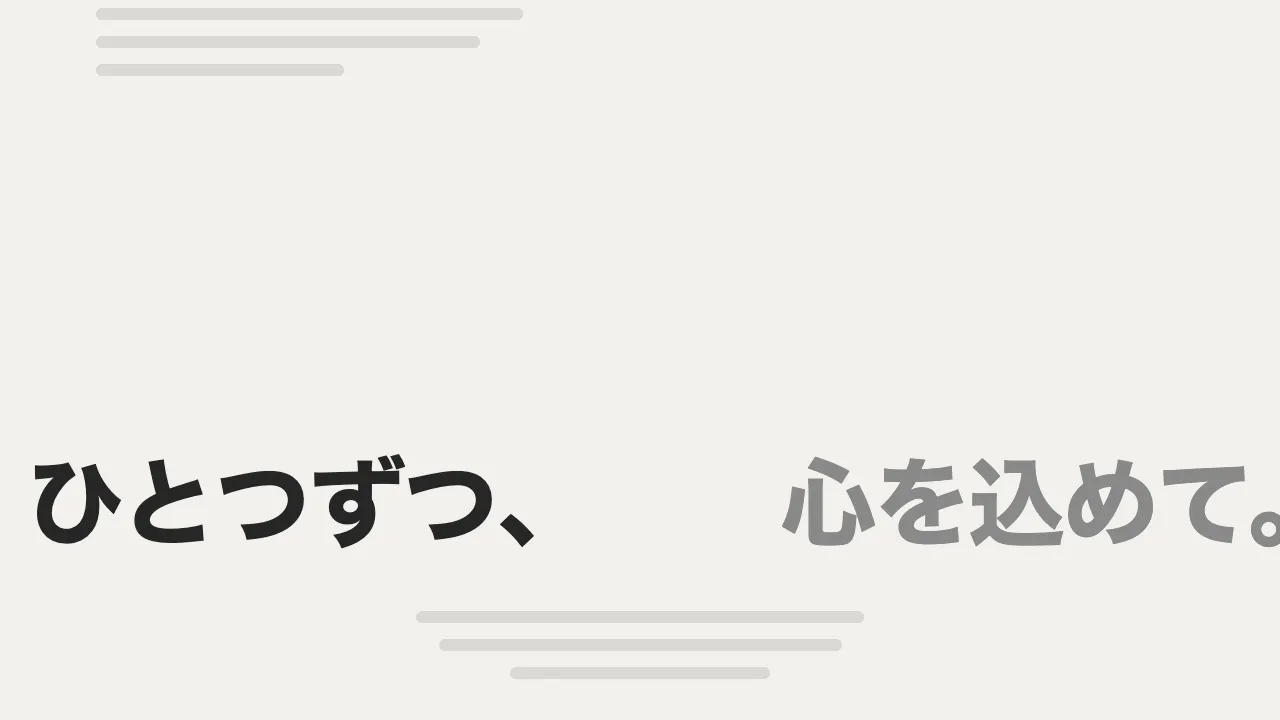
サービス紹介の節を横切る大きな文字の帯を、ページを下へ読むと左へ、上へ戻すと右へ流します。帯の中身は、語を並べた組を複製して横につないだものです。どの組も自分の幅の分だけ動いたら巻き戻すので、途切れずに流れ続けます。スクロールをやめても、最後に動かした向きのまま流れ続けます。
帯は gsap.ticker で毎コマ進め、進む量に「向き × (1 + 足した速さ)」を掛けます。向きは 0.4 秒かけて 1 から -1 へ補間するので、帯はいったん止まってから逆へ動き出します。足した速さは、スクロールの速さ(getVelocity、px/秒)を 250 で割った値で、上限は 6 です。スクロールを止めたあとは 1.2 秒かけて 0 へ戻し、戻す動きを power2.in にして、しばらく速いまま流れてから普段の 1 秒に 60px へ落ち着かせます。
繰り返すトゥイーンの timeScale を負にして逆向きに流すやり方は、巻き戻しが最初の周の頭に着いた所で止まってしまいます。ここでは位置を自分で持ち、組の幅に対する割合(xPercent の -100〜0)で折り返すので、向きが何度変わっても途切れません。足す速さは、今より速いスクロールが来たときだけ上げ直します。スクロールの終わりは速さが落ちていくので、知らせのたびに上げ直すと、遅くなった値からの戻りになって、加速がすぐに消えます。
帯の語は下の一覧と同じなので、帯ごと読み上げから外しています。5 秒より長く動き続けるので、一時停止のボタンを置き、押すと 0.4 秒かけて止めます。帯が画面の外にある間は、ScrollTrigger の出入り(onToggle)で ticker から外し、動かしません。動きを減らす設定では流さず、最初の語が並んだまま止めておきます。
つまみは、普段の速さ、向きを切り替える時間、速さを割る数と上限、戻す時間です。割る数を小さくすると、ゆっくりしたスクロールでも速くなり、上限を大きくすると、勢いよく読み飛ばしたときに帯が飛ぶように流れます。いつも同じ向きに流れる帯と違い、読む向きに帯が付いてくるので、サービスや得意分野を大きく見せる節や、実績の区切り、問い合わせへの誘導の前に向いています。
コード
<section class="services" aria-labelledby="services-title">
  <div class="services__intro">
    <p class="services__eyebrow">Services</p>
    <h2 class="services__title" id="services-title">ブランドも、サイトも、動きも。<br>ひとつのチームでつくります。</h2>
    <p class="services__lead">ここに説明文が入ります。</p>
  </div>

  <!-- 文字の帯。下へ読むと左へ、上へ戻すと右へ流れる。語は下の一覧と同じなので、帯ごと読み上げから外す。
       流すための複製は JS が作る -->
  <div class="services__band" aria-hidden="true">
    <ul class="services__words">
      <li>Branding</li>
      <li>Websites</li>
      <li>Motion</li>
      <li>Apps</li>
    </ul>
  </div>

  <!-- 5 秒より長く動き続けるので、止める手段を置く。流すときだけ JS が出す -->
  <div class="services__foot">
    <button class="services__toggle" type="button" aria-pressed="false" hidden>一時停止</button>
  </div>

  <ul class="services__list">
    <li>
      <h3>ブランドの設計</h3>
      <p>ここに説明文が入ります。</p>
    </li>
    <li>
      <h3>ウェブサイト制作</h3>
      <p>ここに説明文が入ります。</p>
    </li>
    <li>
      <h3>モーションデザイン</h3>
      <p>ここに説明文が入ります。</p>
    </li>
    <li>
      <h3>アプリの開発</h3>
      <p>ここに説明文が入ります。</p>
    </li>
  </ul>
</section>.services {
--bg: #111111;
--ink: #eeece6;
--mute: #a8a6a0;
--line: rgb(238 236 230 / 0.14);
--band-size: clamp(56px, 9vw, 112px); /* 帯の字の大きさ */
padding: 96px 0;
background: var(--bg);
color: var(--ink);
}
.services__intro,
.services__foot,
.services__list {
max-width: 1088px;
margin-inline: auto;
padding-inline: 24px;
}
.services__eyebrow {
margin: 0 0 16px;
font-size: 13px;
font-weight: 700;
letter-spacing: 0.14em;
text-transform: uppercase;
color: var(--mute);
}
.services__title {
max-width: 16em;
margin: 0 0 24px;
font-size: clamp(28px, 4vw, 44px);
font-weight: 800;
line-height: 1.1;
letter-spacing: -0.02em;
word-break: auto-phrase; /* 和文を文節の切れ目で折り返す(対応するブラウザのみ) */
}
.services__lead { max-width: 32em; margin: 0; font-size: 18px; line-height: 1.8; letter-spacing: 0.04em; word-break: auto-phrase; }
/* 帯は明暗を反転した明るい面。はみ出た組を隠して、横に並べる */
.services__band {
display: flex;
overflow: hidden;
margin-top: 72px;
background: var(--ink);
color: var(--bg);
}
.services__words {
display: flex;
flex: none;
margin: 0;
padding: 0.3em 0 0.26em;
list-style: none;
font-size: var(--band-size);
font-weight: 800;
line-height: 1;
letter-spacing: -0.02em;
white-space: nowrap;
}
.services__words li { display: flex; align-items: center; }
/* 語の後ろの丸。組の最後にも付けるので、組と組の継ぎ目も語の間と同じになる */
.services__words li::after { content: ""; width: 0.25em; height: 0.25em; margin: 0 0.4em; border-radius: 50%; background: currentColor; }
.services__foot { display: flex; justify-content: flex-end; margin-top: 16px; }
.services__toggle {
height: 40px;
padding: 0 20px;
border: 0;
border-radius: 999px;
box-shadow: inset 0 0 0 1px var(--ink);
background: transparent;
color: var(--ink);
font: inherit;
font-size: 14px;
font-weight: 600;
letter-spacing: 0.04em;
cursor: pointer;
}
.services__toggle[aria-pressed="true"] { background: var(--ink); color: var(--bg); }
.services__toggle:focus-visible { outline: 2px solid var(--ink); outline-offset: 4px; }
.services__list {
display: grid;
grid-template-columns: repeat(auto-fit, minmax(200px, 1fr));
gap: 32px;
margin-top: 48px;
list-style: none;
}
.services__list li { padding-top: 24px; border-top: 1px solid var(--line); }
.services__list h3 { margin: 0 0 8px; font-size: 22px; line-height: 1.3; letter-spacing: -0.01em; }
.services__list p { margin: 0; font-size: 14px; line-height: 1.7; letter-spacing: 0.04em; word-break: auto-phrase; }import { gsap } from "gsap";
import { ScrollTrigger } from "gsap/ScrollTrigger";
gsap.registerPlugin(ScrollTrigger);
const SPEED = 60; // 普段の速さ(px/秒)
const TURN = 0.4; // 向きを切り替える時間(秒)
const SETTLE = 1.2; // 足した速さが 0 に戻るまでの時間(秒)
const MAX_BOOST = 6; // 足す速さの上限(普段の速さの何倍を足すか)
const PER_BOOST = 250; // スクロールの速さ(px/秒)がこれだけ増えるごとに、普段の速さを 1 つぶん足す
const reduceMotion = window.matchMedia("(prefers-reduced-motion: reduce)").matches;
// 帯の幅は書体で決まるので、読み込みを待ってから測る
await document.fonts.ready;
document.querySelectorAll(".services").forEach((section) => {
// 動きを減らす設定では流さない(帯は最初の語が並んだまま)
if (reduceMotion) return;
const band = section.querySelector(".services__band");
const list = band.querySelector(".services__words");
const toggle = section.querySelector(".services__toggle");
// いちばん広い画面でも途切れないよう、足りるだけ組を複製する
const copies = Math.ceil(Math.max(screen.width, innerWidth) / list.offsetWidth) + 1;
for (let i = 0; i < copies; i++) band.append(list.cloneNode(true));
const lists = band.querySelectorAll(".services__words");
// direction は 1 で左へ(下へ読むとき)、-1 で右へ。run は一時停止のボタンで 0 になる
const speed = { direction: 1, boost: 0, run: 1 };
let direction = 1;
let offset = 0; // 組の幅に対する %(-100〜0)。1 組ぶん動くと元の絵に重なるので、折り返しても継ぎ目が出ない
const tick = (time, deltaTime) => {
const rate = speed.direction * (1 + speed.boost) * speed.run;
offset = gsap.utils.wrap(-100, 0, offset - (SPEED / list.offsetWidth) * 100 * rate * (deltaTime / 1000));
gsap.set(lists, { xPercent: offset });
};
ScrollTrigger.create({
trigger: band,
start: "top bottom",
end: "bottom top",
// 帯が画面にあるときだけ動かす
onToggle: (self) => (self.isActive ? gsap.ticker.add(tick) : gsap.ticker.remove(tick)),
onUpdate(self) {
// 向きが変わったら、0.4 秒かけて止まってから逆へ動き出す
if (self.direction !== direction) {
direction = self.direction;
gsap.to(speed, { direction, duration: TURN, ease: "power2.inOut", overwrite: "auto" });
}
// 今より速いスクロールが来たら、足す速さを上げ直し、止めたあと 1.2 秒かけて 0 へ戻す
const boost = Math.min(MAX_BOOST, Math.abs(self.getVelocity()) / PER_BOOST);
if (boost > speed.boost) {
gsap.fromTo(speed, { boost }, { boost: 0, duration: SETTLE, ease: "power2.in", overwrite: "auto" });
}
},
});
// キーボードや指でも止められるボタン。名前は変えず、押されているかを aria-pressed で伝える
toggle.hidden = false;
toggle.addEventListener("click", () => {
const paused = toggle.getAttribute("aria-pressed") !== "true";
toggle.setAttribute("aria-pressed", String(paused));
gsap.to(speed, { run: paused ? 0 : 1, duration: 0.4, ease: "power2.out", overwrite: "auto" });
});
});