デモ
デモを読み込めませんでした。
仕様
- 用途
- ローディング
- 動作
- DOM
- 種類
- レシピ
- 動作確認
- three 0.186.0・gsap 3.15.0
- 公開日
しくみと調整
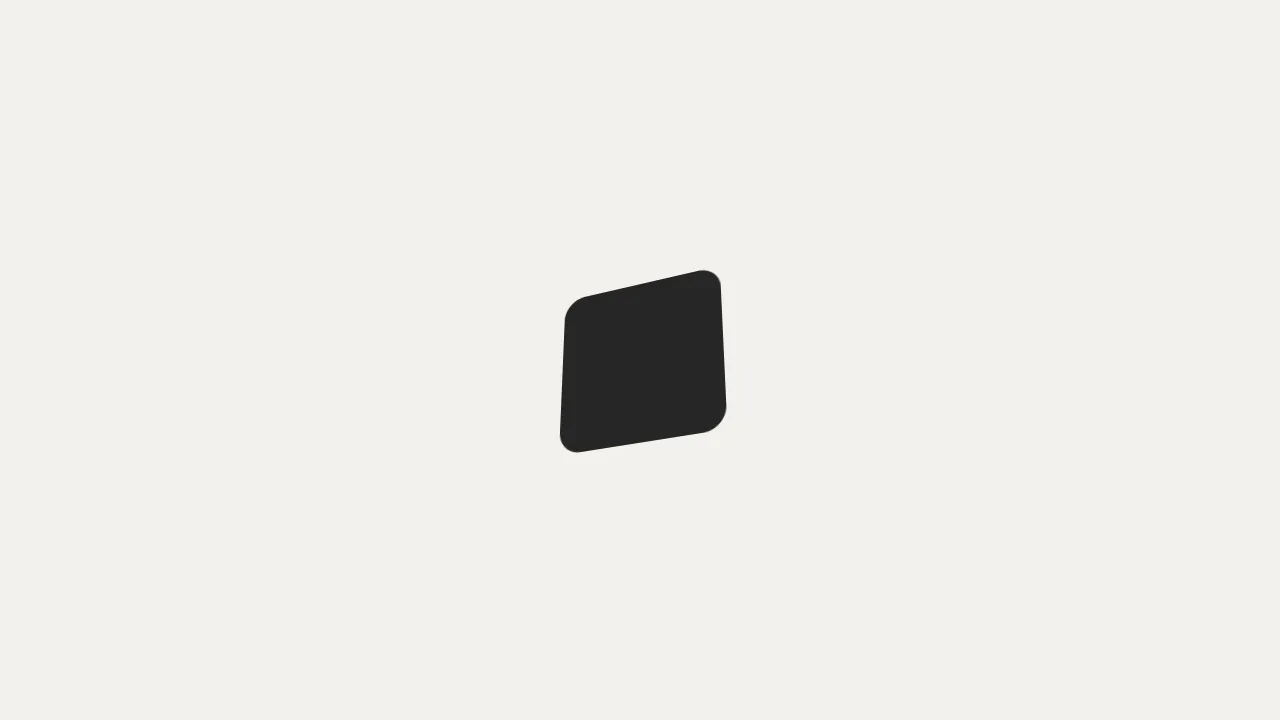
上の砂が落ちきると、砂時計が浮き上がって半回転し、また落ち始めます。上の砂は水面を下げながら中央がわずかに窪み、下の砂は水面を上げながら中央がふくらみます。どちらも形を毎フレーム計算し直して描いています。
落ちる時間は 2 秒あまりで、返す動きは 0.5 秒ほどの expo.inOut で一気に半回転させます。真横になる瞬間を一瞬で通り過ぎるようにすると、回っている途中の不自然な間が目立ちません。砂時計は半回転で点対称の形なので、下の砂を返している間に首側へ寄せて山をならすと、次の周でそのまま上の砂として使えます。
ゆっくり返すと真横になった瞬間が長く見えてしまうので、返す動きは短くまとめます。動きを減らす設定では、この返す動きだけをほぼ一瞬に縮めて、砂が落ちる緩やかな動きは残しています。
落ちる時間や返す時間の比率を変えれば、せっかちな印象にも、ゆったりした印象にも調整できます。座席の確保や決済など、少し待たせても良い場面の待ち時間表示に向いています。
コード
<div class="hourglass-loader" role="status">
  <svg class="hourglass-loader__svg" viewBox="-130 -150 260 300" aria-hidden="true">
    <defs>
      <linearGradient id="hourglass-loader-sand" x1="0" y1="0" x2="0" y2="1">
        <stop offset="0" class="hourglass-loader__sand-top" />
        <stop offset="1" class="hourglass-loader__sand-bottom" />
      </linearGradient>
      <clipPath id="hourglass-loader-glass">
        <path d="M -62 -100 L 62 -100 C 62 -45 5 -25 5 0 C 5 25 62 45 62 100 L -62 100 C -62 45 -5 25 -5 0 C -5 -25 -62 -45 -62 -100 Z" />
      </clipPath>
    </defs>
    <ellipse class="hourglass-loader__shadow" cx="0" cy="132" rx="72" ry="8" />
    <g class="hourglass-loader__glass">
      <path class="hourglass-loader__pane" d="M -62 -100 L 62 -100 C 62 -45 5 -25 5 0 C 5 25 62 45 62 100 L -62 100 C -62 45 -5 25 -5 0 C -5 -25 -62 -45 -62 -100 Z" />
      <g clip-path="url(#hourglass-loader-glass)">
        <path class="hourglass-loader__top-sand"></path>
        <path class="hourglass-loader__bottom-sand"></path>
      </g>
      <line class="hourglass-loader__stream" x1="0" x2="0" />
      <path class="hourglass-loader__outline" d="M -62 -100 L 62 -100 C 62 -45 5 -25 5 0 C 5 25 62 45 62 100 L -62 100 C -62 45 -5 25 -5 0 C -5 -25 -62 -45 -62 -100 Z" />
      <path class="hourglass-loader__glare" d="M -50 -86 C -50 -62 -40 -46 -24 -30" />
      <path class="hourglass-loader__glare" d="M 50 86 C 50 62 40 46 24 30" />
      <rect class="hourglass-loader__bar" x="-78" y="-114" width="156" height="14" rx="5" />
      <rect class="hourglass-loader__bar" x="-78" y="100" width="156" height="14" rx="5" />
      <rect class="hourglass-loader__post" x="-74" y="-100" width="6" height="200" />
      <rect class="hourglass-loader__post" x="68" y="-100" width="6" height="200" />
    </g>
  </svg>
  <span class="hourglass-loader__text">読み込み中</span>
</div>.hourglass-loader {
--ground: #F2F1ED; /* 地の色(Paper) */
--ink: #262626; /* 枠と輪郭の色 */
--glass: rgba(38, 38, 38, 0.06); /* ガラスの中 */
--glare: #ffffff; /* ガラスの光沢 */
--sand-top: #D2B999; /* 砂(上の淡い段) */
--sand-bottom: #A28767; /* 砂(下の濃い段) */
position: fixed;
inset: 0;
z-index: 10;
display: grid;
place-items: center;
background: var(--ground);
}
.hourglass-loader__svg {
width: 390px;
height: 450px;
overflow: visible;
}
.hourglass-loader__shadow { fill: var(--ink); opacity: 0.14; }
.hourglass-loader__pane { fill: var(--glass); }
.hourglass-loader__outline { fill: none; stroke: var(--ink); stroke-width: 3; stroke-linejoin: round; }
.hourglass-loader__glare { fill: none; stroke: var(--glare); stroke-width: 3; stroke-linecap: round; opacity: 0.8; }
.hourglass-loader__bar, .hourglass-loader__post { fill: var(--ink); }
.hourglass-loader__top-sand, .hourglass-loader__bottom-sand { fill: url(#hourglass-loader-sand); }
.hourglass-loader__stream { stroke: var(--sand-top); stroke-width: 3; stroke-linecap: round; }
.hourglass-loader__sand-top { stop-color: var(--sand-top); }
.hourglass-loader__sand-bottom { stop-color: var(--sand-bottom); }
.hourglass-loader__text {
position: absolute;
width: 1px;
height: 1px;
overflow: hidden;
clip-path: inset(50%);
white-space: nowrap;
}import { gsap } from "gsap";
const reduceMotion = window.matchMedia("(prefers-reduced-motion: reduce)").matches;
const H = 100, W = 62, GAP = 22, DIP = 7, MOUND = 12, LIFT = 14, X = W + 10;
const FALL_AT = 0.1, FALL = 2.15, FLIP_AT = 2.48, DURATION = 3.2;
const FLIP = reduceMotion ? 0.06 : 0.5; // 動きを減らす設定では、返す動きをほぼ一瞬にする
function createLoader(root) {
const glass = root.querySelector(".hourglass-loader__glass");
const topSand = root.querySelector(".hourglass-loader__top-sand");
const bottomSand = root.querySelector(".hourglass-loader__bottom-sand");
const stream = root.querySelector(".hourglass-loader__stream");
const shadow = root.querySelector(".hourglass-loader__shadow");
const state = { top: -H + GAP, dip: 0, bottomTop: H, bottomEnd: H, mound: 0, head: 0, tail: 0, rot: 0, lift: 0 };
// 水面・窪み・山・落ちる筋・向き・浮き上がりを state から毎フレーム描き直す
function draw() {
const dip = Math.min(state.dip, -state.top / 2);
topSand.setAttribute("d", state.top < -0.01 ? `M ${-X} ${state.top} L -24 ${state.top} Q 0 ${state.top + 2 * dip} 24 ${state.top} L ${X} ${state.top} L ${X} 0 L ${-X} 0 Z` : "");
bottomSand.setAttribute("d", state.bottomEnd - state.bottomTop > 0.01 ? `M ${-X} ${state.bottomEnd} L ${-X} ${state.bottomTop} L -34 ${state.bottomTop} Q 0 ${state.bottomTop - 2 * state.mound} 34 ${state.bottomTop} L ${X} ${state.bottomTop} L ${X} ${state.bottomEnd} Z` : "");
const end = Math.min(state.head, state.bottomTop - state.mound);
stream.style.visibility = end - state.tail > 0.5 ? "visible" : "hidden";
stream.setAttribute("y1", state.tail.toFixed(2));
stream.setAttribute("y2", end.toFixed(2));
glass.setAttribute("transform", `translate(0 ${state.lift.toFixed(2)}) rotate(${state.rot.toFixed(3)})`);
const k = 1 + state.lift / (LIFT * 5);
shadow.setAttribute("rx", (72 * k).toFixed(2));
shadow.style.opacity = (0.14 * k * k).toFixed(3);
}
let onLoopEnd = null;
const tl = gsap
.timeline({ repeat: -1, onUpdate: draw, onRepeat: () => onLoopEnd?.() })
.fromTo(state, { head: 0 }, { head: H, duration: 0.25, ease: "power2.in" }, FALL_AT)
.fromTo(state, { top: -H + GAP }, { top: 0, duration: FALL, ease: "sine.in" }, FALL_AT)
.fromTo(state, { dip: 0 }, { dip: DIP, duration: 0.5, ease: "power1.out" }, FALL_AT)
.fromTo(state, { bottomTop: H }, { bottomTop: GAP, duration: FALL, ease: "sine.in" }, FALL_AT + 0.15)
.fromTo(state, { mound: 0 }, { mound: MOUND, duration: 1, ease: "power1.out" }, FALL_AT + 0.15)
.fromTo(state, { tail: 0 }, { tail: H, duration: 0.25, ease: "power2.in" }, FALL_AT + FALL)
// 返す: 浮かせて 180° 回し、その間に下の砂を首の側へ寄せて山をならす
.fromTo(state, { rot: 0 }, { rot: 180, duration: FLIP, ease: "expo.inOut" }, FLIP_AT)
.fromTo(state, { lift: 0 }, { lift: -LIFT, duration: FLIP / 2, ease: "sine.inOut", yoyo: true, repeat: 1 }, FLIP_AT)
.fromTo(state, { bottomTop: GAP, bottomEnd: H }, { bottomTop: 0, bottomEnd: H - GAP, duration: FLIP, ease: "expo.inOut", immediateRender: false }, FLIP_AT)
.fromTo(state, { mound: MOUND }, { mound: 0, duration: FLIP, ease: "expo.inOut", immediateRender: false }, FLIP_AT)
.set(state, { rot: 180 }, DURATION); // 次の周までの間を保つ
draw();
return {
// 読み込みが終わったら呼ぶ。返し終わって区切りに戻るまで待ってから消える
done() {
onLoopEnd = () => {
tl.pause();
gsap.to(root, {
autoAlpha: 0,
duration: reduceMotion ? 0 : 0.3,
onComplete: () => {
tl.kill();
root.remove();
},
});
};
},
};
}
export const loader = createLoader(document.querySelector(".hourglass-loader"));