デモ
デモを読み込めませんでした。
仕様
- 用途
- オーバーレイ
- 動作
- DOM
- 種類
- レシピ
- 動作確認
- three 0.186.0・gsap 3.15.0
- 公開日
しくみと調整
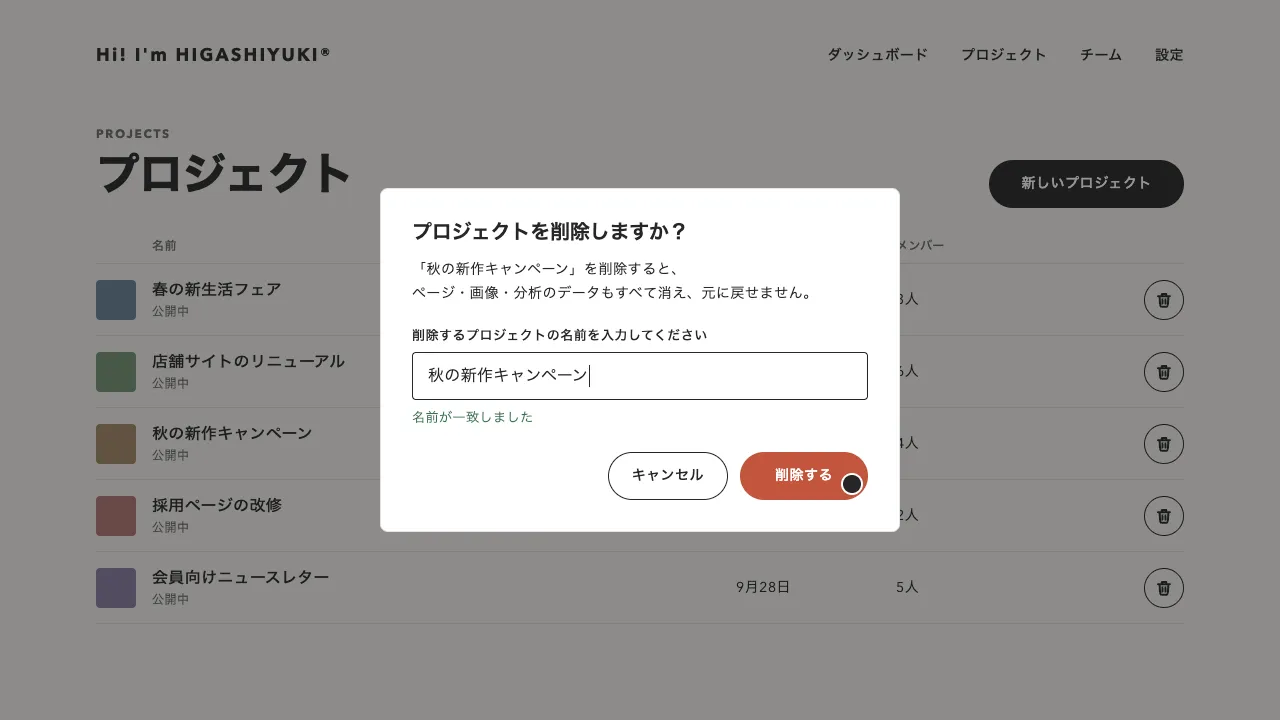
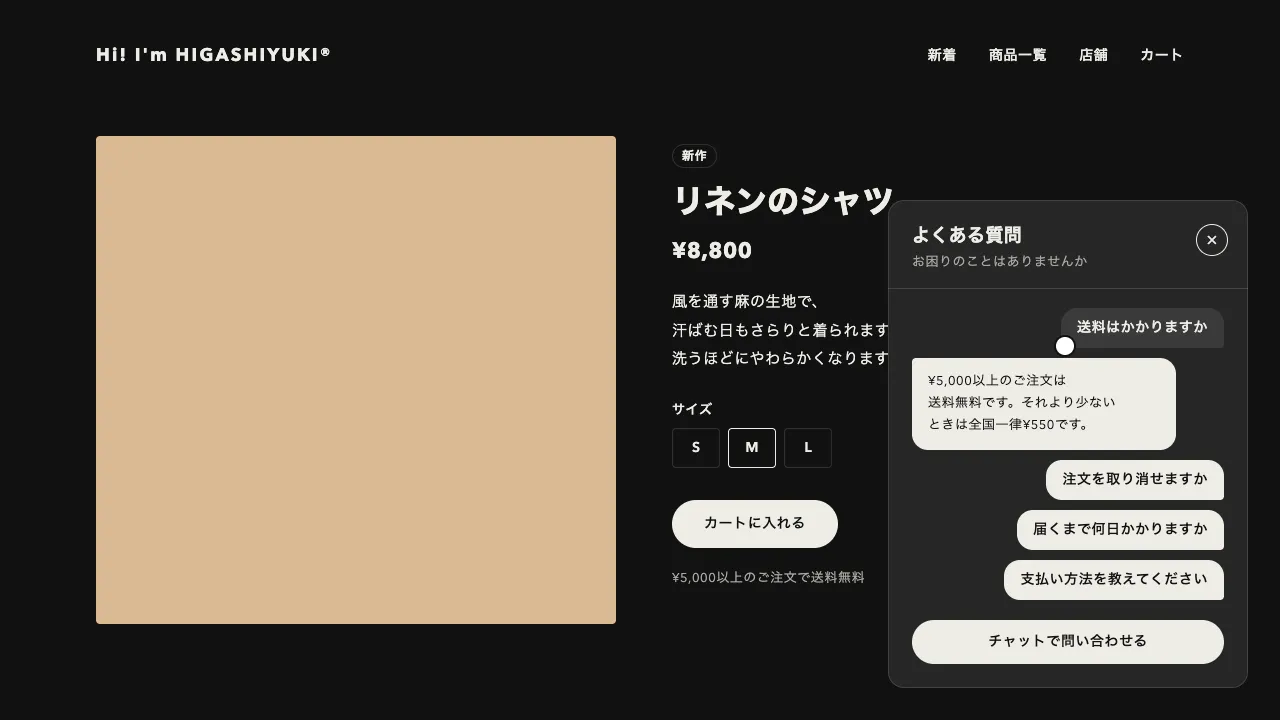
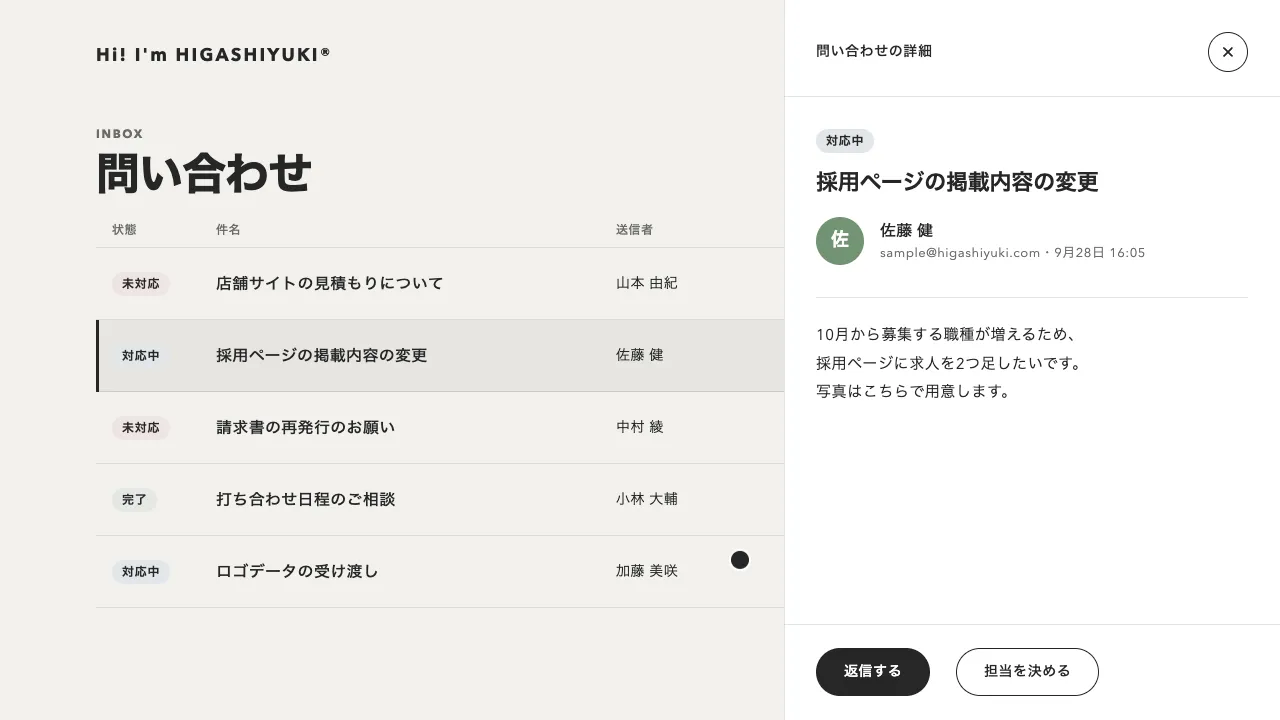
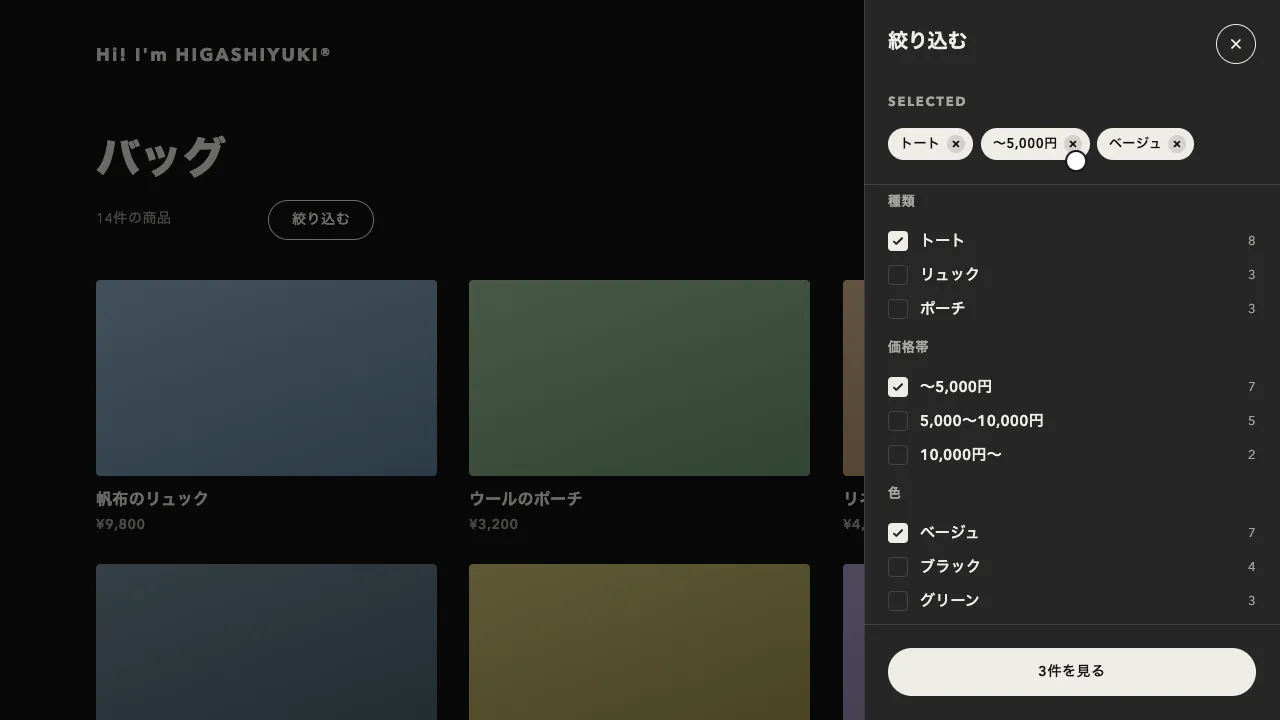
画面に暗い幕をかけ、説明する部品の形に穴を開けて、その横の吹き出しで使い方を説明します。「次へ」を押すと、穴が位置・大きさ・角の丸みを変えながら次の部品へ移り、吹き出しも少し遅れて付いていきます。最後の「完了」で、穴が広がりながら幕が晴れます。
幕と穴は 1 つの要素で作ります。穴の周りに、画面を覆うほど大きく広げた影(box-shadow)を付けると、それがそのまま幕になります。幕を形に切り抜く計算が要らず、穴の位置・幅・高さと border-radius を補間するだけで、丸帯のボタンから四角い一覧まで、形ごと移れます。内側には 2px の白い輪を足して、部品を縁取ります。
穴は 0.6 秒の power3.inOut で移り、吹き出しは同じ曲線で 0.05 秒遅れて動きます。吹き出しの文は 0.15 秒で消し、移り始めから 0.3 秒たって消えきってから次の文に替え、6px 下から 0.35 秒かけて出します。重ねてフェードすると、途中で 2 つの文が重なって読めません。始まりは、穴を部品より 48px 大きい形から 0.6 秒で絞り込み、どこを見ればよいかを目で追わせます。
吹き出しは、部品の下に入れば下、入らなければ右に置き、画面の端から 16px 内側に収めます。幕の要素で画面全体を覆って幕の下の部品を押せないようにし、吹き出しは dialog の役割にして、Tab が吹き出しのボタンだけを回るようにします。Esc で閉じたら、ツアーを開いたボタンへ焦点を戻します。文を入れ替える所は aria-live の領域にして、次の手順が読み上げにも届くようにします。
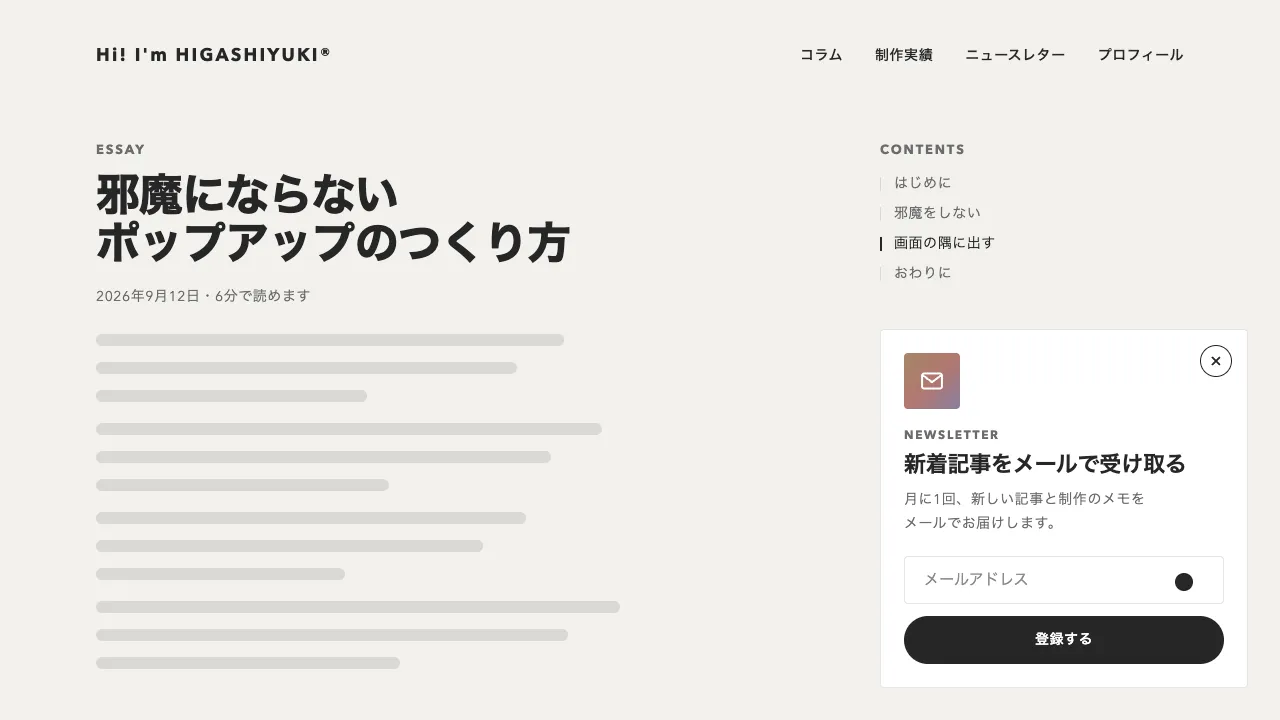
幕の濃さは 0.64 です。明るいサイトでは 0.5 ほどまで薄めても、穴ははっきり見えます。手順は、部品に番号と題・文の属性を付けるだけで増やせます。初めての人にだけ自動で始めるなら、見終えたことをブラウザに保存しておきます。アプリの初回の案内、管理画面の新しい機能の紹介、入力の多いフォームの手引きに向いています。
コード
<!-- 説明する部品に data-tour(手順の番号)と、吹き出しの題・文を付ける -->
<header class="app-bar">
  <input class="app-bar__search" type="search" placeholder="ファイルや人を検索" aria-label="検索"
    data-tour="1" data-tour-title="検索" data-tour-text="ファイルや人、プロジェクトをここからまとめて探せます。">
  <button class="app-bar__help" type="button" data-tour-start>使い方を見る</button>
  <button class="app-bar__create" type="button"
    data-tour="2" data-tour-title="新しく作成" data-tour-text="新しいプロジェクトや文書は、このボタンから作ります。">新規作成</button>
</header>
<nav class="app-nav" aria-label="メイン"
  data-tour="3" data-tour-title="画面の切り替え" data-tour-text="よく使う画面へは、左の一覧からいつでも移れます。">
  <a href="/dashboard/" aria-current="page">ホーム</a>
  <a href="/projects/">プロジェクト</a>
  <a href="/messages/">メッセージ</a>
</nav>

<!-- ツアー。穴の周りに広げた影が幕になる。吹き出しは、手順ごとに中身を入れ替える -->
<div class="tour" hidden>
  <div class="tour__hole"></div>
  <div class="tour__bubble" role="dialog" aria-modal="true" aria-labelledby="tour-title">
    <div class="tour__content">
      <div aria-live="polite">
        <h2 class="tour__title" id="tour-title"></h2>
        <p class="tour__text"></p>
        <span class="tour__step"></span>
      </div>
      <div class="tour__foot">
        <span class="tour__dots" aria-hidden="true"></span>
        <button class="tour__back" type="button">戻る</button>
        <button class="tour__next" type="button">次へ</button>
      </div>
    </div>
  </div>
</div>.tour {
--dim: 0; /* 幕の濃さ(0〜1)。スクリプトが動かす */
--ink: #262626;
--surface: #ffffff;
--mute: #6b6b6b;
--line: rgba(38, 38, 38, 0.12);
position: fixed;
inset: 0; /* 画面全体を覆い、幕の下の部品を押せないようにする */
z-index: 1000;
color: var(--ink);
}
.tour[hidden] { display: none; }
/* 穴。周りに広げた影が幕になり、内側の 2px の白い輪が部品を縁取る */
.tour__hole {
position: absolute;
top: 0;
left: 0;
box-shadow:
0 0 0 2px rgb(255 255 255 / var(--dim)),
0 0 0 200vmax rgb(17 17 17 / calc(0.64 * var(--dim)));
pointer-events: none;
}
.tour__bubble {
position: absolute;
top: 0;
left: 0;
width: min(336px, calc(100vw - 32px));
box-sizing: border-box;
padding: 24px;
border-radius: 4px;
background-color: var(--surface);
box-shadow: inset 0 0 0 1px var(--line); /* 影は付けず、1px の罫線で縁を取る */
}
.tour__title { margin: 0; font-size: 20px; line-height: 1.3; letter-spacing: -0.01em; }
.tour__text { margin: 8px 0 0; font-size: 14px; line-height: 1.7; letter-spacing: 0.04em; }
/* 読み上げだけに届ける「手順 1 / 3」 */
.tour__step { position: absolute; width: 1px; height: 1px; overflow: hidden; clip-path: inset(50%); white-space: nowrap; }
.tour__foot { display: flex; align-items: center; gap: 4px; margin-top: 24px; }
.tour__dots { display: flex; flex: 1; gap: 6px; }
.tour__dots i {
width: 8px;
height: 8px;
border-radius: 999px;
background-color: rgba(38, 38, 38, 0.2);
transition: width 0.4s, background-color 0.4s;
}
.tour__dots .is-current { width: 20px; background-color: var(--ink); }
.tour__back,
.tour__next {
height: 40px;
padding: 0 16px;
border: 0;
border-radius: 999px;
background: none;
color: var(--mute);
font: inherit;
font-size: 14px; /* font: inherit の後に書く(先だと打ち消される) */
font-weight: 600;
letter-spacing: 0.04em;
cursor: pointer;
}
.tour__next { padding: 0 20px; background-color: var(--ink); color: var(--surface); }
.tour__back:focus-visible,
.tour__next:focus-visible { outline: 2px solid var(--ink); outline-offset: 2px; }
@media (prefers-reduced-motion: reduce) {
.tour__dots i { transition: none; }
}
/* 例の画面(ツアーで説明する部品)。案件では、自分の画面の部品に data-tour を付ける */
.app-bar { display: flex; flex-wrap: wrap; align-items: center; gap: 16px; padding: 16px; }
.app-bar__search { width: min(320px, 100%); height: 40px; padding: 0 12px; border: 1px solid rgba(38, 38, 38, 0.12); border-radius: 4px; font: inherit; }
.app-bar__help { height: 40px; padding: 0 16px; border: 1px solid #262626; border-radius: 999px; background: none; font: inherit; cursor: pointer; }
.app-bar__create { height: 40px; padding: 0 20px; border: 0; border-radius: 999px; background-color: #262626; color: #ffffff; font: inherit; font-weight: 600; }
.app-nav { display: flex; flex-direction: column; gap: 4px; width: 200px; padding: 8px 16px; }import { gsap } from "gsap";
const reduceMotion = window.matchMedia("(prefers-reduced-motion: reduce)").matches;
const SPEED = reduceMotion ? 20 : 1; // 動きを減らす設定では、ほぼ一瞬で切り替える
const PAD = 8; // 部品と穴の縁のすき間
const GAP = 16; // 穴と吹き出しのすき間(画面の端からも、これだけ離す)
const GROW = 48; // 始まりと終わりに、穴を部品より大きくする量
const tour = document.querySelector(".tour");
const parts = ["hole", "bubble", "content", "title", "text", "step", "dots", "back", "next"];
const [hole, bubble, content, title, text, step, dots, back, next] = parts.map((name) => tour.querySelector(`.tour__${name}`));
const steps = [...document.querySelectorAll("[data-tour]")].sort((a, b) => a.dataset.tour - b.dataset.tour);
dots.innerHTML = steps.map(() => "<i></i>").join("");
let index = -1; // 今の手順(-1 は閉じている)
let opener = null; // 閉じたら焦点を戻す所
let motion = null; // 動いているタイムライン。新しい動きを始めるときに止める
const run = (timeline) => { motion?.kill(); motion = timeline.timeScale(SPEED); };
function fill(i) {
title.textContent = steps[i].dataset.tourTitle;
text.textContent = steps[i].dataset.tourText;
step.textContent = `手順 ${i + 1} / ${steps.length}`;
[...dots.children].forEach((dot, k) => dot.classList.toggle("is-current", k === i));
back.hidden = i === 0;
next.textContent = i === steps.length - 1 ? "完了" : "次へ";
if (!bubble.contains(document.activeElement) || back.hidden) next.focus({ preventScroll: true });
}
// 部品の位置から、穴の形と吹き出しの位置を決める。吹き出しは下に入れば下、入らなければ右に置き、画面の中に収める
function layout(i) {
const r = steps[i].getBoundingClientRect();
const box = { left: r.left - PAD, top: r.top - PAD, width: r.width + PAD * 2, height: r.height + PAD * 2 };
box.borderRadius = Math.min((parseFloat(getComputedStyle(steps[i]).borderTopLeftRadius) || 0) + PAD, box.height / 2);
const below = box.top + box.height + GAP;
const fits = below + bubble.offsetHeight <= innerHeight - GAP;
return {
box,
x: gsap.utils.clamp(GAP, innerWidth - bubble.offsetWidth - GAP, fits ? box.left : box.left + box.width + GAP),
y: gsap.utils.clamp(GAP, innerHeight - bubble.offsetHeight - GAP, fits ? below : box.top),
};
}
function start(from) {
if (index >= 0) return;
[opener, index, tour.hidden] = [from, 0, false];
fill(0);
const { box, x, y } = layout(0);
const wide = { left: box.left - GROW, top: box.top - GROW, width: box.width + GROW * 2, height: box.height + GROW * 2 };
run(gsap.timeline()
.fromTo(tour, { "--dim": 0 }, { "--dim": 1, duration: 0.4, ease: "none" }, 0) // 幕が暗くなる
.fromTo(hole, { ...wide, borderRadius: box.borderRadius + GROW / 2 }, { ...box, duration: 0.6, ease: "power3.out" }, 0) // 大きめから絞る
.fromTo(bubble, { x, y: y + 8, opacity: 0 }, { y, opacity: 1, duration: 0.45, ease: "power2.out" }, 0.25));
}
function go(i) {
if (index < 0 || i === index) return;
index = i;
const { box, x, y } = layout(i);
run(gsap.timeline()
.to(hole, { ...box, duration: 0.6, ease: "power3.inOut" }, 0) // 位置・大きさ・角の丸みを変えながら移る
.to(bubble, { x, y, duration: 0.6, ease: "power3.inOut" }, 0.05) // 吹き出しは少し遅れて付いてくる
.to(content, { opacity: 0, duration: 0.15 }, 0)
.call(fill, [i], 0.3) // 前の文が消えきってから替える
.fromTo(content, { opacity: 0, y: 6 }, { opacity: 1, y: 0, duration: 0.35, ease: "power2.out" }, 0.3));
}
function end() {
if (index < 0) return;
index = -1;
run(gsap.timeline({ onComplete: () => ((tour.hidden = true), opener?.focus()) })
.to(bubble, { opacity: 0, duration: 0.2 }, 0)
.to(hole, { left: `-=${GROW}`, top: `-=${GROW}`, width: `+=${GROW * 2}`, height: `+=${GROW * 2}`, duration: 0.4, ease: "power2.in" }, 0)
.to(tour, { "--dim": 0, duration: 0.4, ease: "none" }, 0));
}
next.addEventListener("click", () => (index < steps.length - 1 ? go(index + 1) : end()));
back.addEventListener("click", () => go(index - 1));
document.querySelectorAll("[data-tour-start]").forEach((button) => button.addEventListener("click", () => start(button)));
// Tab は吹き出しの中のボタンだけを回る。幕を押しても焦点を外へ出さない。Esc は焦点がどこにあっても閉じる
bubble.addEventListener("keydown", (event) => {
if (event.key !== "Tab") return;
event.preventDefault();
const buttons = [back, next].filter((button) => !button.hidden);
buttons.at((buttons.indexOf(document.activeElement) + (event.shiftKey ? -1 : 1)) % buttons.length).focus();
});
tour.addEventListener("pointerdown", (event) => event.target === tour && event.preventDefault());
document.addEventListener("keydown", (event) => event.key === "Escape" && end());
// 画面の大きさやスクロールが変わったら、今の手順の位置に置き直す
function relayout() {
if (index < 0 || motion?.isActive()) return;
const { box, x, y } = layout(index);
gsap.set(hole, box);
gsap.set(bubble, { x, y });
}
["resize", "scroll"].forEach((type) => addEventListener(type, relayout, { passive: true }));