デモ
デモを読み込めませんでした。
仕様
- 用途
- ナビゲーション
- 動作
- DOM
- 種類
- レシピ
- 動作確認
- three 0.186.0・gsap 3.15.0
- 公開日
しくみと調整
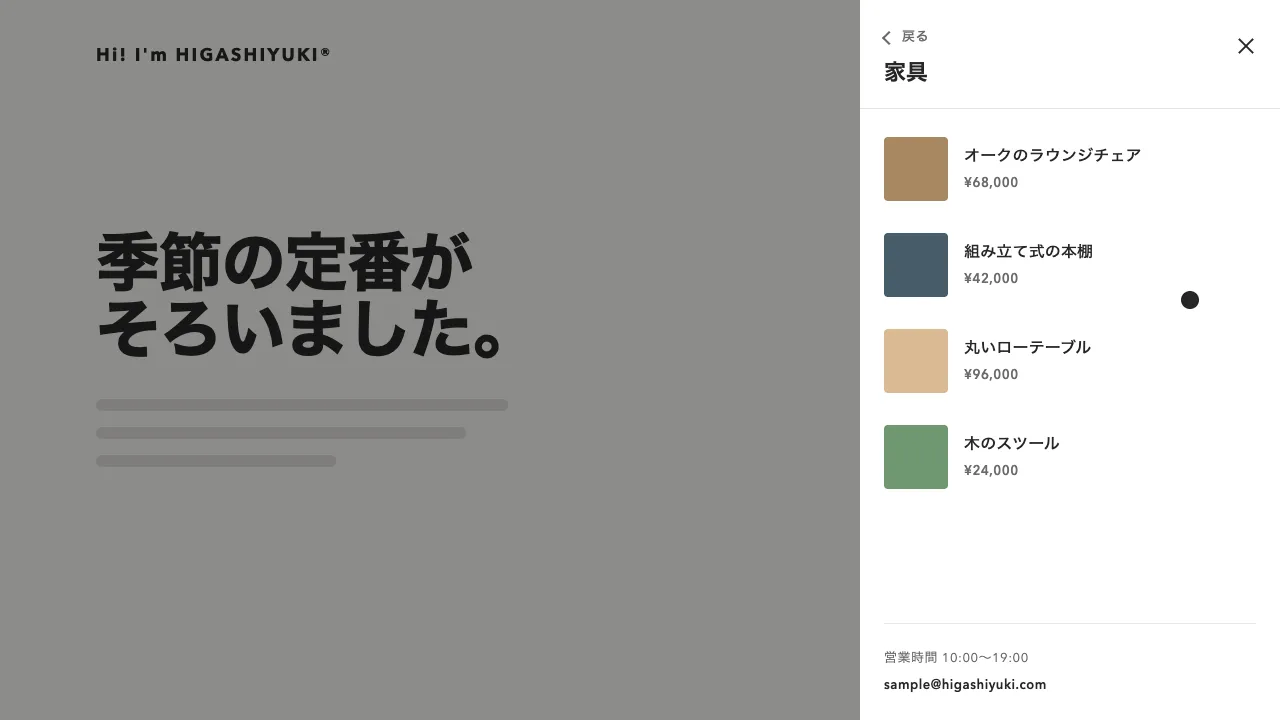
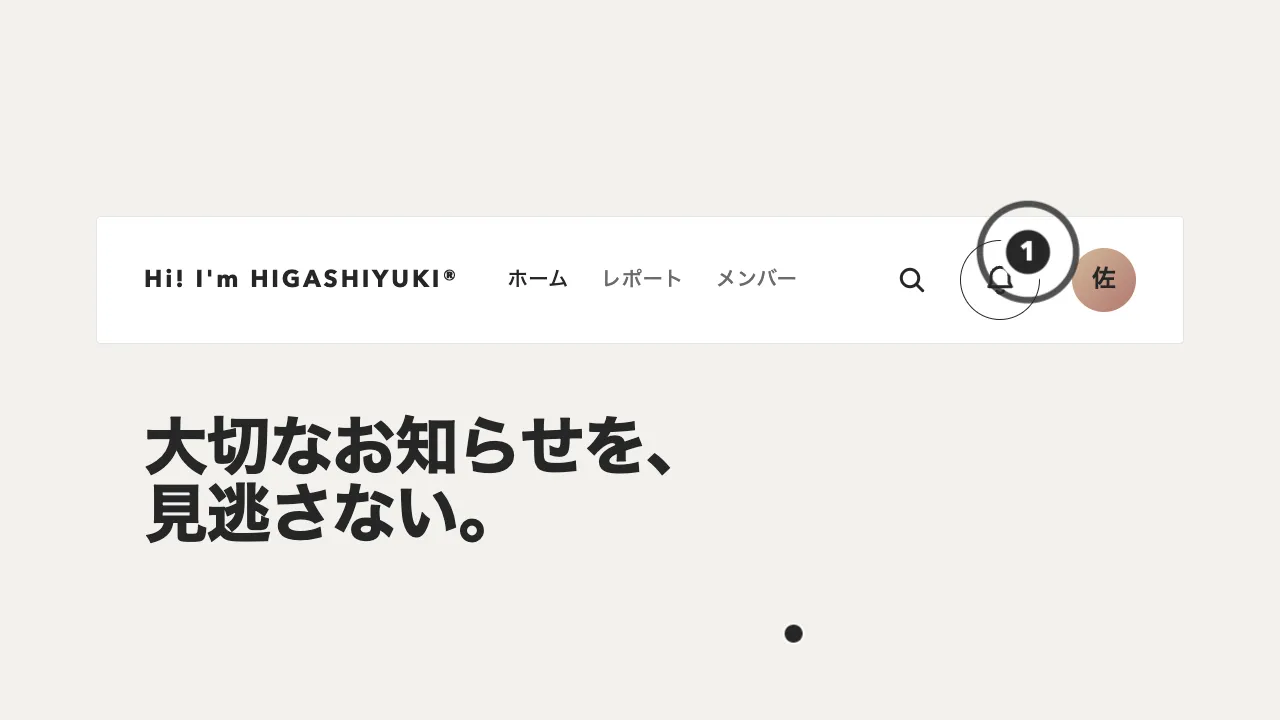
メニューのボタンを押すと、ボタンの中心から円が広がって画面全体を覆い、全画面のメニューになります。円は、画面いっぱいに置いたメニューを clip-path の円で切り抜いて描き、その半径を 0 から広げます。円が半分ほど広がったところから、リンクが上の段から順に枠の下からせり上がり、3 本線は同時に × へ変わります。閉じるときは同じタイムラインを逆にたどるので、リンクが沈んでから円がボタンへ吸い込まれます。
円は 0.9 秒の power3.inOut で広げます。出だしと終わりがゆっくりなので、ボタンからにじみ出て、画面の端でそっと止まるように見えます。リンクは 0.45 秒後から、1 行 0.7 秒の power3.out を 0.08 秒ずつずらして重ねます。閉じるのは 1.4 倍速の逆再生で、開くより短くして待たせないようにします。
円の半径は、ボタンの中心から画面のいちばん遠い角までの距離にします。circle() の % は、幅や高さではなく対角線から割り出した長さを基準にするので、100% にしても遠い角まで届かないことがあります。半径は px で計算して渡し、開いている間に画面の大きさが変わったら測り直します。ロゴとボタンは円より上に重ね、開いている間はボタンがそのまま閉じるボタンになるようにします。
開閉は、読み上げとキーボードにも伝えます。押すたびにボタンの aria-expanded を書き換え、閉じている間はメニューを hidden にして読み上げから外します。全画面を覆っている間は、Tab の移動をボタンとメニューの中に閉じ込め、端まで来たら反対の端へ回します。Esc でも閉じ、焦点は押したボタンへ戻します。後ろのページはスクロールさせません。
円の色を変えると、ページとの切り替わりの印象が大きく変わります。ボタンを左上に置くなら、中心を測り直すだけで同じ動きになります。PJAX のようにページを読み直さずに移るサイトでは、リンクを押したときにも閉じておきます。ポートフォリオや制作会社のサイトの全画面メニューに向いています。
コード
<!-- ロゴとメニューのボタンは、広がる円より上に置く(開いている間、ボタンは閉じるボタンになる) -->
<header class="site-header">
  <a class="site-header__logo" href="/">Hi! I'm HIGASHIYUKI®</a>
  <button class="menu-toggle" type="button" aria-expanded="false" aria-controls="fullscreen-menu" aria-label="メニューを開く">
    <!-- 線は飾りなので読み上げから外す。状態は aria-expanded、名前は aria-label が持つ -->
    <span class="menu-toggle__bar" aria-hidden="true"></span>
    <span class="menu-toggle__bar" aria-hidden="true"></span>
    <span class="menu-toggle__bar" aria-hidden="true"></span>
  </button>
</header>

<!-- hidden のあいだは読み上げにも出ない。開いている間は、Tab の移動をボタンとこの中に閉じ込める -->
<nav id="fullscreen-menu" class="fs-menu" aria-label="メインメニュー" hidden>
  <ul class="fs-menu__list">
    <li class="fs-menu__row">
      <a class="fs-menu__link" href="/"><span class="fs-menu__num">01</span>ホーム</a>
    </li>
    <li class="fs-menu__row">
      <a class="fs-menu__link" href="/works/"><span class="fs-menu__num">02</span>制作実績</a>
    </li>
    <li class="fs-menu__row">
      <a class="fs-menu__link" href="/about/"><span class="fs-menu__num">03</span>私たちについて</a>
    </li>
    <li class="fs-menu__row">
      <a class="fs-menu__link" href="/contact/"><span class="fs-menu__num">04</span>お問い合わせ</a>
    </li>
  </ul>
  <div class="fs-menu__aside">
    <p class="fs-menu__label">Information</p>
    <ul class="fs-menu__sub">
      <li><a href="/news/">お知らせ</a></li>
      <li><a href="/recruit/">採用情報</a></li>
      <li><a href="/privacy/">プライバシーポリシー</a></li>
    </ul>
  </div>
</nav>.site-header,
.fs-menu {
--ink: #eeece6; /* ロゴ・線・リンクの色。ページの地と、開いたメニューの面のどちらの上でも読める色にする */
--mute: #cdd3d6; /* 番号と小さなラベル(円の色の上で 4.5:1 に届く淡い灰) */
--circle: #4a5b66; /* 広がる円(メニューの面。墨のスレート) */
--side: clamp(24px, 7.5vw, 96px); /* 左右の余白 */
}
/* 開いている間は後ろをスクロールさせない。バーの幅を先に空けておき、消えたときにページが横へずれないようにする */
html { scrollbar-gutter: stable; }
html:has(.fs-menu:not([hidden])) { overflow: hidden; }
.site-header {
position: relative;
z-index: 3; /* 円より上 */
display: flex;
align-items: center;
justify-content: space-between;
gap: 24px;
height: 48px;
padding: 32px var(--side) 0;
color: var(--ink);
}
.site-header__logo { flex: none; color: inherit; font-size: 18px; font-weight: 700; letter-spacing: 0.12em; text-decoration: none; white-space: nowrap; }
.menu-toggle {
--step: 8px; /* 上下の線を中央からずらす量(線 2px + 間 6px) */
position: relative;
flex: none;
width: 48px; /* 線は 24px。指でも押せるよう、まわりに余白を取る */
height: 48px;
margin-right: -12px; /* 線の右端を、ページの右の余白にそろえる */
padding: 0;
border: 0;
background: none;
cursor: pointer;
}
/* 3 本とも中央に重ねて置き、上下だけ --step ぶんずらす。× にするときは中央へ戻すだけで済む */
.menu-toggle__bar {
position: absolute;
left: 50%;
top: 50%;
width: 24px;
height: 2px;
margin: -1px 0 0 -12px;
background-color: var(--ink);
}
.menu-toggle__bar:first-of-type { transform: translateY(calc(var(--step) * -1)); }
.menu-toggle__bar:last-of-type { transform: translateY(var(--step)); }
/* 全画面のメニュー。広がる円は JS が clip-path で描く */
.fs-menu {
--size: clamp(32px, 9vw, 72px); /* リンクの字の大きさ(幅 375px でも 7 字の項目が 1 行に収まる) */
position: fixed;
z-index: 2;
inset: 0;
display: flex;
flex-direction: column;
justify-content: space-between;
gap: 48px;
box-sizing: border-box;
padding: 160px var(--side) 72px;
overflow-y: auto;
background-color: var(--circle);
color: var(--ink);
}
.fs-menu[hidden] { display: none; } /* display: flex が hidden 属性に勝つので、閉じている間を隠し直す */
.fs-menu ul { margin: 0; padding: 0; list-style: none; }
.fs-menu a { color: inherit; text-decoration: none; }
.fs-menu__row { width: fit-content; overflow: hidden; } /* 枠の外へ沈めたリンクを、この中で持ち上げる */
/* リンクの焦点の枠は行の overflow に切られて見えないので、行の外側に描く */
.fs-menu__row:has(:focus-visible) { outline: 2px solid var(--ink); outline-offset: 4px; }
.fs-menu__link {
display: flex;
align-items: flex-start;
gap: 16px;
font-size: var(--size);
font-weight: 800;
line-height: 1.1;
letter-spacing: -0.02em;
white-space: nowrap;
}
.fs-menu__num { margin-top: calc(var(--size) * 0.19); color: var(--mute); font-size: 13px; font-weight: 700; line-height: 1; letter-spacing: 0.14em; font-variant-numeric: tabular-nums; }
.fs-menu__aside { align-self: flex-end; text-align: right; }
.fs-menu__label { margin: 0 0 24px; color: var(--mute); font-size: 13px; font-weight: 700; line-height: 1; letter-spacing: 0.14em; text-transform: uppercase; }
.fs-menu__sub { display: grid; gap: 16px; font-size: 15px; font-weight: 600; line-height: 1; letter-spacing: 0.04em; }
.site-header a:focus-visible,
.menu-toggle:focus-visible,
.fs-menu a:focus-visible { outline: 2px solid var(--ink); outline-offset: 4px; }import { gsap } from "gsap";
const reduceMotion = window.matchMedia("(prefers-reduced-motion: reduce)").matches;
const SPEED = reduceMotion ? 20 : 1; // 動きを減らす設定では、ほぼ一瞬で切り替える
const CLOSE_SPEED = 1.4; // 閉じるほうは少し速く
document.querySelectorAll(".menu-toggle").forEach((button) => {
const menu = document.getElementById(button.getAttribute("aria-controls"));
const links = menu.querySelectorAll(".fs-menu__link");
const [upper, middle, lower] = button.querySelectorAll(".menu-toggle__bar");
// 寸法は CSS が正。GSAP は var(--name) のままでは読めないので、値にして渡す
const step = parseFloat(getComputedStyle(button).getPropertyValue("--step"));
const circle = { p: 0, x: 0, y: 0, r: 0 };
// 円の中心はボタンの中心、半径はそこから画面のいちばん遠い角まで(circle() の % は対角線が基準なので px で書く)
const measure = () => {
const b = button.getBoundingClientRect();
circle.x = b.left + b.width / 2;
circle.y = b.top + b.height / 2;
circle.r = Math.hypot(Math.max(circle.x, innerWidth - circle.x), Math.max(circle.y, innerHeight - circle.y)) + 2;
};
const clip = () => (menu.style.clipPath = `circle(${circle.r * circle.p}px at ${circle.x}px ${circle.y}px)`);
// 閉じきってから hidden に戻す(開いている間だけ、読み上げにも出す)
const open = gsap
.timeline({ paused: true, onReverseComplete: () => (menu.hidden = true) })
.fromTo(circle, { p: 0 }, { p: 1, duration: 0.9, ease: "power3.inOut", onUpdate: clip }, 0)
// 円が半分ほど広がったところから、リンクを上の段から順にせり上げる
.fromTo(links, { yPercent: 105 }, { yPercent: 0, duration: 0.7, ease: "power3.out", stagger: 0.08 }, 0.45)
.fromTo(menu.querySelector(".fs-menu__aside"), { opacity: 0, y: 24 }, { opacity: 1, y: 0, duration: 0.5, ease: "power2.out" }, 0.75)
// 3 本線: 上下の線を中央へ寄せ(中の線はその間に消す)、逆向きに 45° 回して × にする
.fromTo(upper, { y: -step }, { y: 0, duration: 0.18, ease: "power2.in" }, 0)
.fromTo(lower, { y: step }, { y: 0, duration: 0.18, ease: "power2.in" }, 0)
.fromTo(middle, { autoAlpha: 1 }, { autoAlpha: 0, duration: 0.18, ease: "power2.in" }, 0)
.fromTo(upper, { rotation: 0 }, { rotation: 45, duration: 0.3, ease: "back.out(2)" }, 0.18)
.fromTo(lower, { rotation: 0 }, { rotation: -45, duration: 0.3, ease: "back.out(2)" }, 0.18);
let isOpen = false;
function setOpen(next) {
if (next === isOpen) return;
isOpen = next;
button.setAttribute("aria-expanded", String(isOpen));
button.setAttribute("aria-label", isOpen ? "メニューを閉じる" : "メニューを開く");
if (isOpen) {
measure();
menu.hidden = false; // 先に display を戻さないと、中のリンクが動けない
open.timeScale(SPEED).play();
} else {
open.timeScale(SPEED * CLOSE_SPEED).reverse();
}
// 焦点も一緒に移す(開いたら先頭のリンク、閉じたら押したボタンへ戻す)
(isOpen ? links[0] : button).focus({ preventScroll: true });
}
button.addEventListener("click", () => setOpen(!isOpen));
// ページを読み直さずに移るサイト(PJAX など)では、リンクを押したら閉じておく
menu.addEventListener("click", (event) => {
if (event.target.closest("a")) setOpen(false);
});
document.addEventListener("keydown", (event) => {
if (!isOpen) return;
if (event.key === "Escape") setOpen(false);
if (event.key !== "Tab") return;
// 開いている間は、Tab の移動をボタンとメニューの中に閉じ込める(端まで来たら反対の端へ回す)
const stops = [button, ...menu.querySelectorAll("a[href], button")];
const first = stops[0];
const last = stops[stops.length - 1];
const inside = stops.includes(document.activeElement);
if (!inside || document.activeElement === (event.shiftKey ? first : last)) {
event.preventDefault();
(event.shiftKey ? last : first).focus();
}
});
// 開いている間に画面の大きさが変わったら、中心と半径を測り直す
window.addEventListener("resize", () => {
if (!isOpen) return;
measure();
clip();
});
});