デモ
デモを読み込めませんでした。
仕様
- 用途
- ボタン
- 動作
- DOM
- 種類
- レシピ
- 動作確認
- three 0.186.0・gsap 3.15.0
- 公開日
しくみと調整
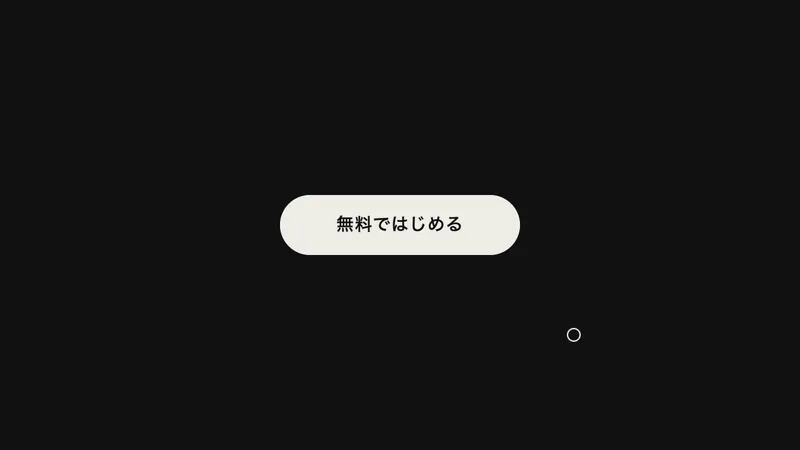
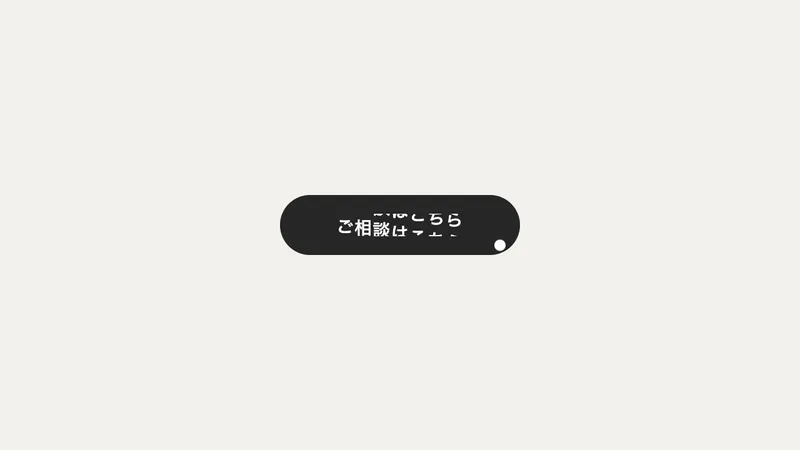
ボタンを、ひと回り大きい透明な枠で包みます。その枠の中でポインタが動くと、枠の中心からの距離に比率を掛けた分だけ、ボタンをポインタのほうへずらします。中の文字はさらに大きい比率でずらすので、ボタンより先へ出て、少し浮き上がって見えます。
比率は、ボタンが 0.4、文字が 0.15 です。枠はボタンの外へ、高さの 0.6 倍だけ広げています。ボタンぴったりだと触れた瞬間にいきなり寄るので、近づくあいだに寄り始めるだけの余白が要ります。追従は 0.5 秒の power3.out、枠から出たときは 1.1 秒かけてバネのように中央へ戻り、行き過ぎて少し揺り戻します。
ポインタが動くたびに新しいトゥイーンを作るので、overwrite を「auto」にして古いものを消します。付け忘れると、重なったトゥイーンが互いに引き合い、手の動きから遅れてついてくるように見えます。
比率を 0.6 以上にすると、ボタンがポインタから逃げるように見えます。枠を広げるほど遠くから反応し、文字の比率を上げるほど奥行きが強くなります。指で触る端末には寄せる相手がいないので、ポインタを重ねられる環境で、動きを減らす設定でないときにだけつなぎます。
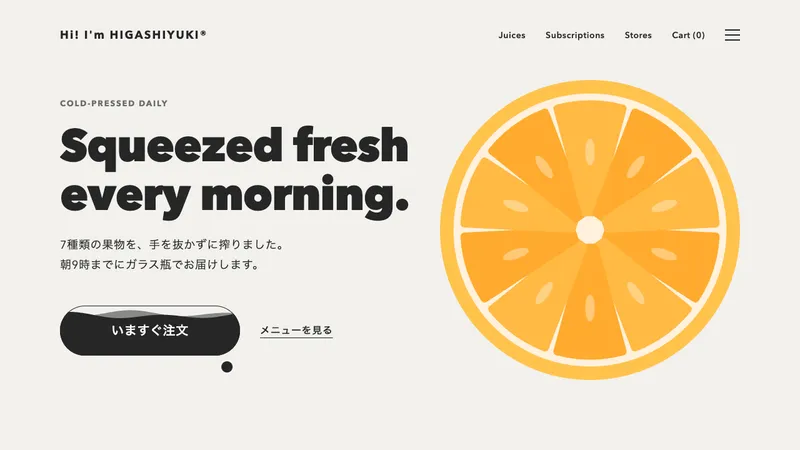
ヒーローの主ボタン、フッターの「お問い合わせ」、丸いアイコンボタンのように、1 つだけ置いて目を引かせたいボタンに向いています。並んだボタンに付けると、隣どうしが寄り合って落ち着きません。
コード
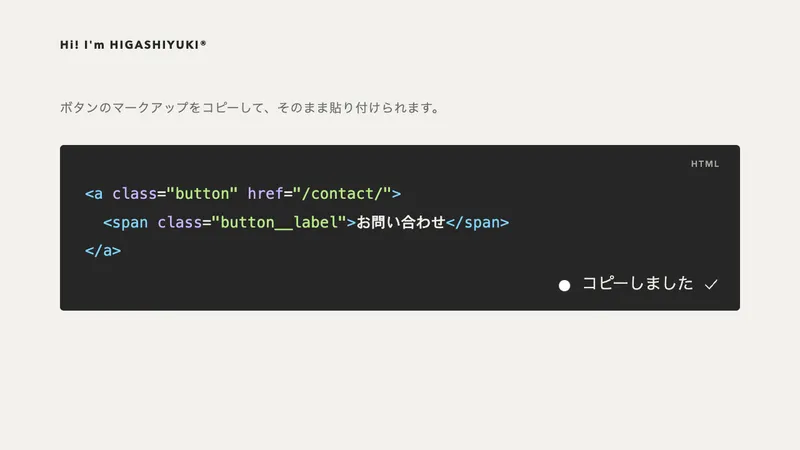
<!-- 外側の枠が吸い寄せの領域。ボタンより広いので、近づいた時点で反応できる -->
<div class="magnetic">
  <a class="magnetic__button" href="/contact/">
    <span class="magnetic__label">お問い合わせ</span>
  </a>
</div>.magnetic {
/* ボタンの外へ広げる量。ボタンの高さの 0.6 倍ほどにすると、自然に近づける */
--zone: 28px;
display: inline-block;
padding: var(--zone);
}
.magnetic__button {
--ink: #eeece6; /* 地の色 */
--ground: #111111; /* 文字の色 */
display: inline-grid;
place-items: center;
height: 48px;
padding: 0 32px;
border-radius: 999px;
background-color: var(--ink);
color: var(--ground);
font-size: 15px;
font-weight: 600;
letter-spacing: 0.04em;
text-decoration: none;
white-space: nowrap;
}
.magnetic__label {
display: block;
}
.magnetic__button:focus-visible {
outline: 2px solid var(--ink);
outline-offset: 4px;
}import { gsap } from "gsap";
const reduceMotion = window.matchMedia("(prefers-reduced-motion: reduce)").matches;
const canHover = window.matchMedia("(hover: hover)").matches;
const PULL = 0.4; // ボタンが寄る割合(領域の中心からの距離に掛ける)
const LABEL_PULL = 0.15; // 文字がボタンの中でさらに寄る割合。ボタンより先へ行くので奥行きが出る
document.querySelectorAll(".magnetic").forEach((area) => {
const button = area.querySelector(".magnetic__button");
const label = area.querySelector(".magnetic__label");
// 寄せる相手のいないタッチ端末と、動きを減らす設定では、つながない
if (!canHover || reduceMotion) return;
const release = () => {
gsap.to([button, label], { x: 0, y: 0, duration: 1.1, ease: "elastic.out(1, 0.35)", overwrite: "auto" });
};
const follow = (event) => {
const rect = area.getBoundingClientRect();
const dx = event.clientX - (rect.left + rect.width / 2);
const dy = event.clientY - (rect.top + rect.height / 2);
// overwrite: "auto" が無いと、動かすたびにトゥイーンが積み重なって、追従が重くなる
gsap.to(button, { x: dx * PULL, y: dy * PULL, duration: 0.5, ease: "power3.out", overwrite: "auto" });
gsap.to(label, { x: dx * LABEL_PULL, y: dy * LABEL_PULL, duration: 0.5, ease: "power3.out", overwrite: "auto" });
};
area.addEventListener("pointermove", follow);
area.addEventListener("pointerleave", release);
// キーボードで来たときは中央へ戻す(寄ったままだと、フォーカスの輪がボタンからずれて見える)
button.addEventListener("focus", release);
button.addEventListener("blur", release);
});