デモ
デモを読み込めませんでした。
仕様
- 用途
- ページ遷移
- 動作
- DOM
- 種類
- レシピ
- 動作確認
- three 0.186.0・gsap 3.15.0
- 公開日
しくみと調整
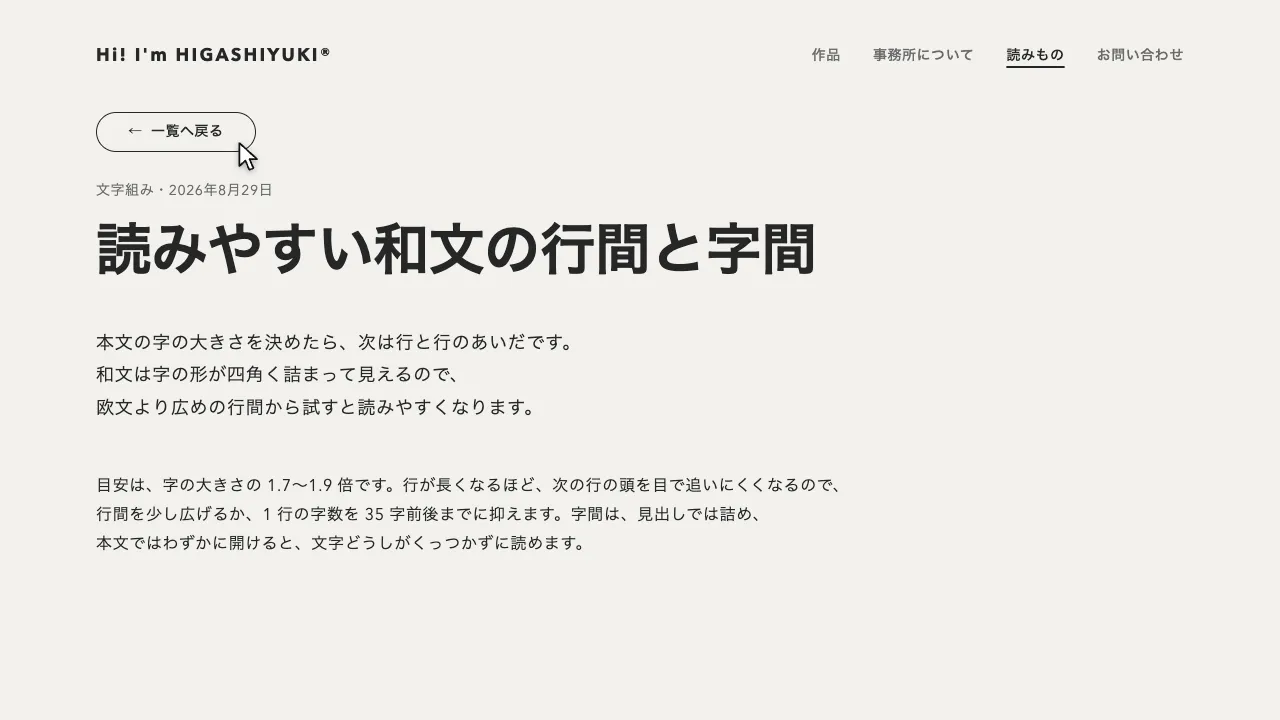
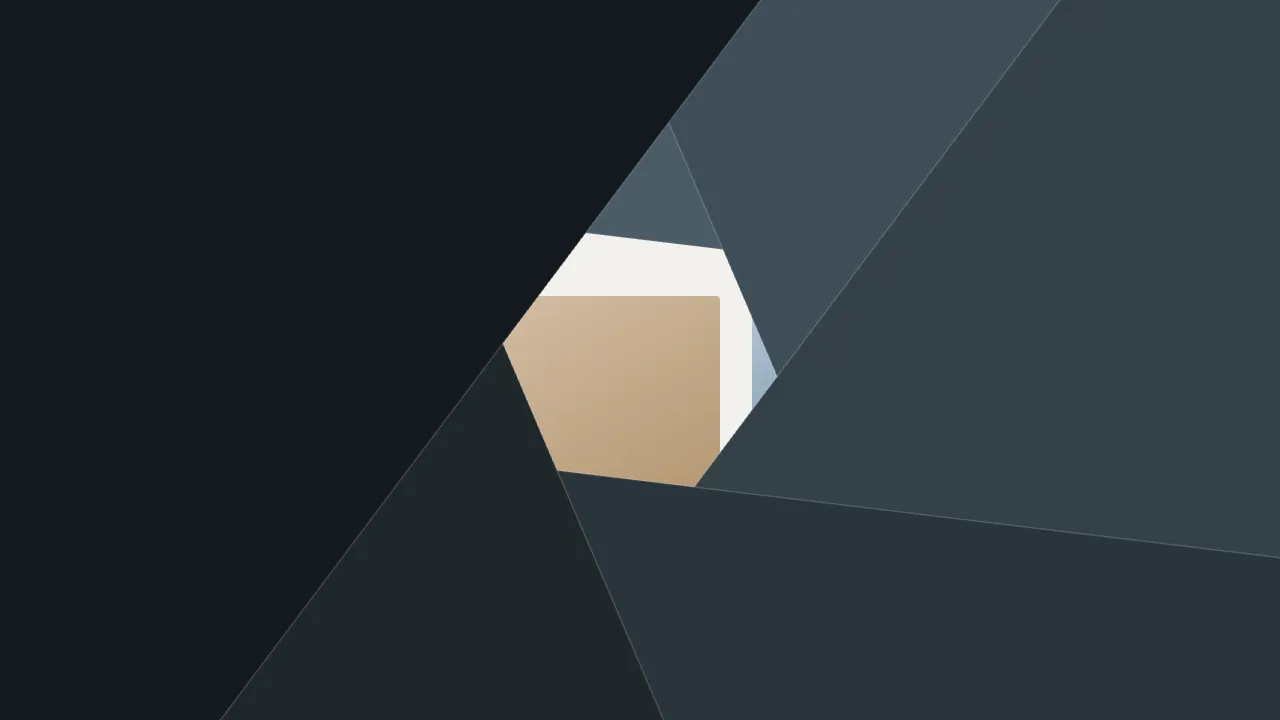
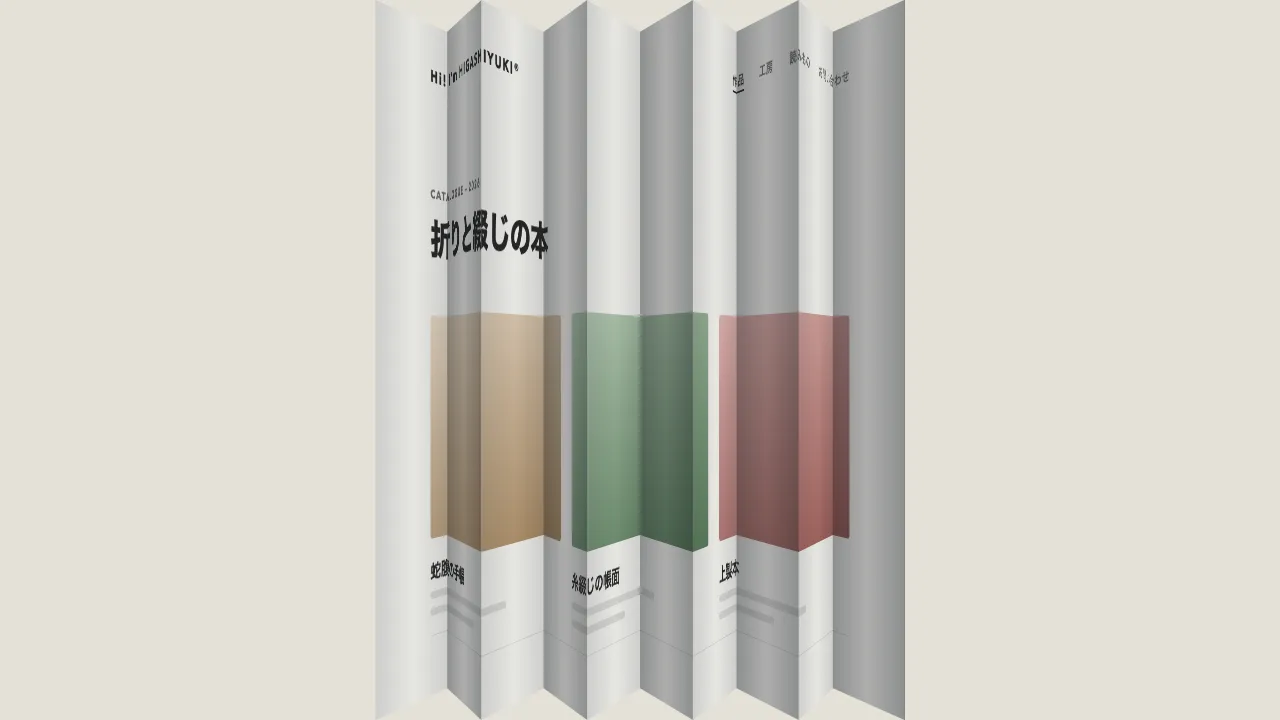
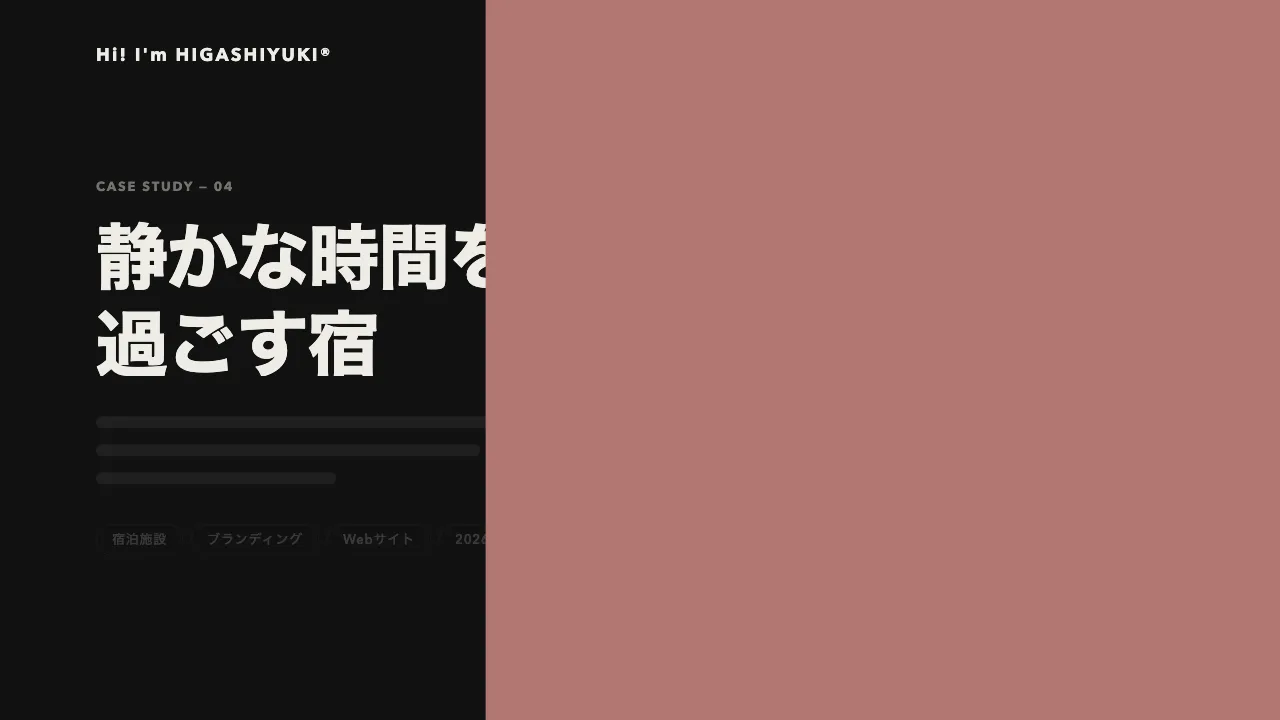
リンクを押すと、画面に固定した canvas に点の格子を敷き、押した所に近い点から順に膨らませます。点は隣と重なるまで膨らむと画面を一色で覆い、覆いきったところで次のページに差し替えます。そのあと点を同じ順、押した所からしぼませるので、網点のすき間から次のページが現れます。四角いタイルが 1 枚ずつ裏返る遷移や、円が 1 つ広がる遷移と違い、印刷の網点のように点の大きさの勾配が波になって広がり、ページが粒に溶けて入れ替わって見えます。
点ごとの遅れは、押した所からの距離をいちばん遠い角までの距離で割り、0.7 秒を掛けた値です。1 つの点が膨らむのは 0.35 秒の power1.inOut で、遅れの幅より短くしてあるので、小さな点から覆いきった面までの勾配が帯になって進みます。始まりの 0.16 秒で半径 2.5px の小さな点を画面全体に一度に出し、終わりに消すので、格子そのものも見えます。格子は、横の数を間隔の 32px から決めて画面の幅ちょうどに割り、縦は中央にそろえます。
膨らみきった半径は、格子の間隔の 0.707 倍(√2 ÷ 2)より大きくしてください。これより小さいと、4 つの点のあいだに星形のすき間が残り、覆いきらないまま差し替わって見えます。ここでは 0.72 倍にしています。重ねても円の縁のにじみが細い格子の線になって残るので、どの点も膨らみきったら画面を一色で塗ります。点は DOM の要素で作らず、canvas 1 枚に毎回すべて描き直すと、数百個あっても軽く動きます。色と間隔は CSS 変数に置き、JS は getComputedStyle で読みます。
次のページの HTML は、点が覆っているあいだに読み込み、覆いきってから中身を差し替えます。差し替えたあとは、ページの題名と URL を書き換え、読み上げとキーボードの位置を新しいページの見出しへ移します。Enter キーで押したリンクのクリックには座標が無いので、そのときはリンクの中央から広げます。ブラウザの「戻る」「進む」では、画面の中央から広げます。
つまみは、格子の間隔、波の速さ、1 つの点が膨らむ時間、点の色です。間隔を広げると粗い網点に、膨らむ時間を長くすると勾配の帯が広くゆるやかになります。狭い画面では間隔を 24px に詰めています。動きを減らす設定では、同じ流れのまま、ほぼ一瞬で切り替えます。印刷物や紙もの、写真やグラフィックを扱う制作会社のように、刷りの質感をページの切り替えにも持たせたいサイトに向いています。
コード
<!-- 遷移で差し替えるのは data-page の中だけ。次のページ(作品の詳細)も同じ形で書く -->
<div class="page" data-page>
  <header class="site-header">
    <a class="site-header__logo" href="/">Hi! I'm HIGASHIYUKI®</a>
    <nav aria-label="メイン">
      <ul class="site-header__links">
        <li><a href="/works/" aria-current="page">作品</a></li>
        <li><a href="/about/">事務所について</a></li>
        <li><a href="/journal/">読みもの</a></li>
        <li><a href="/contact/">お問い合わせ</a></li>
      </ul>
    </nav>
  </header>

  <main class="works">
    <p class="works__eyebrow">Works</p>
    <div class="works__head">
      <h1 class="works__title">これまでの仕事</h1>
      <p class="works__count">全12件</p>
    </div>
    <ul class="works__list">
      <li>
        <a class="work-card" href="/works/seaside-inn/">
          <span class="work-card__art work-card__art--sea" role="img" aria-label="月の出た夜の海"></span>
          <span class="work-card__title">海辺の宿のリニューアル</span>
          <span class="work-card__meta">ブランディング・2026年</span>
        </a>
      </li>
      <li>
        <a class="work-card" href="/works/roastery/">
          <span class="work-card__art work-card__art--bag" role="img" aria-label="並んだコーヒー豆の袋"></span>
          <span class="work-card__title">焙煎所のパッケージ</span>
          <span class="work-card__meta">パッケージ・2025年</span>
        </a>
      </li>
      <li>
        <a class="work-card" href="/works/museum/">
          <span class="work-card__art work-card__art--arch" role="img" aria-label="丸い窓のある展示室"></span>
          <span class="work-card__title">美術館の展覧会サイト</span>
          <span class="work-card__meta">Webサイト・2026年</span>
        </a>
      </li>
    </ul>
  </main>
</div>:root {
--page-bg: #f2f1ed;
--page-ink: #262626;
--page-mute: #6b6b6b;
--dot-color: #688297; /* 網点の色 */
--dot-gap: 32px; /* 格子の間隔。px で書く(JS が数として読む) */
--gutter: clamp(24px, 7vw, 96px);
}
@media (max-width: 600px) {
:root { --dot-gap: 24px; }
}
body { margin: 0; background: var(--page-bg); }
.page { min-height: 100vh; background: var(--page-bg); color: var(--page-ink); }
/* 網点を描く canvas。画面に固定し、下のページのクリックは止めない(JS が付け外しする) */
.dot-screen { position: fixed; inset: 0; z-index: 100; width: 100%; height: 100%; pointer-events: none; }
.site-header {
display: flex;
flex-wrap: wrap; /* 狭い画面では、リンクの列をロゴの下の段へ送る */
align-items: center;
gap: 16px 32px;
padding: 32px var(--gutter);
font-size: 14px;
font-weight: 600;
letter-spacing: 0.04em;
}
.site-header__logo { margin-right: auto; font-size: 18px; font-weight: 700; letter-spacing: 0.12em; white-space: nowrap; }
.site-header__links { display: flex; flex-wrap: wrap; gap: 8px 32px; margin: 0; padding: 0; list-style: none; }
.site-header a { color: var(--page-mute); text-decoration: none; }
.site-header .site-header__logo,
.site-header a[aria-current="page"] { color: var(--page-ink); }
.site-header a[aria-current="page"] { text-decoration: underline; text-decoration-thickness: 2px; text-underline-offset: 6px; }
.works { padding: 48px var(--gutter) 96px; }
.works__eyebrow { margin: 0 0 12px; font-size: 12px; font-weight: 700; letter-spacing: 0.14em; text-transform: uppercase; color: var(--page-mute); }
.works__head { display: flex; flex-wrap: wrap; align-items: baseline; justify-content: space-between; gap: 8px 24px; margin-bottom: 40px; }
.works__title { margin: 0; font-size: clamp(32px, 5vw, 44px); font-weight: 800; line-height: 1.1; letter-spacing: -0.02em; }
.works__count { margin: 0; font-size: 14px; letter-spacing: 0.04em; font-variant-numeric: tabular-nums; color: var(--page-mute); }
.works__list { display: grid; grid-template-columns: repeat(auto-fill, minmax(260px, 1fr)); gap: 40px 32px; margin: 0; padding: 0; list-style: none; }
.work-card { display: grid; gap: 8px; color: inherit; text-decoration: none; }
.work-card__title { margin-top: 12px; font-size: 20px; font-weight: 700; line-height: 1.3; letter-spacing: -0.01em; }
.work-card__meta { font-size: 14px; line-height: 1.7; letter-spacing: 0.04em; color: var(--page-mute); }
.work-card:focus-visible { outline: 2px solid currentColor; outline-offset: 6px; }
/* 写真の代わりの抽象画。4:3 の枠なので、横 9%・縦 12% の楕円が真円になる。案件では img に差し替える */
.work-card__art { display: block; aspect-ratio: 4 / 3; border-radius: 4px; }
.work-card__art--sea {
background:
radial-gradient(9% 12% at 70% 26%, #d9ba92 0 96%, transparent 100%),
linear-gradient(90deg, transparent 62%, rgb(217 186 146 / 0.5) 62% 78%, transparent 78%) 0 76% / 100% 3% no-repeat,
linear-gradient(90deg, transparent 58%, rgb(217 186 146 / 0.32) 58% 82%, transparent 82%) 0 86% / 100% 2% no-repeat,
linear-gradient(180deg, transparent 62%, #263741 62%),
radial-gradient(60% 30% at 18% 64%, #3a4e5b 0 98%, transparent 100%),
linear-gradient(180deg, #1d2429 0%, #2d404c 62%);
}
.work-card__art--bag {
background:
radial-gradient(9% 12% at 64% 40%, #f2f1ed 0 96%, transparent 100%),
linear-gradient(#a98860, #a98860) 30% 72% / 22% 56% no-repeat,
linear-gradient(#d9ba92, #d9ba92) 66% 74% / 24% 50% no-repeat,
linear-gradient(180deg, #ebdfcb 0%, #decdb4 100%);
}
.work-card__art--arch {
background:
radial-gradient(12% 16% at 68% 34%, #aea0cf 0 96%, transparent 100%),
radial-gradient(22% 34% at 34% 58%, #857ba5 0 98%, transparent 100%),
linear-gradient(#857ba5, #857ba5) 34% 100% / 44% 42% no-repeat,
linear-gradient(180deg, #e2dee9 0%, #d0c9e0 100%);
}
.page a:focus-visible { outline: 2px solid currentColor; outline-offset: 4px; }
/* 遷移のあとに見出しへ移したフォーカスは枠を出さない(読み上げの位置を移すためだけのもの) */
.page h1[tabindex="-1"]:focus { outline: none; }import { gsap } from "gsap";
const SPREAD = 0.7; // いちばん遠い点が動き出すまでの遅れ(秒)。波の速さ
const GROW = 0.35; // 1 つの点が膨らむ・しぼむ時間(秒)。SPREAD より短いほど、網点の勾配の帯が細くなる
const APPEAR = 0.16; // 始まりに小さな点が出る・終わりに消える時間(秒)
const REACH = 0.72; // 膨らみきった点の半径(格子の間隔に対する比)。0.707 を越えると隣と重なって覆いきる
const SWAP = SPREAD + GROW + 0.02; // ページを差し替える時刻(覆いきった後)
const SHRINK = SWAP + 0.02, LEN = SHRINK + SPREAD + GROW + APPEAR; // しぼみ始める時刻(同じ順にしぼむ)と、遷移の長さ
const reduceMotion = matchMedia("(prefers-reduced-motion: reduce)").matches;
const swell = gsap.parseEase("power1.inOut"), clamp01 = (v) => Math.min(1, Math.max(0, v));
let busy = false, shownPath = location.pathname; // いま見せているページ
history.scrollRestoration = "manual"; // スクロール位置は、差し替えたあとに自分で戻す
// 次のページの HTML を読み、差し替える部分(data-page)とタイトルを取り出す
async function load(url) {
const response = await fetch(url);
if (!response.ok) throw new Error(response.statusText); // 読めなければ、ふつうのページ移動に任せる
const doc = new DOMParser().parseFromString(await response.text(), "text/html");
return { next: doc.querySelector("[data-page]"), title: doc.title };
}
// 画面に固定した canvas と、点の中心の格子を作る。横の数を間隔から決めて、画面の幅ちょうどに割る
function makeScreen() {
const style = getComputedStyle(document.documentElement), gap = parseFloat(style.getPropertyValue("--dot-gap")) || 32;
const w = innerWidth, h = innerHeight, dpr = Math.min(devicePixelRatio, 2);
const canvas = Object.assign(document.createElement("canvas"), { className: "dot-screen", width: Math.round(w * dpr), height: Math.round(h * dpr) });
const g = canvas.getContext("2d");
Object.assign(g, { fillStyle: style.getPropertyValue("--dot-color").trim() }).scale(dpr, dpr); // 色は CSS の変数から読む
const cols = Math.max(1, Math.round(w / gap)), step = w / cols, rows = Math.ceil(h / step) + 1;
const top = (h - (rows - 1) * step) / 2; // 縦は中央にそろえる
const dots = Array.from({ length: rows * cols }, (_, i) => [((i % cols) + 0.5) * step, top + Math.floor(i / cols) * step]);
return { canvas, g, dots, w, h, reach: step * REACH };
}
// 遷移を始めてから e 秒の点を描く。点ごとに「押した所からの距離 ÷ いちばん遠い角まで」だけ遅らせる
function draw({ g, dots, w, h, reach }, e, o) {
g.clearRect(0, 0, w, h);
const far = Math.hypot(Math.max(o.x, w - o.x), Math.max(o.y, h - o.y));
const seed = 2.5 * Math.min(clamp01(e / APPEAR), clamp01((LEN - e) / APPEAR)); // 格子が見える小さな点
const shrinking = e >= SHRINK;
let full = !shrinking; // しぼむまでに、どの点も膨らみきっていれば覆いきった
g.beginPath();
for (const [x, y] of dots) {
const lag = (SPREAD * Math.hypot(x - o.x, y - o.y)) / far;
const p = shrinking ? 1 - swell(clamp01((e - SHRINK - lag) / GROW)) : swell(clamp01((e - lag) / GROW));
const r = Math.max(seed, reach * p);
if (r < reach) full = false;
if (r >= 0.2) { g.moveTo(x + r, y); g.arc(x, y, r, 0, Math.PI * 2); }
}
if (full) g.rect(0, 0, w, h); // 膨らみきったら一色で塗る(円の縁のにじみを残さない)
g.fill();
}
// 遷移の秒数を from から to まで実時間で進める。動きを減らす設定では、同じ流れのままほぼ一瞬で済ませる
function run(screen, o, from, to) {
const clock = { e: from }; // 秒数を 1 つの値として進め、毎回すべての点を描き直す
return gsap.to(clock, { e: to, duration: reduceMotion ? 0.05 : to - from, ease: "none", onUpdate: () => draw(screen, clock.e, o) });
}
async function go(url, push, o) {
if (busy) return;
busy = true;
const screen = makeScreen();
try {
const loading = load(url); // 覆っているあいだに次のページを読む
document.body.append(screen.canvas);
await run(screen, o, 0, SWAP);
const { next, title } = await loading;
if (!next) throw new Error("data-page が無い");
document.querySelector("[data-page]").replaceWith(next); // 差し替えは覆いきってから
if (push) history.pushState({}, "", url);
shownPath = new URL(url, location.href).pathname;
scrollTo(0, 0);
document.title = title;
const heading = next.querySelector("h1"); // 読み上げとキーボードの位置を、新しいページの見出しへ移す
if (heading) { heading.tabIndex = -1; heading.focus({ preventScroll: true }); }
await run(screen, o, SWAP, LEN);
} catch { location.href = url; return; } // 読めなければ、覆ったままふつうに移る
screen.canvas.remove();
busy = false;
}
// 同じサイトのほかのページへのリンクだけ横取りする(別タブ・修飾キー付き・同じページ内のリンクは邪魔しない)
document.addEventListener("click", (event) => {
const link = event.target.closest("a[href]");
if (!link || event.defaultPrevented || event.button !== 0) return;
if (event.metaKey || event.ctrlKey || event.shiftKey || event.altKey || link.target || link.hasAttribute("download")) return;
const url = new URL(link.href);
if (url.origin !== location.origin || url.pathname === location.pathname) return;
event.preventDefault();
const box = link.getBoundingClientRect(); // Enter で押したときは座標が無い(detail が 0)ので、リンクの中央から広げる
const o = event.detail ? { x: event.clientX, y: event.clientY } : { x: box.left + box.width / 2, y: box.top + box.height / 2 };
go(url.href, true, o);
});
// ブラウザの戻る・進むでは、画面の中央から同じ網点で移る(同じページの中の移動は除く)
addEventListener("popstate", () => {
if (location.pathname !== shownPath) go(location.href, false, { x: innerWidth / 2, y: innerHeight / 2 });
});