デモ
デモを読み込めませんでした。
仕様
- 用途
- ページ遷移
- 動作
- DOM
- 種類
- レシピ
- 動作確認
- three 0.186.0・gsap 3.15.0
- 公開日
しくみと調整
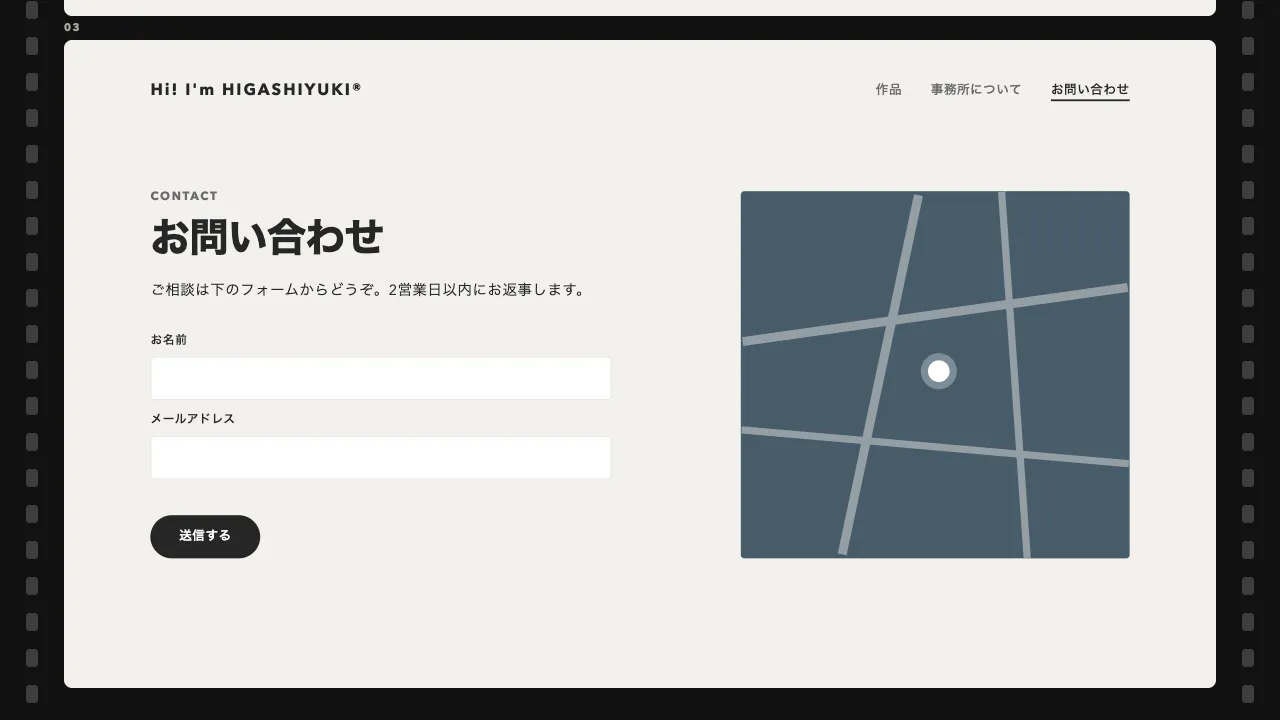
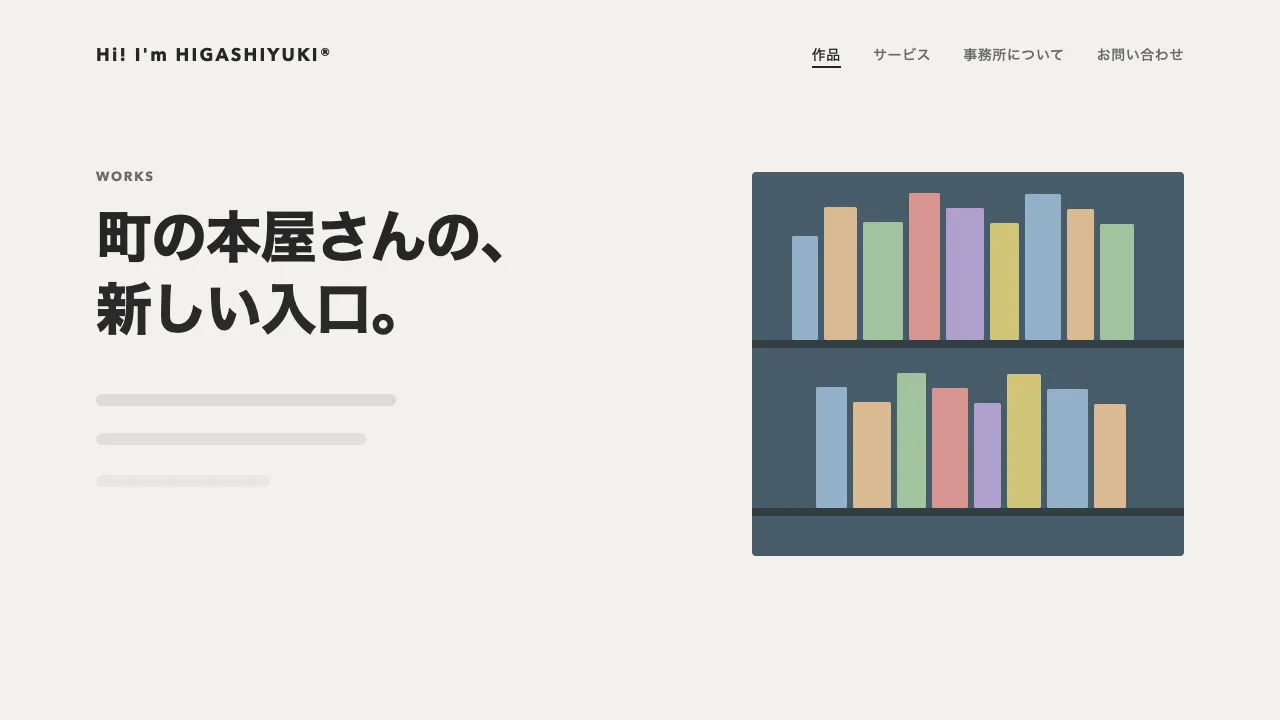
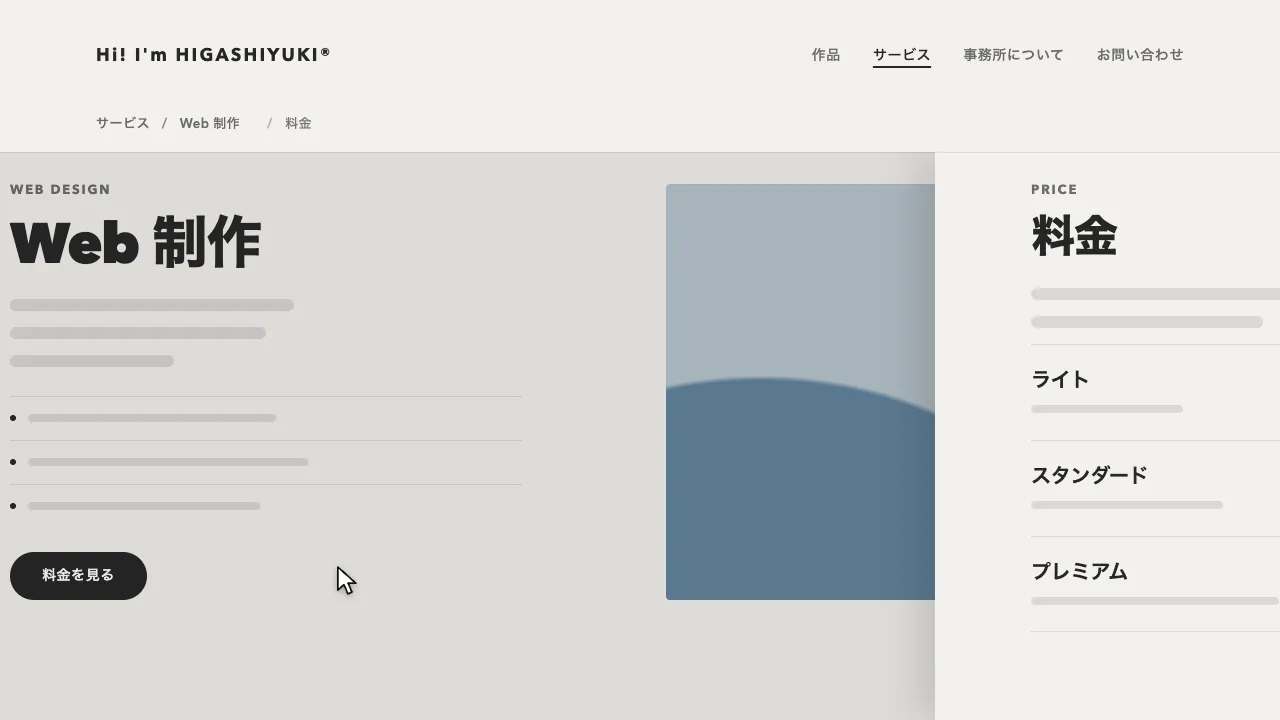
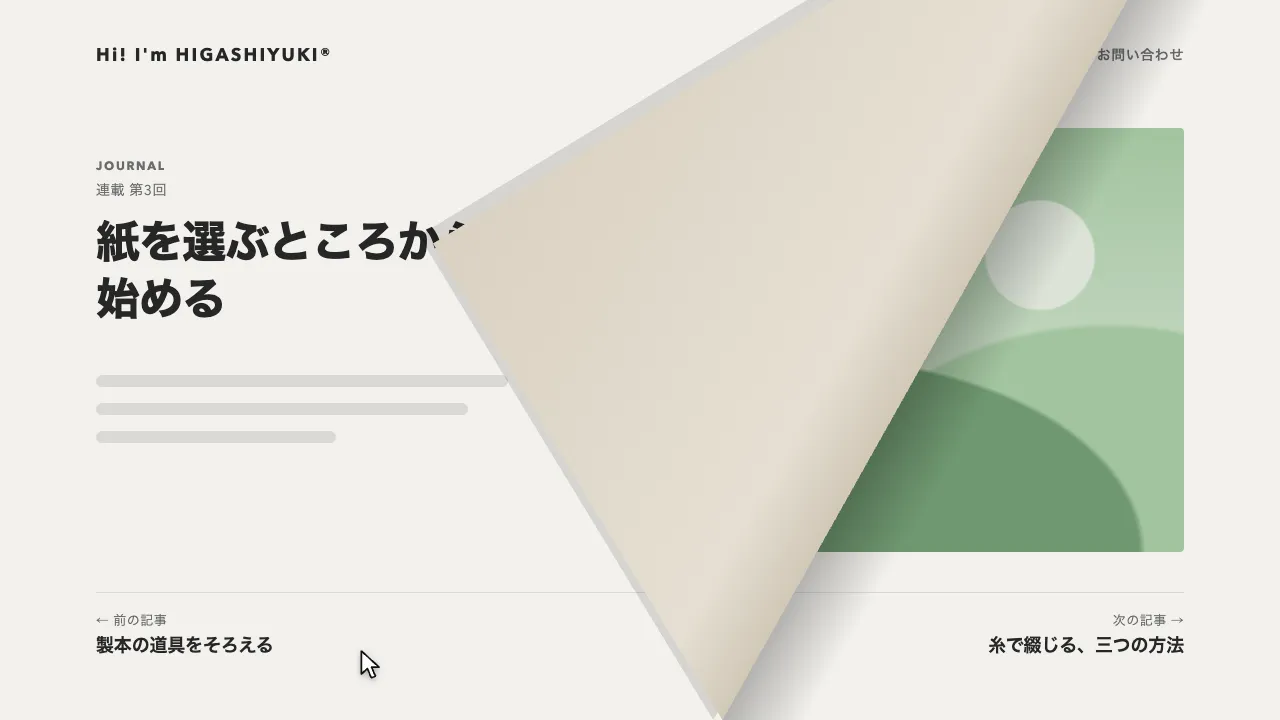
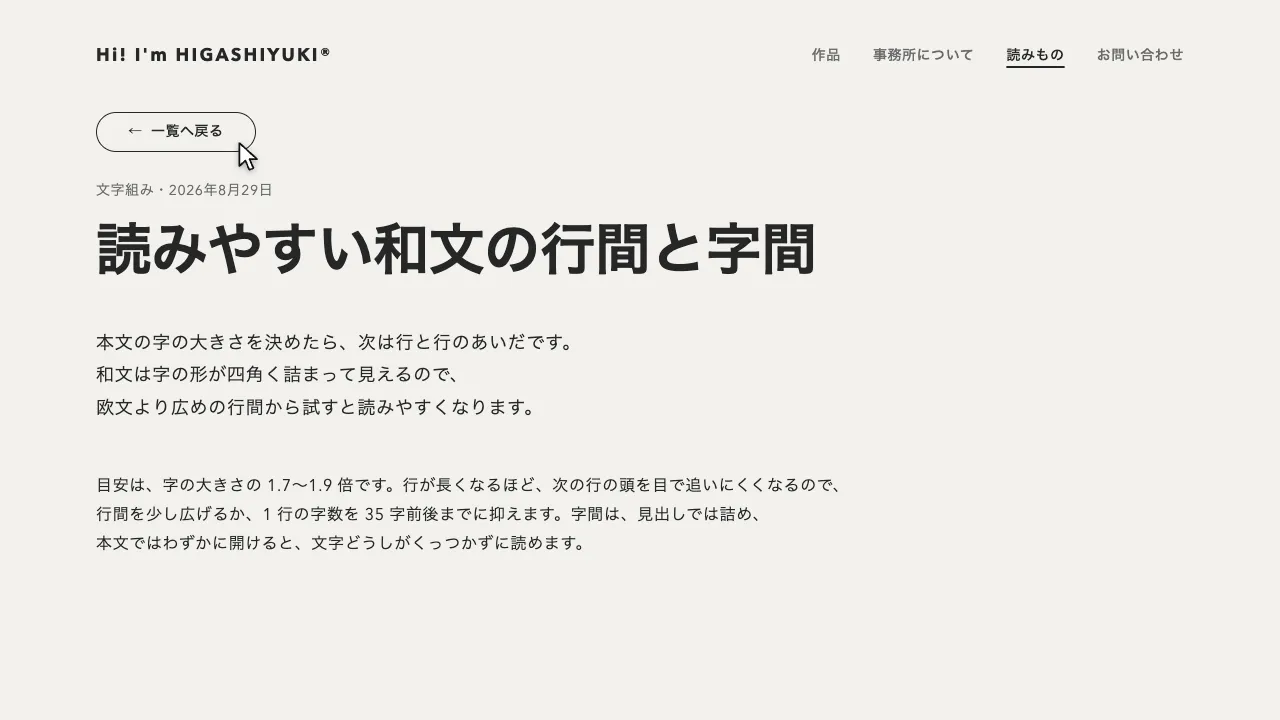
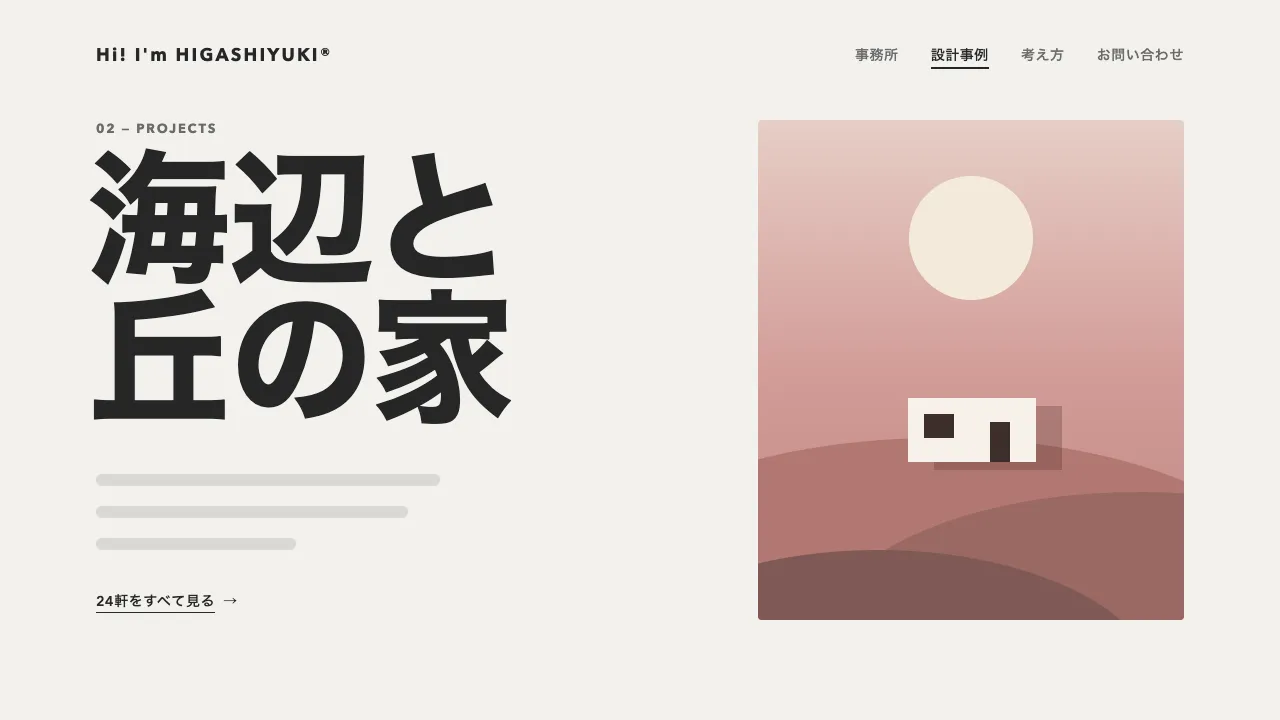
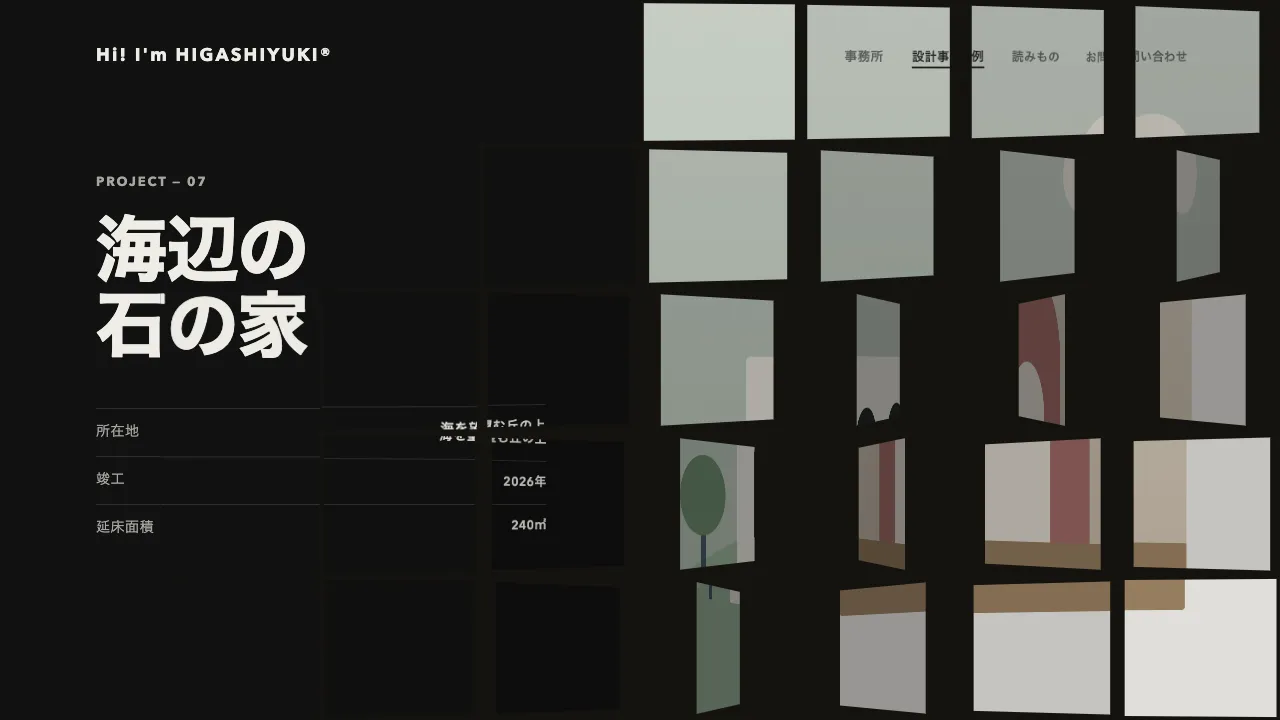
リンクが押されたら次のページを読み込み、今のページを奥へ下げながら、次のページを画面より大きな手前の状態から縮めて画面に収めます。今のページは複製して画面に固定した枠に入れ、下がるにつれて角を丸め、黒い幕で暗くします。次のページは少し遅れて手前から現れ、奥へ下がったページの上に重なって画面にぴたりと収まります。画面を割ったり覆ったりせず、奥行きの向きの動きだけで切り替わるので、次の場面へ飛び込んでいくように見えます。
今のページは 1 秒の power2.out で 0.7 倍まで下がり、押されたように素早く下がって奥で落ち着きます。角丸は 0.5 秒で 32px にします。黒い幕は power2.in で 0.55 秒かけて 85% まで濃くするので、下がり始めは鮮やかなまま、次のページが重なるころに一気に暗くなります。次のページは 0.35 秒遅れて 1.5 倍から現れ、1.2 秒の power3.out で 1 倍に収まります。
次のページの autoAlpha は、現れてから 0.2 秒で 1 にし、残りの距離は不透明のまま縮めます。透けたまま縮めると、2 枚のページの文字が重なって読めない時間が長く続きます。暗いページは下がると奥の暗い地に溶けて形が読めなくなるので、下がる枠にはそのページの罫線の色で 1px の縁を付けています。縁は box-shadow の広がりで引くと角丸に沿い、落ちる影と 1 つの指定にまとめられます。
今のページは複製し、スクロールしていた分だけ上へずらして、見えていた部分をそのまま枠に入れます。本物のページは遷移を終えるまで下に残し、終わったら次のページと入れ替えます。複製の id は外し、動いているあいだは inert で焦点や読み上げが入らないようにしてください。差し替えたあとは、題名と URL を書き換え、読み上げとキーボードの位置を新しいページの見出しへ移します。ブラウザの戻る・進むでも同じ動きで移ります。
つまみは、下がる大きさと時間、次のページが現れる大きさと遅れ、幕の濃さ、角丸の大きさ、奥の地の色です。現れる大きさを 1.2 倍ほどに下げると穏やかに、遅れを 0 に近づけると 2 枚が同時に動く勢いのある切り替えになります。動きを減らす設定では、同じ流れのまま、ほぼ一瞬で切り替えます。イベントやキャンペーン、プロダクトの LP のように、場面が大きく変わるページどうしの遷移に向いています。
コード
<!-- 遷移で差し替えるのは data-page の中だけ。次のページも同じ形で書き、地の色はページのクラスで変える -->
<div class="page page--paper" data-page>
  <header class="site-header">
    <a class="site-header__logo" href="/">Hi! I'm HIGASHIYUKI®</a>
    <nav aria-label="メイン">
      <ul class="site-header__links">
        <li><a href="/lineup/">出演者</a></li>
        <li><a href="/tickets/">チケット</a></li>
        <li><a href="/map/">会場マップ</a></li>
        <li><a href="/info/">お知らせ</a></li>
      </ul>
    </nav>
    <a class="button button--small" href="/tickets/">チケットを買う</a>
  </header>

  <main class="hero">
    <h1 class="hero__title">夏を、<br>鳴らそう。</h1>
    <p class="hero__lead">ここに説明文が入ります。</p>
    <p class="hero__actions">
      <a class="button" href="/tickets/">チケットを買う</a>
      <a class="hero__more" href="/lineup/"><span>出演者を見る</span> <span aria-hidden="true">→</span></a>
    </p>
  </main>
</div>:root {
--backdrop: radial-gradient(70% 70% at 50% 50%, #2a2a2a, #0a0a0a 72%); /* 下がったページの周りに見える奥の地 */
--gutter: clamp(24px, 7vw, 96px);
}
body { margin: 0; }
/* ページの色はページごとに持つ。--page-line は、奥へ下がったページの縁に引く線の色 */
.page {
min-height: 100vh;
background: var(--page-bg);
color: var(--page-ink);
}
.page--paper { --page-bg: #f2f1ed; --page-ink: #262626; --page-mute: #6b6b6b; --page-line: rgb(38 38 38 / 0.12); --button-bg: #262626; --button-ink: #ffffff; }
.page--night { --page-bg: #111111; --page-ink: #eeece6; --page-mute: #a8a6a0; --page-line: rgb(238 236 230 / 0.14); --button-bg: #eeece6; --button-ink: #111111; }
/* 遷移のあいだだけ置く舞台。画面に固定し、奥へ下がるページの上に次のページを重ねる(どれも JS が付け外しする) */
.zoom-stage {
position: fixed;
inset: 0;
z-index: 100;
overflow: hidden;
background: var(--backdrop);
}
/* 奥へ下がるページの枠。暗いページでも奥の地に溶けないよう、縁に 1px の線を引く */
.zoom-stage__from {
position: absolute;
inset: 0;
overflow: hidden;
box-shadow: 0 0 0 1px var(--edge), 0 40px 120px rgb(0 0 0 / 0.6);
}
.zoom-stage__veil { position: absolute; inset: 0; background: #000; opacity: 0; }
/* 手前から来るページ。舞台から出すと、ふつうのページに戻る */
.zoom-stage > .page { position: absolute; inset: 0; overflow: hidden; }
.site-header {
display: flex;
flex-wrap: wrap;
align-items: center;
gap: 16px 32px;
padding: 32px var(--gutter);
font-size: 14px;
font-weight: 600;
letter-spacing: 0.04em;
}
.site-header__logo { margin-right: auto; font-size: 18px; font-weight: 700; letter-spacing: 0.12em; white-space: nowrap; }
.site-header__links { display: flex; flex-wrap: wrap; gap: 8px 32px; margin: 0; padding: 0; list-style: none; white-space: nowrap; }
.site-header a { color: inherit; text-decoration: none; }
.site-header a[aria-current="page"] { text-decoration: underline; text-decoration-thickness: 2px; text-underline-offset: 6px; }
.hero { padding: 64px var(--gutter) 96px; }
.hero__title { margin: 0; font-size: clamp(44px, 7vw, 72px); font-weight: 800; line-height: 1.05; letter-spacing: -0.02em; }
.hero__lead { margin: 32px 0 40px; font-size: 18px; line-height: 1.8; letter-spacing: 0.04em; word-break: auto-phrase; }
.hero__actions { display: flex; flex-wrap: wrap; align-items: center; gap: 16px 32px; margin: 0; }
.button {
display: inline-flex;
align-items: center;
height: 48px;
padding: 0 32px;
border-radius: 999px;
background: var(--button-bg);
color: var(--button-ink);
font-size: 15px;
font-weight: 600;
letter-spacing: 0.04em;
text-decoration: none;
white-space: nowrap;
}
.site-header .button { height: 40px; padding: 0 24px; color: var(--button-ink); }
/* 矢印の付いた文字のリンク。下線は文言だけに引く */
.hero__more { color: inherit; font-size: 15px; font-weight: 600; letter-spacing: 0.04em; text-decoration: none; }
.hero__more span:first-child { text-decoration: underline; text-decoration-thickness: 1px; text-underline-offset: 6px; }
.page a:focus-visible { outline: 2px solid currentColor; outline-offset: 4px; }
/* 遷移のあとに見出しへ移したフォーカスは、枠を出さない(読み上げの位置を移すためだけのもの) */
.page h1[tabindex="-1"]:focus { outline: none; }import { gsap } from "gsap";
const FAR = 0.7; // 今のページが奥へ下がりきったときの大きさ
const NEAR = 1.5; // 次のページが現れるときの大きさ(画面より大きい = 手前)
const DIM = 0.85; // 下がったページにかける黒い幕の濃さ
const RADIUS = 32; // 下がったページの角丸(px。ページと一緒に縮む)
const reduceMotion = window.matchMedia("(prefers-reduced-motion: reduce)").matches;
let busy = false;
let shownPath = location.pathname; // いま見せているページ
history.scrollRestoration = "manual"; // スクロール位置は、差し替えたあとに自分で戻す
// 次のページの HTML を読み、差し替える部分(data-page)とタイトルを取り出す
async function load(url) {
const response = await fetch(url);
if (!response.ok) throw new Error(response.statusText);
const doc = new DOMParser().parseFromString(await response.text(), "text/html");
const next = doc.querySelector("[data-page]");
if (!next) throw new Error("data-page が無い");
return { next, title: doc.title };
}
// クラス名を付けた div に、中身を入れて返す
function box(className, ...children) {
const el = Object.assign(document.createElement("div"), { className });
el.append(...children);
return el;
}
async function swap(url, push) {
const { next, title } = await load(url);
if (push) history.pushState({}, "", url);
shownPath = new URL(url).pathname;
const current = document.querySelector("[data-page]");
// 今のページは複製して、見えている位置のまま枠に入れる(本物は、遷移を終えるまで舞台の下に残す)
const { left, top, width } = current.getBoundingClientRect();
const copy = current.cloneNode(true);
copy.removeAttribute("data-page");
copy.querySelectorAll("[id]").forEach((el) => el.removeAttribute("id")); // 同じ id を 2 つ作らない
Object.assign(copy.style, { position: "absolute", left: `${left}px`, top: `${top}px`, width: `${width}px`, margin: "0" });
const veil = box("zoom-stage__veil");
const from = box("zoom-stage__from", copy, veil);
from.style.setProperty("--edge", getComputedStyle(current).getPropertyValue("--page-line")); // 縁の線は、そのページの罫線の色
const stage = box("zoom-stage", from, next);
stage.inert = true; // 動いているあいだは、ページの中のリンクに焦点や読み上げが入らないように
document.body.append(stage);
await gsap
.timeline()
.timeScale(reduceMotion ? 20 : 1) // 動きを減らす設定では、ほぼ一瞬で切り替える
.to(from, { scale: FAR, duration: 1, ease: "power2.out" }, 0) // 押されたように素早く下がり、奥で落ち着く
.to(from, { borderRadius: RADIUS, duration: 0.5, ease: "power2.out" }, 0)
.to(veil, { opacity: DIM, duration: 0.55, ease: "power2.in" }, 0) // 下がり始めは鮮やかなまま、次のページが重なるころに暗くする
.fromTo(next, { scale: NEAR }, { scale: 1, duration: 1.2, ease: "power3.out" }, 0.35)
.fromTo(next, { autoAlpha: 0 }, { autoAlpha: 1, duration: 0.2, ease: "power1.out" }, 0.35); // 先に不透明にして、透けた 2 枚が重なる間を短くする
current.replaceWith(next); // 次のページを舞台から出して、ふつうのページに戻す
gsap.set(next, { clearProps: "transform,opacity,visibility" });
stage.remove();
document.title = title;
scrollTo(0, 0);
// 読み上げとキーボードの位置を、新しいページの見出しへ移す
const heading = next.querySelector("h1");
heading?.setAttribute("tabindex", "-1");
heading?.focus({ preventScroll: true });
}
async function go(url, push) {
if (busy) return;
busy = true;
try {
await swap(url, push);
} catch {
location.href = url; // 読み込めなかったら、ふつうに移る
} finally {
busy = false;
}
}
// 同じサイトのほかのページへのリンクだけ横取りする(別タブ・修飾キー付き・同じページ内のリンクは邪魔しない)
document.addEventListener("click", (event) => {
const link = event.target.closest("a[href]");
if (!link || event.defaultPrevented || event.button !== 0) return;
if (event.metaKey || event.ctrlKey || event.shiftKey || event.altKey || link.target || link.hasAttribute("download")) return;
const url = new URL(link.href);
if (url.origin !== location.origin || url.pathname === location.pathname) return;
event.preventDefault();
go(url.href, true);
});
// ブラウザの戻る・進むでも、同じ動きで移る(同じページの中の移動は除く)
addEventListener("popstate", () => {
if (location.pathname !== shownPath) go(location.href, false);
});