デモ
デモを読み込めませんでした。
仕様
- 用途
- ページ遷移
- 動作
- DOM
- 種類
- レシピ
- 動作確認
- three 0.186.0・gsap 3.15.0
- 公開日
しくみと調整
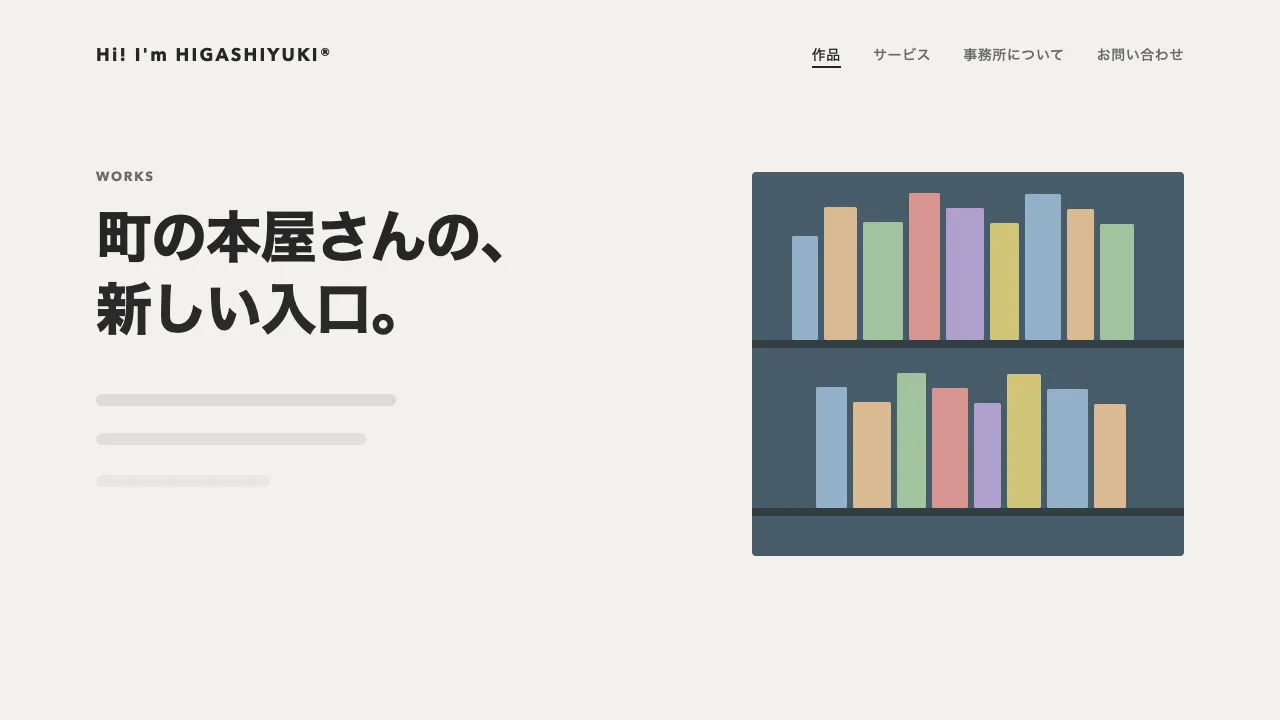
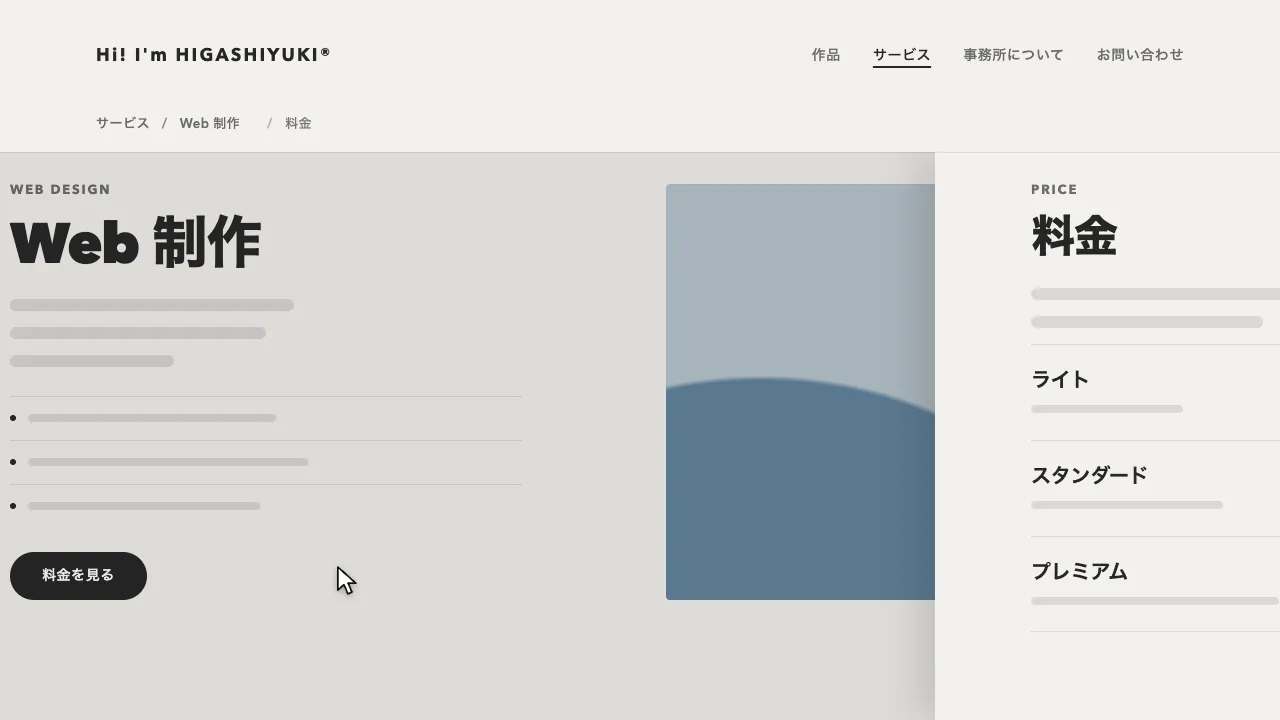
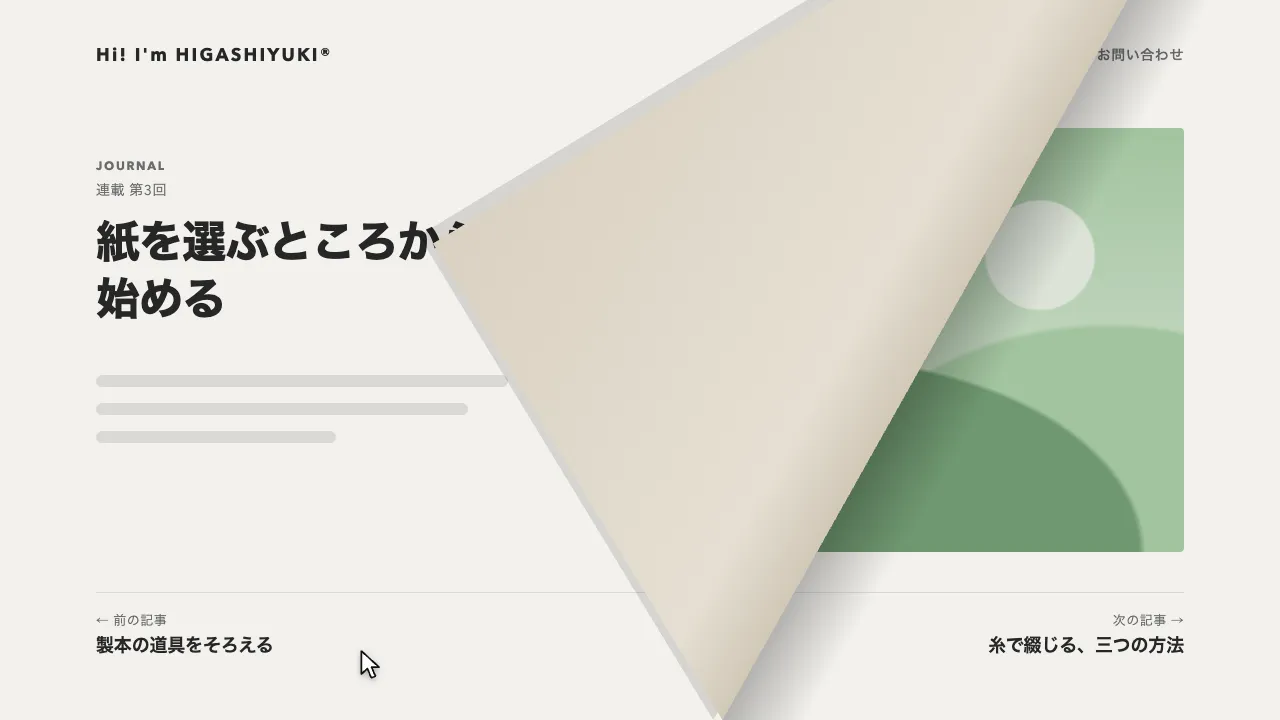
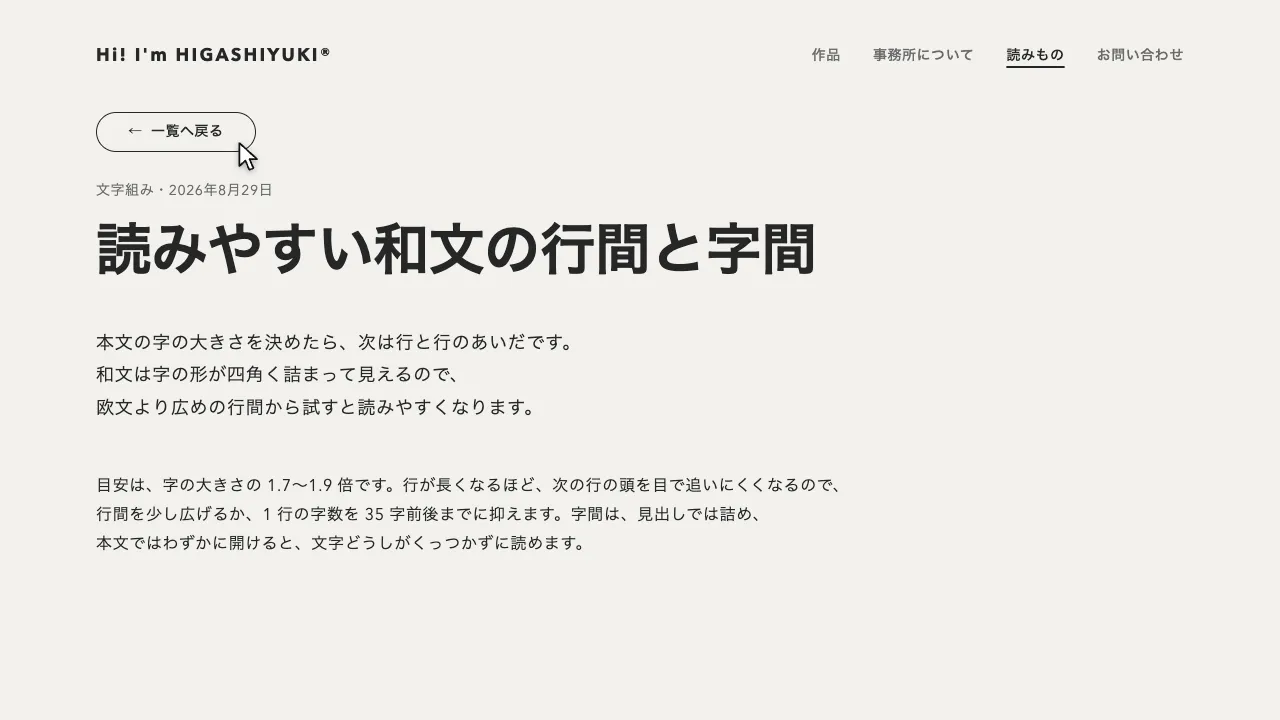
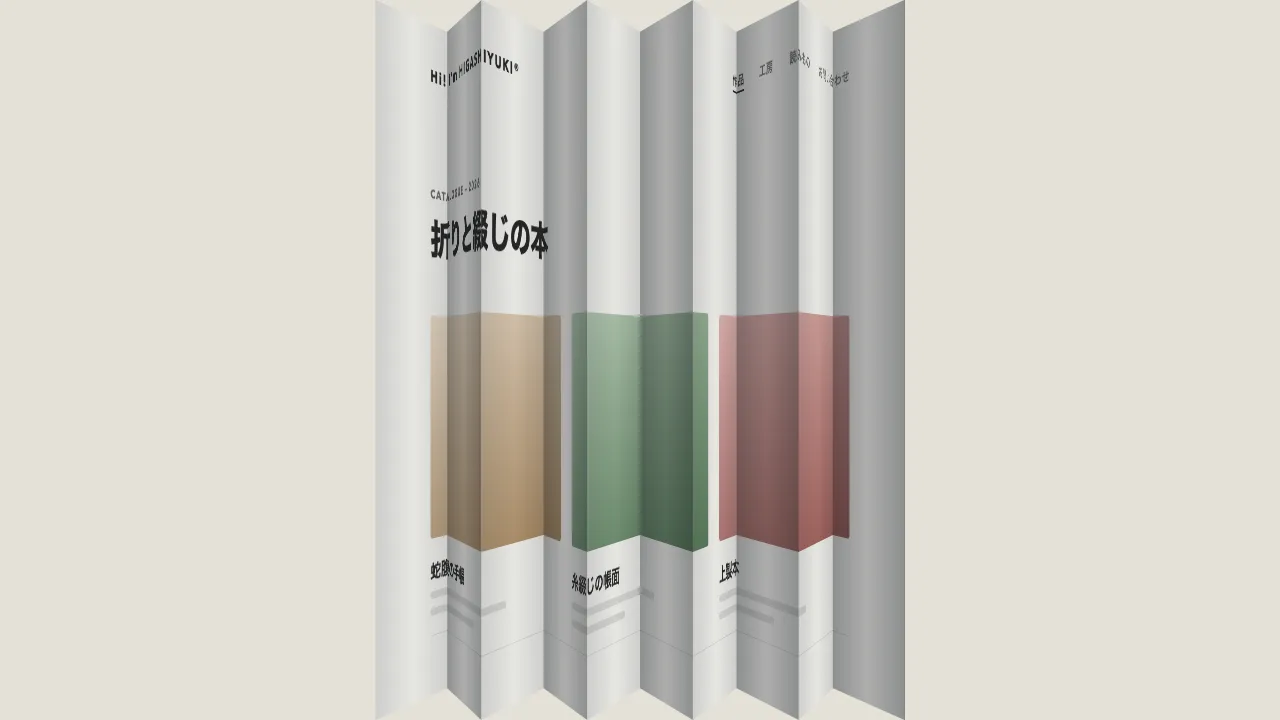
ナビのリンクが押されたら次のページを読み込み、今のページの写しと次のページを、縦に並べた 1 本の列に入れます。まず列ごと画面の中央を軸に 0.9 倍へ縮み、ページの周りに暗い地が見えて、地の左右にはフィルムの送り穴が並びます。そのまま列が縦に送られ、次のページが中央に来たところで止まり、元の大きさへ戻って画面に収まります。ページの上の縁の外にはナビの順の番号が付き、離れたページへ飛ぶときは、あいだのページも送られて通り過ぎます。奥へ遠のく遷移や、カードに縮めて横へ送る遷移と違い、縮むのはわずかで、ページが順番に並んだ 1 本のフィルムを巻き送るように見えます。
縮むのと戻るのは 0.45 秒の power2.inOut、送るのは 1 ページなら 0.8 秒の power3.inOut で、1 ページ増えるごとに 0.25 秒足します。段と段は 0.1 秒ずつ重ねて、止まらずにつなぎます。縮んだときのページのあいだは 24px で、上下の余白の 36px より狭いので、止まっているあいだも前後のページの縁がわずかにのぞき、列に並んでいることが読めます。角は縮んだ量に合わせて丸め、縮みきったときに 8px に見せます。
縮めるのは、画面に固定した枠の scale で、送るのはその中の列の y です。枠を縮めてから中の列を動かすので、送る量は縮める前のページの高さとあいだで数えられ、縮めた量を掛け直さなくて済みます。角の丸みも枠と一緒に縮むので、縮めたときに見せたい値を倍率で割って書いてください。今のページはスクロールしていた分だけ上へずらして写し、見えていた所のまま縮めます。写しには同じ id が 2 つできるので外し、送っているあいだは列に inert を付けて、焦点が写しに入らないようにします。
送る向きとあいだのページは、ナビの並び順で決めます。後ろのリンクへは列が上へ、前のリンクへは下へ送られ、あいだのページも一緒に読み込んで列に並べます。URL は pushState で書き換え、ブラウザの戻る・進むでも同じ決まりで送ります。送り終えたら列を外して次のページに入れ替え、スクロールを頭に戻して、読み上げとキーボードの位置を新しいページの見出しへ移します。読み込めなかったときは、ふつうのページ移動に任せます。
つまみは、縮める倍率・あいだの広さ・送る時間です。倍率を 0.8 にすると列がはっきり見え、0.95 にすると控えめになります。送り穴と番号を消せば、ただ縦に並んだページの送りになります。動きを減らす設定では、同じ流れのまま、ほぼ一瞬で切り替えます。ポートフォリオや事例集のように、ページに順番があり、前後の並びを感じさせたいサイトに向いています。
コード
<!-- 送るのは data-page の中(ヘッダーごと)。ほかのページも同じ形で書く。送る向きは data-reel-nav のリンクの並び順で決まる -->
<div class="page" data-page>
  <header class="site-header">
    <a class="site-header__logo" href="/">Hi! I'm HIGASHIYUKI®</a>
    <nav aria-label="メイン">
      <ul class="site-header__links" data-reel-nav>
        <li><a href="/works/" aria-current="page">作品</a></li>
        <li><a href="/about/">事務所について</a></li>
        <li><a href="/contact/">お問い合わせ</a></li>
      </ul>
    </nav>
  </header>

  <main class="page__main">
    <p class="page__label">Works</p>
    <div class="page__line">
      <h1 class="page__title">作品</h1>
      <p class="page__count">全12件</p>
    </div>
    <ul class="works">
      <li class="work">
        <a class="work__link" href="/works/bookstore/">
          <!-- 写真の代わりの丘と日。案件では img に差し替える -->
          <span class="work__thumb" style="--c: #62839d"></span>
          <span class="work__title">町の本屋さん</span>
          <span class="work__meta">Web 制作・2026年9月</span>
        </a>
      </li>
      <li class="work">
        <a class="work__link" href="/works/inn/">
          <span class="work__thumb" style="--c: #A98860"></span>
          <span class="work__title">山あいの宿</span>
          <span class="work__meta">写真撮影・2026年7月</span>
        </a>
      </li>
      <li class="work">
        <a class="work__link" href="/works/florist/">
          <span class="work__thumb" style="--c: #ba7069"></span>
          <span class="work__title">花屋の予約ページ</span>
          <span class="work__meta">Web 制作・2026年5月</span>
        </a>
      </li>
    </ul>
  </main>
</div>:root {
--page-bg: #f2f1ed;
--page-ink: #262626;
--page-mute: #6b6b6b;
--reel-bg: #111111; /* 送るあいだに見える地 */
--reel-hole: rgb(238 236 230 / 0.2); /* 送り穴 */
--reel-number: #a8a6a0; /* ページの上の番号 */
--small: 0.9; /* 送るあいだの大きさ(script.js の SMALL とそろえる) */
--gap: 24px; /* 縮んだときのページのあいだ */
--radius: 8px; /* 縮んだときの角の丸み */
--gutter: clamp(24px, 7vw, 96px);
}
body { margin: 0; background: var(--page-bg); color: var(--page-ink); }
.page { min-height: 100vh; background: var(--page-bg); }
.site-header { display: flex; flex-wrap: wrap; align-items: center; gap: 16px 32px; padding: 32px var(--gutter); font-size: 14px; font-weight: 600; letter-spacing: 0.04em; }
.site-header__logo { margin-right: auto; font-size: 18px; font-weight: 700; letter-spacing: 0.12em; white-space: nowrap; }
.site-header__links { display: flex; flex-wrap: wrap; gap: 8px 32px; margin: 0; padding: 0; list-style: none; }
.site-header a { color: var(--page-mute); text-decoration: none; }
.site-header .site-header__logo,
.site-header a[aria-current="page"] { color: var(--page-ink); }
.site-header a[aria-current="page"] { text-decoration: underline; text-decoration-thickness: 2px; text-underline-offset: 6px; }
.page a:focus-visible { outline: 2px solid currentColor; outline-offset: 4px; }
.page__main { padding: 56px var(--gutter) 96px; }
.page__label { margin: 0 0 12px; font-size: 13px; font-weight: 700; letter-spacing: 0.14em; text-transform: uppercase; color: var(--page-mute); }
.page__line { display: flex; align-items: baseline; justify-content: space-between; gap: 24px; margin-bottom: 40px; }
.page__title { margin: 0; font-size: clamp(32px, 5vw, 44px); font-weight: 800; line-height: 1.2; letter-spacing: -0.02em; }
.page__title:focus { outline: none; } /* 読み上げの位置を移すためだけの焦点なので、枠は出さない */
.page__count { margin: 0; font-size: 14px; letter-spacing: 0.04em; color: var(--page-mute); }
.works { display: grid; grid-template-columns: repeat(auto-fill, minmax(240px, 1fr)); gap: 40px 64px; margin: 0; padding: 0; list-style: none; }
.work__link { display: grid; gap: 8px; color: inherit; text-decoration: none; }
.work__title { margin-top: 16px; font-size: 20px; font-weight: 700; line-height: 1.3; letter-spacing: -0.01em; }
.work__meta { font-size: 14px; letter-spacing: 0.04em; color: var(--page-mute); }
/* 写真の代わりの丘と日。案件では img に差し替える */
.work__thumb {
aspect-ratio: 20 / 13;
border-radius: 4px;
background:
radial-gradient(circle 22px at 72% 30%, color-mix(in srgb, var(--c) 30%, #ffffff) 0 94%, transparent 100%),
radial-gradient(80% 62% at 22% 108%, var(--c) 0 98%, transparent 100%),
radial-gradient(70% 52% at 88% 112%, color-mix(in srgb, var(--c) 70%, var(--page-ink)) 0 98%, transparent 100%),
color-mix(in srgb, var(--c) 40%, var(--page-bg));
}
/* 送るあいだだけ出す列(どれも JS が作って外す)。reel は地と送り穴、lens は縮める枠、strip は送る列 */
.reel { position: fixed; inset: 0; z-index: 100; overflow: hidden; background: var(--reel-bg); }
.reel::before,
.reel::after {
content: "";
position: absolute;
top: 0;
bottom: 0;
left: calc((50% - 50% * var(--small)) / 2 - 6px); /* 縮んだときの左右の余白の中ほど */
width: 12px;
background: var(--reel-hole);
/* 高さ 18px・角 3px の穴を 36px ごとに。--travel は JS が列と一緒に動かす */
mask: url("data:image/svg+xml,%3Csvg xmlns='http://www.w3.org/2000/svg' width='12' height='36'%3E%3Crect y='9' width='12' height='18' rx='3'/%3E%3C/svg%3E") 0 var(--travel, 0px) / 12px 36px repeat-y;
}
.reel::after { left: auto; right: calc((50% - 50% * var(--small)) / 2 - 6px); }
.reel__lens { position: absolute; inset: 0; } /* 画面の中央を軸に縮める */
.reel__strip { position: absolute; inset: 0; }
.reel__frame { position: relative; height: 100%; margin-bottom: calc(var(--gap) / var(--small)); }
.reel__page { height: 100%; overflow: hidden; border-radius: calc(var(--k, 0) * var(--radius) / var(--small)); }
/* ページの上の縁の外の番号(ナビの並び順) */
.reel__frame::before {
content: attr(data-number);
position: absolute;
bottom: calc(100% + 8px);
left: 0;
font-size: 12px;
font-weight: 700;
line-height: 1;
letter-spacing: 0.14em;
font-variant-numeric: tabular-nums;
color: var(--reel-number);
}import { gsap } from "gsap";
const SMALL = parseFloat(getComputedStyle(document.documentElement).getPropertyValue("--small")) || 0.9; // 送るあいだの大きさ
const SIZE = { duration: 0.45, ease: "power2.inOut" }; // 縮む・戻る
const OVER = 0.1; // 段と段を重ねる時間
const sendTime = (distance) => 0.8 + 0.25 * (distance - 1); // 1 ページで 0.8 秒、1 ページ増えるごとに 0.25 秒
const reduceMotion = matchMedia("(prefers-reduced-motion: reduce)").matches;
let busy = false;
// いま見せているページ(ナビで aria-current の付いたページ)
let shownPath = document.querySelector("[data-reel-nav] [aria-current]")?.pathname ?? location.pathname;
history.scrollRestoration = "manual"; // スクロール位置は、入れ替えたあとに自分で戻す
// ナビの並び。送る向きと、あいだに通るページを決める
const order = () => [...document.querySelectorAll("[data-page] [data-reel-nav] a")].map((a) => a.pathname);
// ページの HTML を読み、送る部分(data-page)とタイトルを取り出す
async function load(path) {
const response = await fetch(path);
if (!response.ok) throw new Error(response.statusText);
const doc = new DOMParser().parseFromString(await response.text(), "text/html");
const page = doc.querySelector("[data-page]");
if (!page) throw new Error("data-page が無い");
return { page, title: doc.title };
}
const box = (className, parent) => parent.appendChild(Object.assign(document.createElement("div"), { className }));
async function send(url, push) {
const paths = order();
const [from, to] = [paths.indexOf(shownPath), paths.indexOf(new URL(url).pathname)];
if (from < 0 || to < 0) throw new Error("ナビに無いページ");
const [lo, hi] = from < to ? [from, to] : [to, from];
const loaded = new Map(); // 行き先と、あいだに通るページをまとめて読む
await Promise.all(paths.slice(lo, hi + 1).map(async (path, k) => lo + k !== from && loaded.set(lo + k, await load(path))));
if (push) history.pushState(null, "", url);
shownPath = paths[to];
// 今のページは写しを列に入れる。スクロールしていた分だけ上へずらし、見えていた所のまま縮める
const current = document.querySelector("[data-page]");
const copy = current.cloneNode(true);
copy.querySelectorAll("[id]").forEach((node) => node.removeAttribute("id"));
copy.style.marginTop = `${-scrollY}px`;
const reel = box("reel", document.body);
reel.inert = true; // 送っているあいだ、焦点が写しに入らないように
const lens = box("reel__lens", reel);
const strip = box("reel__strip", lens);
const frames = paths.slice(lo, hi + 1).map((_, k) => {
const frame = box("reel__frame", strip);
frame.dataset.number = String(lo + k + 1).padStart(2, "0");
box("reel__page", frame).append(lo + k === from ? copy : loaded.get(lo + k).page);
return frame;
});
const top = (i) => -frames[i - lo].offsetTop; // i 番目のページを画面に合わせる列の位置
gsap.set(strip, { y: top(from) });
gsap.set(reel, { "--travel": `${top(from) * SMALL}px` });
gsap.set(lens, { "--k": 0 }); // 縮んだ割合(角の丸みに使う)
// 縮む → 送る → 戻る。枠を画面の中央で縮めてから中の列を送るので、送る量は縮める前の寸法で数えられる
const move = { duration: sendTime(hi - lo), ease: "power3.inOut" };
await gsap
.timeline()
.timeScale(reduceMotion ? 20 : 1) // 動きを減らす設定では、同じ流れのままほぼ一瞬で
.to(lens, { scale: SMALL, "--k": 1, ...SIZE })
.to(strip, { y: top(to), ...move }, SIZE.duration - OVER)
.to(reel, { "--travel": `${top(to) * SMALL}px`, ...move }, "<") // 送り穴も列と一緒に流す(縮めた分だけ短く)
.to(lens, { scale: 1, "--k": 0, ...SIZE }, `>-${OVER}`);
const { page, title } = loaded.get(to);
current.replaceWith(page);
reel.remove();
document.title = title;
scrollTo(0, 0);
const heading = page.querySelector("h1"); // 読み上げとキーボードの位置を、新しいページの見出しへ移す
heading?.setAttribute("tabindex", "-1");
heading?.focus({ preventScroll: true });
}
function go(url, push) {
if (busy) return;
busy = true;
send(url, push)
.catch(() => (location.href = url)) // 読み込めなかったら、ふつうに移る
.finally(() => (busy = false));
}
// ナビに並んだページへのリンクだけ横取りする(別タブ・修飾キー付きのクリックは邪魔しない)
document.addEventListener("click", (event) => {
const link = event.target.closest("a[href]");
if (!link || event.defaultPrevented || event.button !== 0) return;
if (event.metaKey || event.ctrlKey || event.shiftKey || event.altKey || link.target || link.hasAttribute("download")) return;
const url = new URL(link.href);
if (url.origin !== location.origin || url.pathname === shownPath || !order().includes(url.pathname)) return;
event.preventDefault();
go(url.href, true);
});
// ブラウザの戻る・進むでも、ナビの並びの向きで送る
addEventListener("popstate", () => location.pathname !== shownPath && go(location.href, false));