デモ
デモを読み込めませんでした。
仕様
- 用途
- カード
- 動作
- DOM
- 種類
- レシピ
- 動作確認
- three 0.186.0・gsap 3.15.0
- 公開日
しくみと調整
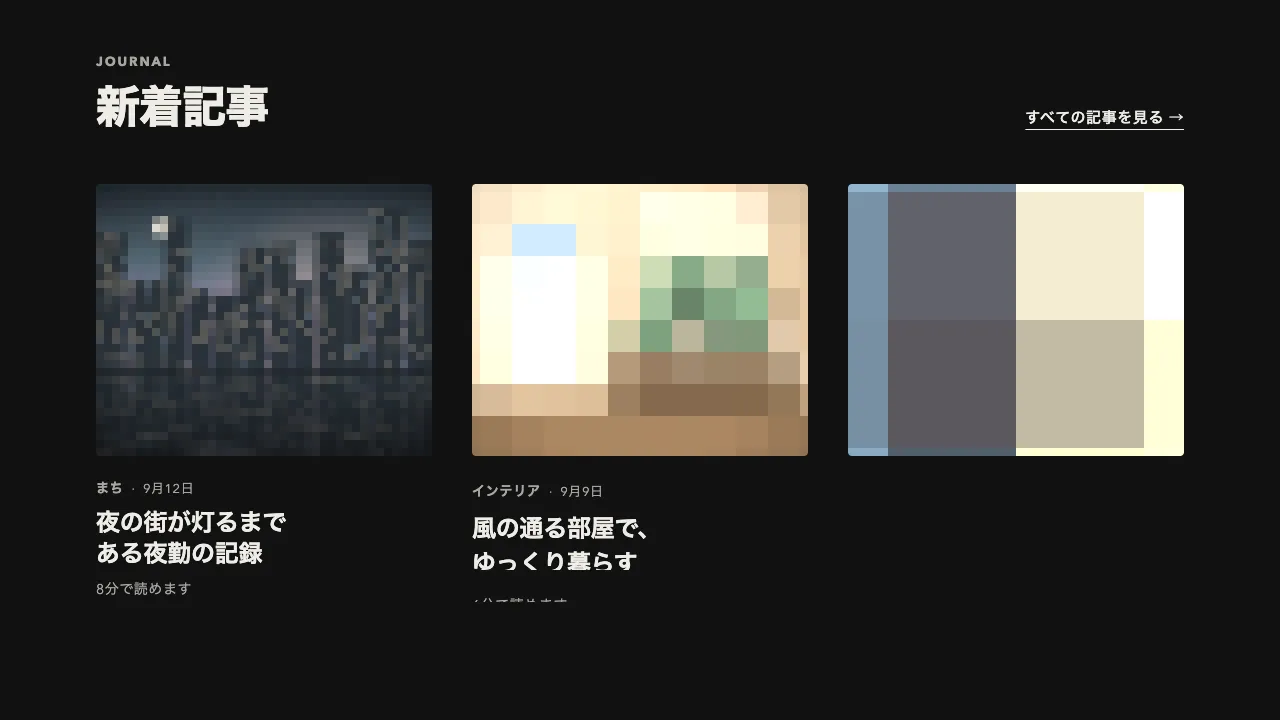
カーソルが重なったら、カードを 12px 持ち上げながら、影を浅い 2 層から深い 2 層へ gsap.to で補間し、離れたら元の高さと影に戻します。ホバーはカードを包む動かない枠(リストの li)で拾い、中のカード(リンク)だけを動かします。カードそのもので拾うと、浮いた分だけ下端の近くでカーソルが外れて沈み、また重なって浮く、を繰り返してちらつきます。
影は、縁を締める近い影と、下に大きく落ちる遠い影の 2 層です。遠い影はぼかしを 8px から 56px、濃さを 0.08 から 0.28 へ広げ、広がりを −12px にして、影がカードの幅より内側に収まって下へ落ちる形にしています。浮くのは 0.5 秒の power3.out で速く、沈むのは 0.6 秒の power2.out で少しゆっくりにしています。
影を補間するには、休みとホバーで box-shadow の層の数と値の並び(x・y・ぼかし・広がり・色)をそろえます。そろっていれば、GSAP が数値ごとに補間します。途中で出入りしても今の位置から向きを変えられるよう、トゥイーンには overwrite を付けます。沈むトゥイーンは out 系の ease なので、隣のカードへ移ると前のカードはすぐ沈み始め、2 枚とも浮いたまま並びません。
キーボードで焦点がカードに入ったときも同じように浮かせ、動きを減らす設定ではほぼ一瞬で切り替えます。ホバーの無いタッチ端末では、タップで浮いたまま残らないよう、ホバーの動きはつなぎません。
浮く量を 4〜6px にすると控えめに、遠い影を濃くすると重く見えます。枠の中の画像だけを動かす形と違い、カードごと持ち上げて影で高さを見せるので、記事・商品・事例の一覧に向いています。
コード
<section class="notes" aria-labelledby="notes-title">
  <div class="notes__head">
    <div>
      <p class="notes__label">JOURNAL</p>
      <h2 class="notes__title" id="notes-title">制作ノート</h2>
    </div>
    <a class="notes__all" href="/journal/">すべての記事を見る</a>
  </div>

  <ul class="notes__list">
    <!-- ホバーは動かない li で拾い、中のカード(リンク)を浮かせる。カードで拾うと、浮いた分だけ下端でカーソルが外れてちらつく -->
    <li class="post">
      <!-- リンクの名前は題だけにし、分類と著者・日付は説明として読ませる -->
      <a class="post__card" href="/journal/usable-screens/" aria-labelledby="post-1-title" aria-describedby="post-1-tag post-1-meta">
        <img class="post__image" src="/img/journal-screens.jpg" alt="" width="640" height="400">
        <span class="post__tag" id="post-1-tag">デザイン</span>
        <h3 class="post__title" id="post-1-title">迷わず使える画面をつくる、3つの考え方</h3>
        <span class="post__author" id="post-1-meta">
          <img class="post__avatar" src="/img/nakamura.jpg" alt="" width="64" height="64">
          <span><span class="post__name">中村 優花</span><span class="post__date"><time datetime="2026-09-08">9月8日</time>・6分で読めます</span></span>
        </span>
      </a>
    </li>

    <li class="post">
      <a class="post__card" href="/journal/forty-releases/" aria-labelledby="post-2-title" aria-describedby="post-2-tag post-2-meta">
        <img class="post__image" src="/img/journal-releases.jpg" alt="" width="640" height="400">
        <span class="post__tag" id="post-2-tag">開発</span>
        <h3 class="post__title" id="post-2-title">1年で40回のリリースを重ねてわかったこと</h3>
        <span class="post__author" id="post-2-meta">
          <img class="post__avatar" src="/img/tanaka.jpg" alt="" width="64" height="64">
          <span><span class="post__name">田中 蓮</span><span class="post__date"><time datetime="2026-08-29">8月29日</time>・8分で読めます</span></span>
        </span>
      </a>
    </li>

    <li class="post">
      <a class="post__card" href="/journal/four-day-week/" aria-labelledby="post-3-title" aria-describedby="post-3-tag post-3-meta">
        <img class="post__image" src="/img/journal-four-day.jpg" alt="" width="640" height="400">
        <span class="post__tag" id="post-3-tag">働き方</span>
        <h3 class="post__title" id="post-3-title">週休3日を1年続けてみて</h3>
        <span class="post__author" id="post-3-meta">
          <img class="post__avatar" src="/img/yamamoto.jpg" alt="" width="64" height="64">
          <span><span class="post__name">山本 あかり</span><span class="post__date"><time datetime="2026-08-14">8月14日</time>・5分で読めます</span></span>
        </span>
      </a>
    </li>
  </ul>
</section>.notes {
--ground: #f2f1ed; /* 地 */
--surface: #ffffff; /* カードの面 */
--ink: #262626; /* 文字 */
--mute: #6b6b6b; /* ラベル・分類・日付 */
--line: rgba(38, 38, 38, 0.12); /* 分類の枠 */
--lift: 12px; /* 浮き上がる量 */
/* 影は「近い影, 遠い影」の 2 層。層の数と値の並びをそろえると、GSAP が数値ごとに補間する */
--shadow-rest: 0 1px 2px 0 rgba(38, 38, 38, 0.06), 0 2px 8px -2px rgba(38, 38, 38, 0.08);
--shadow-hover: 0 4px 8px -2px rgba(38, 38, 38, 0.1), 0 28px 56px -12px rgba(38, 38, 38, 0.28);
padding: 64px clamp(16px, 6vw, 96px);
background: var(--ground);
color: var(--ink);
}
.notes__head {
display: flex;
flex-wrap: wrap;
justify-content: space-between;
align-items: flex-end;
gap: 16px 32px;
margin-bottom: 48px;
}
.notes__label { margin: 0; color: var(--mute); font-size: 13px; font-weight: 700; line-height: 1; letter-spacing: 0.14em; }
.notes__title { margin: 16px 0 0; font-size: clamp(32px, 5vw, 44px); font-weight: 800; line-height: 1.1; letter-spacing: -0.02em; }
.notes__all { color: inherit; font-size: 15px; font-weight: 600; letter-spacing: 0.04em; text-decoration-thickness: 1px; text-underline-offset: 0.4em; }
.notes__list {
display: grid;
grid-template-columns: repeat(auto-fill, minmax(280px, 1fr));
gap: 32px;
margin: 0;
padding: 0;
list-style: none;
}
/* 浮くカード。影は角 4px の面に付ける */
.post__card {
display: flex;
flex-direction: column;
height: 100%;
box-sizing: border-box;
min-height: 416px;
padding: 16px 16px 24px;
border-radius: 4px;
background: var(--surface);
box-shadow: var(--shadow-rest);
color: inherit;
text-decoration: none;
}
.post__card:focus-visible { outline: 2px solid var(--ink); outline-offset: 4px; }
.post__image { display: block; width: 100%; height: auto; aspect-ratio: 8 / 5; object-fit: cover; background: #d9d6cc; }
/* 分類のチップ(和文の小さなラベル) */
.post__tag {
align-self: flex-start;
margin-top: 24px;
padding: 0 12px;
border-radius: 999px;
box-shadow: inset 0 0 0 1px var(--line);
color: var(--mute);
font-size: 12px;
font-weight: 700;
line-height: 24px;
letter-spacing: 0.06em;
}
/* 文節で折り返し、1 語だけの行を作らない */
.post__title { margin: 16px 0 24px; font-size: 20px; font-weight: 700; line-height: 1.3; letter-spacing: -0.01em; word-break: auto-phrase; text-wrap: balance; }
.post__author { display: flex; align-items: center; gap: 12px; margin-top: auto; }
.post__avatar { flex: none; width: 32px; height: 32px; border-radius: 50%; object-fit: cover; background: #d9d6cc; }
.post__name { display: block; font-size: 14px; font-weight: 600; line-height: 1.4; letter-spacing: 0.04em; }
.post__date { display: block; margin-top: 2px; color: var(--mute); font-size: 13px; line-height: 1.4; letter-spacing: 0.04em; font-variant-numeric: tabular-nums; }import { gsap } from "gsap";
// 指で触る端末ではホバーをつながない(タップで浮いたまま残る)。キーボードの焦点にはどの端末でも応える
const canHover = window.matchMedia("(hover: hover)").matches;
// 動きを減らす設定では、ほぼ一瞬で切り替える
const speed = window.matchMedia("(prefers-reduced-motion: reduce)").matches ? 20 : 1;
document.querySelectorAll(".post").forEach((slot) => {
const card = slot.querySelector(".post__card");
const style = getComputedStyle(slot);
const lift = parseFloat(style.getPropertyValue("--lift"));
const rest = style.getPropertyValue("--shadow-rest").trim();
const raised = style.getPropertyValue("--shadow-hover").trim();
// 浮くのは速く、沈むのは少しゆっくり。overwrite で、途中で出入りしても今の位置から向きを変える
const rise = () => {
gsap.to(card, { y: -lift, boxShadow: raised, duration: 0.5 / speed, ease: "power3.out", overwrite: "auto" });
};
const settle = () => {
// カーソルもキーボードの焦点もカードから外れたときだけ沈める
if ((canHover && slot.matches(":hover")) || card.matches(":focus-visible")) return;
gsap.to(card, { y: 0, boxShadow: rest, duration: 0.6 / speed, ease: "power2.out", overwrite: "auto" });
};
if (canHover) {
slot.addEventListener("pointerenter", rise);
slot.addEventListener("pointerleave", settle);
}
card.addEventListener("focus", rise);
card.addEventListener("blur", settle);
});