デモ
デモを読み込めませんでした。
仕様
- 用途
- カード
- 動作
- DOM
- 種類
- レシピ
- 動作確認
- three 0.186.0・gsap 3.15.0
- 公開日
しくみと調整
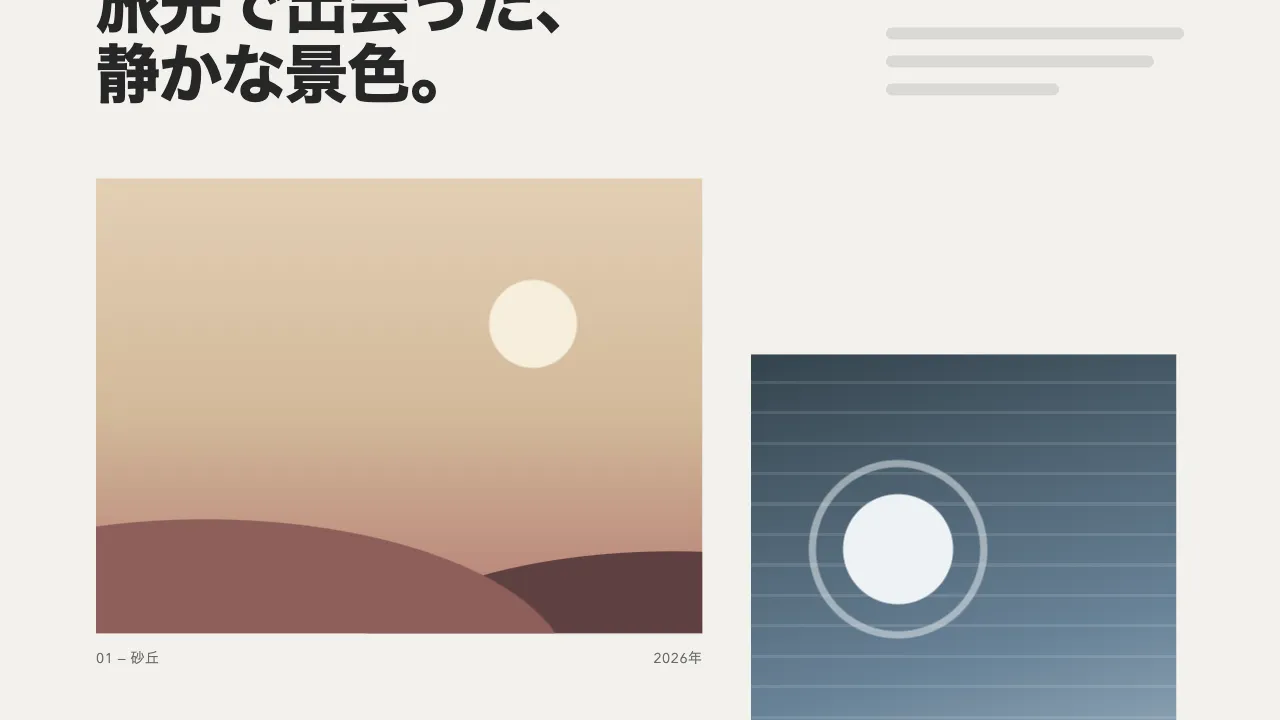
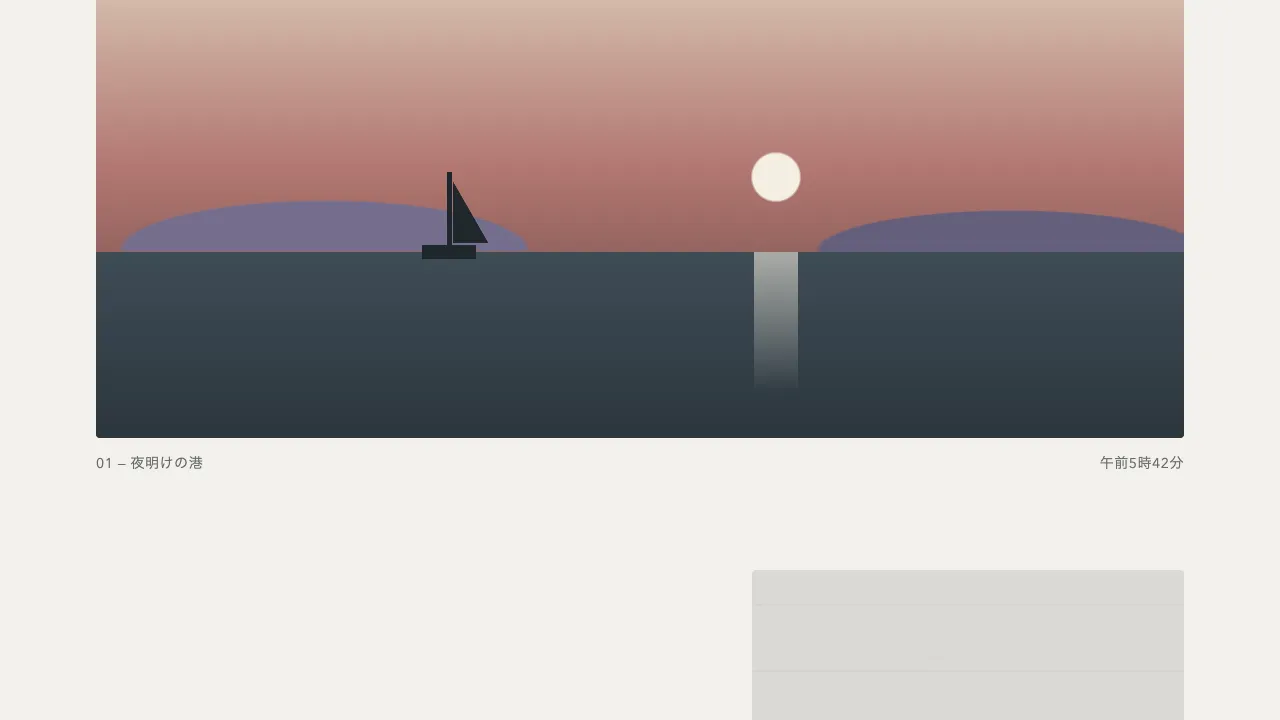
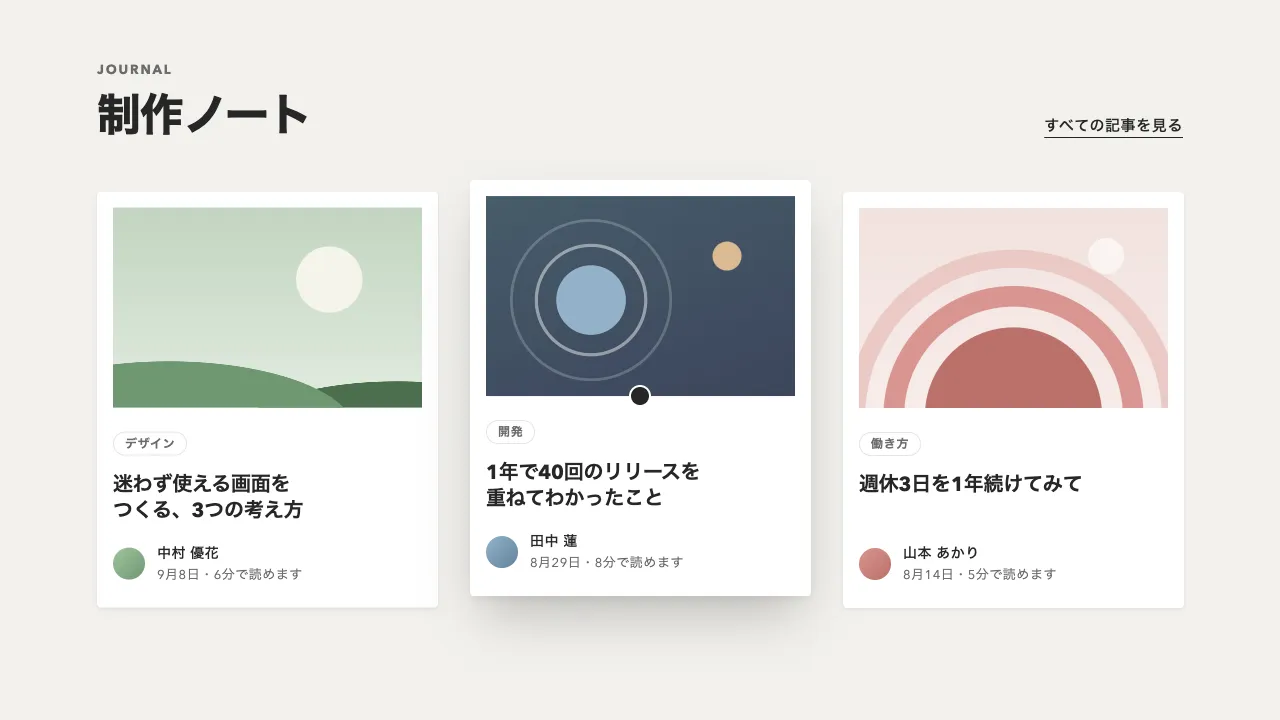
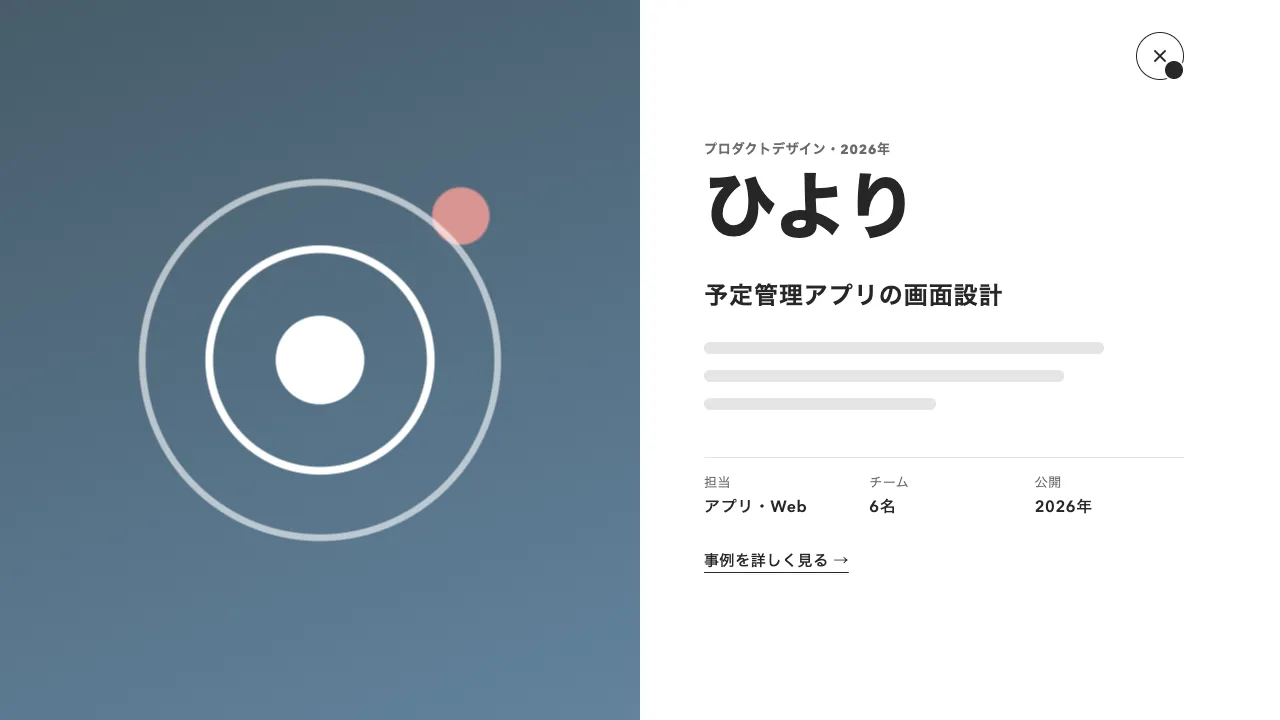
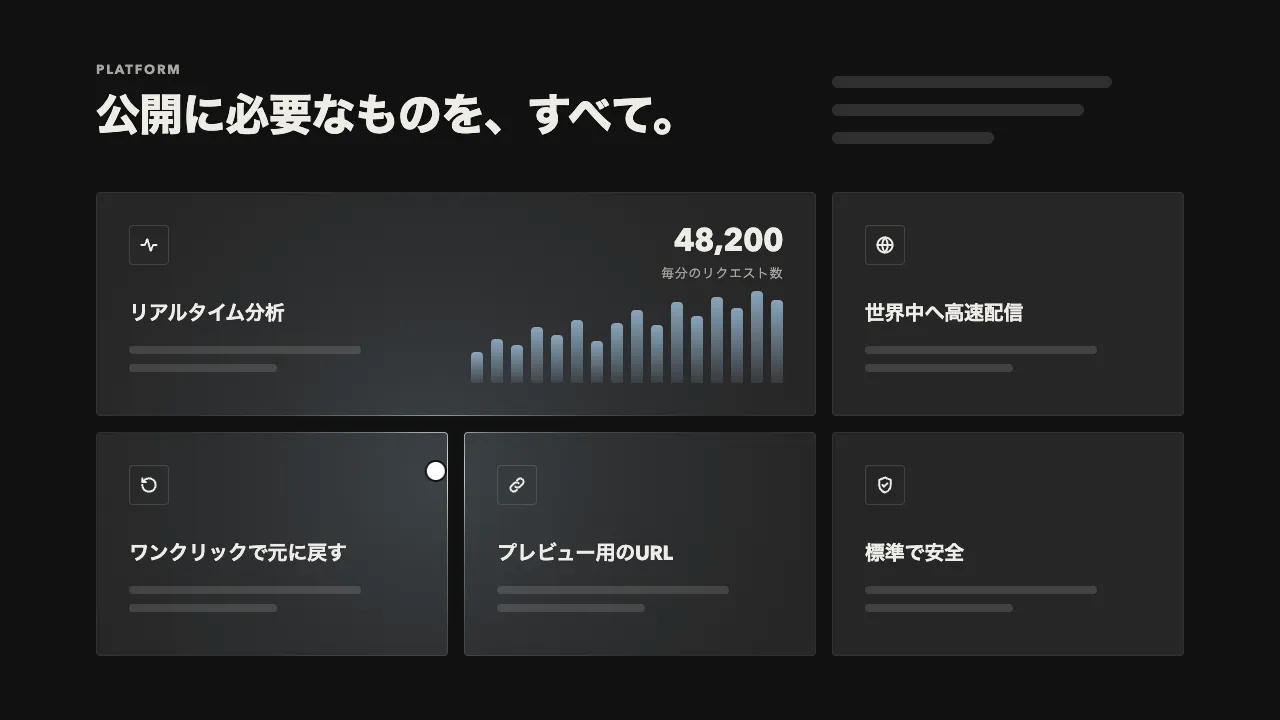
画像とキャプションをひとまとめにしたカードを、強くぼかして少し大きくした状態で隠しておき、画面に入ったら、ぼかしを晴らしながら元の大きさへ戻して見せます。レンズのピントが合っていくように、ぼんやりした色の広がりから輪郭が立ち上がります。
不透明度は 0.5 秒で先に上げきり、18px のぼかしと 1.06 倍の拡大は、1.4 秒の power2.out でゆっくり晴らします。不透明度も同じ長さで上げると、ぼけているあいだはほとんど透けていて、ピントが合っていく途中が見えません。同じときに画面へ入ったカードは 0.12 秒ずつずらすので、横に並んだカードが左から順に焦点を結びます。
filter のぼかしは描画の負担が大きい指定です。焦点が合ったら clearProps で外し、blur(0px) のまま残さないようにします。ページ全体や大きな節にまとめてかけるとスクロールがかくつくので、かけるのは画像やカードのような単位にとどめてください。
出すのは画面に入った 1 回だけなので、スクロールの位置を追い続ける ScrollTrigger は要らず、ブラウザの IntersectionObserver で足ります。画面の下を 15% 縮めた範囲にカードの上端が入ると知らせが届き、同じときに入ったカードは 1 回の知らせにまとまって届くので、その順番でずらします。隠すのは不透明度だけなので、出る前のキャプションも読み上げには届き、動きを減らす設定では最初から出たまま見せます。
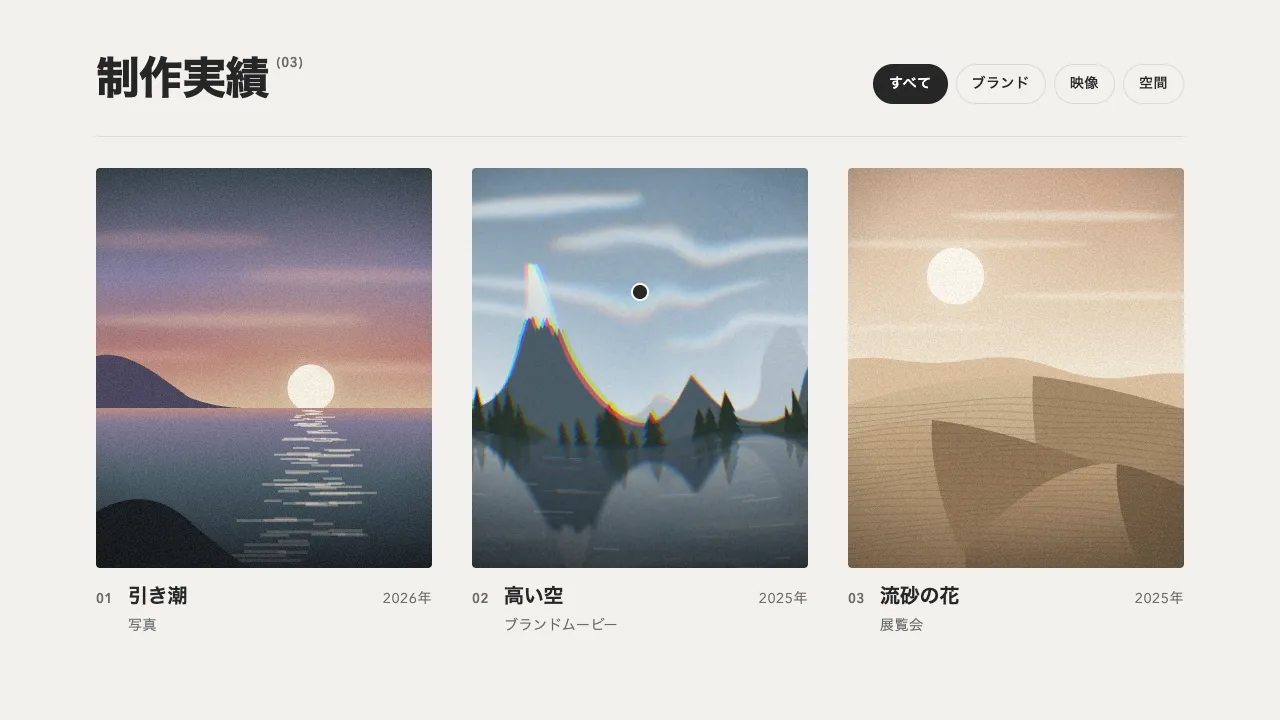
ぼかしの強さと拡大の倍率を上げるほど、ピントが合う動きがはっきりします。輪郭のはっきりした写真や模様のある画像ほど、ぼかしが晴れていく様子がよく見えます。作品の一覧やギャラリー、商品の写真を並べた節に向いています。
コード
<section class="focus" aria-labelledby="focus-title">
  <div class="focus__head">
    <h2 class="focus__title" id="focus-title">ピントが合う瞬間。</h2>
    <p class="focus__lead">ここに説明文が入ります。</p>
  </div>

  <div class="focus__grid">
    <!-- ぼかすのはカード全体(画像とキャプション)。枚数が増えても、つなぎ方は変わらない -->
    <figure class="blur-in">
      <img src="/img/study-rings.jpg" alt="同心円の輪を重ねた版画" width="800" height="1000">
      <figcaption><span>01 — 波紋</span><span>シルクスクリーン</span></figcaption>
    </figure>
    <figure class="blur-in">
      <img src="/img/study-stripes.jpg" alt="斜めの縞を刷った版画" width="800" height="1000">
      <figcaption><span>02 — 斜めの縞</span><span>リソグラフ</span></figcaption>
    </figure>
    <figure class="blur-in">
      <img src="/img/study-dots.jpg" alt="青灰色の地に点を並べた版画" width="800" height="1000">
      <figcaption><span>03 — 水玉</span><span>シルクスクリーン</span></figcaption>
    </figure>
    <figure class="blur-in">
      <img src="/img/study-checks.jpg" alt="黄土色の市松模様を刷った版画" width="800" height="1000">
      <figcaption><span>04 — 市松</span><span>木版画</span></figcaption>
    </figure>
    <figure class="blur-in">
      <img src="/img/study-horizon.jpg" alt="地平線から昇る半円を描いた版画" width="800" height="1000">
      <figcaption><span>05 — 日の出</span><span>リソグラフ</span></figcaption>
    </figure>
    <figure class="blur-in">
      <img src="/img/study-split.jpg" alt="藤色とくすんだ桃色を斜めに塗り分けた版画" width="800" height="1000">
      <figcaption><span>06 — 対角</span><span>木版画</span></figcaption>
    </figure>
  </div>
</section>.focus {
--bg: #111111;
--ink: #eeece6;
--mute-small: #a8a6a0;
--surface: #262626; /* 画像が届くまでの地 */
padding: 96px 6vw;
background: var(--bg);
color: var(--ink);
}
/* 見出しとリード文は、最後の行の文字の並びでそろえる */
.focus__head {
display: flex;
flex-wrap: wrap;
justify-content: space-between;
align-items: last baseline;
gap: 24px 48px;
margin-bottom: 64px;
}
.focus__title {
margin: 0;
font-size: clamp(36px, 5vw, 64px);
font-weight: 800;
line-height: 1.05;
letter-spacing: -0.02em;
}
.focus__lead {
margin: 0;
font-size: 18px;
line-height: 1.8;
letter-spacing: 0.04em;
}
.focus__grid {
display: grid;
grid-template-columns: repeat(3, 1fr);
gap: 48px 32px;
align-items: start;
}
/* 列ごとに下げて段差をつける */
.blur-in { margin: 0; }
.blur-in:nth-child(3n + 2) { margin-top: 72px; }
.blur-in:nth-child(3n) { margin-top: 32px; }
.blur-in img {
display: block;
width: 100%;
height: auto;
aspect-ratio: 4 / 5;
object-fit: cover;
border-radius: 4px;
background: var(--surface);
}
.blur-in figcaption {
display: flex;
justify-content: space-between;
gap: 16px;
margin-top: 16px;
font-size: 14px;
line-height: 1.4;
letter-spacing: 0.04em;
color: var(--mute-small);
font-variant-numeric: tabular-nums;
}
/* 狭い画面では 2 列、さらに狭ければ 1 列にする */
@media (max-width: 860px) {
.focus__grid { grid-template-columns: repeat(2, 1fr); gap: 40px 24px; }
.blur-in:nth-child(n) { margin-top: 0; }
.blur-in:nth-child(even) { margin-top: 48px; }
}
@media (max-width: 520px) {
.focus__grid { grid-template-columns: 1fr; }
.blur-in:nth-child(n) { margin-top: 0; }
}import { gsap } from "gsap";
const reduceMotion = window.matchMedia("(prefers-reduced-motion: reduce)").matches;
const BLUR = 18; // 最初のぼかし(px)
const STAGGER = 0.12; // 同じときに画面へ入ったカードどうしの間隔(秒)
// カード 1 枚の出方。不透明度は 0.5 秒で先に上げきり、ぼかしと拡大は 1.4 秒かけて晴らす(ぼけた途中が見えるように)
function focusIn(card) {
return gsap
.timeline({ paused: true })
.fromTo(card, { opacity: 0 }, { opacity: 1, duration: 0.5, ease: "power1.out" })
.fromTo(
card,
{ filter: `blur(${BLUR}px)`, scale: 1.06 },
// 終わったら filter を外す。ぼかしは描画が重いので、blur(0px) のまま残さない
{ filter: "blur(0px)", scale: 1, duration: 1.4, ease: "power2.out", clearProps: "filter" },
0
);
}
document.querySelectorAll(".focus__grid").forEach((grid) => {
// 動きを減らす設定では何もしない(カードは最初から出ている)
if (reduceMotion) return;
// 隠すのは opacity だけ。出る前のキャプションも、読み上げには届く
const reveals = new Map([...grid.querySelectorAll(".blur-in")].map((card) => [card, focusIn(card)]));
// 出すのは 1 回だけなので、スクロールを追い続ける ScrollTrigger は要らない。
// 下を 15% 縮めた画面にカードが入ったら(上端が下から 15% の線を越えたら)知らせが来る。
// 同じときに越えたカードは 1 回の知らせにまとまって届くので、その順番でずらして出す
const io = new IntersectionObserver(
(entries) => {
entries
.filter((entry) => entry.isIntersecting)
.forEach((entry, i) => {
io.unobserve(entry.target);
gsap.delayedCall(i * STAGGER, () => reveals.get(entry.target).play());
});
},
{ rootMargin: "0px 0px -15% 0px" }
);
reveals.forEach((_, card) => io.observe(card));
});