デモ
デモを読み込めませんでした。
仕様
- 用途
- ページ遷移
- 動作
- DOM
- 種類
- レシピ
- 動作確認
- three 0.186.0・gsap 3.15.0
- 公開日
しくみと調整
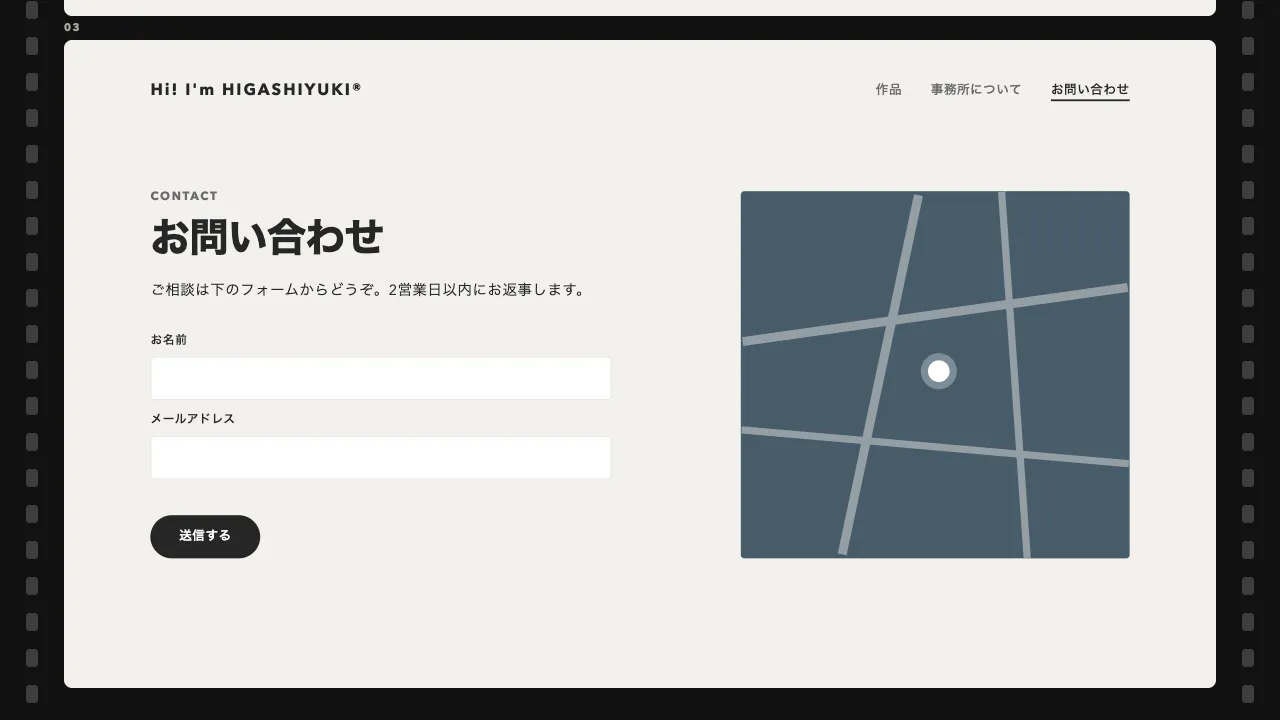
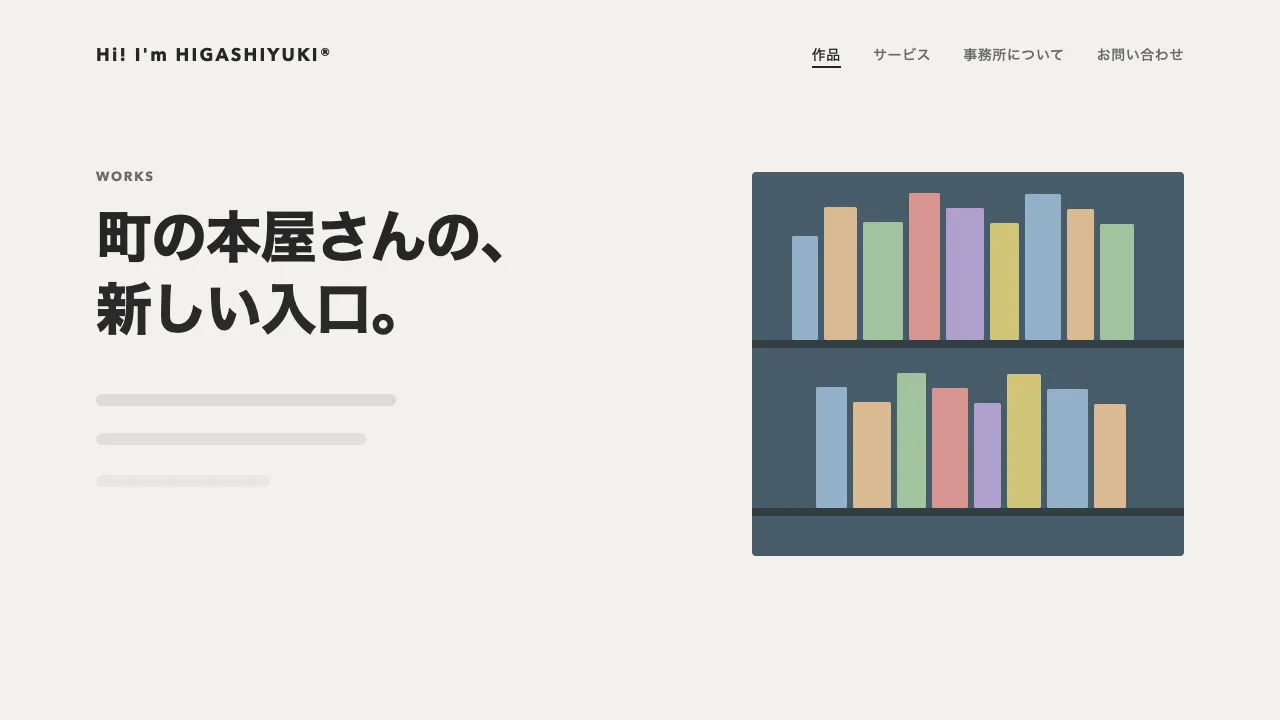
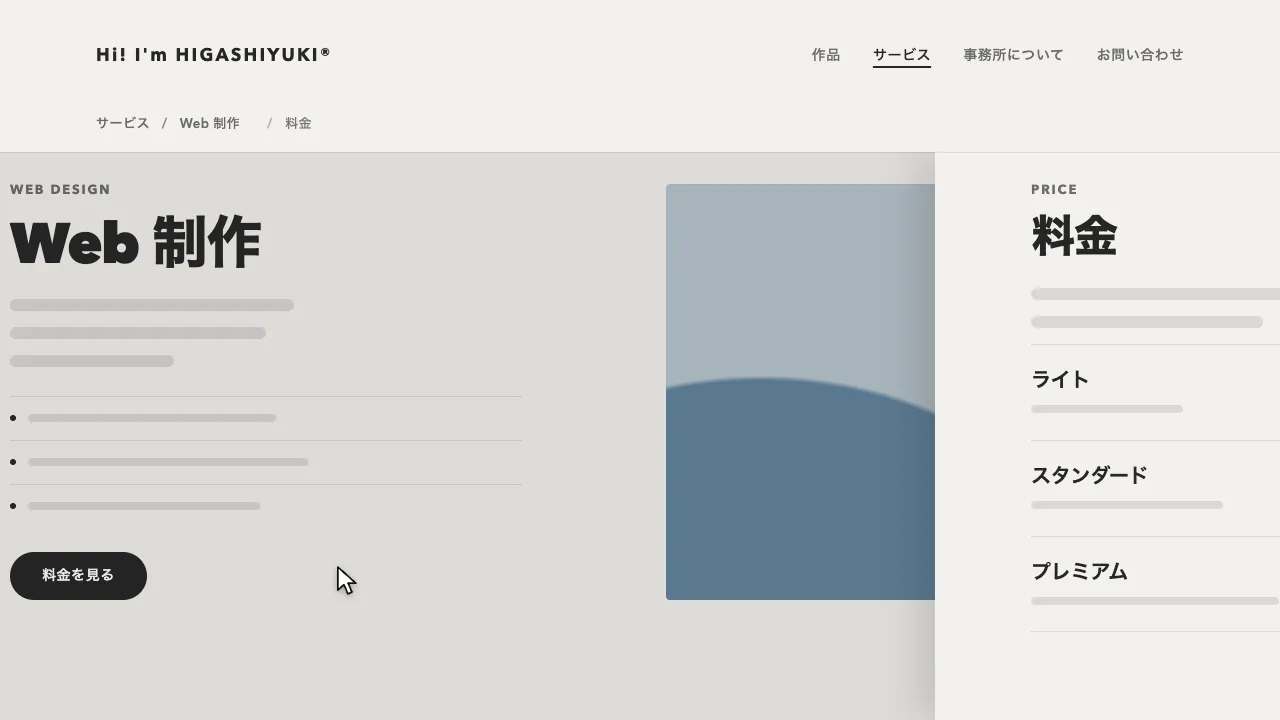
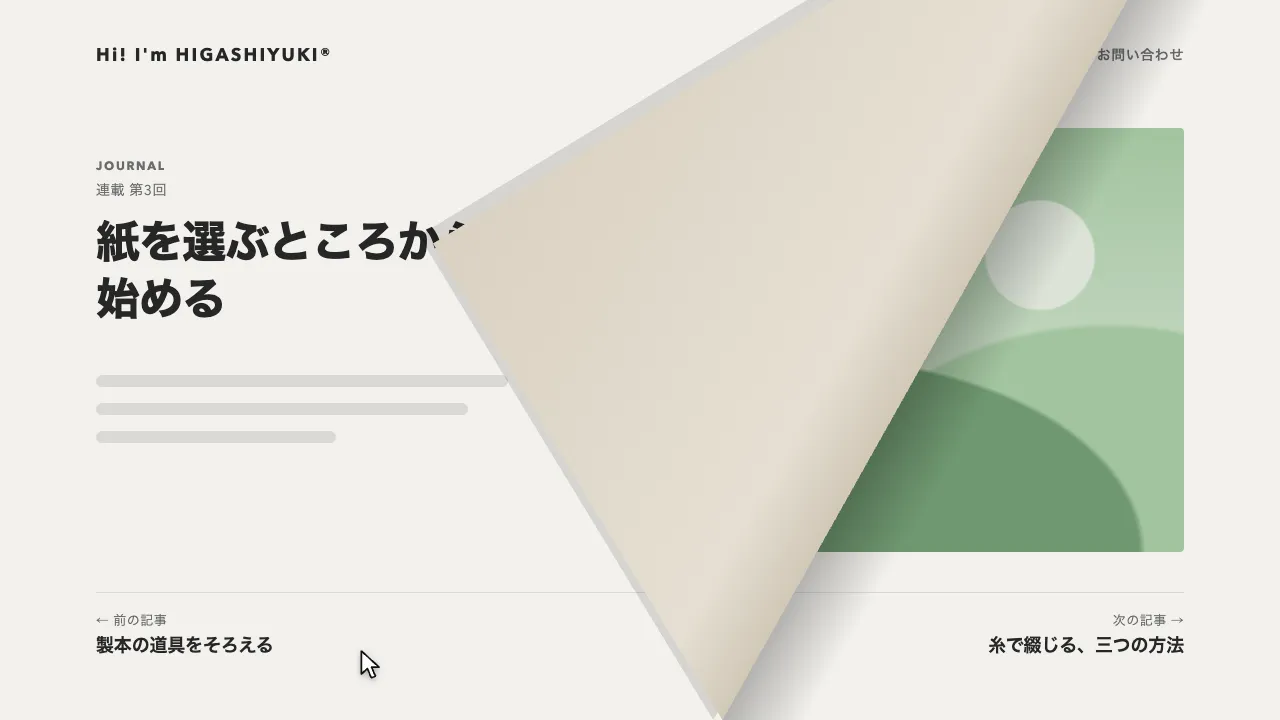
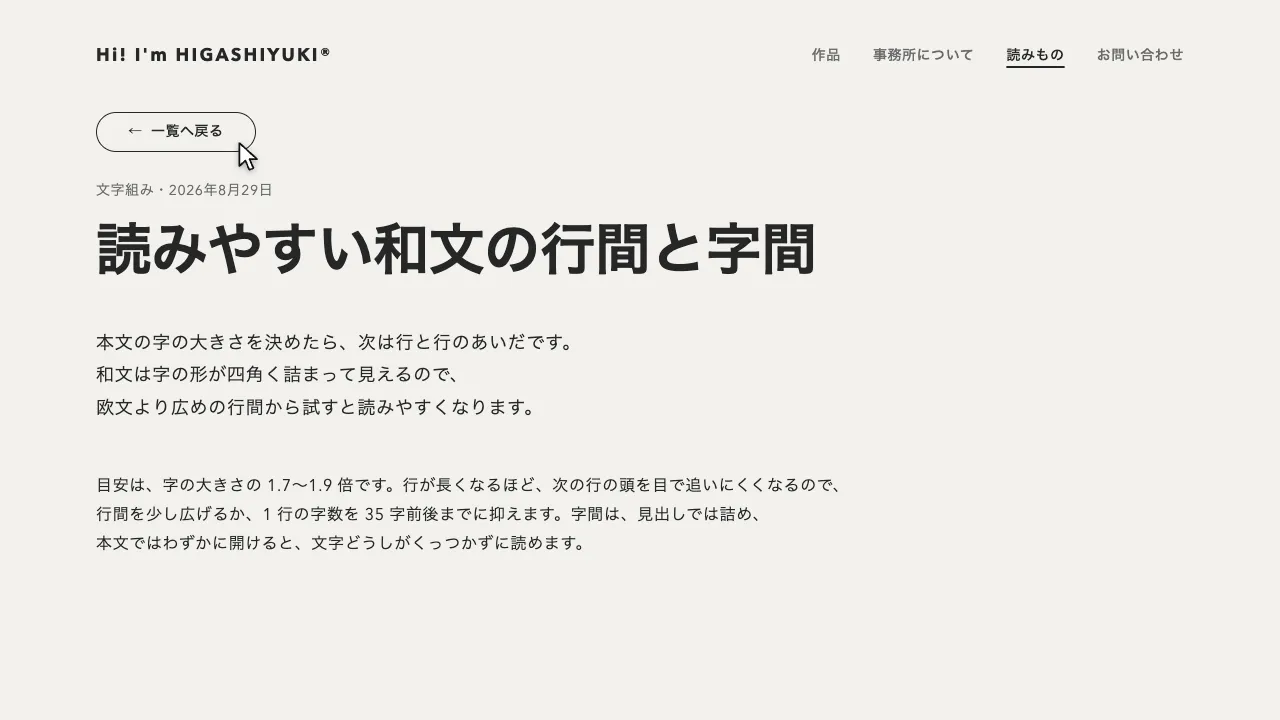
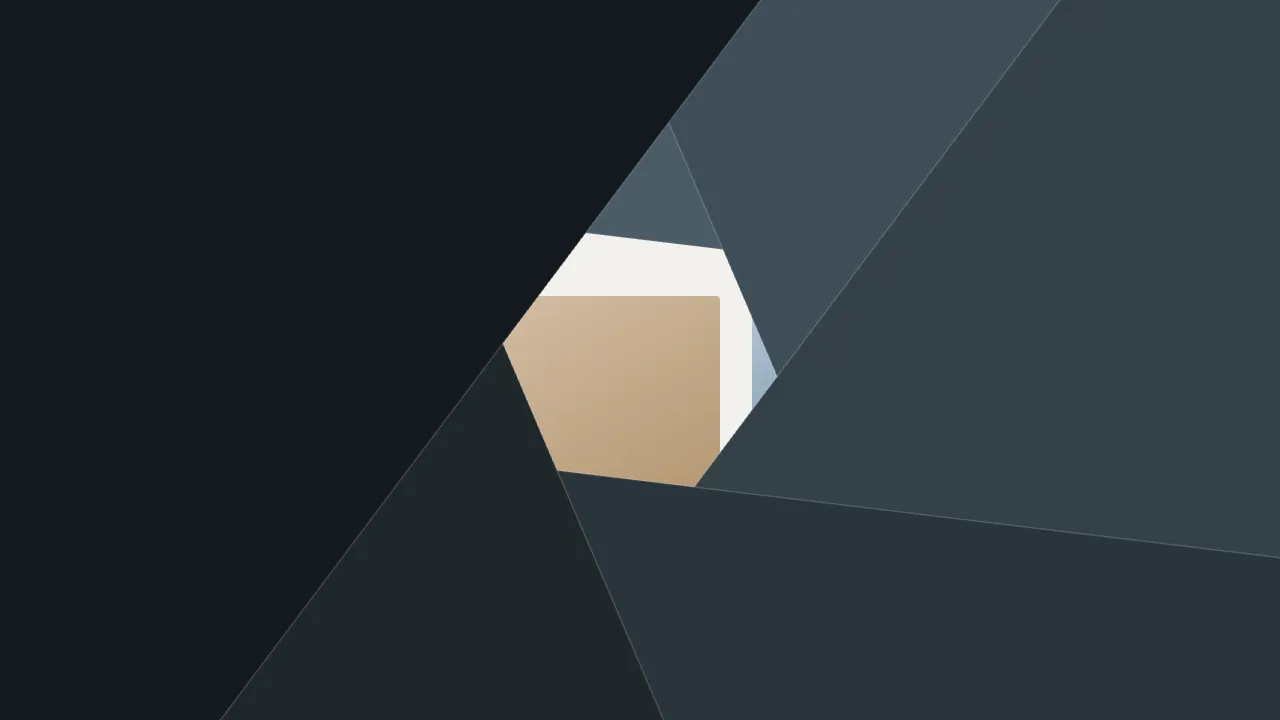
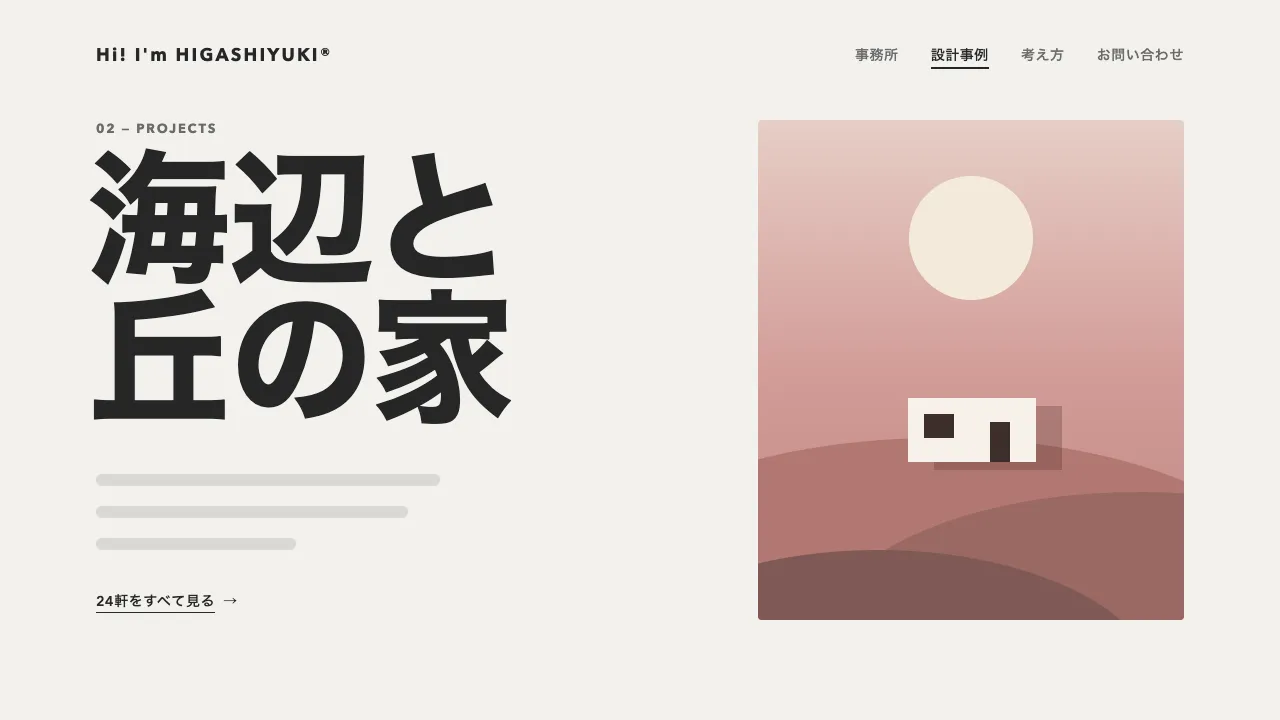
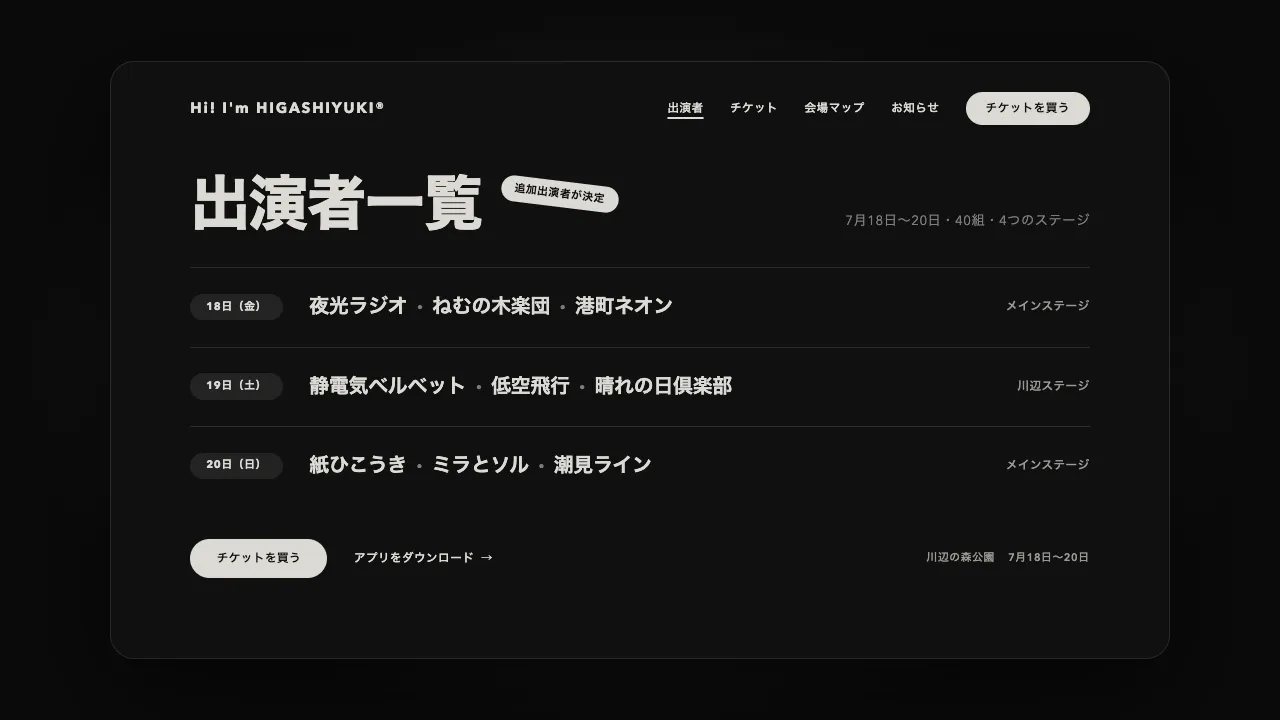
リンクが押されたら次のページを読み込み、今のページの複製と次のページを、画面に固定した立方体の隣り合う 2 つの面に置きます。今のページは正面に、次のページは右の面に置き、立方体を 90° 回して次のページを正面へ回り込ませます。ブラウザの「戻る」では左の面から前のページが回り込むので、進んだのか戻ったのかが向きで読めます。画面が割れたり奥へ遠のいたりする遷移と違い、2 つのページが 1 つの箱の面としてつながって見えます。
回るのは 1.2 秒の power3.inOut で、ゆっくり動き出してゆっくり止まります。回る途中は立方体ごと画面の幅の 0.375 倍だけ奥へ下がり、回りきると元の位置へ戻ります。下がる量は回った割合に合わせて山なりに変え、45° のときにいちばん奥にいるようにしています。面は正面から外れるほど暗くし、真横を向いたときに 70% の黒を重ねます。陰は角度の 1 − cos に比べているので、45° まではページの明るさが残り、端へ回り込むほど急に暗くなります。
奥へ下がらずに回すと、2 つの面の境目の辺が画面より手前へ迫り出し、45° のころに画面の上下からはみ出します。迫り出す量は画面の幅の約 0.21 倍なので、下がる量はそれより大きくしてください。遠近は面ごとではなく、立方体を入れた舞台の perspective にまとめて、消失点を画面の中央に置きます。距離を vw で決めておくと、狭い画面でも同じ奥行きに見えます。
今のページは複製し、スクロールしていた分だけ上へずらしてから面に載せます。本物のページは回り終えるまで舞台の下に残し、回り終えたら次のページと入れ替えます。複製には同じ id が 2 つできるので外し、舞台に inert を付けて、回っているあいだ焦点や読み上げが入らないようにしてください。差し替えたあとは、題名と URL を書き換え、読み上げとキーボードの位置を新しいページの見出しへ移します。戻るのか進むのかは、履歴の state に残した深さで見分けます。
つまみは、回る時間と ease、奥へ下がる量、陰の濃さ、遠近の距離です。距離を短くすると立方体の奥の辺が強くすぼまり、長くすると平たい箱が回るように見えます。動きを減らす設定では、同じ流れのまま、ほぼ一瞬で切り替えます。器や家具を面ごとに見せるショップ、作品を順にめくるポートフォリオのように、ページが隣り合っていることを見せたいサイトに向いています。
コード
<!-- 遷移で差し替えるのは data-page の中だけ。次のページも同じ形で書く -->
<div class="page" data-page>
  <header class="site-header">
    <a class="site-header__logo" href="/">Hi! I'm HIGASHIYUKI®</a>
    <nav aria-label="メイン">
      <ul class="site-header__links">
        <li><a href="/shop/">ショップ</a></li>
        <li><a href="/studio/" aria-current="page">工房</a></li>
        <li><a href="/journal/">読みもの</a></li>
        <li><a href="/contact/">お問い合わせ</a></li>
      </ul>
    </nav>
  </header>

  <main class="hero">
    <p class="hero__eyebrow">Handmade ceramics</p>
    <h1 class="hero__title">毎日の食卓に<br>のせたい器</h1>
    <p class="hero__lead">ここに説明文が入ります。</p>
    <a class="button" href="/shop/">コレクションを見る</a>
  </main>
</div>:root {
--page-bg: #f2f1ed;
--page-ink: #262626;
--page-mute: #6b6b6b;
--backdrop: radial-gradient(70% 70% at 50% 45%, #34322e, #151412); /* 立方体の周りに見える奥の地 */
--depth: 140vw; /* 視点までの距離(幅 1280px で 1800px)。小さいほど奥の辺がすぼまる */
--gutter: clamp(24px, 7vw, 96px);
}
body { margin: 0; background: var(--page-bg); }
.page {
min-height: 100vh;
background: var(--page-bg);
color: var(--page-ink);
}
/* 回るあいだだけ置く舞台。画面に固定し、画面の中央を消失点にする(どれも JS が付け外しする) */
.cube-stage {
position: fixed;
inset: 0;
z-index: 100;
overflow: hidden;
background: var(--backdrop);
perspective: var(--depth);
}
.cube { position: absolute; inset: 0; transform-style: preserve-3d; }
/* 1 つの面 = 1 ページ。裏を向いた面は描かない */
.cube__face {
position: absolute;
inset: 0;
overflow: hidden;
background: var(--page-bg);
backface-visibility: hidden;
}
/* 面の陰。正面から外れるほど濃くする */
.cube__shade { position: absolute; inset: 0; background: #000; opacity: 0; }
.site-header {
display: flex;
flex-wrap: wrap; /* 狭い画面では、リンクをロゴの下の行へ送る */
align-items: center;
gap: 16px 32px;
padding: 32px var(--gutter);
font-size: 14px;
font-weight: 600;
letter-spacing: 0.04em;
}
.site-header__logo { margin-right: auto; font-size: 18px; font-weight: 700; letter-spacing: 0.12em; white-space: nowrap; }
.site-header__links { display: flex; flex-wrap: wrap; gap: 8px 32px; margin: 0; padding: 0; list-style: none; white-space: nowrap; }
.site-header a { color: var(--page-mute); text-decoration: none; }
.site-header .site-header__logo,
.site-header a[aria-current="page"] { color: var(--page-ink); }
.site-header a[aria-current="page"] { text-decoration: underline; text-decoration-thickness: 2px; text-underline-offset: 6px; }
.hero { padding: 96px var(--gutter); }
.hero__eyebrow {
margin: 0 0 24px;
font-size: 13px;
font-weight: 700;
letter-spacing: 0.14em;
text-transform: uppercase;
color: var(--page-mute);
}
.hero__title { margin: 0; font-size: clamp(44px, 7vw, 72px); font-weight: 800; line-height: 1.05; letter-spacing: -0.02em; }
.hero__lead { margin: 24px 0 40px; font-size: 18px; line-height: 1.8; letter-spacing: 0.04em; }
.button {
display: inline-flex;
align-items: center;
height: 48px;
padding: 0 32px;
border-radius: 999px;
background: var(--page-ink);
color: #ffffff;
font-size: 15px;
font-weight: 600;
letter-spacing: 0.04em;
text-decoration: none;
}
.page a:focus-visible { outline: 2px solid currentColor; outline-offset: 4px; }
/* 遷移のあとに見出しへ移したフォーカスは、枠を出さない(読み上げの位置を移すためだけのもの) */
.page h1[tabindex="-1"]:focus { outline: none; }import { gsap } from "gsap";
const TURN = 1.2; // 立方体が 90° 回る時間(秒)
const DEPTH = 0.375; // いちばん奥へ下がる量(画面の幅に対する比)。45° で辺が迫り出す 0.21 より大きくする
const SHADE = 0.7; // 真横を向いた面にかける陰の濃さ
const reduceMotion = window.matchMedia("(prefers-reduced-motion: reduce)").matches;
let busy = false;
let shownPath = location.pathname; // いま見せているページ
let depth = history.state?.depth ?? 0; // 履歴の深さ。戻る・進むのどちらかを見分ける
history.scrollRestoration = "manual"; // スクロール位置は、差し替えたあとに自分で戻す
// 次のページの HTML を読み、差し替える部分(data-page)とタイトルを取り出す
async function load(url) {
const response = await fetch(url);
if (!response.ok) throw new Error(response.statusText);
const doc = new DOMParser().parseFromString(await response.text(), "text/html");
const next = doc.querySelector("[data-page]");
if (!next) throw new Error("data-page が無い");
return { next, title: doc.title };
}
// クラス名を付けた div に、中身を入れて返す
function box(className, ...children) {
const el = Object.assign(document.createElement("div"), { className });
el.append(...children);
return el;
}
// dir は 1 で右の面から、-1 で左の面から次のページが回り込む
async function turn(url, dir, push) {
const { next, title } = await load(url);
if (push) history.pushState({ depth: ++depth }, "", url);
shownPath = new URL(url).pathname;
const current = document.querySelector("[data-page]");
// 今のページは複製して、見えている位置のまま面に載せる(本物は、回り終えるまで舞台の下に残す)
const { left, top, width } = current.getBoundingClientRect();
const copy = current.cloneNode(true);
copy.querySelectorAll("[id]").forEach((el) => el.removeAttribute("id")); // 同じ id を 2 つ作らない
Object.assign(copy.style, { position: "absolute", left: `${left}px`, top: `${top}px`, width: `${width}px`, margin: "0" });
// 1 面 = 1 ページ。面の上に重ねた黒い板で、正面から外れるほど暗くする
const shades = [box("cube__shade"), box("cube__shade")];
const faces = [box("cube__face", copy, shades[0]), box("cube__face", next, shades[1])];
const cube = box("cube", ...faces);
const stage = box("cube-stage", cube);
stage.inert = true; // 回っているあいだは、面の中のリンクに焦点や読み上げが入らないように
document.body.append(stage);
const half = stage.clientWidth / 2; // 立方体の一辺の半分(面の幅は画面の幅)
faces[0].style.transform = `translateZ(${half}px)`;
faces[1].style.transform = `rotateY(${dir * 90}deg) translateZ(${half}px)`;
// 回った割合から、向き・奥行き・陰をまとめて描く。回る途中だけ奥へ下がり、辺が画面より手前へ迫り出さないようにする
const state = { p: 0 };
const draw = () => {
const back = DEPTH * 2 * half * Math.sin(Math.PI * state.p);
cube.style.transform = `translateZ(${-half - back}px) rotateY(${-dir * 90 * state.p}deg)`;
const rad = (Math.PI / 2) * state.p; // 今のページが正面から外れた角度
shades[0].style.opacity = SHADE * (1 - Math.cos(rad));
shades[1].style.opacity = SHADE * (1 - Math.sin(rad));
};
draw();
await gsap
.to(state, { p: 1, duration: TURN, ease: "power3.inOut", onUpdate: draw })
.timeScale(reduceMotion ? 20 : 1); // 動きを減らす設定では、ほぼ一瞬で切り替える
current.replaceWith(next); // 次のページを面から出して、ふつうのページに戻す
stage.remove();
document.title = title;
scrollTo(0, 0);
// 読み上げとキーボードの位置を、新しいページの見出しへ移す
const heading = next.querySelector("h1");
heading?.setAttribute("tabindex", "-1");
heading?.focus({ preventScroll: true });
}
async function go(url, dir, push) {
if (busy) return;
busy = true;
await turn(url, dir, push).catch(() => location.assign(url)); // 読み込めなかったら、ふつうに移る
busy = false;
}
// 同じサイトのほかのページへのリンクだけ横取りする(別タブ・修飾キー付き・同じページ内のリンクは邪魔しない)
document.addEventListener("click", (event) => {
const link = event.target.closest("a[href]");
if (!link || event.defaultPrevented || event.button !== 0) return;
if (event.metaKey || event.ctrlKey || event.shiftKey || event.altKey || link.target || link.hasAttribute("download")) return;
const url = new URL(link.href);
if (url.origin !== location.origin || url.pathname === location.pathname) return;
event.preventDefault();
go(url.href, 1, true);
});
// ブラウザの戻るでは、左の面から前のページが回り込む。進むは、リンクと同じ右の面から
addEventListener("popstate", (event) => {
if (location.pathname === shownPath) return;
const to = event.state?.depth ?? 0;
const dir = to < depth ? -1 : 1;
depth = to;
go(location.href, dir, false);
});