デモ
デモを読み込めませんでした。
仕様
- 用途
- ページ遷移
- 動作
- DOM
- 種類
- レシピ
- 動作確認
- three 0.186.0・gsap 3.15.0
- 公開日
しくみと調整
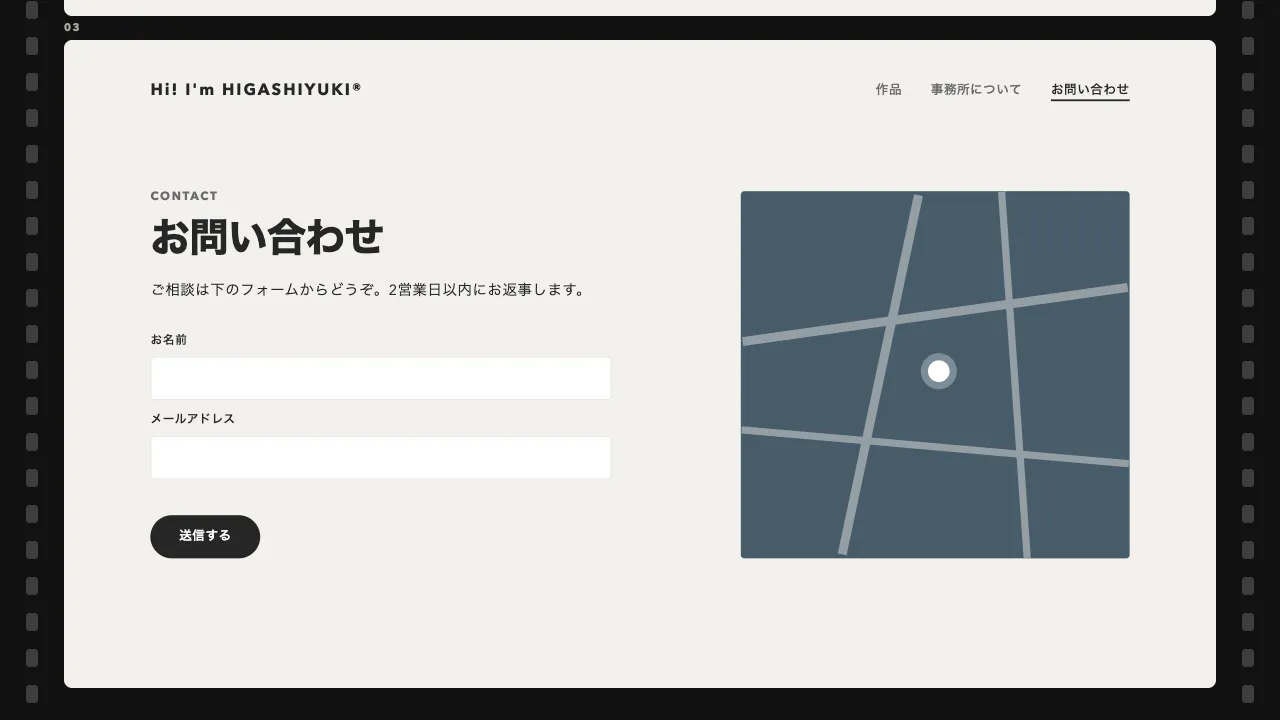
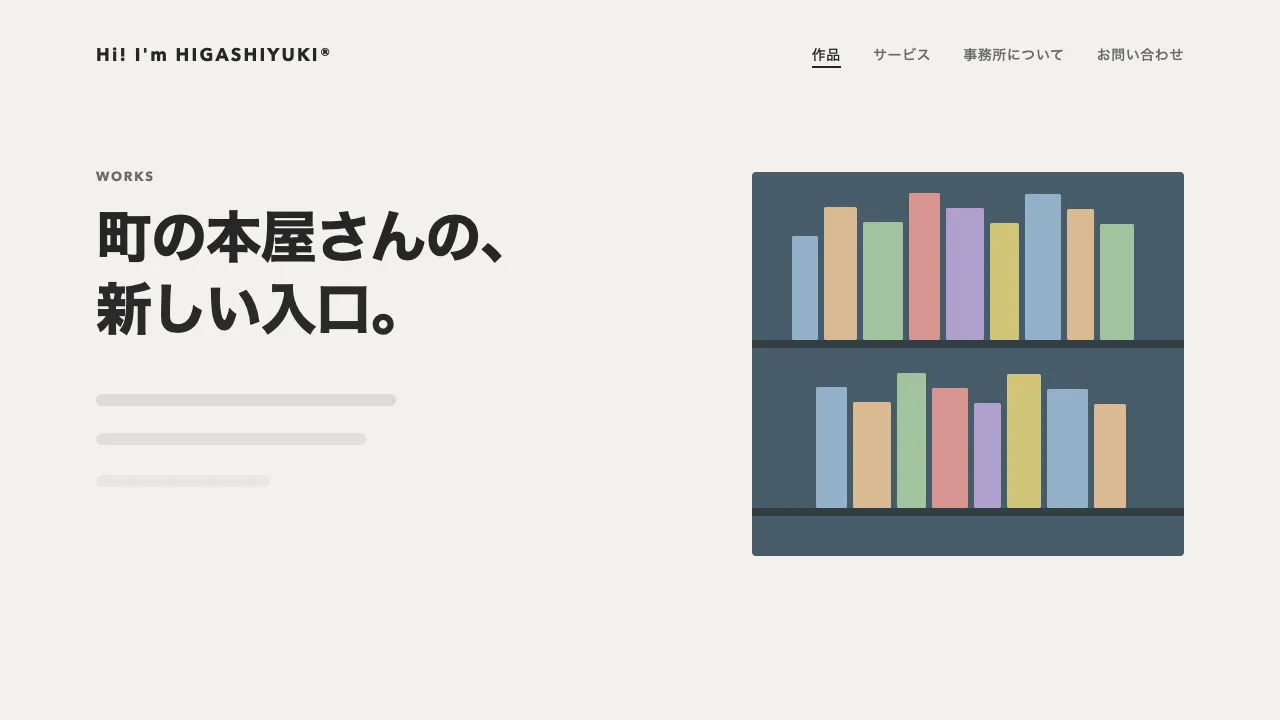
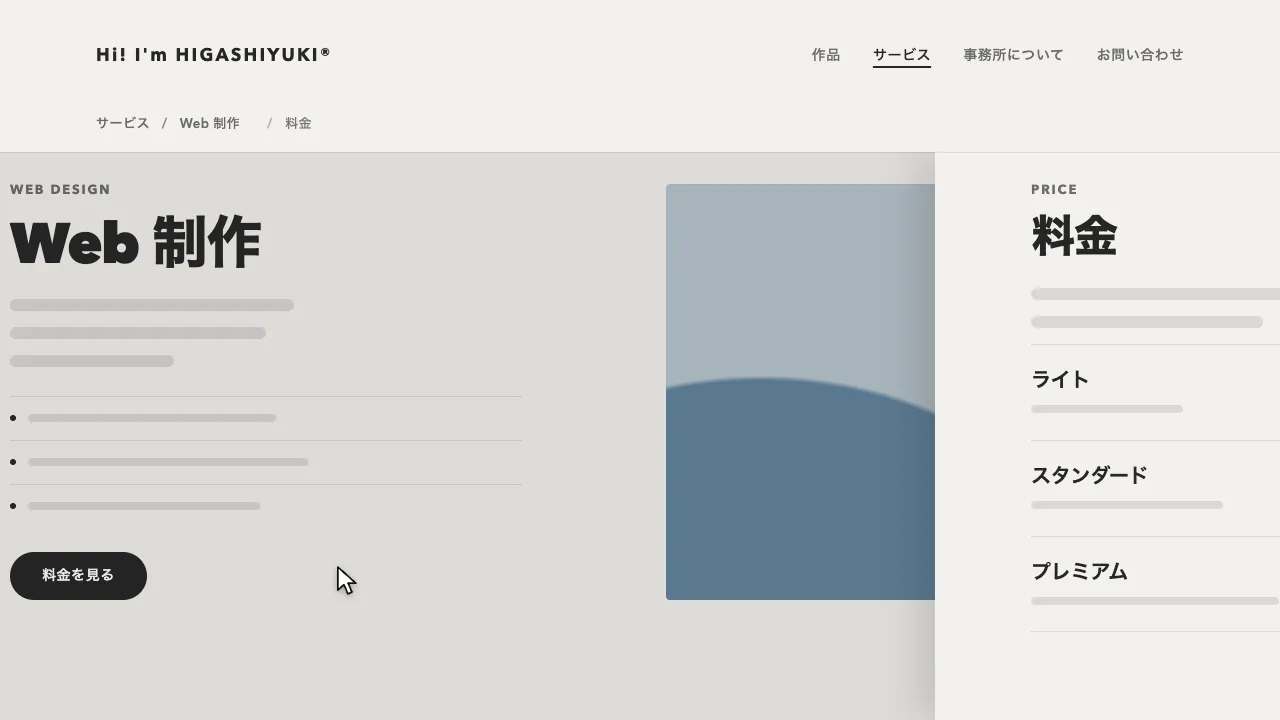
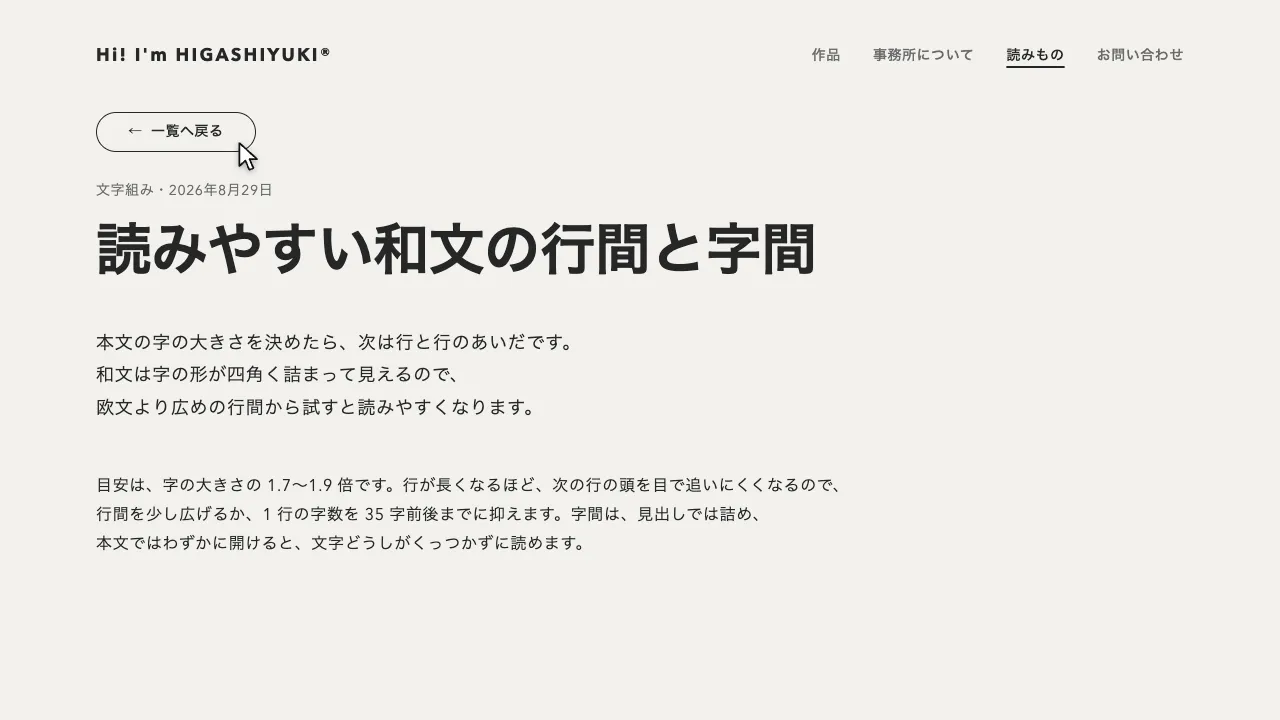
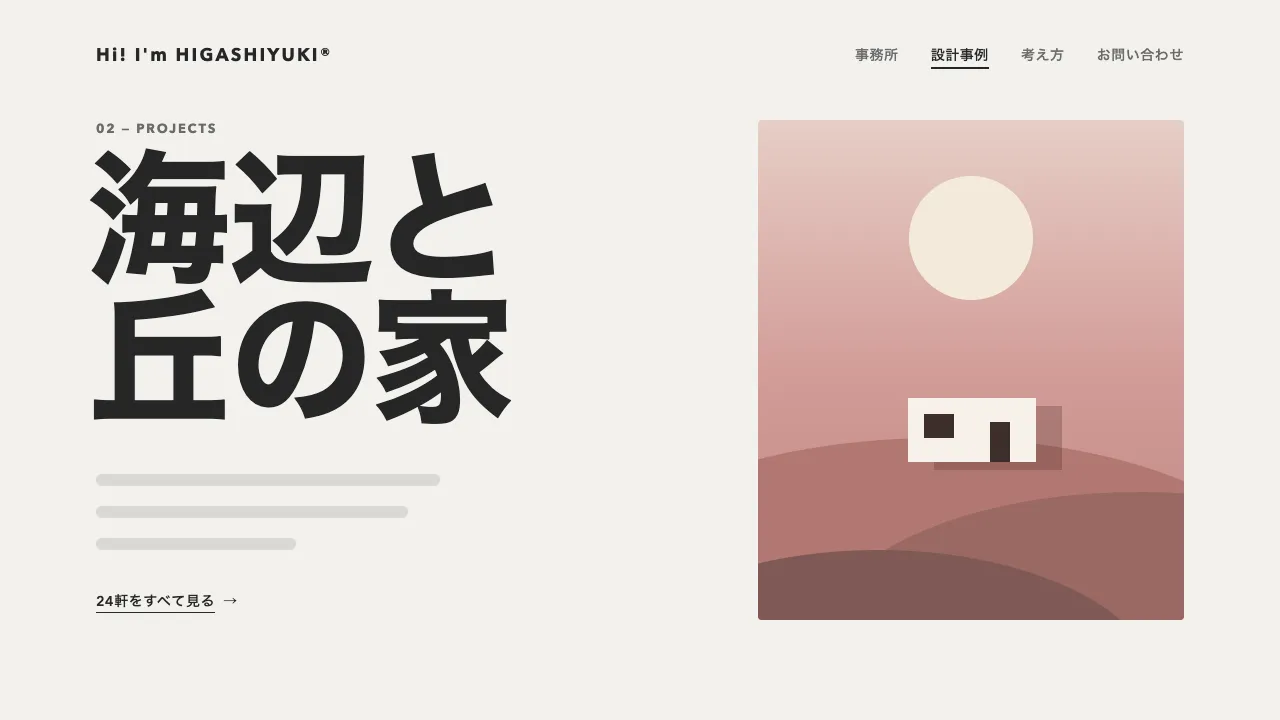
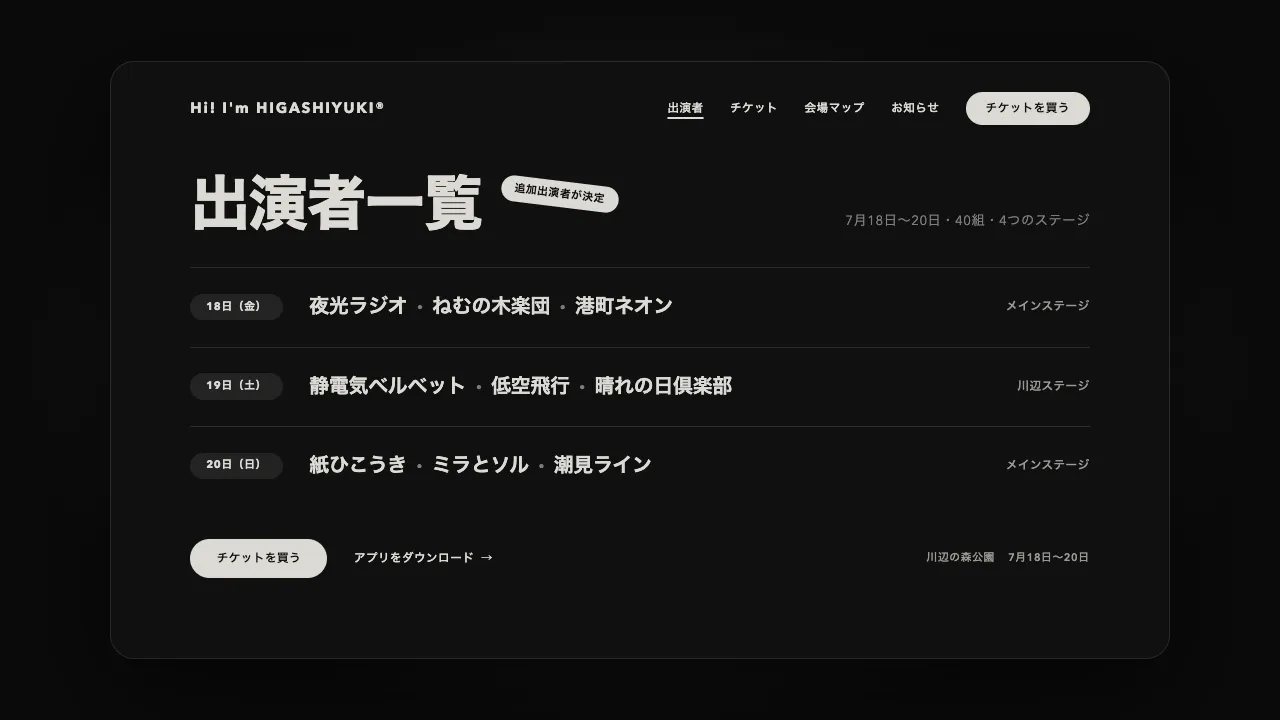
リンクが押されたら次のページを読み込み、今のページの上に重ねて、下から滑り込ませます。同時に今のページは少し縮んで奥へ沈み、上にかけた墨色の幕で暗くなります。滑り込むページは角を丸めたまま上がってきて、止まるときに角が 0 になり、上端の影と合わせて「上に重なった」ことが読めます。滑り込みは yPercent、沈むのは scale で動かし、滑り込みきったら沈んだページを外して入れ替えます。
滑り込むのは 1 秒、イージングは power3.inOut です。前のページは同じ時間・同じイージングで 0.92 倍に縮めながら 3% 上へずらし、角を 24px まで丸め、幕を 0.7 まで濃くします。イージングをそろえているので、覆われた分だけ暗くなって見えます。滑り込むページの中身は 0.4 秒後から、上から順に 0.06 秒ずつずらして expo.out で下から上げ、沈むページの中身は 24px だけ上へずらして、奥行きの差を出しています。
滑り込む前の位置は、100% ではなく 110% の下にします。100% だと、上端の影が画面の下の縁に残って見えます。スクロールしたページをそのまま縮めると、ページ全体の中央を軸に縮むので、見えていた所が画面の外へずれます。今のページを画面の大きさの箱に留め、スクロール量を箱の scrollTop へ移してから縮めてください。
ブラウザの戻るでは、同じ動きを逆に再生します。今のページが下へ抜け、奥に沈んでいたページが起き上がるので、進むと戻るで向きがそろいます。戻るか進むかは、履歴の state に持たせた深さで見分けます。逆に再生するときは、中身を上げる動きを積みません。終わりの緩やかな所が、逆にすると動き出しの間になるためです。読み込んだページの中のスクリプトは動かないので、ページごとの初期化は入れ替えたあとに呼び直してください。
つまみは、滑り込む時間とイージング、前のページの縮み方・ずらす量・角の丸み・幕の濃さです。縮みを 0.96 ほどに弱めると控えめに、幕を薄くすると軽い印象になります。沈むページは暗くして奥へ下げるので、明るい地のページのほうが沈んだことがはっきり読めます。動きを減らす設定では、同じ流れのまま、ほぼ一瞬で切り替えます。モバイルのアプリのように画面を上に積んでいく遷移や、シート風の画面遷移に向いています。
コード
<!-- 遷移で差し替えるのは data-page の中だけ。次のページも同じ形で書く -->
<div class="page" data-page>
  <header class="site-header">
    <a class="site-header__logo" href="/">Hi! I'm HIGASHIYUKI®</a>
    <nav aria-label="メイン">
      <ul class="site-header__links">
        <li><a href="/menu/" aria-current="page">メニュー</a></li>
        <li><a href="/events/">イベント</a></li>
        <li><a href="/visit/">店舗情報</a></li>
        <li><a href="/order/">ご注文</a></li>
      </ul>
    </nav>
  </header>

  <main class="hero">
    <!-- data-reveal を付けたものは、ページが滑り込む後半から、上から順に下から上がってくる -->
    <p class="hero__eyebrow" data-reveal>Summer menu</p>
    <h1 class="hero__title" data-reveal>夏の柑橘と、<br>水出し珈琲。</h1>
    <p class="hero__lead" data-reveal>ここに説明文が入ります。</p>
    <a class="button" href="/menu/drinks/" data-reveal>メニューを見る</a>
  </main>
</div>:root {
--backdrop: #0f1316; /* 沈んだページの周りに見える奥の地(墨のスレートを暗くした色) */
--veil: #0f1316; /* 沈むページにかける幕 */
--lift: 0 -12px 40px rgb(15 19 22 / 0.35); /* 上に重なるページの、上端の影 */
--page-bg: #f2f1ed;
--page-ink: #262626;
--page-mute: #6b6b6b;
--gutter: clamp(24px, 7vw, 96px);
}
/* 沈むページは幕で暗くして奥へ下げるので、明るい地のページのほうが沈んだことが読める */
.page {
min-height: 100vh;
background: var(--page-bg);
color: var(--page-ink);
}
/* 遷移のあいだは、沈んだページの周りを奥の地の色にする */
.is-stacking { background: var(--backdrop); }
.is-stacking body { background: none; }
/* 遷移のあいだ、2 枚のページを画面の大きさの箱に留める(どれも JS が付け外しする) */
.stack-pinned {
position: fixed;
inset: 0;
z-index: 100;
overflow: hidden;
}
.stack-veil {
position: fixed;
inset: 0;
z-index: 101;
background: var(--veil);
pointer-events: none;
}
.stack-top { z-index: 102; box-shadow: var(--lift); }
.site-header {
display: flex;
flex-wrap: wrap; /* 狭い画面では、和文のナビをロゴの下の段へ送る */
align-items: center;
gap: 16px 32px;
padding: 32px var(--gutter);
font-size: 14px;
font-weight: 600;
letter-spacing: 0.04em;
}
.site-header__logo { margin-right: auto; font-size: 18px; font-weight: 700; letter-spacing: 0.12em; white-space: nowrap; }
.site-header__links { display: flex; flex-wrap: wrap; gap: 8px 32px; margin: 0; padding: 0; list-style: none; }
.site-header a { color: var(--page-mute); text-decoration: none; white-space: nowrap; }
.site-header .site-header__logo,
.site-header a[aria-current="page"] { color: var(--page-ink); }
.site-header a[aria-current="page"] { text-decoration: underline; text-decoration-thickness: 2px; text-underline-offset: 6px; }
.hero { padding: 96px var(--gutter); }
.hero__eyebrow {
margin: 0 0 24px;
font-size: 13px;
font-weight: 700;
letter-spacing: 0.14em;
text-transform: uppercase;
color: var(--page-mute);
}
.hero__title { margin: 0; font-size: clamp(44px, 7vw, 72px); font-weight: 800; line-height: 1.05; letter-spacing: -0.02em; }
.hero__lead { margin: 24px 0 40px; font-size: 18px; line-height: 1.8; letter-spacing: 0.04em; word-break: auto-phrase; }
.button {
display: inline-flex;
align-items: center;
height: 48px;
padding: 0 32px;
border-radius: 999px;
background: var(--page-ink);
color: #ffffff;
font-size: 15px;
font-weight: 600;
letter-spacing: 0.04em;
text-decoration: none;
}
.page a:focus-visible { outline: 2px solid currentColor; outline-offset: 4px; }
/* 遷移のあとに見出しへ移したフォーカスは、枠を出さない(読み上げの位置を移すためだけのもの) */
.page h1[tabindex="-1"]:focus { outline: none; }import { gsap } from "gsap";
const RISE = 1; // 次のページが滑り込む時間(秒)。沈む・暗くなるのも同じ時間にする
const EASE = "power3.inOut"; // 同じイージングにそろえると、覆われた分だけ暗くなって見える
const SINK = { scale: 0.92, yPercent: -3, radius: 24, veil: 0.7 }; // 前のページの沈み方
const reduceMotion = window.matchMedia("(prefers-reduced-motion: reduce)").matches;
let busy = false;
let shownPath = location.pathname; // いま見せているページ
let depth = history.state?.depth ?? 0; // 履歴の深さ。戻る・進むのどちらかを見分ける
history.scrollRestoration = "manual"; // スクロール位置は、入れ替えたあとに自分で戻す
// 次のページの HTML を読み、差し替える部分(data-page)とタイトルを取り出す
async function load(url) {
const response = await fetch(url);
if (!response.ok) throw new Error(response.statusText);
const doc = new DOMParser().parseFromString(await response.text(), "text/html");
const next = doc.querySelector("[data-page]");
if (!next) throw new Error("data-page が無い");
return { next, title: doc.title };
}
const box = (className) => Object.assign(document.createElement("div"), { className });
// 上のページを下から滑り込ませ、下のページを縮めて奥へ沈める。戻るときは上下を入れ替えて、同じ動きを逆に再生する。
// how は "push"(リンク)・"back"(戻る)・"forward"(進む)
async function stack(url, how) {
const { next, title } = await load(url);
if (how === "push") history.pushState({ depth: ++depth }, "", url);
shownPath = new URL(url).pathname;
const current = document.querySelector("[data-page]");
// 今のページを画面の大きさの箱に留め、スクロール位置を箱の中へ移す(見えている所のまま沈む)
const scrolled = scrollY;
current.classList.add("stack-pinned");
current.scrollTop = scrolled;
const [layer, veil] = [box("stack-pinned"), box("stack-veil")];
layer.append(next);
document.body.append(veil, layer);
document.documentElement.classList.add("is-stacking");
const back = how === "back";
const [top, bottom] = back ? [current, layer] : [layer, current];
top.classList.add("stack-top"); // 幕より上に置き、上端に影を付ける
const slide = gsap
.timeline({ defaults: { duration: RISE, ease: EASE } })
.timeScale(reduceMotion ? 20 : 1) // 動きを減らす設定では、ほぼ一瞬で切り替える
// 100% ではなく 110% の下から。100% だと、上端の影が画面の下の縁に残る
.fromTo(top, { yPercent: 110, borderRadius: 28 }, { yPercent: 0, borderRadius: 0 }, 0)
.fromTo(bottom, { scale: 1, yPercent: 0, borderRadius: 0 }, { scale: SINK.scale, yPercent: SINK.yPercent, borderRadius: SINK.radius }, 0)
.fromTo(veil, { opacity: 0 }, { opacity: SINK.veil }, 0)
.fromTo(bottom.querySelectorAll("[data-reveal]"), { y: 0 }, { y: -24 }, 0); // 沈むページの中身は少し上へ(奥行きの差)
// 滑り込むページの中身は、後半から下から上げる。戻るときは積まない(逆に再生すると、終わりの緩みが動き出しの間になる)
if (!back) slide.fromTo(top.querySelectorAll("[data-reveal]"), { y: 60, opacity: 0 }, { y: 0, opacity: 1, duration: 0.9, ease: "expo.out", stagger: 0.06 }, 0.4);
await (back ? slide.progress(1).reverse() : slide);
current.replaceWith(next);
layer.remove();
veil.remove();
document.documentElement.classList.remove("is-stacking");
document.title = title;
scrollTo(0, 0);
// 読み上げとキーボードの位置を、新しいページの見出しへ移す
const heading = next.querySelector("h1");
heading?.setAttribute("tabindex", "-1");
heading?.focus({ preventScroll: true });
}
async function go(url, how) {
if (busy) return;
busy = true;
try {
await stack(url, how);
} catch {
location.href = url; // 読み込めなかったら、ふつうに移る
} finally {
busy = false;
}
}
// 同じサイトのほかのページへのリンクだけ横取りする(別タブ・修飾キー付き・同じページ内のリンクは邪魔しない)
document.addEventListener("click", (event) => {
const link = event.target.closest("a[href]");
if (!link || event.defaultPrevented || event.button !== 0) return;
if (event.metaKey || event.ctrlKey || event.shiftKey || event.altKey || link.target || link.hasAttribute("download")) return;
const url = new URL(link.href);
if (url.origin !== location.origin || url.pathname === location.pathname) return;
event.preventDefault();
go(url.href, "push");
});
// ブラウザの戻るでは逆向きに動かす(今のページが下へ抜け、奥に沈んでいたページが起き上がる)。進むは、リンクと同じ向き
addEventListener("popstate", (event) => {
if (location.pathname === shownPath) return;
const to = event.state?.depth ?? 0;
const how = to < depth ? "back" : "forward";
depth = to;
go(location.href, how);
});