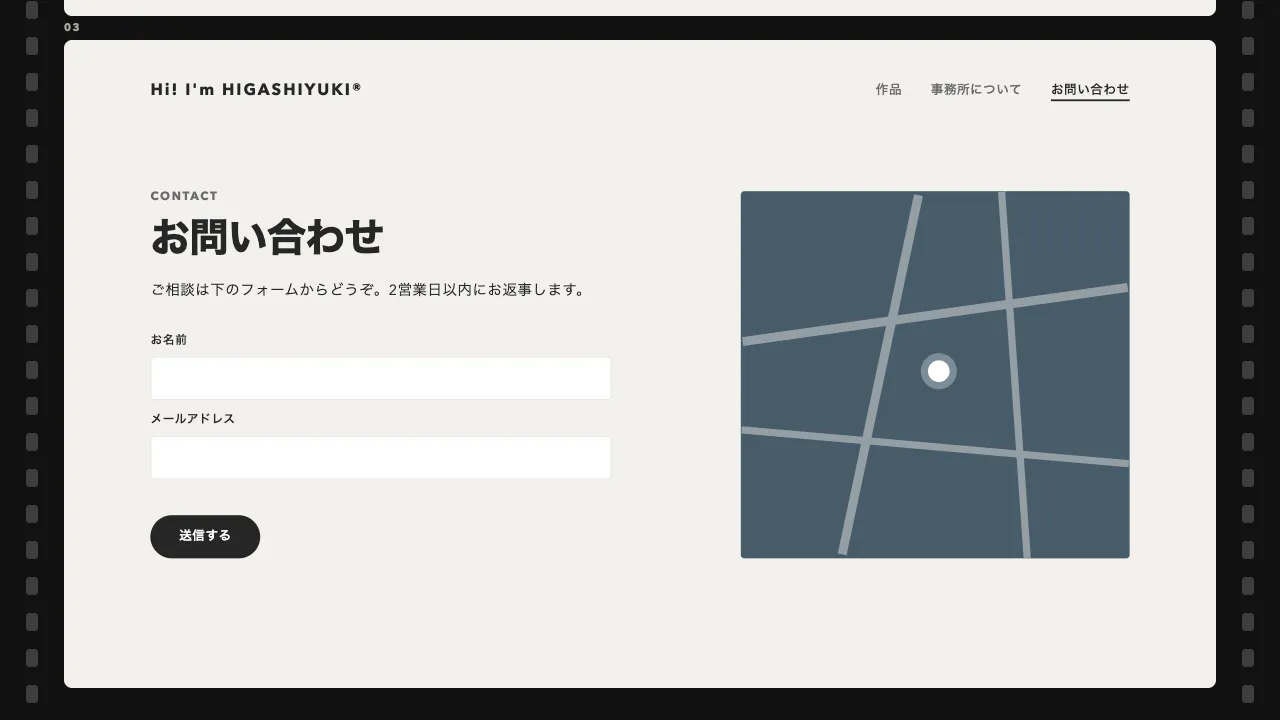
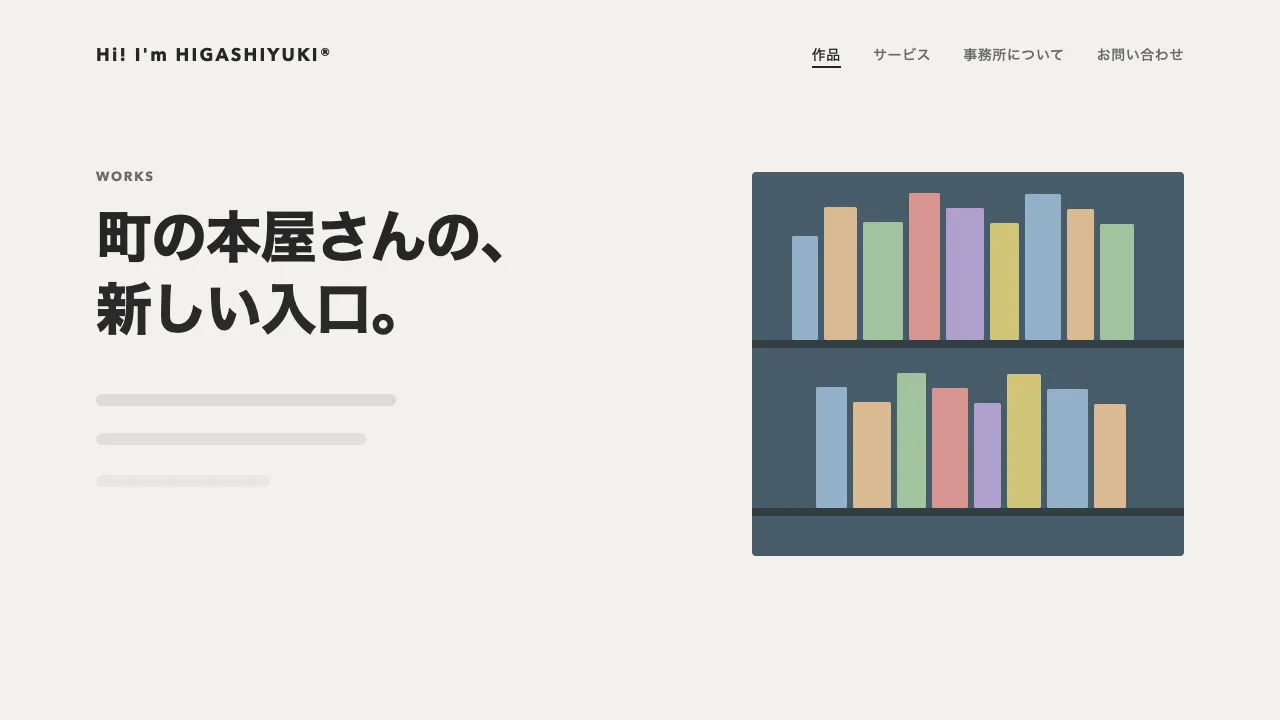
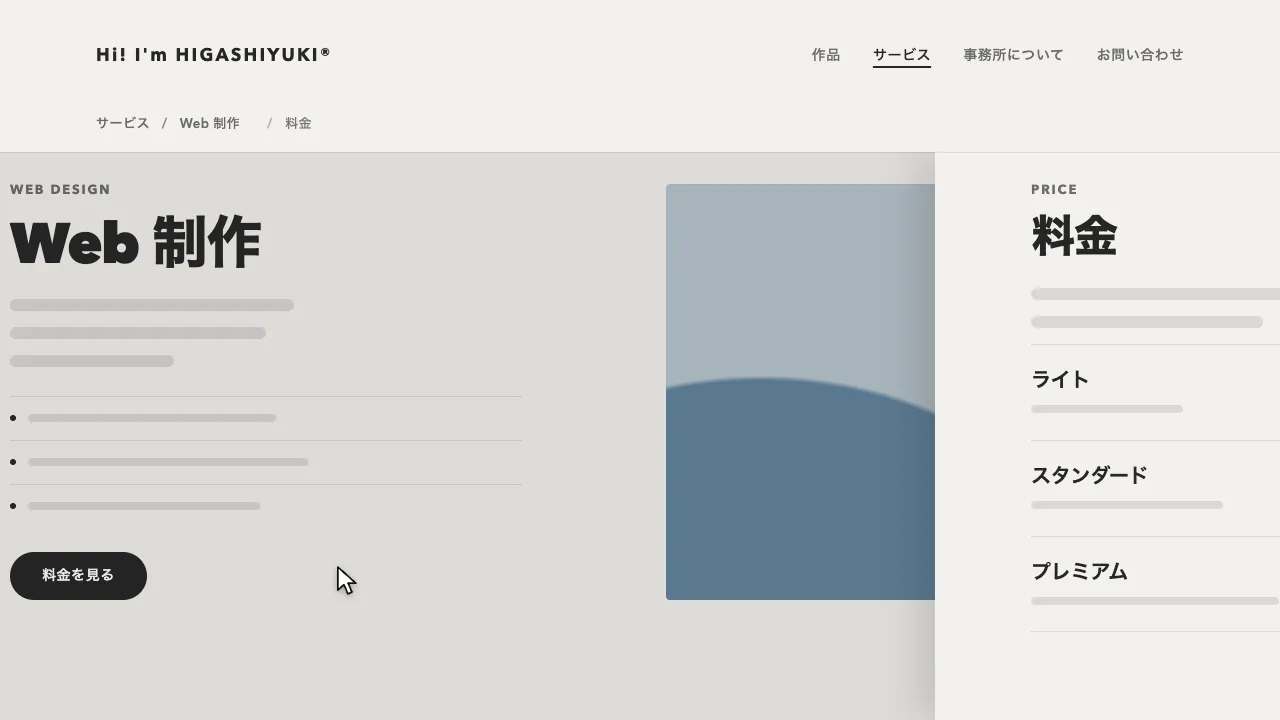
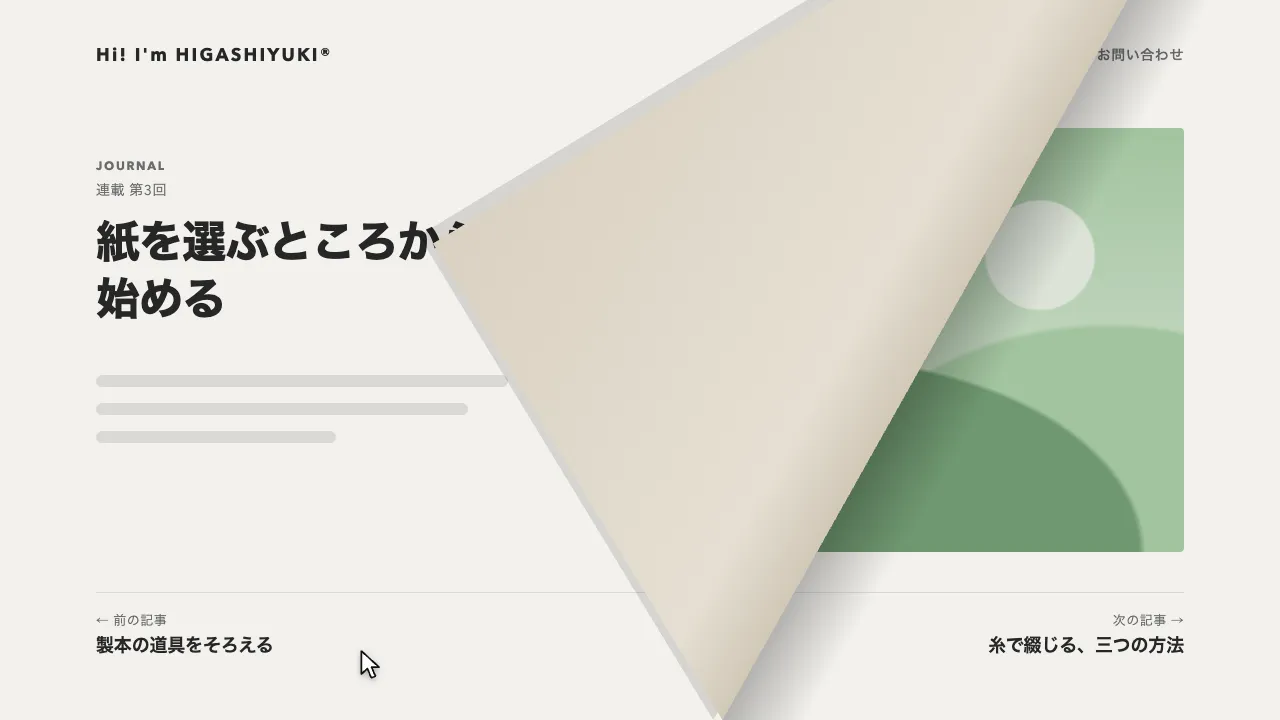
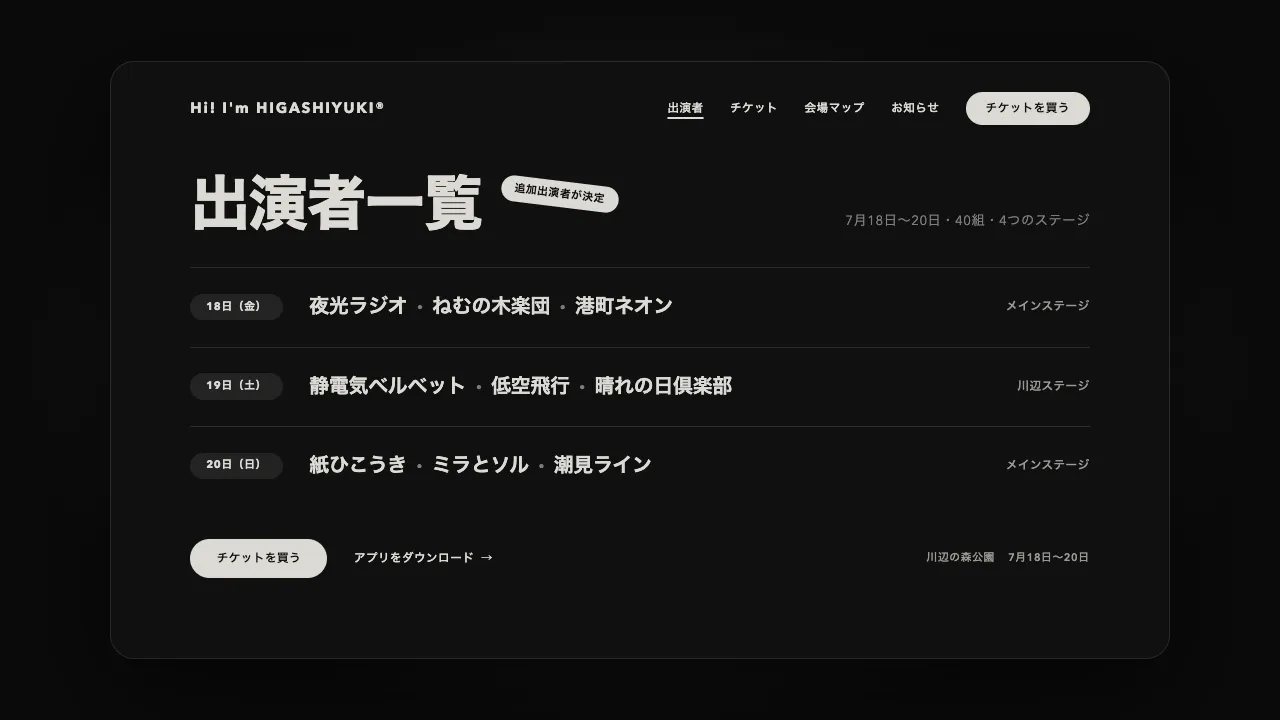
デモ
デモを読み込めませんでした。
仕様
- 用途
- ページ遷移
- 動作
- DOM
- 種類
- レシピ
- 動作確認
- three 0.186.0・gsap 3.15.0
- 公開日
しくみと調整
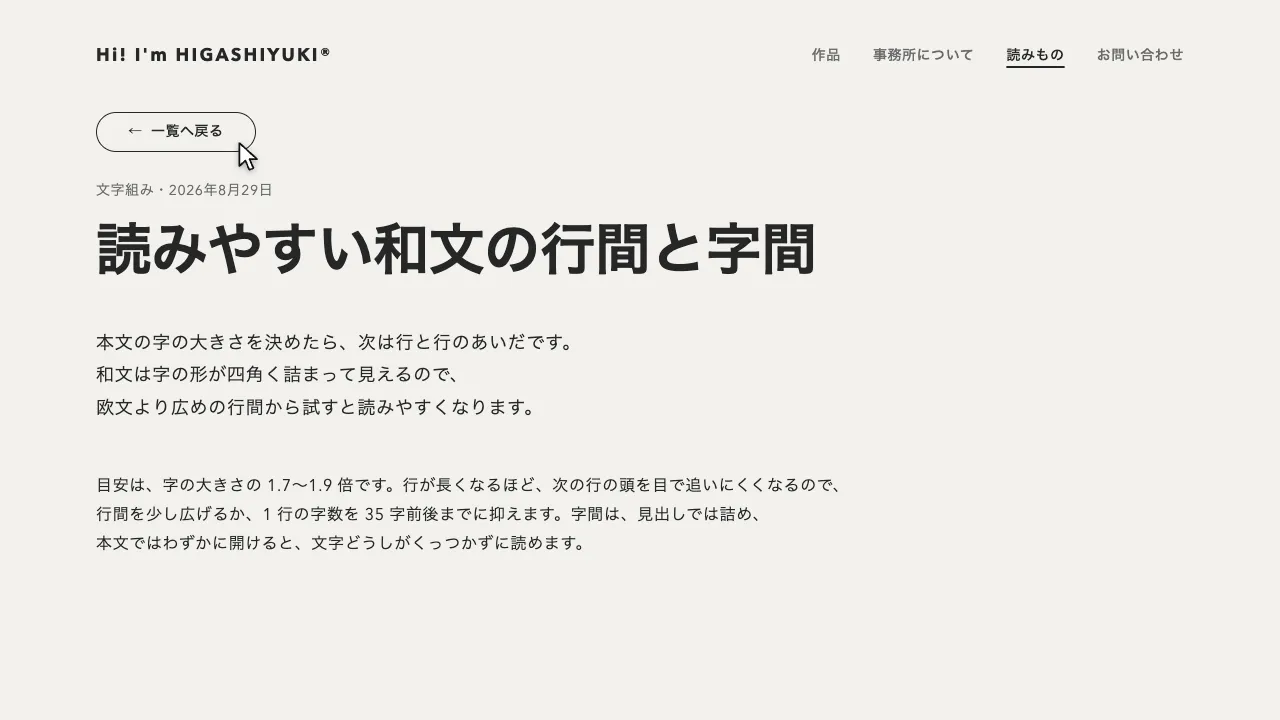
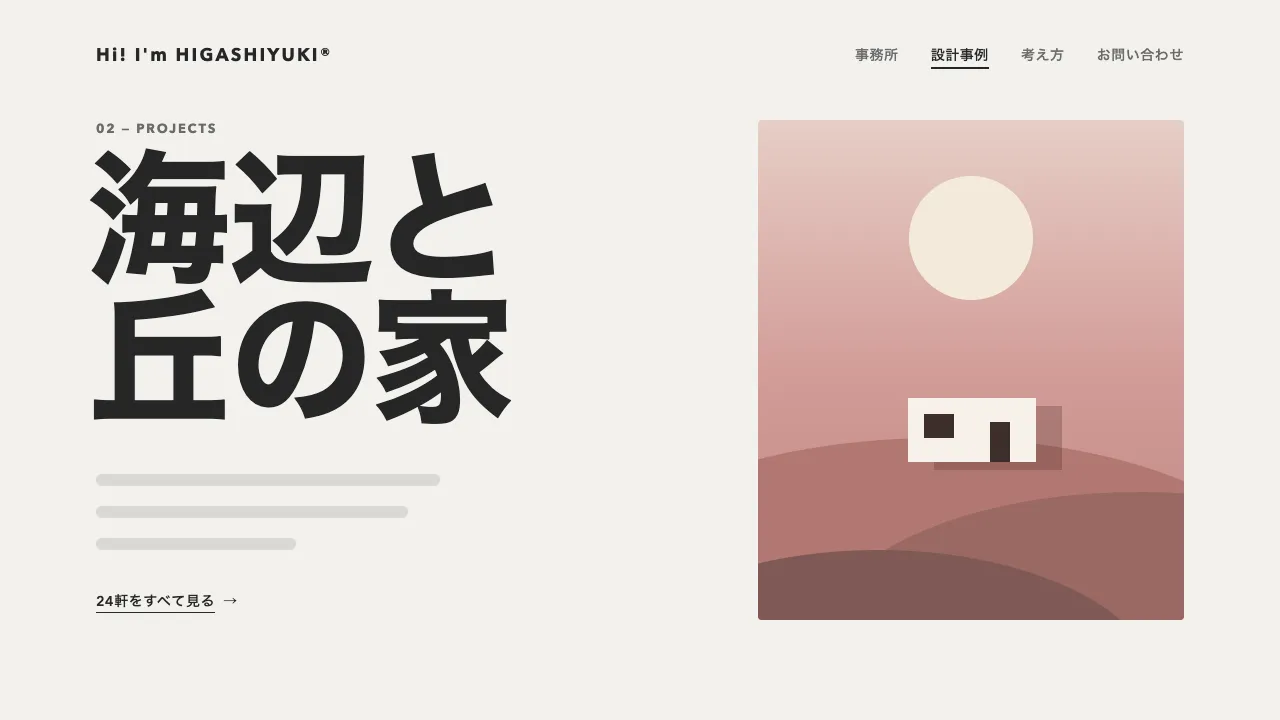
画面の前に、横の帯を 4 段重ねた幕を固定しておきます。リンクが押されたら、帯の中を行き先のページ名で埋め、上の段から順に左右交互に滑り込ませて画面を覆います。覆いきったところでページの中身を差し替え、帯を同じ向きのまま反対側へ抜くと、次のページになっています。帯の中の字は、入ってから抜けるまで一定の速さで横に流れ続けるので、色面で拭うだけの遷移と違い、どこへ移るのかを大きな字で読ませながら切り替えられます。
帯は 0.67 秒の power3.out で入り、段ごとに 0.073 秒ずらします。入りきった帯はいったん止まり、0.12 秒おいてから 0.67 秒の power2.in で抜けます。止まっているあいだも字だけは流れているので、動きが途切れません。字は 1 秒に 264px で流し、名前 1 つ分ずれたら最初の位置に戻るように繰り返します。字の大きさは帯の高さの 8 割ほどで、段ごとに字の位置をずらして、縦に同じ語がそろわないようにしています。
大文字だけの行は、字の上下の中央が行の中央より少し上に来ます。帯の上下の中央にそろえるには、字を 0.04em だけ下げます。書体を替えると、この量も変わるので測り直してください。流す字は、名前を 8 つほど並べておき、画面の幅に名前 2 つ分を足した長さより短くならないようにします。短いと、流れる途中で帯の端に字の切れ目が見えます。
帯の字は、押したリンクの data-name か、その文言から入れます。ブラウザの戻る・進むではリンクが無いので、行き先のページ名を履歴の state に残しておき、そこから読みます。差し替えたあとは、ページの題名と URL を書き換え、読み上げとキーボードの位置を新しいページの見出しへ移します。
つまみは、段の数、帯が入る・抜ける時間とずらし方、字の流れる速さ、帯の色です。段を 2 段にすると大きな字の横断幕に、6 段にすると細かな縞になります。動きを減らす設定では、同じ流れのまま、ほぼ一瞬で切り替えます。音楽やイベント、ファッションのように、ページの名前そのものを見せて勢いよく切り替えたいサイトに向いています。
コード
<!-- 遷移で差し替えるのは data-page の中だけ。次のページも同じ形で書き、data-name にページ名を入れる -->
<div class="page" data-page data-name="Studio">
  <header class="site-header">
    <a class="site-header__logo" href="/" data-name="Home">Hi! I'm HIGASHIYUKI®</a>
    <nav aria-label="メイン">
      <ul class="site-header__links">
        <li><a href="/work/" data-name="Work">実績</a></li>
        <li><a href="/studio/" data-name="Studio" aria-current="page">スタジオ</a></li>
        <li><a href="/journal/" data-name="Journal">読みもの</a></li>
        <li><a href="/contact/" data-name="Contact">お問い合わせ</a></li>
      </ul>
    </nav>
  </header>

  <main class="hero">
    <p class="hero__eyebrow" data-fade>Independent studio</p>
    <!-- 見出しは行ごとにマスクで包み、中の行を出し入れする -->
    <h1 class="hero__title">
      <span class="hero__mask"><span class="hero__line">時代に合わせて、</span></span>
      <span class="hero__mask"><span class="hero__line">育つブランド。</span></span>
    </h1>
    <p class="hero__lead" data-fade>ここに説明文が入ります。</p>
    <a class="button" href="/work/" data-name="Work" data-fade>制作実績を見る</a>
  </main>
</div>

<!-- 帯の幕。body の末尾に 1 つだけ置く。帯の字は、押したリンクの data-name(無ければ文言)で埋める -->
<div class="bands" aria-hidden="true">
  <div class="band"><div class="band__text"></div></div>
  <div class="band"><div class="band__text"></div></div>
  <div class="band"><div class="band__text"></div></div>
  <div class="band"><div class="band__text"></div></div>
</div>:root {
--band: #c8bf83; /* 帯の色。1 段おきに塗り分けて、覆いきった画面でも段の境目を読ませる */
--band-alt: #bab175;
--band-ink: #111111;
--page-bg: #111111;
--page-ink: #eeece6;
--page-mute: #a8a6a0;
--gutter: clamp(24px, 7vw, 96px);
}
body { margin: 0; background: var(--page-bg); }
.page {
min-height: 100vh;
background: var(--page-bg);
color: var(--page-ink);
}
.site-header {
display: flex;
flex-wrap: wrap; /* 狭い画面では、和文のナビをロゴの下の段へ送る */
align-items: center;
gap: 16px 32px;
padding: 32px var(--gutter);
font-size: 14px;
font-weight: 600;
letter-spacing: 0.04em;
}
.site-header__logo { margin-right: auto; font-size: 18px; font-weight: 700; letter-spacing: 0.12em; white-space: nowrap; }
.site-header__links { display: flex; flex-wrap: wrap; gap: 8px 32px; margin: 0; padding: 0; list-style: none; }
.site-header a { color: var(--page-mute); text-decoration: none; white-space: nowrap; }
.site-header .site-header__logo,
.site-header a[aria-current="page"] { color: var(--page-ink); }
.site-header a[aria-current="page"] { text-decoration: underline; text-decoration-thickness: 2px; text-underline-offset: 6px; }
.hero { padding: 96px var(--gutter); }
.hero__eyebrow {
margin: 0 0 24px;
font-size: 13px;
font-weight: 700;
letter-spacing: 0.14em;
text-transform: uppercase;
color: var(--page-mute);
}
.hero__title { margin: 0; font-size: clamp(40px, 7vw, 72px); font-weight: 800; line-height: 1.05; letter-spacing: -0.02em; }
/* 行を包むマスク。下に余白を足して、g や y の下が切れないようにする */
.hero__mask { display: block; overflow: hidden; padding-bottom: 0.06em; }
.hero__line { display: block; }
.hero__lead { margin: 24px 0 40px; font-size: 18px; line-height: 1.8; letter-spacing: 0.04em; word-break: auto-phrase; }
.button {
display: inline-flex;
align-items: center;
height: 48px;
padding: 0 32px;
border-radius: 999px;
background: var(--page-ink);
color: var(--page-bg);
font-size: 15px;
font-weight: 600;
letter-spacing: 0.04em;
text-decoration: none;
}
.page a:focus-visible { outline: 2px solid currentColor; outline-offset: 4px; }
/* 遷移のあとに見出しへ移したフォーカスは、枠を出さない(読み上げの位置を移すためだけのもの) */
.page h1[tabindex="-1"]:focus { outline: none; }
/* 帯の幕。4 段を縦に並べ、JS が帯を画面の外へ置いてから見せる */
/* pointer-events を切っておかないと、抜けたあともページを押せないままになる */
.bands { position: fixed; inset: 0; z-index: 100; display: grid; grid-template-rows: repeat(4, 1fr); overflow: hidden; visibility: hidden; pointer-events: none; }
.bands[data-active] { visibility: visible; }
.band { display: flex; align-items: center; overflow: hidden; background: var(--band); }
.band:nth-child(even) { background: var(--band-alt); }
/* 字の大きさは帯の高さに合わせ、横に狭い画面では幅で抑える */
.band__text {
display: flex;
flex: none;
font-size: min(21vh, 24vw);
font-weight: 800;
line-height: 1;
letter-spacing: -0.02em;
text-transform: uppercase;
white-space: nowrap;
color: var(--band-ink);
}
/* 大文字だけの行は、字が行の中央より 0.04em 上に寄る。下げて帯の上下の中央にそろえる(書体を替えたら測り直す) */
.band__text span { position: relative; top: 0.04em; }
.band__text span::after { content: ""; display: inline-block; width: 0.2em; height: 0.2em; margin: 0 0.32em; border-radius: 50%; background: currentColor; vertical-align: 0.25em; }import { gsap } from "gsap";
const MOVE = 0.67; // 1 段の帯が入る・抜ける時間(秒)
const EACH = 0.073; // 上の段から順にずらす(秒)
const FLOW = 264; // 帯の中の字が流れる速さ(px / 秒)
const reduceMotion = window.matchMedia("(prefers-reduced-motion: reduce)").matches;
const speed = reduceMotion ? 20 : 1; // 動きを減らす設定では、ほぼ一瞬で切り替える
const cover = document.querySelector(".bands");
const bands = gsap.utils.toArray(".band");
const texts = bands.map((band) => band.querySelector(".band__text"));
const side = (i) => (i % 2 ? -1 : 1); // 1 は右から入って左へ抜ける段、-1 は左から入って右へ抜ける段
let busy = false;
let shownPath = location.pathname; // いま見せているページ
let flow = null;
history.scrollRestoration = "manual"; // スクロール位置は、差し替えたあとに自分で戻す
history.replaceState({ name: document.querySelector("[data-page]")?.dataset.name }, ""); // 戻るときの帯の字
gsap.set(bands, { xPercent: (i) => side(i) * 100 }); // 帯は画面の外へ(CSS の transform に書くと、GSAP が px として読んでずれる)
// 次のページの HTML を読み、差し替える部分(data-page)とタイトルを取り出す
async function load(url) {
const response = await fetch(url);
if (!response.ok) throw new Error(response.statusText);
const doc = new DOMParser().parseFromString(await response.text(), "text/html");
const next = doc.querySelector("[data-page]");
if (!next) throw new Error("data-page が無い");
return { next, title: doc.title };
}
// 帯の字を行き先のページ名で埋め、途切れずに流す(名前 1 つ分ずれたら元の絵に戻るので、繰り返せる)
function fill(name) {
const word = () => Object.assign(document.createElement("span"), { textContent: name });
texts.forEach((text) => text.replaceChildren(...Array.from({ length: 8 }, word)));
const unit = texts[0].firstElementChild.offsetWidth;
const from = (i) => -((i * 0.37) % 1) * unit - (side(i) < 0 ? unit : 0); // 段ごとに字をずらす。右へ流れる段は 1 つ分左から
flow = gsap.fromTo(texts, { x: from }, { x: (i) => from(i) + side(i) * -unit, duration: unit / FLOW, ease: "none", repeat: -1 });
}
// 覆う: 帯を上の段から順に、左右交互に滑り込ませる。今のページの見出しは上へ抜き、ほかの中身は消す
const close = (page) =>
gsap.timeline().timeScale(speed)
.fromTo(bands, { xPercent: (i) => side(i) * 100 }, { xPercent: 0, duration: MOVE, ease: "power3.out", stagger: EACH }, 0)
.to(page.querySelectorAll(".hero__line"), { yPercent: -105, duration: 0.61, ease: "power3.in", stagger: 0.061 }, 0)
.to(page.querySelectorAll("[data-fade]"), { opacity: 0, y: -12, duration: 0.49, ease: "power2.in", stagger: 0.049 }, 0);
// 開く: 帯を同じ向きのまま反対側へ抜き、新しいページの見出しを行ごとにせり上げる
const open = (page) =>
gsap.timeline().timeScale(speed)
.to(bands, { xPercent: (i) => -side(i) * 100, duration: MOVE, ease: "power2.in", stagger: EACH }, 0.12)
.fromTo(page.querySelectorAll(".hero__line"), { yPercent: 105 }, { yPercent: 0, duration: 0.97, ease: "expo.out", stagger: 0.097 }, 0.22)
.fromTo(page.querySelectorAll("[data-fade]"), { opacity: 0, y: 16 }, { opacity: 1, y: 0, duration: 0.73, ease: "power2.out", stagger: 0.073 }, 0.34);
async function swap(url, name, push) {
const current = document.querySelector("[data-page]");
fill(name);
cover.dataset.active = "";
// 帯が覆うあいだに次のページを読む。差し替えるのは、覆いきって読み終えてから
const [{ next, title }] = await Promise.all([load(url), close(current)]);
if (push) history.pushState({ name }, "", url);
shownPath = new URL(url).pathname;
current.replaceWith(next);
document.title = title;
scrollTo(0, 0);
// 読み上げとキーボードの位置を、新しいページの見出しへ移す
const heading = next.querySelector("h1");
heading?.setAttribute("tabindex", "-1");
heading?.focus({ preventScroll: true });
await open(next);
flow.kill();
delete cover.dataset.active;
}
async function go(url, name, push) {
if (busy) return;
busy = true;
try {
await swap(url, name, push);
} catch {
location.href = url; // 読み込めなかったら、ふつうに移る
} finally {
busy = false;
}
}
// 同じサイトのほかのページへのリンクだけ横取りする(別タブ・修飾キー付き・同じページ内のリンクは邪魔しない)
document.addEventListener("click", (event) => {
const link = event.target.closest("a[href]");
if (!link || event.defaultPrevented || event.button !== 0) return;
if (event.metaKey || event.ctrlKey || event.shiftKey || event.altKey || link.target || link.hasAttribute("download")) return;
const url = new URL(link.href);
if (url.origin !== location.origin || url.pathname === location.pathname) return;
event.preventDefault();
go(url.href, link.dataset.name ?? link.textContent.trim(), true);
});
// ブラウザの戻る・進むでも、同じ帯で移る(帯の字は、履歴に残したページ名)
addEventListener("popstate", (event) => {
if (location.pathname !== shownPath) go(location.href, event.state?.name ?? "", false);
});