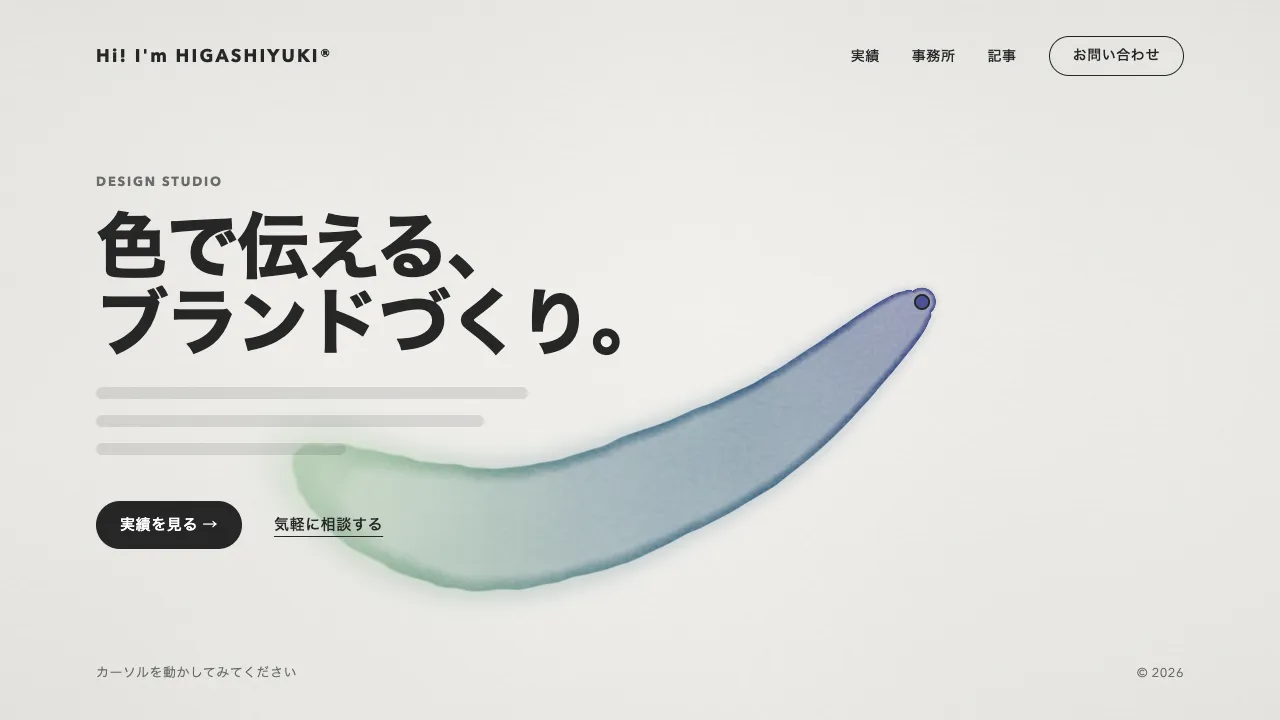
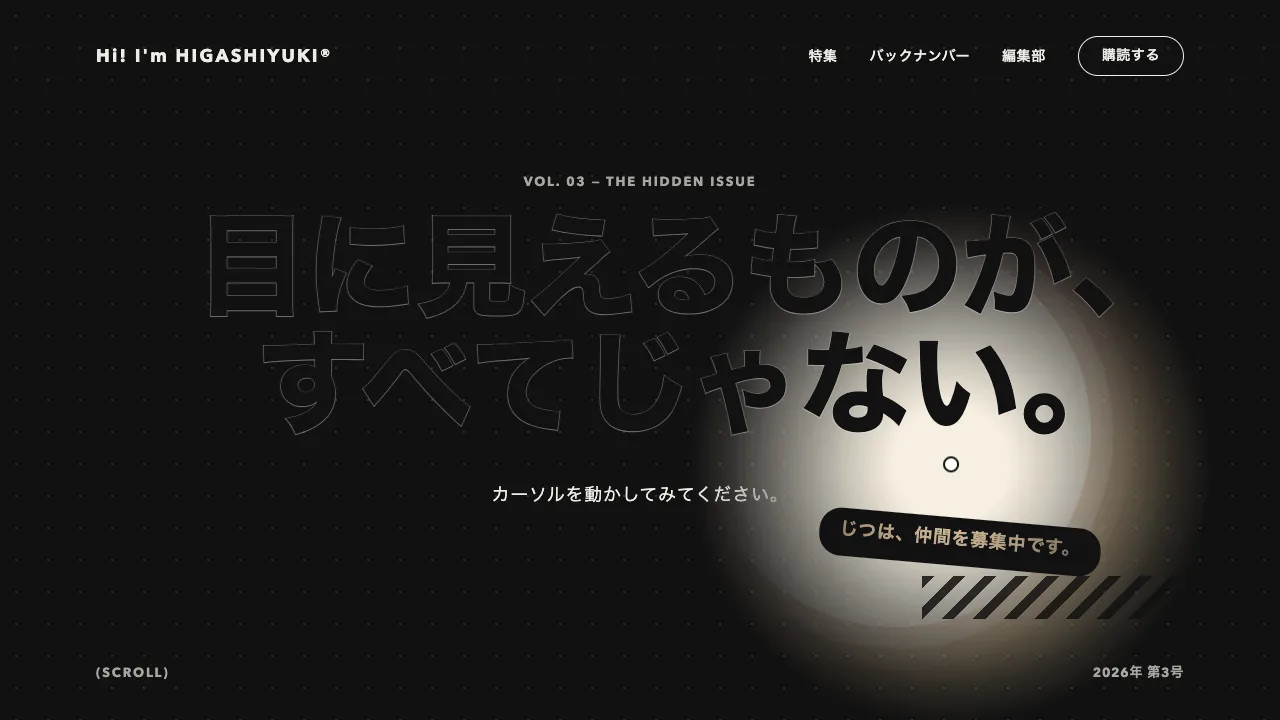
デモ
デモを読み込めませんでした。
仕様
- 用途
- カーソル
- 動作
- DOM
- 種類
- レシピ
- 動作確認
- three 0.186.0・gsap 3.15.0
- 公開日
しくみと調整
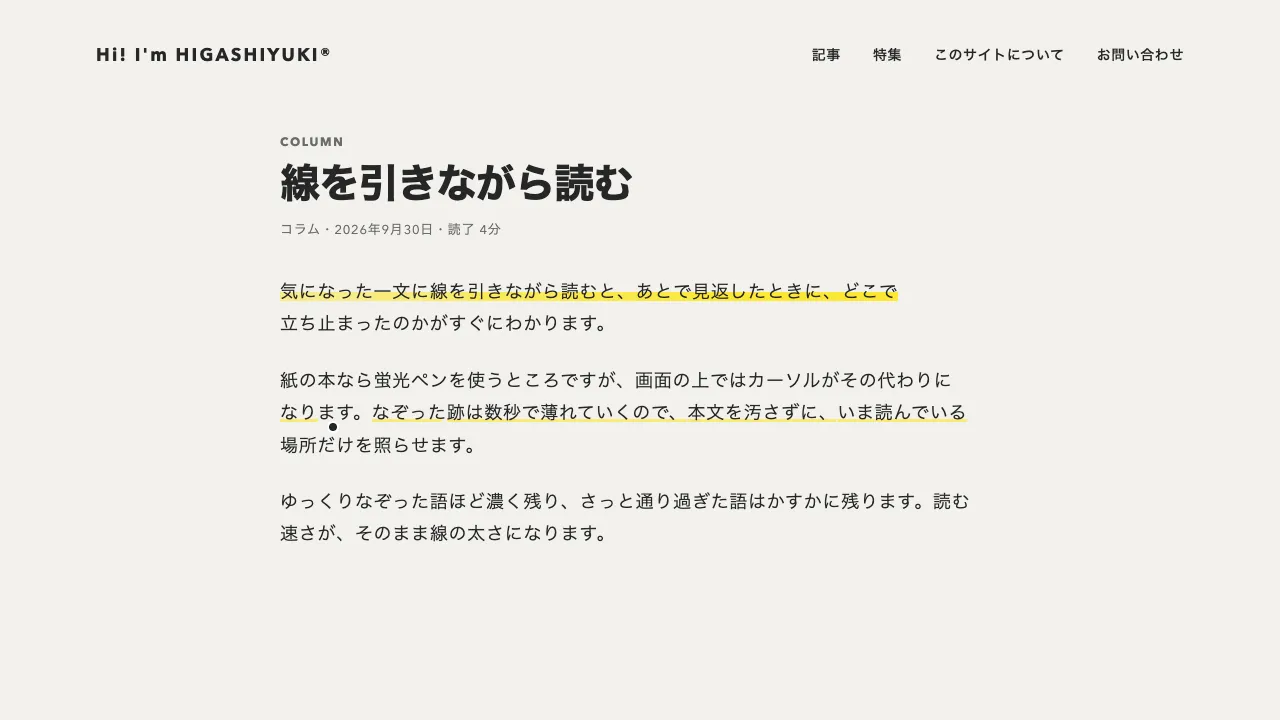
色のついた画像(SVG)の上に、同じ画像から色を抜いた canvas を重ねます。カーソルでなぞると、canvas の合成を destination-out にして、なぞった道筋を丸く消します。消えた所から下の色の画像が見え、消した所は描き戻さないので、戻った色はそのまま残ります。画像の半分まで色が戻ると、残りの canvas を 0.8 秒で透明にして、画像全体を一度に色づけます。
筆あとは半径 40px の丸で、中心から半径の 60% までは消しきり、縁へ向けて薄くなる放射グラデーションで消します。縁が柔らかいので、筆でこすったように見えます。pointermove の点をそのままつなぐと、速く動かしたときに筆あとが点々に途切れるので、前の点から今の点までを 11px 刻みに割って押します。戻った割合は、画像を 16px の升に分け、筆あとの中心から半径の 85% に入った升を数えて測ります。画素を数えるより軽く、柔らかい縁の薄い所を数えずに済みます。
色を抜いた画像は、SVG を画像にして canvas に描き、画素ごとに明るさ(輝度)の灰色にしてから、地の色へ 50% 寄せて作ります。灰色にするだけでは明るさが元の色とほとんど変わらず、色が戻っても違いがわかりにくいためです。写真を使うときは、同じオリジンの img を置けばそのまま描けます。getImageData で画素を読むので、ほかのオリジンの画像は CORS の許可が無いと読めません。画像の大きさが変わったときは、色を抜いた画像を描き直し、戻した色も初めからにします。
なぞれない人のために、ボタンを 1 つ置きます。色づく前は「一度に色を戻す」、色づいたあとは「もう一度なぞる」になり、色の抜けた画像に戻します。色づいたことは、見えない role="status" の領域で読み上げに伝えます。指で触る端末では横になぞると色が戻り、縦に動かすとページがスクロールします(touch-action の pan-y)。動きを減らす設定では、一度に色づく所と色が抜ける所をその場で切り替えます。
つまみは、筆の半径、一度に色づけるまでの割合、色を抜いた画像を寄せる色と割合(CSS の変数)です。割合を 0.3 に下げると早く色づき、0.8 に上げるとじっくりなぞらせます。カーソルの周りだけを一時的に照らす演出や、なぞった跡が乾いて消える演出と違い、読む人がなぞった分だけ画像が変わって残るので、観光地や町の紹介、リフォームの施工前後、キャンペーンのくじのような、手を動かして見つけてもらいたいページに向いています。
コード
<section class="scratch" aria-labelledby="scratch-title">
  <div class="scratch__copy">
    <p class="scratch__label">GUIDE</p>
    <h2 class="scratch__title" id="scratch-title">なぞると、<br>町に色が戻る</h2>
    <p class="scratch__lead">色の抜けた画像を、なぞってみてください。<br>半分ほど戻ると、残りも一度に色づきます。</p>
    <p class="scratch__meter" aria-hidden="true">色が戻った所<span class="scratch__percent">0%</span></p>
    <!-- 色づく前は一度に色を戻し、色づいたあとは data-again の文言になって、色の抜けた絵に戻す -->
    <button class="scratch__button" type="button" data-again="もう一度なぞる">一度に色を戻す</button>
    <p class="scratch__status" role="status" data-done="すべての色が戻りました"></p>
  </div>
  <!-- 色のついた絵(SVG か、同じオリジンの img)。上の canvas に、スクリプトが色を抜いた同じ絵を描く -->
  <div class="scratch__frame">
    <svg class="scratch__art" viewBox="0 0 640 400" preserveAspectRatio="none" role="img" aria-label="山並みのふもとに家が並ぶ町の画像">
      <rect width="640" height="400" fill="#c9d6dc" />
      <circle cx="478" cy="98" r="38" fill="#eed7b8" />
      <path d="M0 232 90 150 170 206 262 118 362 200 452 140 560 212 640 168V400H0Z" fill="#93b2c9" />
      <path d="M0 272 112 204 212 256 322 188 432 250 540 214 640 252V400H0Z" fill="#62839d" />
      <path d="M0 302Q160 252 330 292T640 282V400H0Z" fill="#6f9770" />
      <circle cx="96" cy="286" r="22" fill="#475c6a" /><circle cx="128" cy="292" r="16" fill="#475c6a" />
      <path d="M150 322V284h56v38Z" fill="#d9ba92" /><path d="M142 286 178 256 214 286Z" fill="#ba7069" /><path d="M170 322v-22h14v22Z" fill="#475c6a" />
      <path d="M228 324V292h46v32Z" fill="#eed7b8" /><path d="M222 294 251 270 280 294Z" fill="#475c6a" /><path d="M244 300h14v12h-14Z" fill="#62839d" />
      <path d="M300 324V280h66v44Z" fill="#d9ba92" /><path d="M292 282 333 250 374 282Z" fill="#857ba5" /><path d="M314 294h14v14h-14ZM340 294h14v14h-14Z" fill="#475c6a" />
      <circle cx="404" cy="290" r="24" fill="#a2c49f" /><circle cx="436" cy="300" r="16" fill="#6f9770" />
      <path d="M0 346Q200 312 400 338T640 332V400H0Z" fill="#9a914b" />
      <path d="M300 400Q330 370 360 352T420 334L436 336Q392 352 374 372T356 400Z" fill="#d1c57a" />
      <circle cx="520" cy="360" r="10" fill="#ba7069" /><circle cx="546" cy="368" r="8" fill="#d99590" /><circle cx="572" cy="358" r="9" fill="#ba7069" />
    </svg>
    <canvas class="scratch__fade" aria-hidden="true"></canvas>
    <span class="scratch__ring" aria-hidden="true"></span>
  </div>
</section>.scratch {
--bg: #f2f1ed;
--ink: #262626;
--mute: #6b6b6b;
--brush: 40px; /* 筆あとの半径 */
--fade-paper: #f2f1ed; /* 色を抜いた絵を寄せる色(#rrggbb) */
--fade-mix: 0.5; /* 灰色をその色へ寄せる割合(大きいほど淡い) */
display: grid;
grid-template-columns: repeat(auto-fit, minmax(min(100%, 360px), 1fr));
align-items: center;
gap: 48px 64px;
padding: 96px clamp(16px, 7.5vw, 96px);
background: var(--bg);
color: var(--ink);
}
.scratch__label { margin: 0; color: var(--mute); font-size: 13px; font-weight: 700; letter-spacing: 0.14em; }
.scratch__title {
margin: 24px 0 0;
font-size: clamp(32px, 5vw, 44px);
font-weight: 800;
line-height: 1.1;
letter-spacing: -0.02em;
}
.scratch__lead { margin: 32px 0 0; font-size: 18px; line-height: 1.8; letter-spacing: 0.04em; word-break: auto-phrase; }
.scratch__meter { display: flex; gap: 12px; margin: 32px 0 0; color: var(--mute); font-size: 14px; letter-spacing: 0.04em; }
.scratch__percent { color: var(--ink); font-weight: 700; font-variant-numeric: tabular-nums; }
.scratch__button {
height: 48px;
margin-top: 24px;
padding: 0 32px;
border: 1px solid var(--ink);
border-radius: 999px;
background: none;
color: var(--ink);
font: inherit;
font-size: 15px;
font-weight: 600;
letter-spacing: 0.04em;
cursor: pointer;
}
.scratch__button:focus-visible { outline: 2px solid var(--ink); outline-offset: 4px; }
/* 読み上げだけに届ける */
.scratch__status { position: absolute; width: 1px; height: 1px; margin: 0; overflow: hidden; clip-path: inset(50%); white-space: nowrap; }
/* 横になぞるあいだはポインタで描き、縦に動かしたときだけページをスクロールさせる */
.scratch__frame {
position: relative;
aspect-ratio: 8 / 5;
overflow: clip;
border-radius: 4px;
touch-action: pan-y;
}
.scratch__art,
.scratch__fade { position: absolute; inset: 0; display: block; width: 100%; height: 100%; }
/* 筆の大きさを示す輪。マウスで絵に乗っているあいだだけ出す */
.scratch__ring {
position: absolute;
left: 0;
top: 0;
width: calc(var(--brush) * 2);
height: calc(var(--brush) * 2);
margin: calc(var(--brush) * -1) 0 0 calc(var(--brush) * -1);
box-sizing: border-box;
border: 2px solid #ffffff;
border-radius: 50%;
box-shadow: 0 0 0 1px rgba(38, 38, 38, 0.3);
pointer-events: none;
visibility: hidden;
}
.scratch__ring::after {
content: "";
position: absolute;
inset: calc(50% - 4px);
border-radius: 50%;
background: var(--ink);
box-shadow: 0 0 0 2px #ffffff;
}
/* マウスで絵に乗っているあいだは、輪と点がカーソルの代わり */
@media (hover: hover) and (pointer: fine) {
.scratch__frame { cursor: none; }
}
@media (max-width: 560px) {
.scratch { --brush: 28px; }
}import { gsap } from "gsap";
const STEP = 11; // 筆あとを押す間隔(px)。速く動かしても途切れないよう、動いた道筋を刻んで押す
const SOFT = 0.6; // 筆あとの、中心から消しきる割合(その外は縁へ向けて薄く)
const CELL = 16; // 戻った割合を測る升(px)
const REACH = 0.85; // 升に印を付ける、筆あとの中心からの距離(半径に対する比)
const DONE = 0.5; // この割合まで戻ったら、残りを一度に色づける
const reduceMotion = window.matchMedia("(prefers-reduced-motion: reduce)").matches;
document.querySelectorAll(".scratch").forEach(async (section) => {
const frame = section.querySelector(".scratch__frame");
const [art, canvas, ring] = [".scratch__art", ".scratch__fade", ".scratch__ring"].map((s) => frame.querySelector(s));
const [button, percent, status] = [".scratch__button", ".scratch__percent", ".scratch__status"].map((s) => section.querySelector(s));
const ctx = canvas.getContext("2d", { willReadFrequently: true });
const css = getComputedStyle(section);
const mix = parseFloat(css.getPropertyValue("--fade-mix"));
const hex = css.getPropertyValue("--fade-paper").trim();
const paper = [1, 3, 5].map((i) => parseInt(hex.slice(i, i + 2), 16));
const labels = { reveal: button.textContent, again: button.dataset.again };
// SVG は画像にして描く(img ならそのまま。getImageData を使うので同じオリジンの画像に限る)
const source = art.tagName === "IMG" ? art : new Image();
if (source !== art) source.src = `data:image/svg+xml;charset=utf-8,${encodeURIComponent(new XMLSerializer().serializeToString(art))}`;
await source.decode();
let brush, grid, cols, filled, done, last, rest;
// 色を抜いた絵を描き直す(画素を 灰色 × (1 − mix) + 地の色 × mix に)。大きさが変わったときと、もう一度なぞるとき
const setup = () => {
const { width, height } = frame.getBoundingClientRect();
const dpr = window.devicePixelRatio || 1;
canvas.width = Math.round(width * dpr);
canvas.height = Math.round(height * dpr);
ctx.drawImage(source, 0, 0, canvas.width, canvas.height);
const image = ctx.getImageData(0, 0, canvas.width, canvas.height);
for (let i = 0, d = image.data; i < d.length; i += 4) {
const gray = 0.299 * d[i] + 0.587 * d[i + 1] + 0.114 * d[i + 2];
for (let c = 0; c < 3; c++) d[i + c] = gray * (1 - mix) + paper[c] * mix;
}
ctx.putImageData(image, 0, 0);
ctx.setTransform(dpr, 0, 0, dpr, 0, 0);
ctx.globalCompositeOperation = "destination-out"; // ここからは、押した所を丸く消して下の色を見せる
brush = parseFloat(getComputedStyle(frame).getPropertyValue("--brush"));
cols = Math.ceil(width / CELL);
grid = new Uint8Array(cols * Math.ceil(height / CELL));
[filled, done, last, rest] = [0, false, null, 0];
percent.textContent = "0%";
button.textContent = labels.reveal;
status.textContent = "";
gsap.set(canvas, { autoAlpha: 1 });
};
// 筆あとを 1 つ押し、中心から REACH の升に印を付ける
const stamp = (x, y) => {
const g = ctx.createRadialGradient(x, y, 0, x, y, brush);
[[0, "#000"], [SOFT, "#000"], [1, "rgba(0, 0, 0, 0)"]].forEach(([at, color]) => g.addColorStop(at, color));
ctx.fillStyle = g; // 半径の外は透明なので、四角で塗っても丸く消える
ctx.fillRect(x - brush, y - brush, brush * 2, brush * 2);
const reach = brush * REACH;
for (let j = Math.max(0, Math.floor((y - reach) / CELL)); j <= Math.floor((y + reach) / CELL); j++) {
for (let i = Math.max(0, Math.floor((x - reach) / CELL)); i < cols && i <= Math.floor((x + reach) / CELL); i++) {
const k = j * cols + i;
if (k < grid.length && !grid[k] && Math.hypot((i + 0.5) * CELL - x, (j + 0.5) * CELL - y) <= reach) filled += grid[k] = 1;
}
}
};
const complete = () => {
[done, percent.textContent, button.textContent, status.textContent] = [true, "100%", labels.again, status.dataset.done];
gsap.to(canvas, { autoAlpha: 0, duration: reduceMotion ? 0 : 0.8, ease: "power2.out" });
};
frame.addEventListener("pointermove", (event) => {
const box = frame.getBoundingClientRect();
const p = { x: event.clientX - box.left, y: event.clientY - box.top };
if (event.pointerType === "mouse") gsap.set(ring, { x: p.x, y: p.y, autoAlpha: 1 });
if (done || !grid) return;
// 前の点から今の点まで、STEP px 刻みに押す(前の点が無ければ今の点だけ)
const len = last ? Math.hypot(p.x - last.x, p.y - last.y) : 0;
let at = last ? STEP - rest : 0;
for (; at <= len; at += STEP) stamp(last ? last.x + ((p.x - last.x) * at) / len : p.x, last ? last.y + ((p.y - last.y) * at) / len : p.y);
[rest, last] = [len - (at - STEP), p];
percent.textContent = `${Math.floor((filled / grid.length) * 100)}%`;
if (filled / grid.length >= DONE) complete();
});
frame.addEventListener("pointerleave", () => ((last = null), gsap.set(ring, { autoAlpha: 0 })));
frame.addEventListener("pointerup", () => (last = null));
// 色づく前は一度に色を戻し、色づいたあとは色の抜けた絵に戻す
button.addEventListener("click", () => {
if (!done) return complete();
setup();
gsap.fromTo(canvas, { autoAlpha: 0 }, { autoAlpha: 1, duration: reduceMotion ? 0 : 0.6, ease: "power1.inOut" });
});
new ResizeObserver(setup).observe(frame); // 大きさが変わったら描き直す(戻した色も初めからになる)
});