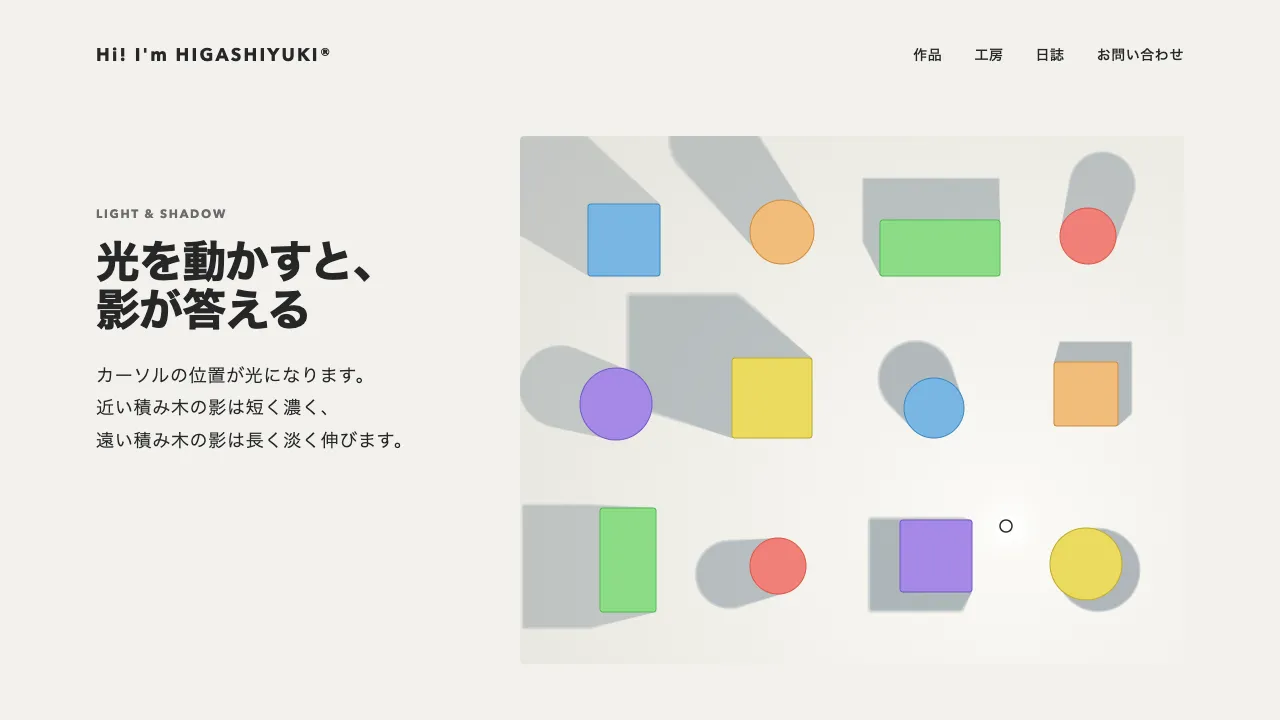
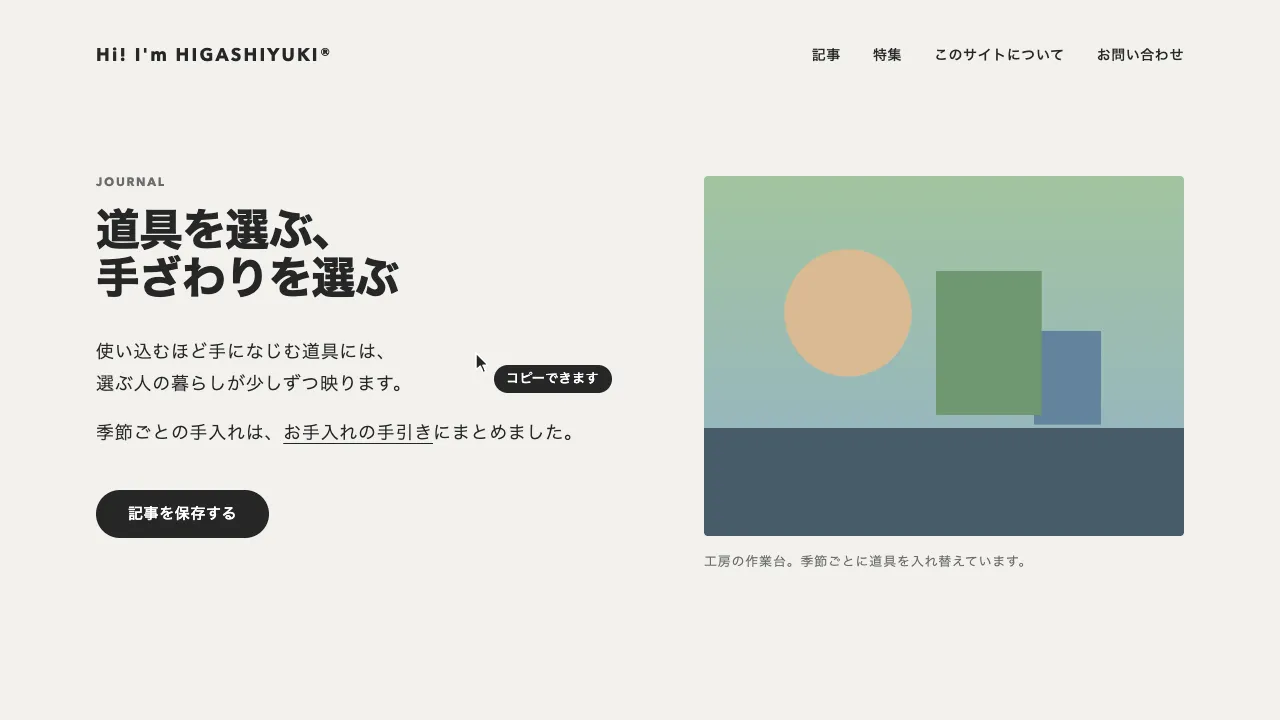
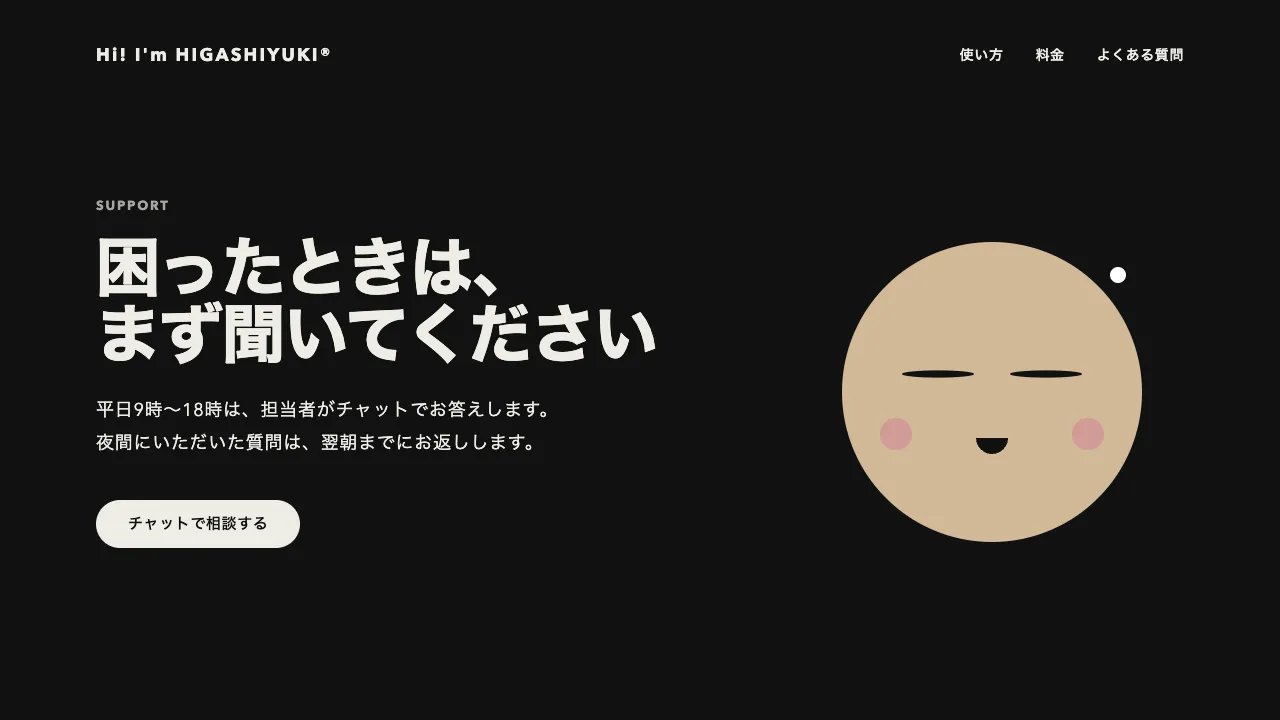
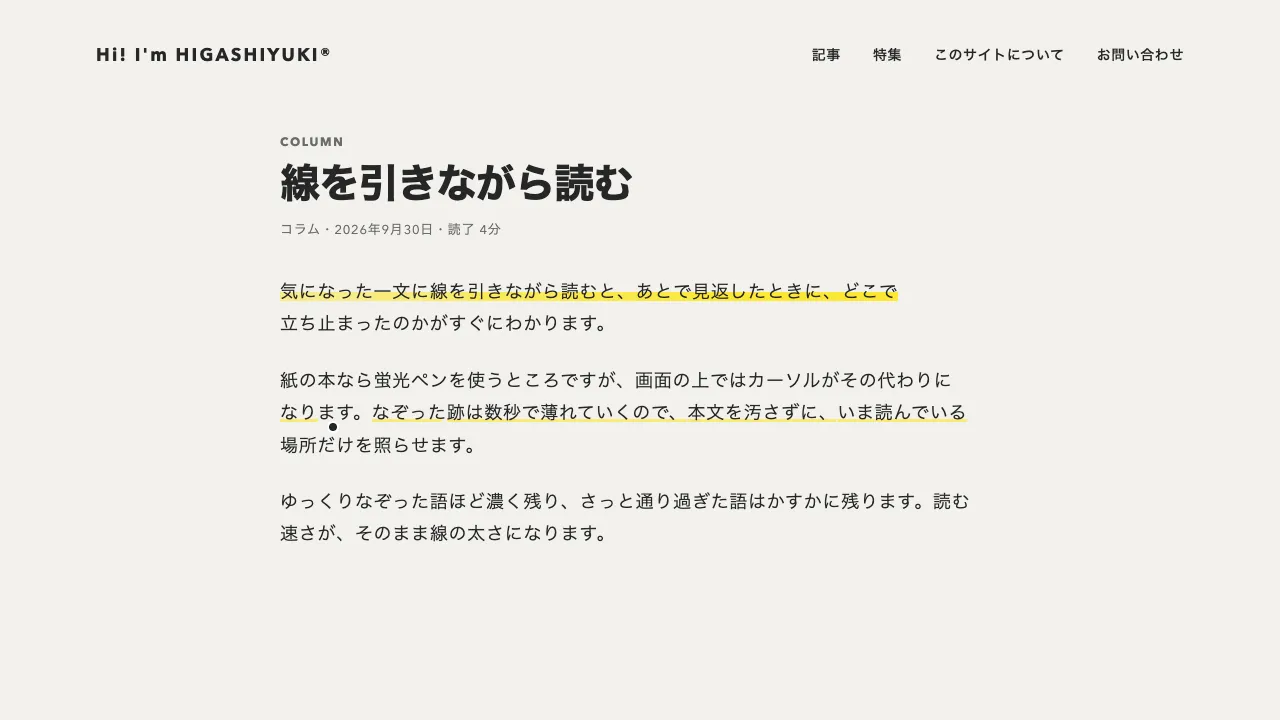
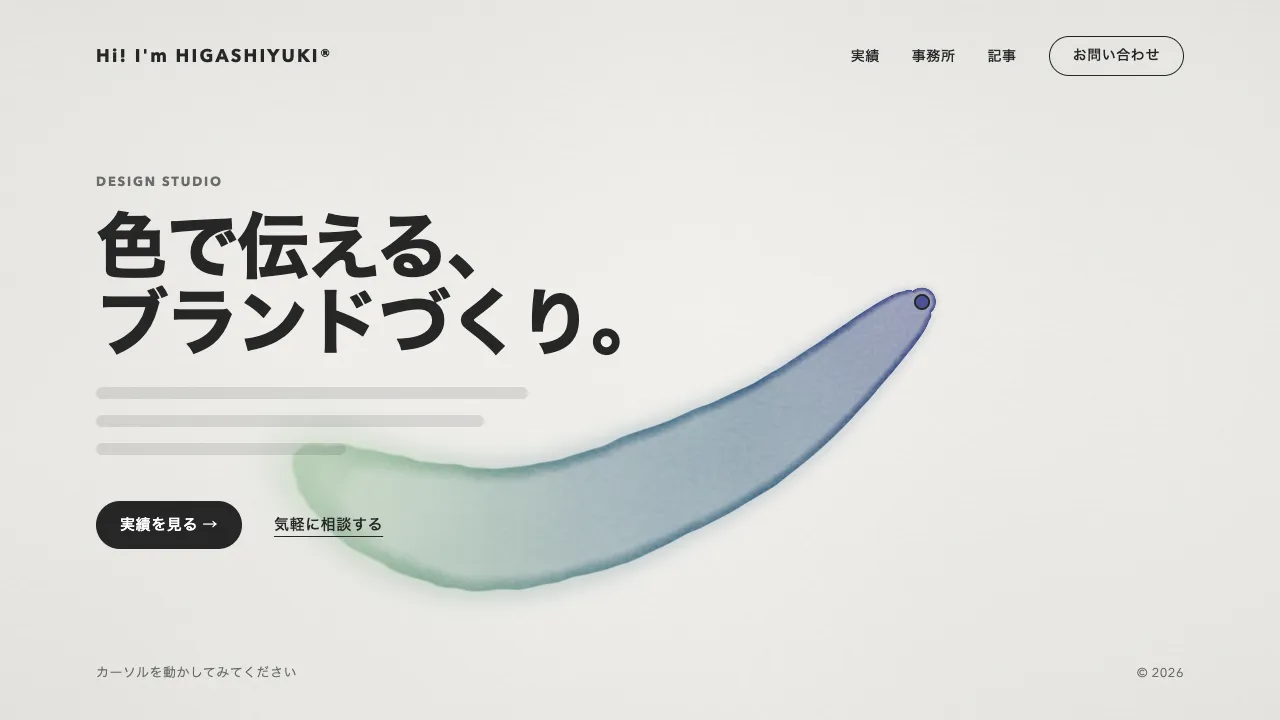
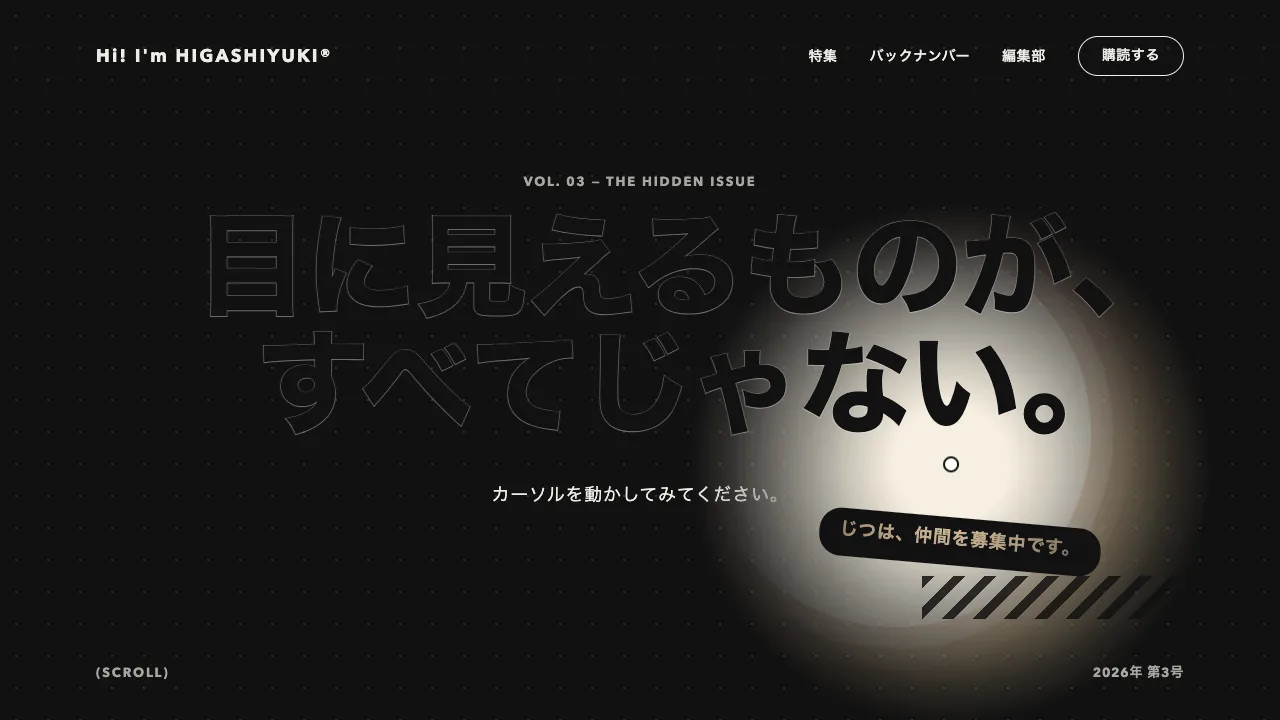
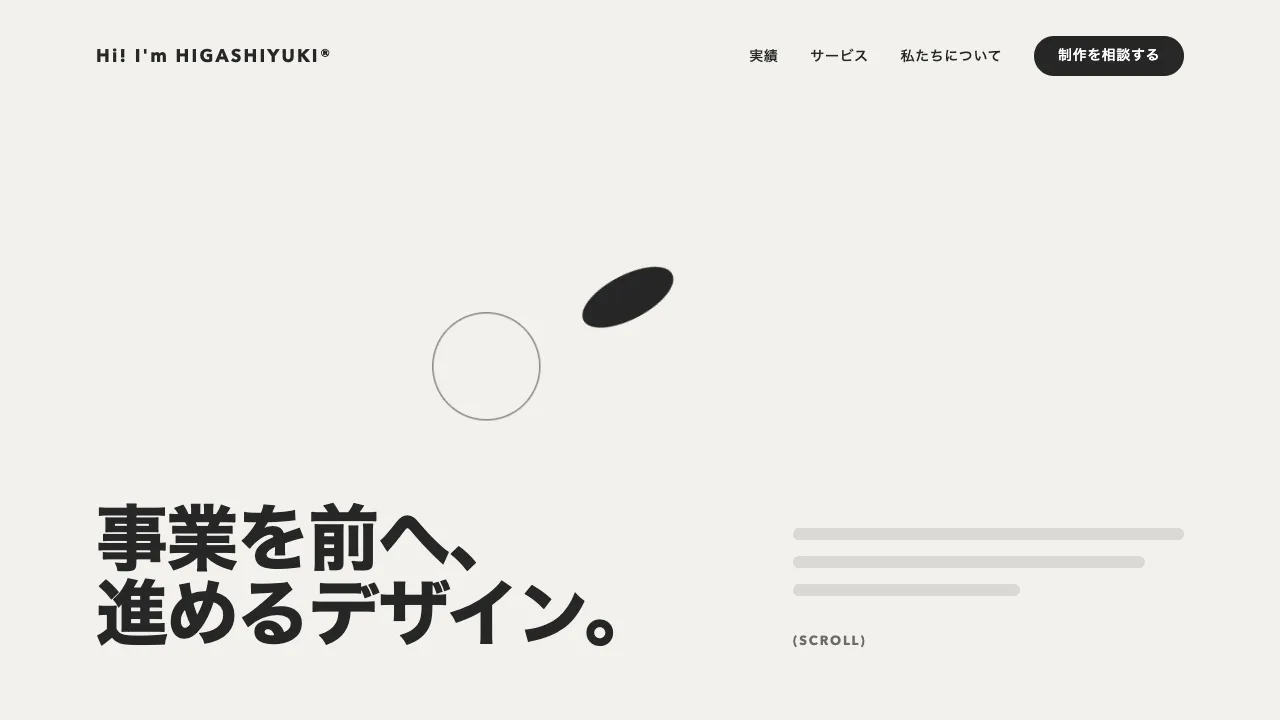
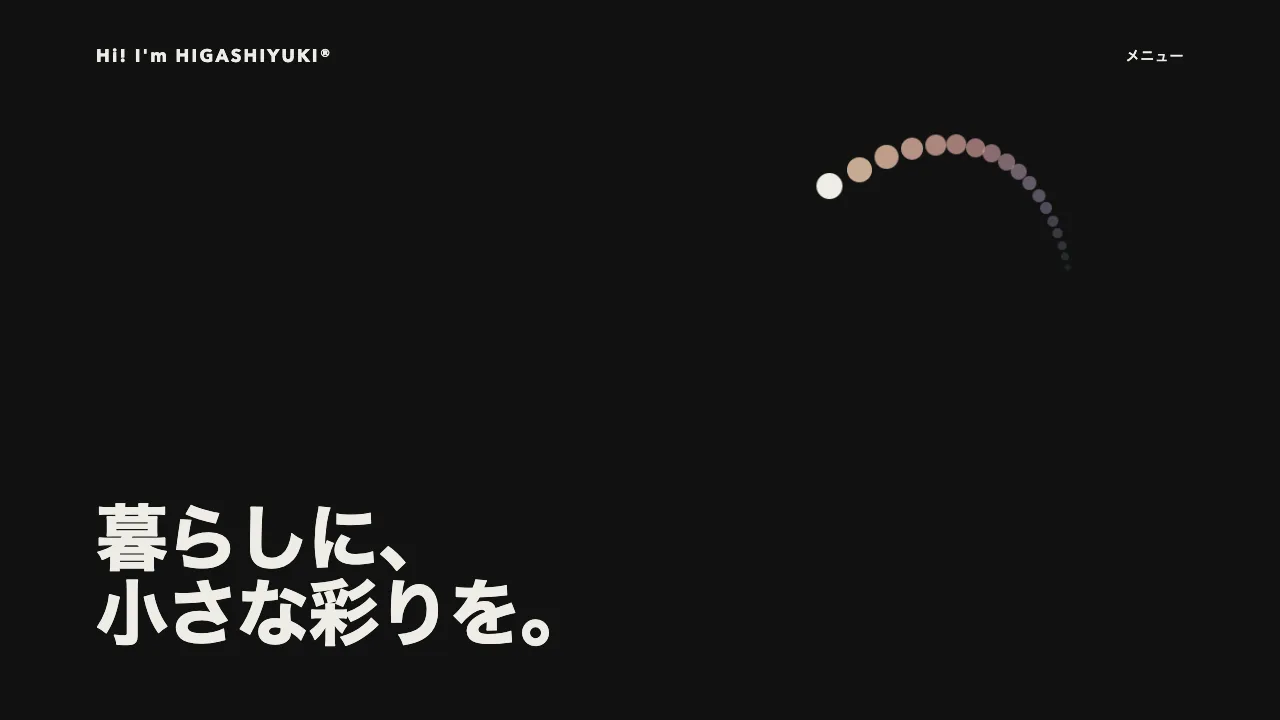
デモ
デモを読み込めませんでした。
仕様
- 用途
- カーソル
- 動作
- DOM
- 種類
- レシピ
- 動作確認
- three 0.186.0・gsap 3.15.0
- 公開日
しくみと調整
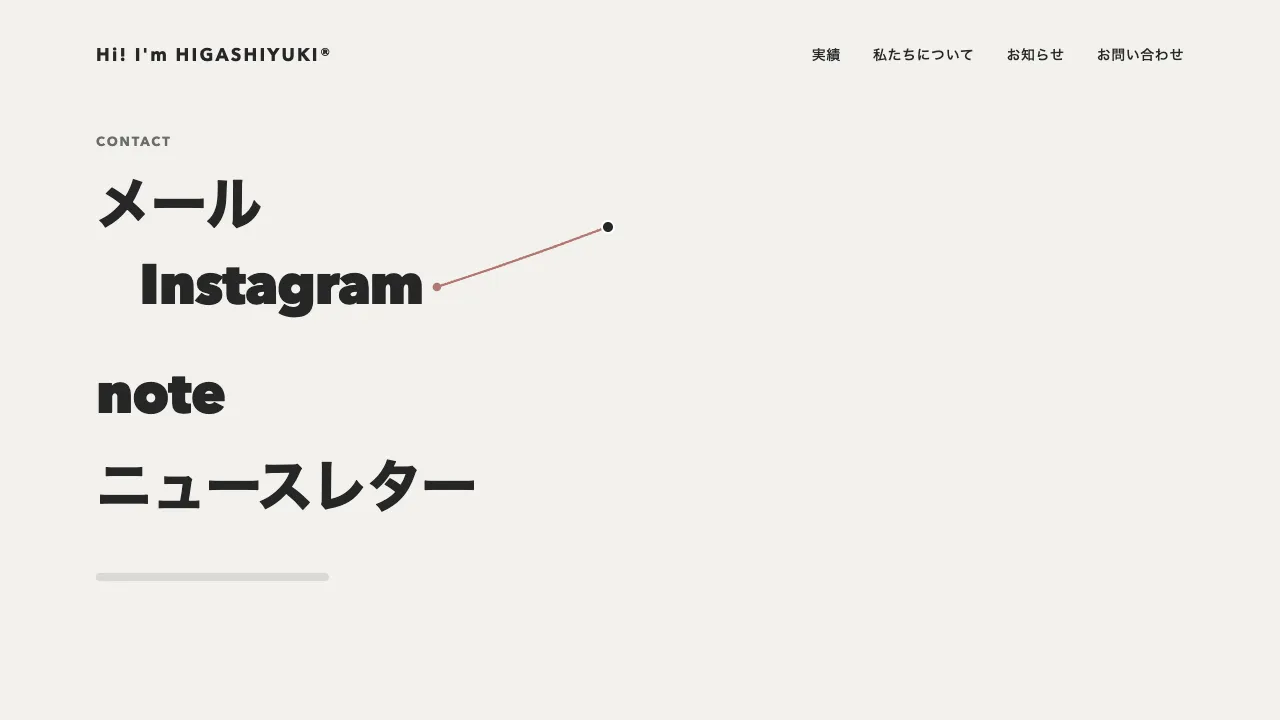
大きな見出しを 1 文字ずつの inline-block の span に分け、ポインタとの距離だけで外へ押しのけます。押しのける量は、円の縁からの深さを余弦の山で表します。中心にいちばん近い文字が大きく動き、縁ではなめらかに 0 へ戻ります。向きは中心から文字へ向かうベクトルそのままなので、カーソルのまわりに丸い空き地ができます。明るさや色は変えず、位置と傾きだけで場所を空けるのがこの作りです。
円の半径は 152px、いちばん近い文字が動く量はその 55%(84px ほど)、傾きは最大 13° です。円の中心は quickTo で 0.3 秒かけてポインタに追いつくので、文字がわずかに遅れて逃げ、手を止めるとすっと収まります。見出しは文字そのものが見どころなので、節の見出しより大きい 88px にしています。
つまずきやすいのは、カーソルが文字の真上を通る瞬間です。押しのける向きがそこで裏返るので、そのままだと文字が左右に飛びます。中心から 30px の内側では量を弱め、真上でちょうど 0 になるようにすると、どこを通っても続けてつながります。文字の中心は、押しのけていない状態で測ってください。動かしたまま測ると、空き地が文字を追いかけて逃げ続けます。
つまみは、円の半径・押しのける量・傾き・追いつく時間の 4 つです。半径を広げると行をまたぐ大きな穴が開き、量を 0.3 ほどに下げると、字がわずかに身をよける控えめな表情になります。指で触る端末ではつながず、文字はそのまま読ませます。キーボードでボタンへ移ったときは、そのボタンの中央を円の中心にします。
ヒーローの見出しや、作品集の大きな文字の壁に向いています。文字は DOM のまま transform で動かすだけなので、読み上げにも検索にもそのまま届きます。
コード
<section class="repel" aria-labelledby="repel-title">
  <p class="repel__label">Design studio</p>
  <!-- 行の切れ目は <br> で決める。JS がこの中の文字だけを 1 字ずつの span に包む -->
  <h2 class="repel__title" id="repel-title">福岡を拠点に、<br>ブランドとWebを<br>ていねいにつくる<br>デザイン事務所。</h2>
  <p class="repel__lead">ここに説明文が入ります。</p>
  <a class="repel__cta" href="/contact/">相談する</a>
</section>.repel {
/* JS が読む値。px で書く(min() や vw のままだと数として読めない) */
--reach: 152px;
--push: 0.55;
--tilt: 13;
--soft: 30px;
--ink: #262626;
--bg: #f2f1ed;
box-sizing: border-box;
padding: 96px;
background: var(--bg);
color: var(--ink);
}
.repel__label {
margin: 0;
color: #6b6b6b;
font-size: 13px;
font-weight: 700;
letter-spacing: 0.14em;
line-height: 1;
text-transform: uppercase;
}
.repel__title {
margin: 24px 0 0;
font-size: clamp(38px, 6.9vw, 88px);
font-weight: 800;
letter-spacing: -0.02em;
line-height: 1.1;
}
/* 1 字ずつの箱。transform を効かせるために inline-block にする */
.repel__char {
display: inline-block;
}
.repel__lead {
margin: 40px 0 0;
font-size: 18px;
letter-spacing: 0.04em;
line-height: 1.8;
word-break: auto-phrase; /* 和文を文節で折り返す */
}
.repel__cta {
display: inline-flex;
align-items: center;
height: 48px;
margin-top: 24px;
padding: 0 32px;
border-radius: 999px;
background: var(--ink);
color: var(--bg);
font-size: 14px;
font-weight: 600;
letter-spacing: 0.04em;
text-decoration: none;
}
.repel__cta:focus-visible {
outline: 2px solid var(--ink);
outline-offset: 4px;
}
/* 狭い画面では円も小さくする(JS が読むので px で書く) */
@media (max-width: 640px) {
.repel {
--reach: 110px;
--soft: 22px;
padding: 64px 16px;
}
}import { gsap } from "gsap";
const title = document.querySelector(".repel__title");
const cta = document.querySelector(".repel__cta");
// 指で触る端末にはポインタが無いので、文字はそのまま読ませる
const canHover = window.matchMedia("(hover: hover) and (pointer: fine)").matches;
const reduceMotion = window.matchMedia("(prefers-reduced-motion: reduce)").matches;
if (title && canHover) {
// 見出しの文字だけを 1 字ずつの span に包む(<br> はそのまま残す)
const chars = [];
for (const node of [...title.childNodes]) {
if (node.nodeType !== Node.TEXT_NODE) continue;
const parts = document.createDocumentFragment();
for (const letter of node.textContent) {
if (letter === " ") {
parts.append(" ");
continue;
}
const span = document.createElement("span");
span.className = "repel__char";
span.textContent = letter;
parts.append(span);
chars.push(span);
}
node.replaceWith(parts);
}
const state = { x: -9999, y: -9999, power: 0 };
let reach = 0;
let push = 0;
let tilt = 0;
let soft = 1;
let centers = [];
// 円の中心からの距離で、外へ押しのける量と傾きを決める(中心で最大、縁でなめらかに 0)
const render = () => {
chars.forEach((span, i) => {
const dx = centers[i][0] - state.x;
const dy = centers[i][1] - state.y;
const d = Math.hypot(dx, dy) || 0.001;
// 中心のすぐそばは弱める。真上を通ったときに文字が左右へ飛ぶのを防ぐ
const k = d >= reach ? 0 : (0.5 + 0.5 * Math.cos((Math.PI * d) / reach)) * Math.min(1, d / soft) * state.power;
const move = reach * push * k;
span.style.transform = k < 0.001 ? "" : `translate(${Math.round((dx / d) * move)}px, ${Math.round((dy / d) * move)}px) rotate(${((dx / d) * tilt * k).toFixed(2)}deg)`;
});
};
// 文字の中心は、押しのけていない状態で測る。字の大きさが変わるたびに測り直す
const measure = () => {
const style = getComputedStyle(title.closest(".repel"));
reach = parseFloat(style.getPropertyValue("--reach"));
push = parseFloat(style.getPropertyValue("--push"));
tilt = parseFloat(style.getPropertyValue("--tilt"));
soft = parseFloat(style.getPropertyValue("--soft"));
chars.forEach((span) => (span.style.transform = ""));
centers = chars.map((span) => {
const r = span.getBoundingClientRect();
return [r.left + r.width / 2, r.top + r.height / 2];
});
render();
};
// 動きを減らす設定では遅れずに置く(quickTo は duration が 0 だと値が動かない)
const follow = (prop) => (reduceMotion ? (value) => ((state[prop] = value), render()) : gsap.quickTo(state, prop, { duration: 0.3, ease: "power3", onUpdate: render }));
const moveX = follow("x"), moveY = follow("y");
const power = (to, time) => {
if (reduceMotion) return (state.power = to), render();
gsap.to(state, { power: to, duration: time, ease: "power3.out", overwrite: "auto", onUpdate: render });
};
title.addEventListener("pointermove", (event) => {
moveX(event.clientX);
moveY(event.clientY);
});
title.addEventListener("pointerenter", (event) => {
// 元の並びに戻りきっていれば、入った位置から押しのけ始める(空き地が遠くから飛んでこないように)
if (state.power < 0.02) {
moveX(event.clientX, event.clientX);
moveY(event.clientY, event.clientY);
}
power(1, 0.3);
});
title.addEventListener("pointerleave", () => power(0, 0.5));
// キーボードでボタンへ移ったときは、そのボタンにいちばん近い見出しの文字を押しのける
cta?.addEventListener("focus", () => {
const r = cta.getBoundingClientRect();
const x = r.left + r.width / 2;
const y = Math.min(r.top + r.height / 2, title.getBoundingClientRect().bottom - 24);
moveX(x, x);
moveY(y, y);
power(1, 0.3);
});
cta?.addEventListener("blur", () => power(0, 0.5));
document.fonts.ready.then(measure);
window.addEventListener("resize", measure);
}