デモ
デモを読み込めませんでした。
仕様
- 用途
- カーソル
- 動作
- DOM
- 種類
- レシピ
- 動作確認
- three 0.186.0・gsap 3.15.0
- 公開日
しくみと調整
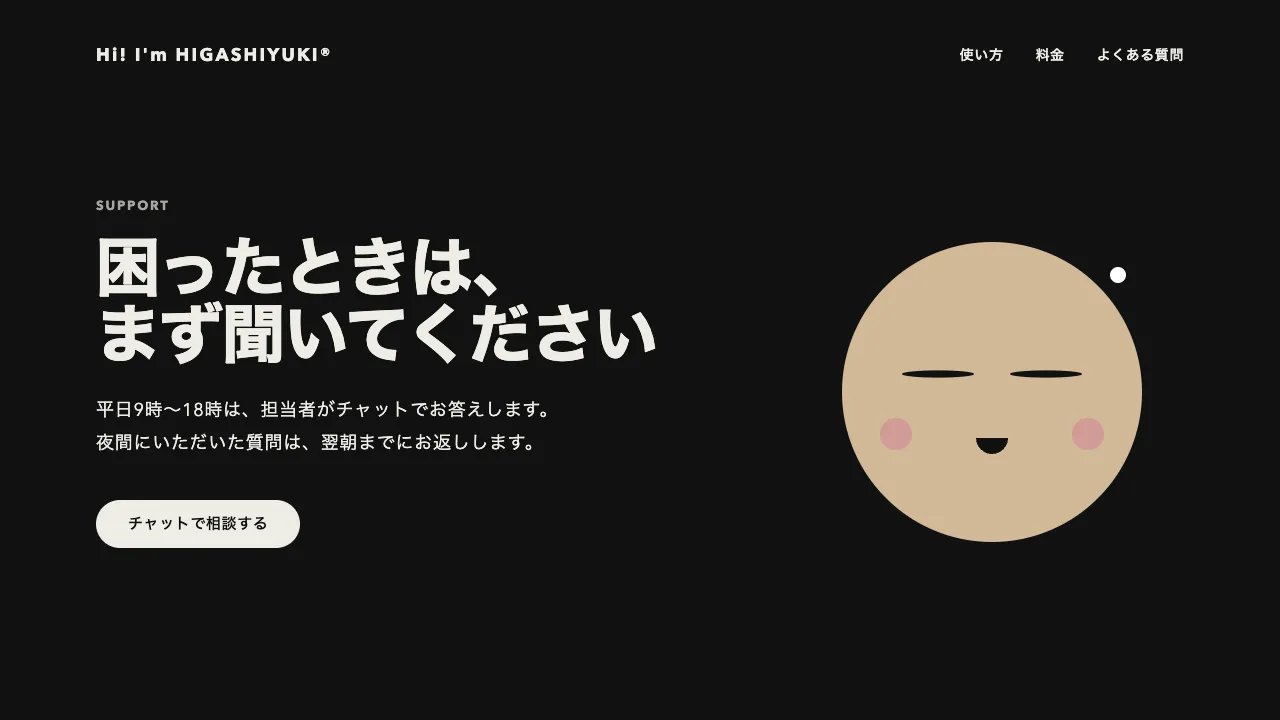
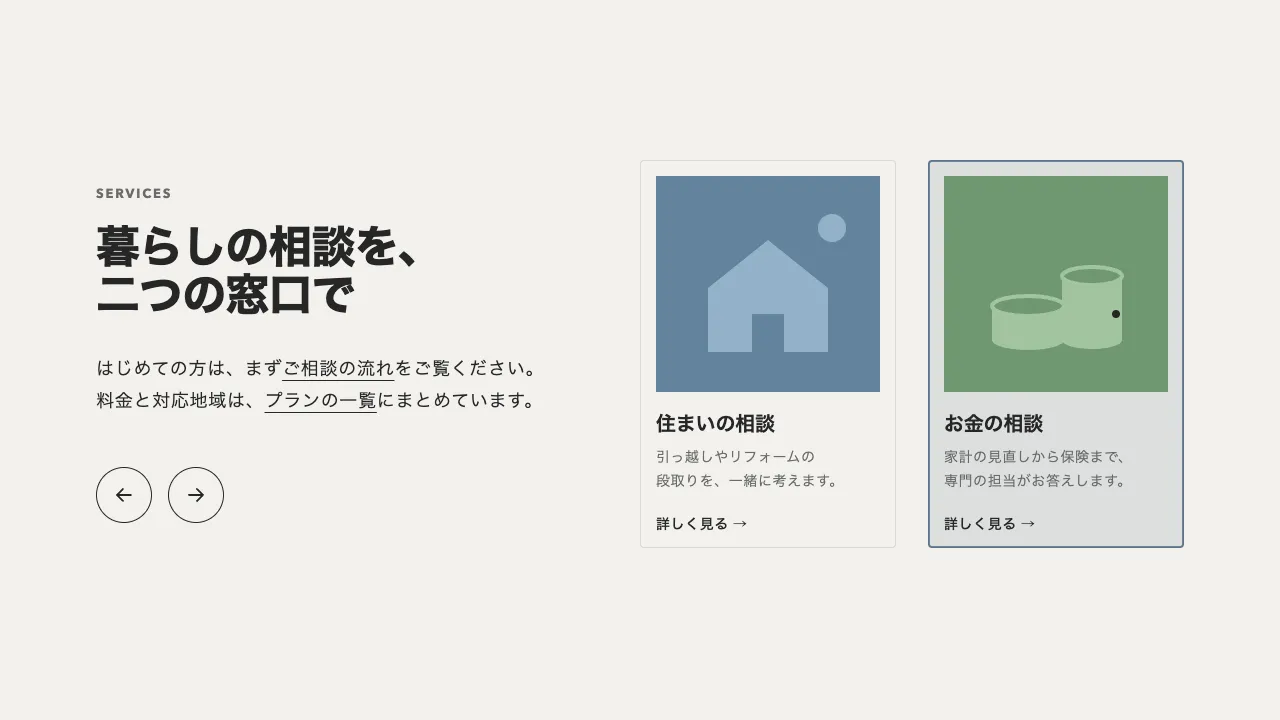
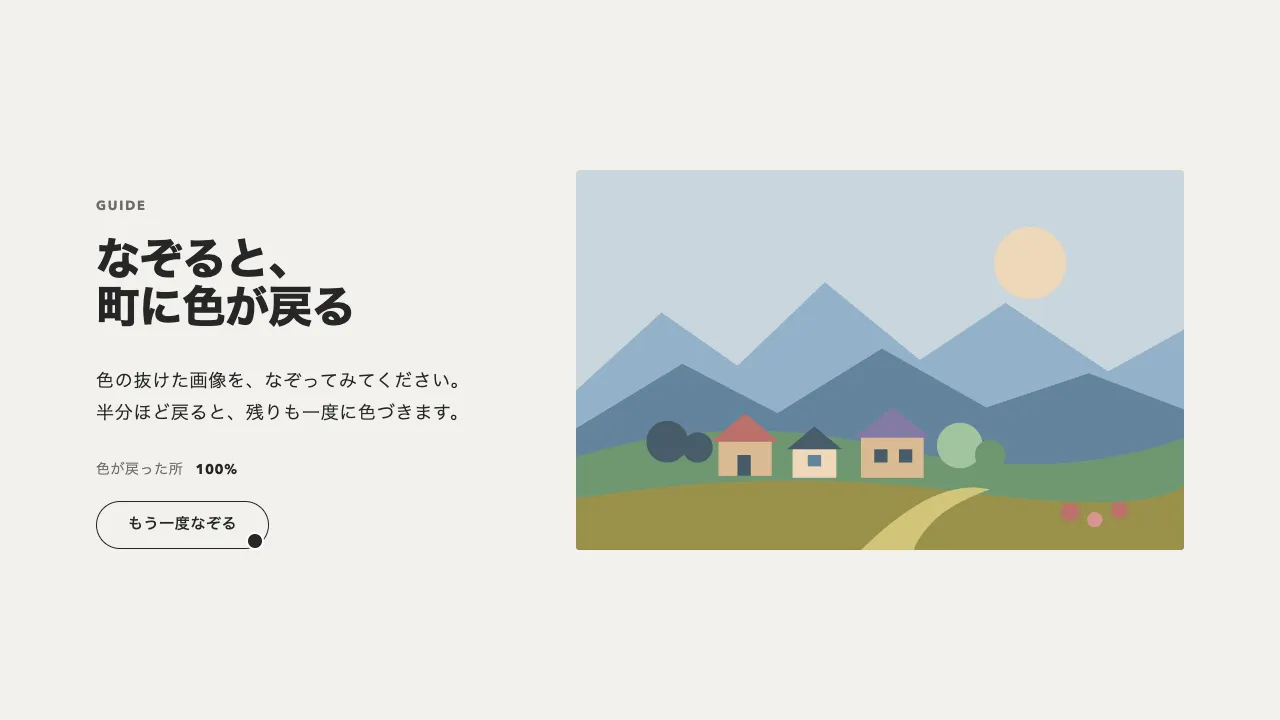
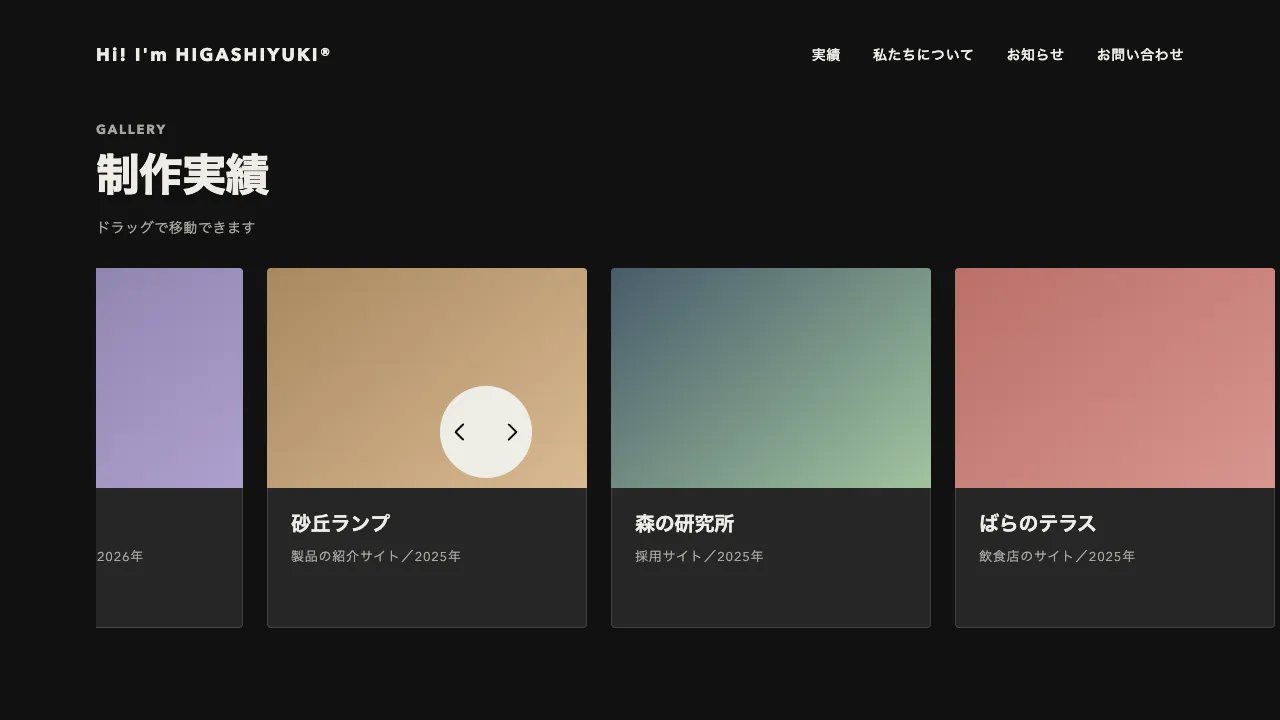
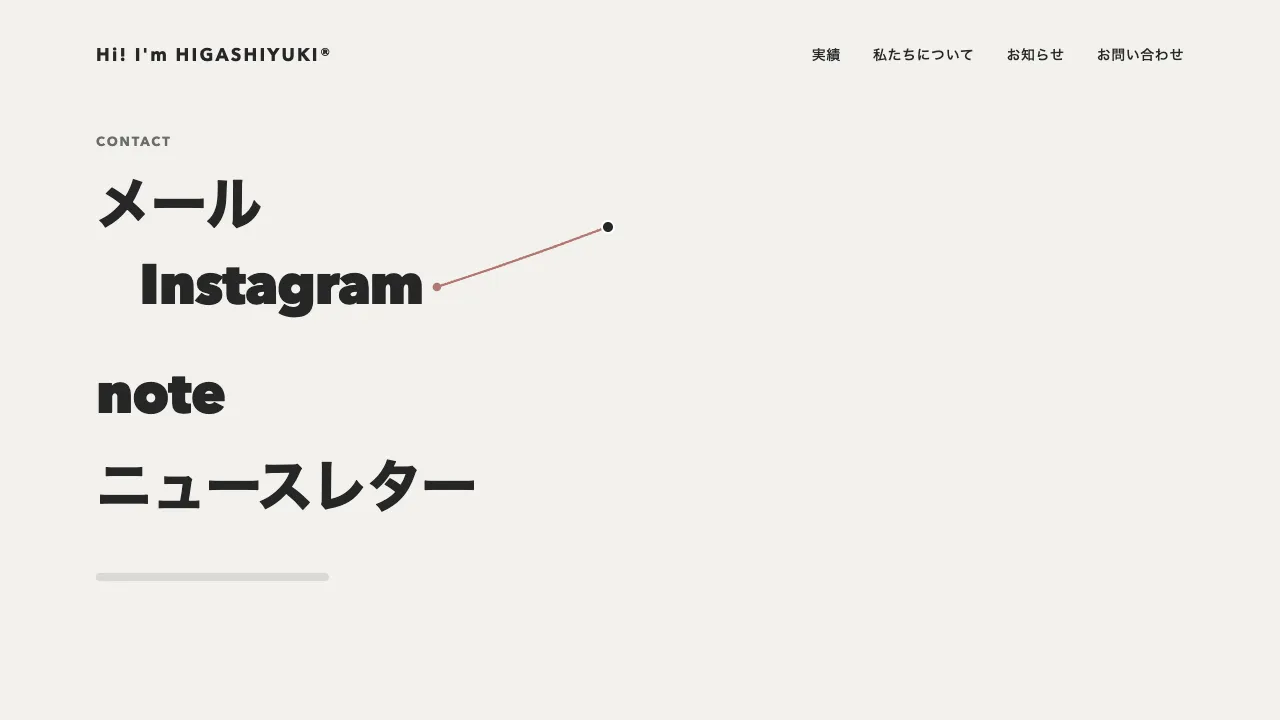
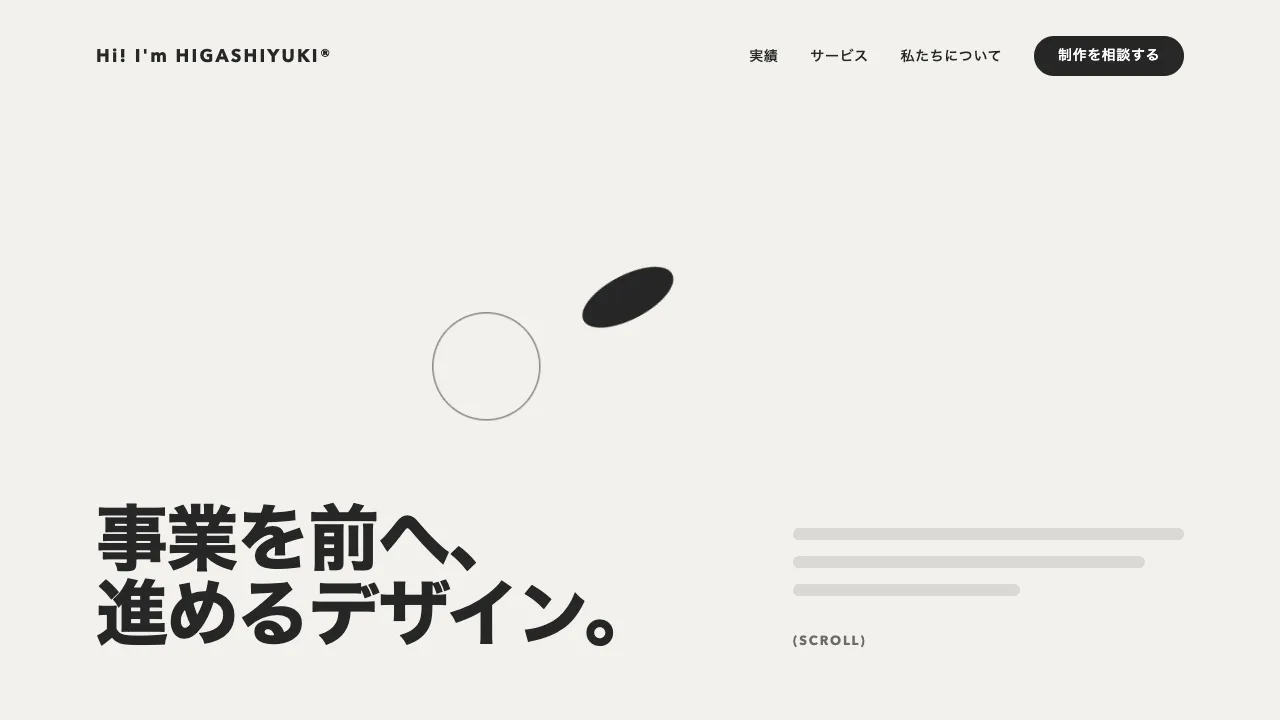
独自カーソルの輪を画面に固定し、ポインタを少し遅れて追わせます。data-sticky を付けたボタンやリンクに乗ると、輪はその要素の中心へ移り、要素を 8px のすき間で囲む形に変わります。横長の丸帯のボタンなら横長に、丸いアイコンボタンなら丸く、ナビのリンクなら小さな丸帯になります。離れると元の丸に戻り、またポインタを追います。
形と位置は 0.35 秒の power3.out で移すので、近づいた瞬間に吸い寄せられ、最後はゆっくり収まります。乗っているあいだも輪の中心は、中心からポインタまでのずれの 8% だけポインタのほうへ引かれ、ボタンの上で手を動かすと輪がわずかに付いてきます。引く割合を 0.15 より大きくすると、輪がボタンからずれて見えるので控えめにします。ふだんの輪は直径 40px で、ポインタに 0.25 秒で追いつきます。
形は scale ではなく、幅・高さ・角の丸みで変えます。拡大で合わせると、輪の線まで太くなるためです。囲む形は、乗った要素の位置・大きさ・角の丸みを、乗るたびに測って決めます。中心をポインタに合わせる xPercent と yPercent の -50 も欠かせません。これが無いと、形が変わるたびに輪が右下へずれていきます。
キーボードで移ったときも、:focus-visible のときだけ、輪を同じ形で吸い付かせます。輪がフォーカスの印を兼ねるので、そのあいだは要素の枠線を消し、ポインタのほうへは引きません。指で触る端末では独自カーソルを出さず、枠線も本物のカーソルもそのまま残します。点は白で描いて mix-blend-mode を difference にし、明るいボタンの上では暗く見えるようにしています。動きを減らす設定では、遅らせずに一瞬で形を変えます。
つまみは、ふだんの輪の直径、囲むときのすき間、引く割合、形を変える時間です。すき間を 0 にすると、輪がボタンの縁に重なって、枠線を描き足したように見えます。ヒーローの CTA やナビのリンク、丸いアイコンボタンが並ぶポートフォリオやスタジオのサイトで、押せる所をはっきり伝えたいときに向いています。
コード
<!-- 輪が吸い付くのは data-sticky を付けた要素。要素の大きさと角の丸みに合わせて、輪の形が変わる -->
<section class="talk" aria-labelledby="talk-title">
  <p class="talk__eyebrow">Let's talk</p>
  <h2 class="talk__title" id="talk-title"><span class="talk__line">伝わるサイトを、</span><span class="talk__line">一緒に。</span></h2>
  <p class="talk__lead">ここに説明文が入ります。</p>
  <p class="talk__actions">
    <a class="button button--primary" href="/contact/" data-sticky>制作を相談する</a>
    <a class="button" href="/work/" data-sticky>実績を見る</a>
    <a class="icon-button" href="/journal/" data-sticky aria-label="記事を読む">
      <svg viewBox="0 0 24 24" aria-hidden="true"><path d="M7 17L17 7M9 7h8v8" /></svg>
    </a>
  </p>
</section>

<!-- 独自カーソル。飾りなので読み上げから外し、body の終わりに置く -->
<div class="sticky-ring" aria-hidden="true"></div>
<div class="sticky-dot" aria-hidden="true"></div>:root {
--cursor-ink: #eeece6; /* 輪の線 */
--cursor-size: 40px; /* ふだんの輪の直径 */
--cursor-gap: 8px; /* 吸い付いた要素と輪のすき間 */
}
.sticky-ring,
.sticky-dot {
position: fixed;
left: 0;
top: 0;
z-index: 9999;
/* 下のリンクやボタンを押せるようにする */
pointer-events: none;
/* JS がつないだときだけ出す。指で触る端末やスクリプトが動かないときは本物のカーソルのまま */
display: none;
}
.sticky-ring {
width: var(--cursor-size);
height: var(--cursor-size);
box-sizing: border-box;
border: 2px solid var(--cursor-ink);
border-radius: 999px;
}
/* 点は白 + difference。明るいボタンの上では暗く見える */
.sticky-dot { width: 8px; height: 8px; border-radius: 50%; background: #ffffff; mix-blend-mode: difference; }
.has-sticky-cursor .sticky-ring,
.has-sticky-cursor .sticky-dot { display: block; }
/* 本物のカーソルは、独自カーソルを出したときだけ隠す */
.has-sticky-cursor,
.has-sticky-cursor a,
.has-sticky-cursor button { cursor: none; }
/* 輪がフォーカスの印を兼ねるので、独自カーソルを出したときだけ枠線を輪に任せる */
.has-sticky-cursor [data-sticky]:focus-visible { outline: none; }
/* ページの外へ出たあいだと、まだ動かしていないあいだは隠す */
.cursor-away .sticky-ring,
.cursor-away .sticky-dot { visibility: hidden; }
.talk { padding: 96px 24px; background: #111111; color: #eeece6; text-align: center; }
.talk__eyebrow { margin: 0; font-size: 13px; font-weight: 700; letter-spacing: 0.14em; text-transform: uppercase; color: #a8a6a0; }
.talk__title { margin: 20px 0 0; font-size: clamp(32px, 7vw, 72px); font-weight: 800; line-height: 1.1; letter-spacing: -0.02em; word-break: auto-phrase; }
.talk__line { display: inline-block; } /* 行の切れ目。狭い画面ではこの間で折り返す */
.talk__lead { margin: 24px 0 0; font-size: 18px; line-height: 1.8; letter-spacing: 0.04em; word-break: auto-phrase; }
.talk__actions { display: flex; flex-wrap: wrap; justify-content: center; align-items: center; gap: 24px; margin: 40px 0 0; }
.button {
display: inline-flex;
align-items: center;
height: 48px;
box-sizing: border-box;
padding: 0 32px;
border: 1px solid currentColor;
border-radius: 999px;
color: inherit;
font-size: 15px;
font-weight: 600;
letter-spacing: 0.04em;
text-decoration: none;
}
.button--primary { border-color: #eeece6; background: #eeece6; color: #111111; }
.icon-button {
display: inline-grid;
place-items: center;
width: 48px;
height: 48px;
box-sizing: border-box;
border: 1px solid currentColor;
border-radius: 50%;
color: inherit;
}
/* viewBox 24 を 20px で描くので、線 2px は stroke-width 2.4 */
.icon-button svg { width: 20px; height: 20px; fill: none; stroke: currentColor; stroke-width: 2.4; stroke-linecap: round; stroke-linejoin: round; }
.talk a:focus-visible { outline: 2px solid #eeece6; outline-offset: 4px; }import { gsap } from "gsap";
const ring = document.querySelector(".sticky-ring");
const dot = document.querySelector(".sticky-dot");
// 指で触る端末にはポインタが無いので、独自カーソルは出さず本物のカーソルのままにする
const canHover = window.matchMedia("(hover: hover) and (pointer: fine)").matches;
const reduceMotion = window.matchMedia("(prefers-reduced-motion: reduce)").matches;
const PULL = 0.08; // 吸い付いたあと、中心からポインタのほうへ寄る割合
// 見出しの行ごとに、行末の約物(「、」「。」)は数えず、その手前までの字面の中央をそろえる(約物は右へぶら下がる)。同じ行の span はまとめて測り、ずれは em で持つ
const centerLines = () => document.querySelectorAll(".talk__title").forEach((title) => {
const style = getComputedStyle(title), rows = new Map();
const ruler = Object.assign(document.createElement("canvas").getContext("2d"), { font: `${style.fontWeight} ${style.fontSize} ${style.fontFamily}`, letterSpacing: style.letterSpacing, textAlign: "left", lang: "ja" });
title.querySelectorAll(".talk__line").forEach((line) => rows.set(line.offsetTop, [...(rows.get(line.offsetTop) ?? []), line]));
rows.forEach((row) => {
const text = row.map((line) => line.textContent).join(""), { width } = ruler.measureText(text), ink = ruler.measureText(text.replace(/[、。,.」』)]+$/u, ""));
row.forEach((line) => (line.style.translate = `${(width / 2 - (ink.actualBoundingBoxRight - ink.actualBoundingBoxLeft) / 2) / parseFloat(style.fontSize)}em`));
});
});
document.fonts.ready.then(() => { centerLines(); window.addEventListener("resize", centerLines); });
if (ring && dot && canHover) {
const page = document.documentElement;
const css = getComputedStyle(page);
const size = parseFloat(css.getPropertyValue("--cursor-size"));
const gap = parseFloat(css.getPropertyValue("--cursor-gap"));
const SHAPE = reduceMotion ? 0 : 0.35; // 形を変える時間(秒)。動きを減らす設定では一瞬で
// 中心をポインタに合わせる。形を変えても中心がずれない
gsap.set([ring, dot], { xPercent: -50, yPercent: -50 });
page.classList.add("has-sticky-cursor", "cursor-away");
// 輪は 0.25 秒でポインタに追いつく。動きを減らす設定では遅れずに置く(quickTo は duration 0 だと値が動かない)
const follow = (prop) => (reduceMotion ? (v) => gsap.set(ring, { [prop]: v }) : gsap.quickTo(ring, prop, { duration: 0.25, ease: "power3" }));
const moveX = follow("x");
const moveY = follow("y");
const pointer = { x: 0, y: 0 };
let stuck = null;
let byKeys = false; // キーボードで吸い付いたときは、ポインタのほうへ引かない
// 吸い付いていれば要素の中心へ(ポインタのほうへ少しだけ引く)、いなければポインタへ
const aim = () => {
const box = stuck?.getBoundingClientRect();
const cx = box ? box.left + box.width / 2 : pointer.x;
const cy = box ? box.top + box.height / 2 : pointer.y;
const pull = byKeys ? 0 : PULL;
moveX(cx + (pointer.x - cx) * pull);
moveY(cy + (pointer.y - cy) * pull);
};
// 隠れていた輪を、左上から飛んでこないようその場に置いてから出す
const show = (x, y) => {
if (!page.classList.contains("cursor-away")) return;
gsap.set(ring, { x, y });
page.classList.remove("cursor-away");
};
// 要素をすき間で囲む形へ(外れたら、ふだんの丸へ)。scale ではなく幅と高さで変える(輪の線が太らない)
const stick = (el) => {
if (el === stuck) return;
stuck = el;
const box = el?.getBoundingClientRect();
const radius = el ? parseFloat(getComputedStyle(el).borderTopLeftRadius) : 0;
const shape = el
? { width: box.width + gap * 2, height: box.height + gap * 2, borderRadius: Math.min(radius + gap, box.height / 2 + gap) }
: { width: size, height: size, borderRadius: size / 2 };
gsap.to(ring, { ...shape, duration: SHAPE, ease: "power3.out", overwrite: "auto" });
aim();
};
window.addEventListener("pointermove", (event) => {
pointer.x = event.clientX;
pointer.y = event.clientY;
gsap.set(dot, { x: pointer.x, y: pointer.y }); // 点は遅れなし
show(pointer.x, pointer.y);
// マウスが動いたら、キーボードの焦点からポインタへ持ち主を戻す
if (byKeys) {
byKeys = false;
stick(event.target.closest?.("[data-sticky]") ?? null);
}
aim();
});
document.addEventListener("pointerover", (event) => stick(event.target.closest("[data-sticky]")));
page.addEventListener("pointerleave", () => page.classList.add("cursor-away"));
window.addEventListener("scroll", aim, { passive: true }); // 吸い付いた要素がスクロールで動いても外れない
// キーボードで移ったときも同じ形で吸い付く(マウスで押したときの焦点は除く)
document.addEventListener("focusin", (event) => {
if (!event.target.matches("[data-sticky]:focus-visible")) return;
byKeys = true;
const box = event.target.getBoundingClientRect();
show(box.left + box.width / 2, box.top + box.height / 2);
stick(event.target);
});
document.addEventListener("focusout", () => {
if (!byKeys) return;
byKeys = false;
stick(null);
});
}