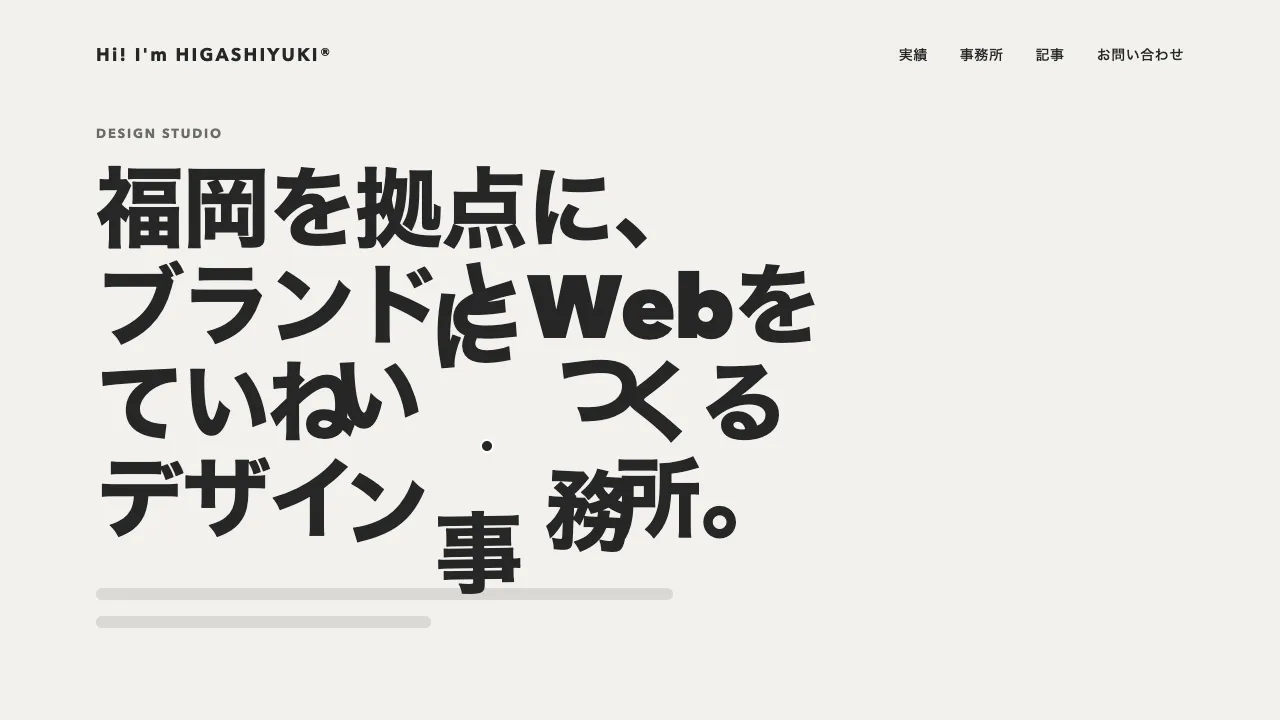
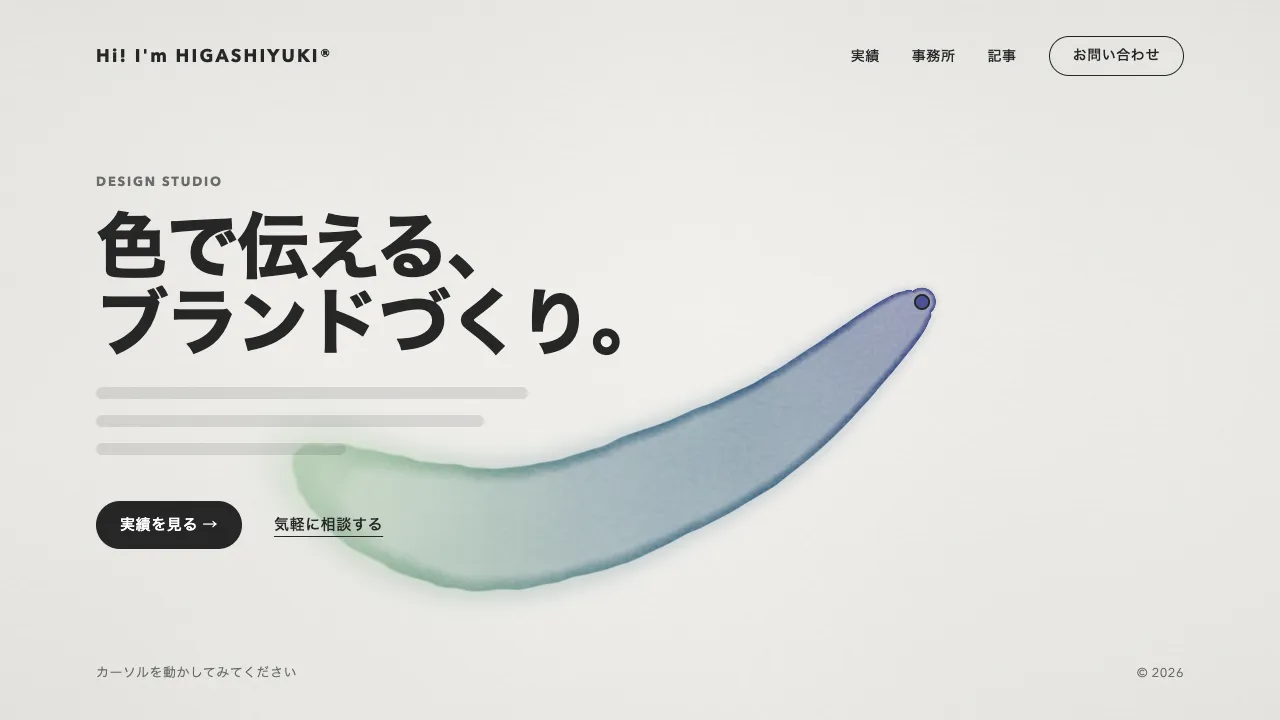
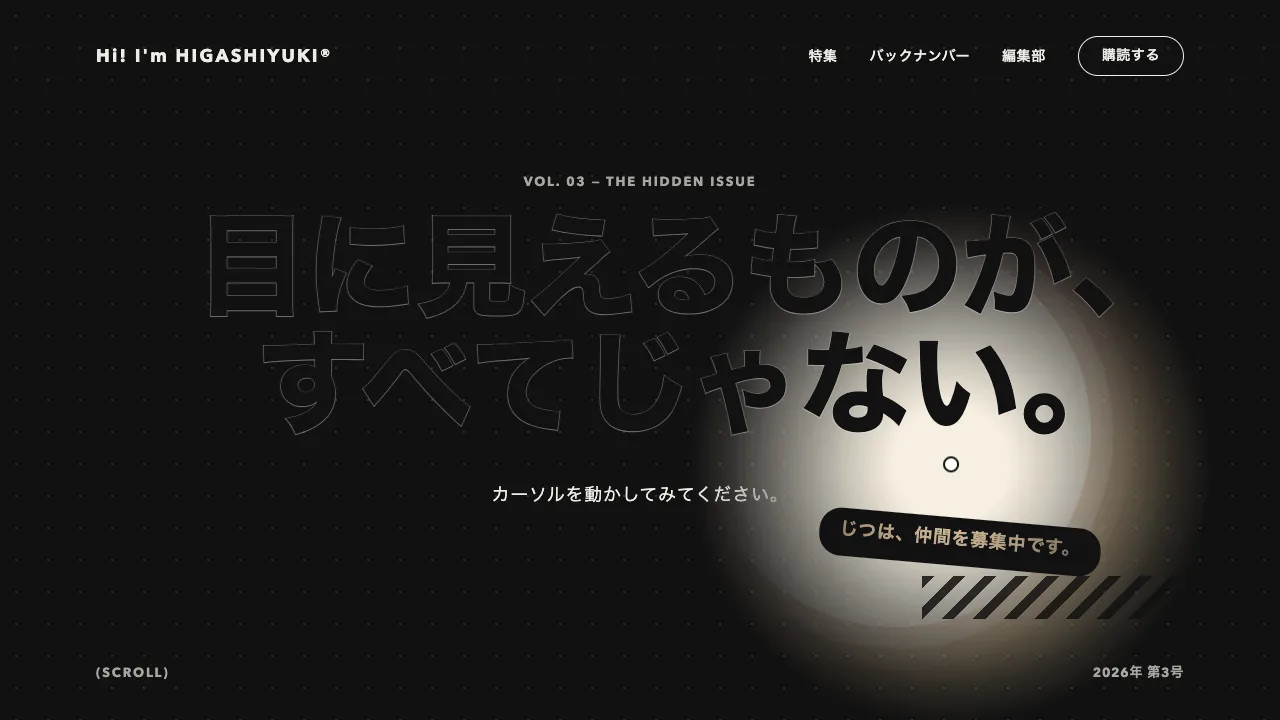
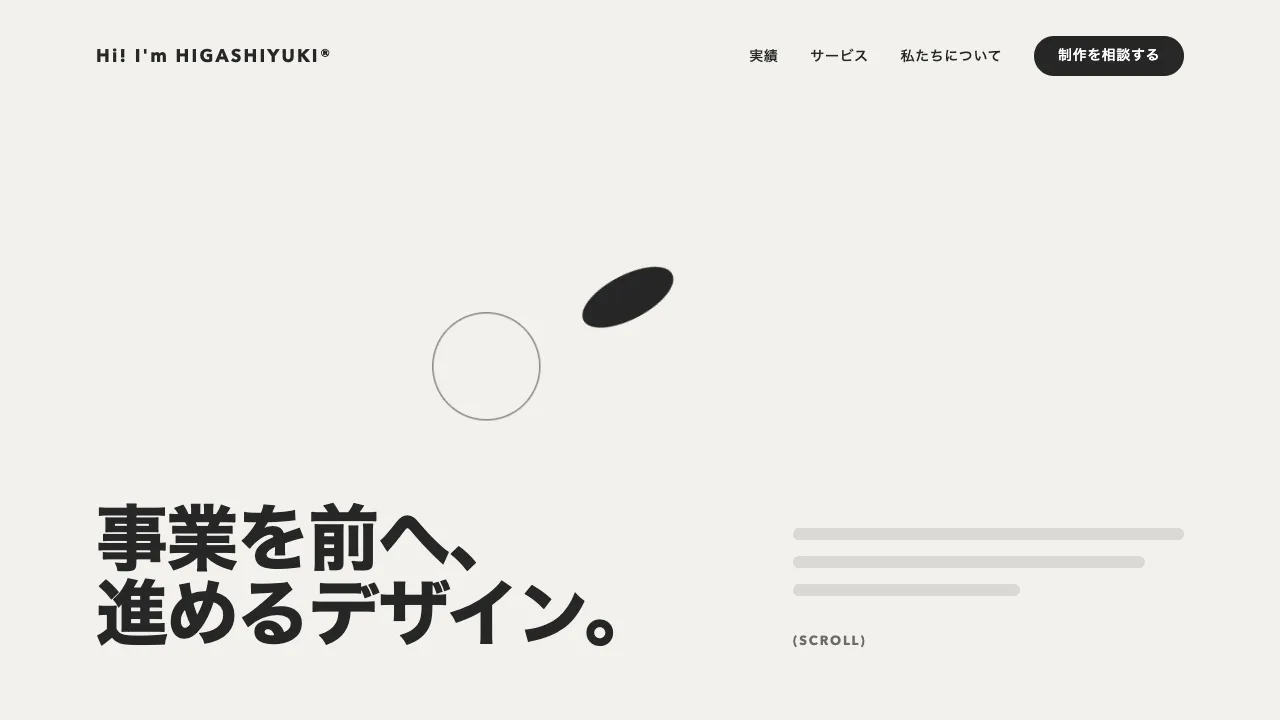
デモ
デモを読み込めませんでした。
仕様
- 用途
- カーソル
- 動作
- DOM
- 種類
- レシピ
- 使うもの
- Physics2DPlugin
- 動作確認
- three 0.186.0・gsap 3.15.0
- 公開日
しくみと調整
押した点に小さな SVG を重ね、線 8 本・輪・図形 6 つを一度に動かします。線は外の端が先に伸び、内の端が遅れて追いつくので、放たれて消えていくように見えます。線の両端の座標は attr で別々の ease にかけます。図形は Physics2DPlugin で初速と角度を与えて飛ばし、回りながら縮んで消えます。中心には細い輪が一瞬広がります。
1 回の長さは 0.8 秒です。線の外の端は 0.36 秒の power3.out で 60px まで伸び、内の端は 0.5 秒の power2.inOut で追いつきます。1 本おきに 46px と短くすると、そろいすぎず、弾けた勢いが出ます。図形は初速 380〜620px/秒・重力 700・空気抵抗 0.14 で、勢いよく飛び出してすぐ減速し、少し落ちながら消えます。
線の両端が重なると、丸い線端の点が 1 つ残ります。追いつく直前の 0.45 秒で線を消します。要素は押すたびに作らず、8 組を複製しておいて古いものから使い回します。組の数は「押す速さ × 1 回の長さ」より多くします。足りないと、消えきる前の弾けが次に押した点へ跳びます。飾りの SVG は pointer-events を none にして、下のボタンやリンクをそのまま押せるようにします。
マウスとタッチは pointerdown で受け、押した瞬間に弾けさせます。キーボードで押したボタンやリンクは click の detail が 0 になるので見分けて、その中央から弾けさせます。動きを減らす設定では、線と図形を出さず、押した所に輪を置いて 0.4 秒で薄れさせるだけにします。
つまみは、線の長さと本数、図形の数と速さ、色です。線と輪の色は、ページの地と反対の明るさにします。紙吹雪のように舞い落ちて祝う演出と違い、押した点で短く弾けて消えるので、ページ全体に効かせても邪魔になりにくく、遊び心のあるポートフォリオやキャンペーン、ゲーム風のページで、押した手応えを返すのに向いています。
コード
<section class="spark-hero" aria-labelledby="spark-hero-title">
  <p class="spark-hero__eyebrow">Interaction lab — Vol. 07</p>
  <h1 class="spark-hero__title" id="spark-hero-title">遊び心を、<br>すみずみまで。</h1>
  <p class="spark-hero__lead">ここに説明文が入ります。</p>
  <button class="spark-hero__button" type="button">試してみる</button>
</section>

<!-- 押した点に重ねる飾り。JS が線を 8 本に増やし、SVG ごと複製して使い回す(読み上げには出さない) -->
<svg class="burst" viewBox="-100 -100 200 200" aria-hidden="true" focusable="false">
  <circle class="burst__ring" r="6" />
  <line class="burst__spark" y1="-12" y2="-12" />
  <circle class="burst__bit" r="4.5" />
  <circle class="burst__bit burst__bit--line" r="5" />
  <rect class="burst__bit" x="-4" y="-4" width="8" height="8" />
  <path class="burst__bit" d="M0 -6 5.2 3H-5.2Z" />
  <path class="burst__bit burst__bit--line" d="M-5 0H5M0 -5V5" />
  <circle class="burst__bit" r="4" />
</svg>.spark-hero {
--bg: #111111;
--ink: #eeece6;
--mute: #a8a6a0;
display: grid;
align-content: center;
justify-items: start;
gap: 24px;
min-height: 100vh;
box-sizing: border-box;
padding: 96px clamp(24px, 7.5vw, 96px);
background: var(--bg);
color: var(--ink);
}
.spark-hero__eyebrow {
margin: 0;
font-size: 13px;
font-weight: 700;
letter-spacing: 0.14em;
text-transform: uppercase;
color: var(--mute);
}
.spark-hero__title {
margin: 0;
font-size: clamp(44px, 7vw, 72px);
font-weight: 800;
line-height: 1.05;
letter-spacing: -0.02em;
}
.spark-hero__lead {
margin: 0;
word-break: auto-phrase;
font-size: 18px;
line-height: 1.8;
letter-spacing: 0.04em;
}
.spark-hero__button {
margin-top: 16px;
height: 48px;
padding: 0 32px;
border: 0;
border-radius: 999px;
background: var(--ink);
color: var(--bg);
font-family: inherit;
font-size: 15px;
font-weight: 600;
letter-spacing: 0.04em;
cursor: pointer;
}
.spark-hero__button:focus-visible {
outline: 2px solid var(--ink);
outline-offset: 4px;
}
/* 押した点に置く飾り。中心が押した点に来るよう、大きさの半分だけ戻す */
.burst {
--spark: #eeece6; /* 線と輪の色。ページの地と反対の明るさにする */
--burst-colors: #f0b642, #ed6d5a, #51abec, #2fdaa1; /* 図形の色(鮮やかな黄・朱・青・緑)。押すたびにこの中から選ぶ */
position: fixed;
left: 0;
top: 0;
z-index: 1000;
width: 200px;
height: 200px;
margin: -100px 0 0 -100px;
overflow: visible;
pointer-events: none;
visibility: hidden;
}
.burst__ring,
.burst__spark {
fill: none;
stroke: var(--spark);
stroke-width: 3;
stroke-linecap: round;
}
.burst__bit {
fill: var(--c, #f0b642);
}
.burst__bit--line {
fill: none;
stroke: var(--c, #f0b642);
stroke-width: 2.5;
stroke-linecap: round;
}import { gsap } from "gsap";
import { Physics2DPlugin } from "gsap/Physics2DPlugin";
gsap.registerPlugin(Physics2DPlugin);
// 使い回す数。「押す速さ × 1 回の長さ(0.8 秒)」より多くする。足りないと、消えきる前の弾けが次の点へ跳ぶ
const POOL = 8;
const SPARKS = 8; // 線の本数
const LIFE = 0.8; // 1 回の長さ(秒)
const reduceMotion = window.matchMedia("(prefers-reduced-motion: reduce)").matches;
const template = document.querySelector(".burst");
if (template) {
// 線を 8 本に増やして向きを変えてから、SVG ごと複製する
const spark = template.querySelector(".burst__spark");
for (let i = 1; i < SPARKS; i++) spark.after(spark.cloneNode());
template.querySelectorAll(".burst__spark").forEach((line, i) => line.setAttribute("transform", `rotate(${(360 / SPARKS) * i})`));
const colors = getComputedStyle(template).getPropertyValue("--burst-colors").split(",").map((c) => c.trim());
const svgs = [template];
for (let i = 1; i < POOL; i++) svgs.push(document.body.appendChild(template.cloneNode(true)));
const pool = svgs.map((svg) => ({
svg,
ring: svg.querySelector(".burst__ring"),
sparks: svg.querySelectorAll(".burst__spark"),
bits: [...svg.querySelectorAll(".burst__bit")],
timeline: null,
}));
gsap.set(pool.flatMap((burst) => burst.bits), { transformOrigin: "50% 50%" });
let count = 0;
const fire = (x, y) => {
const burst = pool[count % POOL]; // いちばん古いものから使い回す
count += 1;
burst.timeline?.kill();
gsap.set(burst.svg, { x, y, rotation: gsap.utils.random(0, 45), visibility: "visible" });
const tl = (burst.timeline = gsap.timeline());
tl.set(burst.svg, { visibility: "hidden" }, LIFE);
// 動きを減らす設定では、押した所に輪を置いて薄れさせるだけにする
if (reduceMotion) {
gsap.set([burst.sparks, burst.bits], { opacity: 0 });
tl.fromTo(burst.ring, { attr: { r: 20 }, strokeWidth: 3, opacity: 1 }, { opacity: 0, duration: 0.4, ease: "none" }, 0);
return;
}
// 線は外の端が先に伸び、内の端が遅れて追いつく(1 本おきに短く)。追いついたら丸い線端の点が残るので消す
const reach = (i) => (i % 2 ? -46 : -60);
tl.fromTo(burst.sparks, { attr: { y1: -12, y2: -12 }, opacity: 1 }, { attr: { y2: reach }, duration: 0.36, ease: "power3.out" }, 0)
.to(burst.sparks, { attr: { y1: reach }, duration: 0.5, ease: "power2.inOut" }, 0)
.set(burst.sparks, { opacity: 0 }, 0.45)
.fromTo(burst.ring, { attr: { r: 6 }, strokeWidth: 3, opacity: 1 }, { attr: { r: 34 }, strokeWidth: 0, opacity: 0, duration: 0.42, ease: "expo.out" }, 0);
// 図形は Physics2DPlugin で飛ばし(初速・角度・重力・空気抵抗)、回りながら縮んで消える
burst.bits.forEach((bit, i) => {
bit.style.setProperty("--c", gsap.utils.random(colors));
const angle = (360 / burst.bits.length) * i + gsap.utils.random(-20, 20) - 90;
tl.fromTo(bit, { x: 0, y: 0 }, { physics2D: { velocity: gsap.utils.random(380, 620), angle, gravity: 700, friction: 0.14 }, duration: LIFE, ease: "none" }, 0)
.fromTo(bit, { scale: 1, rotation: gsap.utils.random(0, 360) }, { scale: 0, rotation: `+=${gsap.utils.random(-300, 300)}`, duration: LIFE, ease: "power2.in" }, 0);
});
};
window.addEventListener("pointerdown", (event) => {
if (event.button === 0) fire(event.clientX, event.clientY);
});
// キーボードで押したボタンやリンク(click の detail が 0)は、その中央から弾けさせる
window.addEventListener("click", (event) => {
const target = event.detail === 0 && event.target.closest?.("button, a, [role='button']");
if (!target) return;
const box = target.getBoundingClientRect();
fire(box.left + box.width / 2, box.top + box.height / 2);
});
}