デモ
デモを読み込めませんでした。
仕様
- 用途
- オーバーレイ
- 動作
- DOM
- 種類
- レシピ
- 動作確認
- three 0.186.0・gsap 3.15.0
- 公開日
しくみと調整
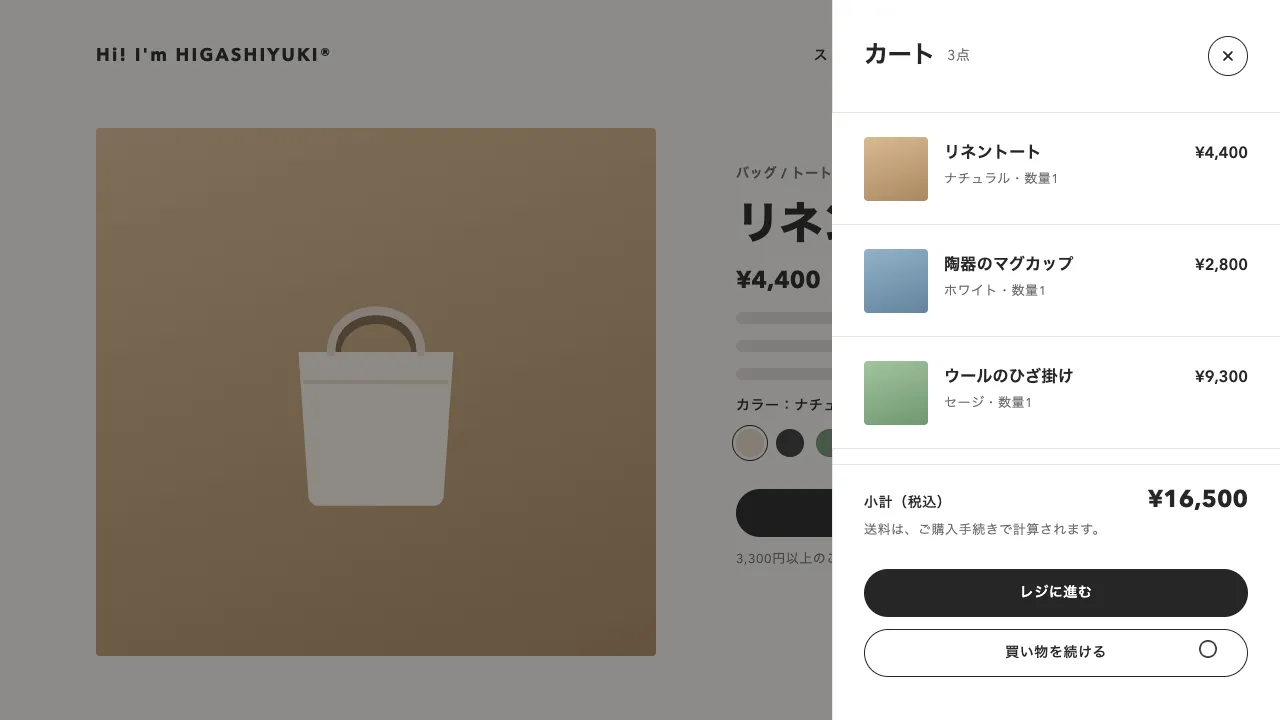
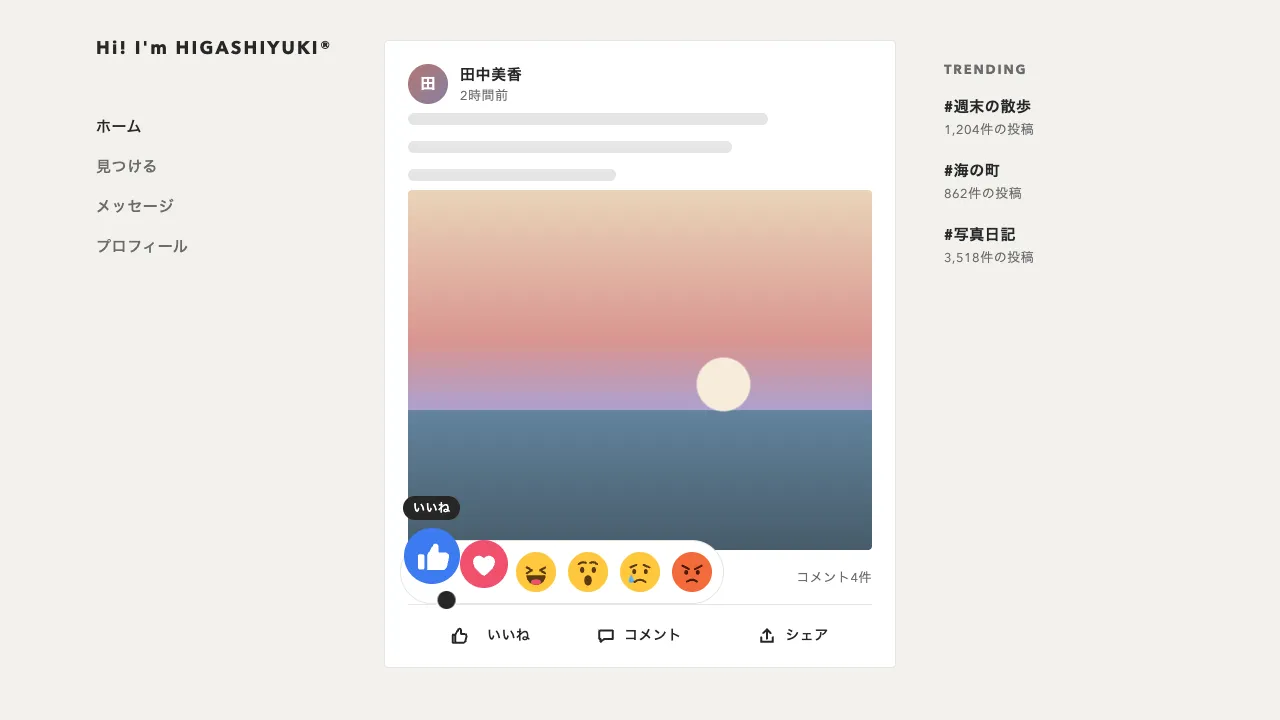
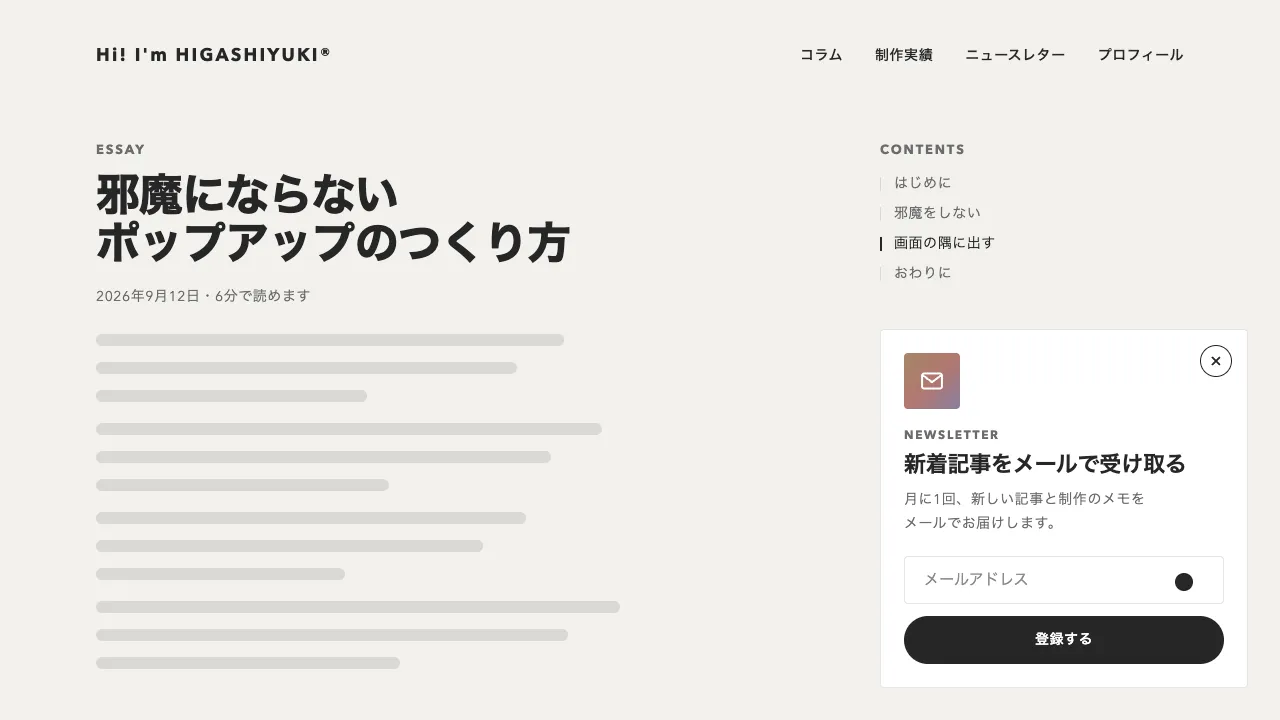
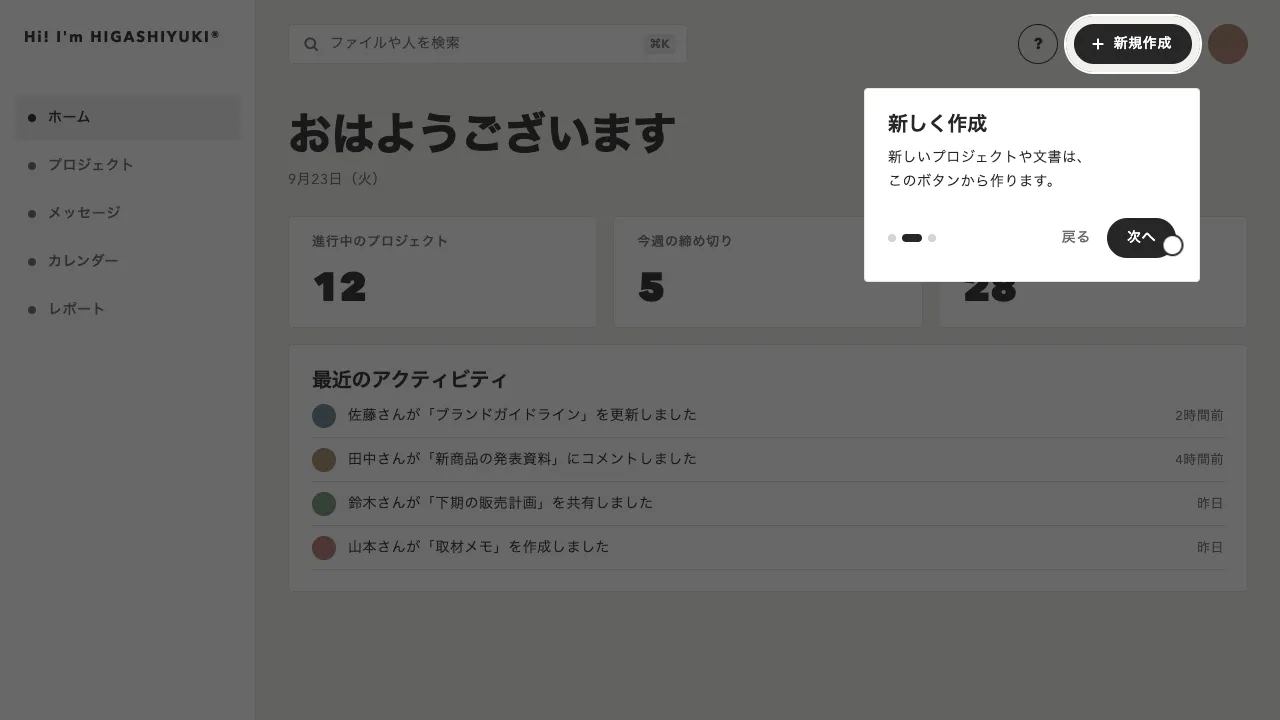
部屋の写真の上で、白い + の点がゆっくり脈打っています。点を押すとその横に白い吹き出しが開き、英字のラベル、商品名、税込みの値段、「詳しく見る」のリンクが並びます。押した点は明暗が反転して + が × に回り、別の点を押すと、前の吹き出しが閉じてから次が開きます。
吹き出しはふつう点の右に開き、写真の右端に収まらないときだけ左へ回ります。高さは点を中心にそろえたうえで写真の中に収まるよう寄せますが、尻尾だけは点の高さに残しました。吹き出しがずれても尻尾が点を指したままなので、どの商品の説明なのかが分かります。狭い画面では左右どちらにも入りきらないため、点の上か下に開きます。
開くときは、点の側から clip-path の inset() で切り抜きを広げ、中身は点から離れる向きへ8px滑って止まります。動きは0.4秒の power3.out。拡大して開くと、動いている間の文字がぼやけてしまうので、切り抜きを選びました。次の吹き出しは、前のものが閉じ始めて少したってから開きます。開き具合は CSS 変数の --open ひとつにまとめてあり、点の色も × への回転も切り抜きの量も、CSS がこの値から組み立てます。
輪の脈は2.4秒に1回。点ごとに位相をずらして、一斉に脈打たないようにしています。点は button で、商品名をラベルにし、aria-expanded で開閉を伝えます。吹き出しはボタンのすぐ後ろに置いてあるので、開いたら Tab で「詳しく見る」へ進めます。閉じるのは Esc か、吹き出しの外を押したときです。
コード
<section class="hotspots" aria-labelledby="hotspots-title">
  <div class="hotspots__head">
    <div>
      <p class="hotspots__eyebrow">Styling</p>
      <h2 class="hotspots__title" id="hotspots-title">リビングの<wbr>コーディネート</h2>
    </div>
    <p class="hotspots__hint">+を押すと、商品の詳細が表示されます</p>
  </div>

  <div class="hotspots__photo">
    <img src="/img/living-room.jpg" alt="ソファとローテーブル、フロアランプを置いたリビング" width="1088" height="512">
    <!-- --x / --y は、写真の幅と高さに対する点の位置。吹き出しは、点の右に収まらなければ左、狭い画面では上か下に開く -->
    <div class="hotspot" style="--x: 41.5%; --y: 46.5%">
      <button class="hotspot__dot" type="button" aria-expanded="false" aria-controls="spot-cushion" aria-label="リネンのクッションカバー"><span class="hotspot__plus" aria-hidden="true"></span></button>
      <div class="hotspot__card" id="spot-cushion" hidden>
        <p class="hotspot__label">Cushion cover</p>
        <p class="hotspot__name">リネンのクッションカバー</p>
        <p class="hotspot__price">¥4,950<span>(税込)</span></p>
        <a class="hotspot__link" href="/items/linen-cushion-cover/">詳しく見る<span aria-hidden="true">→</span></a>
      </div>
    </div>
    <div class="hotspot" style="--x: 55.9%; --y: 66%">
      <button class="hotspot__dot" type="button" aria-expanded="false" aria-controls="spot-vase" aria-label="陶器のフラワーベース"><span class="hotspot__plus" aria-hidden="true"></span></button>
      <div class="hotspot__card" id="spot-vase" hidden>
        <p class="hotspot__label">Flower vase</p>
        <p class="hotspot__name">陶器のフラワーベース</p>
        <p class="hotspot__price">¥6,600<span>(税込)</span></p>
        <a class="hotspot__link" href="/items/ceramic-vase/">詳しく見る<span aria-hidden="true">→</span></a>
      </div>
    </div>
    <div class="hotspot" style="--x: 43.2%; --y: 74%">
      <button class="hotspot__dot" type="button" aria-expanded="false" aria-controls="spot-table" aria-label="オーク材のローテーブル"><span class="hotspot__plus" aria-hidden="true"></span></button>
      <div class="hotspot__card" id="spot-table" hidden>
        <p class="hotspot__label">Low table</p>
        <p class="hotspot__name">オーク材のローテーブル</p>
        <p class="hotspot__price">¥38,500<span>(税込)</span></p>
        <a class="hotspot__link" href="/items/oak-low-table/">詳しく見る<span aria-hidden="true">→</span></a>
      </div>
    </div>
    <div class="hotspot" style="--x: 88.2%; --y: 28.5%">
      <button class="hotspot__dot" type="button" aria-expanded="false" aria-controls="spot-lamp" aria-label="真鍮のフロアランプ"><span class="hotspot__plus" aria-hidden="true"></span></button>
      <div class="hotspot__card" id="spot-lamp" hidden>
        <p class="hotspot__label">Floor lamp</p>
        <p class="hotspot__name">真鍮のフロアランプ</p>
        <p class="hotspot__price">¥24,200<span>(税込)</span></p>
        <a class="hotspot__link" href="/items/brass-floor-lamp/">詳しく見る<span aria-hidden="true">→</span></a>
      </div>
    </div>
    <div class="hotspot" style="--x: 78.9%; --y: 91.8%">
      <button class="hotspot__dot" type="button" aria-expanded="false" aria-controls="spot-rug" aria-label="ウールのラグ"><span class="hotspot__plus" aria-hidden="true"></span></button>
      <div class="hotspot__card" id="spot-rug" hidden>
        <p class="hotspot__label">Rug</p>
        <p class="hotspot__name">ウールのラグ</p>
        <p class="hotspot__price">¥29,700<span>(税込)</span></p>
        <a class="hotspot__link" href="/items/wool-rug/">詳しく見る<span aria-hidden="true">→</span></a>
      </div>
    </div>
  </div>
</section>.hotspots {
--bg: #f2f1ed;
--surface: #ffffff; /* 点と吹き出しの面。開いた点は明暗を反転する */
--ink: #262626;
--mute: #6b6b6b;
--line: rgba(38, 38, 38, 0.12);
--pulse: 2.4s; /* 輪が 1 回脈打つ長さ。短くすると、せわしなく見える */
padding: 56px clamp(16px, 7.5vw, 96px) 48px;
background: var(--bg);
color: var(--ink);
}
.hotspots__head { display: flex; flex-wrap: wrap; justify-content: space-between; align-items: flex-end; gap: 12px 32px; margin-bottom: 32px; }
.hotspots__eyebrow { margin: 0 0 12px; font-size: 13px; font-weight: 700; letter-spacing: 0.14em; line-height: 1; text-transform: uppercase; color: var(--mute); }
.hotspots__title { margin: 0; font-size: clamp(28px, 4vw, 44px); font-weight: 800; letter-spacing: -0.02em; line-height: 1.1; word-break: keep-all; }
.hotspots__hint { margin: 0; font-size: 13px; letter-spacing: 0.06em; color: var(--mute); }
.hotspots__photo { position: relative; }
.hotspots__photo img { display: block; width: 100%; height: auto; border-radius: 4px; }
/* 包む要素は配置に加わらず、--x / --y と開き具合(--open)だけを点と吹き出しに渡す */
.hotspot { display: contents; --open: 0; }
.hotspot__dot {
position: absolute;
left: var(--x);
top: var(--y);
width: 32px;
height: 32px;
margin: -16px 0 0 -16px;
padding: 0;
border: 0;
border-radius: 50%;
background: color-mix(in srgb, var(--surface), var(--ink) calc(var(--open) * 100%));
box-shadow: 0 0 0 1px rgba(38, 38, 38, 0.16);
cursor: pointer;
appearance: none;
}
.hotspot__dot:focus-visible { outline: 2px solid var(--surface); outline-offset: 3px; }
/* 脈打つ輪。点の後ろで広がって消える。点ごとに位相をずらし、一斉に脈打たないようにする */
.hotspot__dot::before { content: ""; position: absolute; inset: 0; z-index: -1; border-radius: 50%; background: var(--surface); opacity: 0; animation: hotspot-pulse var(--pulse) cubic-bezier(0.33, 1, 0.68, 1) infinite; }
.hotspot:nth-of-type(2) .hotspot__dot::before { animation-delay: calc(var(--pulse) * -0.2); }
.hotspot:nth-of-type(3) .hotspot__dot::before { animation-delay: calc(var(--pulse) * -0.4); }
.hotspot:nth-of-type(4) .hotspot__dot::before { animation-delay: calc(var(--pulse) * -0.6); }
.hotspot:nth-of-type(5) .hotspot__dot::before { animation-delay: calc(var(--pulse) * -0.8); }
.hotspot__dot[aria-expanded="true"]::before { animation: none; }
@keyframes hotspot-pulse { from { opacity: 0.7; scale: 1; } to { opacity: 0; scale: 1.9; } }
/* + は 2 本のバー。開くと 45° 回って × になり、色も反転する */
.hotspot__plus {
--fg: color-mix(in srgb, var(--ink), var(--surface) calc(var(--open) * 100%));
position: absolute;
inset: 0;
background: linear-gradient(var(--fg), var(--fg)) center / 12px 2px no-repeat, linear-gradient(var(--fg), var(--fg)) center / 2px 12px no-repeat;
rotate: calc(var(--open) * 45deg);
}
/* 吹き出し。位置と開く向き(data-side)は script.js が決める。点の側から clip-path で開き、少し滑って止まる */
.hotspot__card {
--hide: calc((1 - var(--open)) * 100%);
--tail-out: calc(min(1, var(--open) * 4) * -10px);
position: absolute;
z-index: 1;
box-sizing: border-box;
width: min(256px, calc(100% - 32px));
padding: 16px 20px 14px;
border-radius: 4px;
background: var(--surface);
}
.hotspot__card[hidden] { display: none; }
.hotspot__card[data-side="right"] { clip-path: inset(-10px var(--hide) -10px var(--tail-out)); translate: calc((1 - var(--open)) * -8px) 0; }
.hotspot__card[data-side="left"] { clip-path: inset(-10px var(--tail-out) -10px var(--hide)); translate: calc((1 - var(--open)) * 8px) 0; }
.hotspot__card[data-side="below"] { clip-path: inset(var(--tail-out) -10px var(--hide) -10px); translate: 0 calc((1 - var(--open)) * -8px); }
.hotspot__card[data-side="above"] { clip-path: inset(var(--hide) -10px var(--tail-out) -10px); translate: 0 calc((1 - var(--open)) * 8px); }
/* 尻尾。点の高さ(左右に開くとき)か横の位置(上下に開くとき)に置く */
.hotspot__card::before { content: ""; position: absolute; width: 12px; height: 12px; margin: -6px; background: inherit; rotate: 45deg; }
.hotspot__card[data-side="right"]::before { left: 0; top: var(--tail); }
.hotspot__card[data-side="left"]::before { right: 0; top: var(--tail); }
.hotspot__card[data-side="below"]::before { top: 0; left: var(--tail); }
.hotspot__card[data-side="above"]::before { bottom: 0; left: var(--tail); }
.hotspot__card p { margin: 0; }
.hotspot__label { font-size: 11px; font-weight: 700; letter-spacing: 0.14em; line-height: 1; text-transform: uppercase; color: var(--mute); }
.hotspot__card .hotspot__name { margin-top: 10px; font-size: 15px; font-weight: 700; letter-spacing: 0.02em; line-height: 1.4; }
.hotspot__card .hotspot__price { margin-top: 2px; font-size: 15px; font-weight: 600; letter-spacing: 0.02em; line-height: 1.4; font-variant-numeric: tabular-nums; }
.hotspot__price span { margin-left: 2px; font-size: 12px; font-weight: 400; color: var(--mute); }
.hotspot__link { display: flex; gap: 6px; margin-top: 12px; padding-top: 12px; box-shadow: inset 0 1px 0 var(--line); color: inherit; font-size: 13px; font-weight: 600; letter-spacing: 0.04em; line-height: 1; text-decoration: none; }
.hotspot__link:hover { text-decoration: underline; text-underline-offset: 4px; }
.hotspot__link:focus-visible { outline: 2px solid var(--ink); outline-offset: 2px; }
/* 狭い画面では写真が小さくなるので、点も小さくする */
@media (max-width: 600px) {
.hotspot__dot { width: 26px; height: 26px; margin: -13px 0 0 -13px; }
}
@media (prefers-reduced-motion: reduce) {
.hotspot__dot::before { animation: none; }
}import { gsap } from "gsap";
const GAP = 14; // 点の縁から吹き出しまで
const EDGE = 16; // 吹き出しと写真の縁の間
const OPEN = { duration: 0.4, ease: "power3.out" };
const CLOSE = { duration: 0.2, ease: "power2.in" };
const reduceMotion = window.matchMedia("(prefers-reduced-motion: reduce)").matches;
const clamp = (min, max, v) => Math.min(Math.max(v, min), max);
document.querySelectorAll(".hotspots__photo").forEach((photo) => {
const spots = [...photo.querySelectorAll(".hotspot")].map((wrap) => ({
wrap,
dot: wrap.querySelector(".hotspot__dot"),
card: wrap.querySelector(".hotspot__card"),
tween: null,
}));
let current = null;
// 置き場所: 点の右 → 左 → 下 → 上 の順に、写真の中に収まる向きを選ぶ。尻尾は点の位置に残す
const place = ({ dot, card }) => {
const box = photo.getBoundingClientRect();
const d = dot.getBoundingClientRect();
const x = d.left + d.width / 2 - box.left;
const y = d.top + d.height / 2 - box.top;
const r = d.width / 2;
const { offsetWidth: w, offsetHeight: h } = card;
let side = "right";
// 上下に開くのは狭い画面。写真の中に収まらなければ、点のある側の外へはみ出して開く
if (x + r + GAP + w > box.width - EDGE) side = x - r - GAP - w >= EDGE ? "left" : y + r + GAP + h <= box.height - EDGE || y < box.height / 2 ? "below" : "above";
const sideways = side === "right" || side === "left";
const left = sideways ? (side === "right" ? x + r + GAP : x - r - GAP - w) : clamp(EDGE, box.width - EDGE - w, x - w / 2);
const top = sideways ? clamp(EDGE, box.height - EDGE - h, y - h / 2) : side === "below" ? y + r + GAP : y - r - GAP - h;
card.dataset.side = side;
card.style.left = `${Math.round(left)}px`;
card.style.top = `${Math.round(top)}px`;
card.style.setProperty("--tail", `${Math.round(sideways ? clamp(18, h - 18, y - top) : clamp(18, w - 18, x - left))}px`);
};
// 開き具合(--open)を GSAP で動かす。点の色・× への回転・吹き出しの clip-path は CSS がこの値から組む
const animate = (spot, open, delay = 0) => {
spot.tween?.kill(); // 閉じ終わりの hidden が、開き直したあとに効かないよう前のトゥイーンを止める
spot.dot.setAttribute("aria-expanded", String(open));
if (open) {
spot.card.hidden = false;
place(spot);
}
spot.tween = gsap.to(spot.wrap, {
"--open": open ? 1 : 0,
...(open ? OPEN : CLOSE),
delay: reduceMotion ? 0 : delay,
duration: reduceMotion ? 0.01 : (open ? OPEN : CLOSE).duration,
onComplete: () => { if (!open) spot.card.hidden = true; },
});
};
const close = () => {
if (!current) return;
animate(current, false);
current = null;
};
spots.forEach((spot) => {
spot.dot.addEventListener("click", () => {
const before = current;
close();
if (before === spot) return; // 開いている点をもう一度押したら、閉じるだけ
animate(spot, true, before ? 0.12 : 0); // 前の吹き出しが閉じ始めてから開く
current = spot;
});
// Esc で閉じ、フォーカスを点へ戻す
spot.wrap.addEventListener("keydown", (e) => {
if (e.key !== "Escape" || current !== spot) return;
close();
spot.dot.focus();
});
});
// 吹き出しの外を押したら閉じる(ほかの点を押したときは、その点の click が入れ替える)
document.addEventListener("pointerdown", (e) => {
if (current && !current.wrap.contains(e.target) && !e.target.closest?.(".hotspot__dot")) close();
});
// 画面の幅が変わったら、開いている吹き出しの向きと位置を決め直す
window.addEventListener("resize", () => current && place(current));
});